




Offers & product launches
Put your next offer in the spotlight.
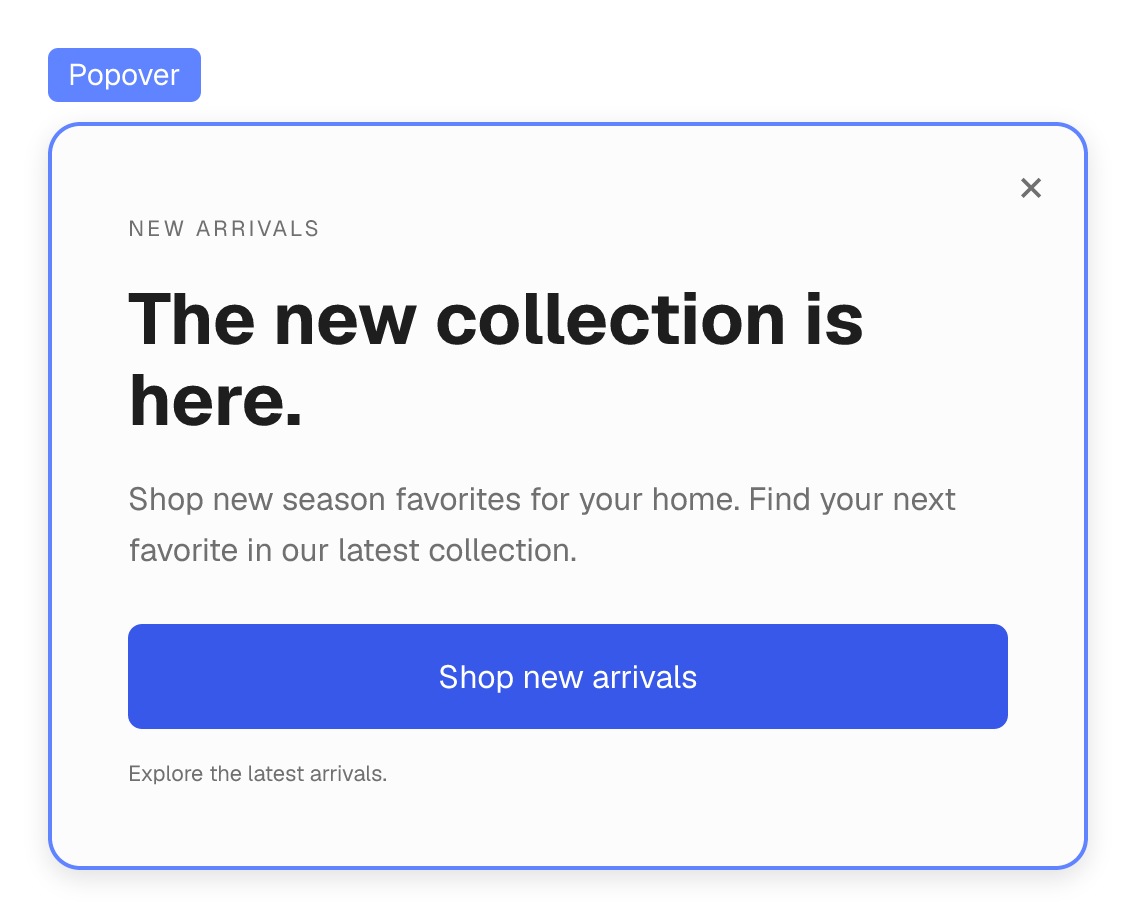
Give a new collection, seasonal promotion or store announcement a focused place to stand out. Build your popup around the product and the next step you want shoppers to take.
- Combine product photography, offer copy and a clear call to action.
- Match the popup to the rest of your storefront.
- Open promotions from buttons or links throughout your store.
Email signups
Give shoppers a reason to come back.
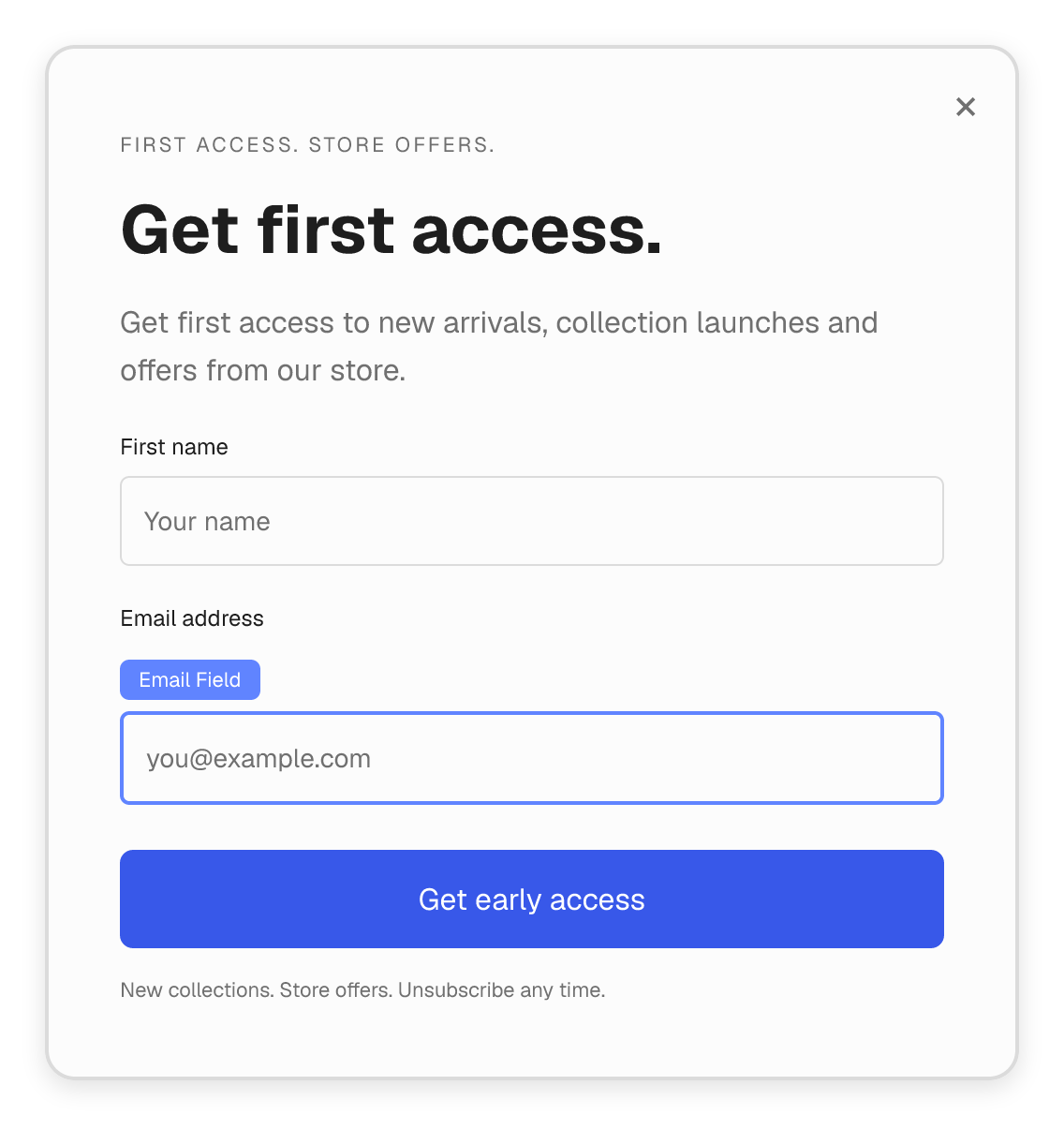
Invite shoppers to hear about new arrivals, collection launches and subscriber offers. Build a signup popup that makes the value of joining your store’s list clear.
- Show shoppers what they will receive when they sign up.
- Add the email, name and consent fields your form needs.
- Keep the signup message and submit action clear.
A newsletter popup for every storefront.
Welcome offers, early access and new collection updates. Explore light and dark designs, with campaign photography above or beside the signup.
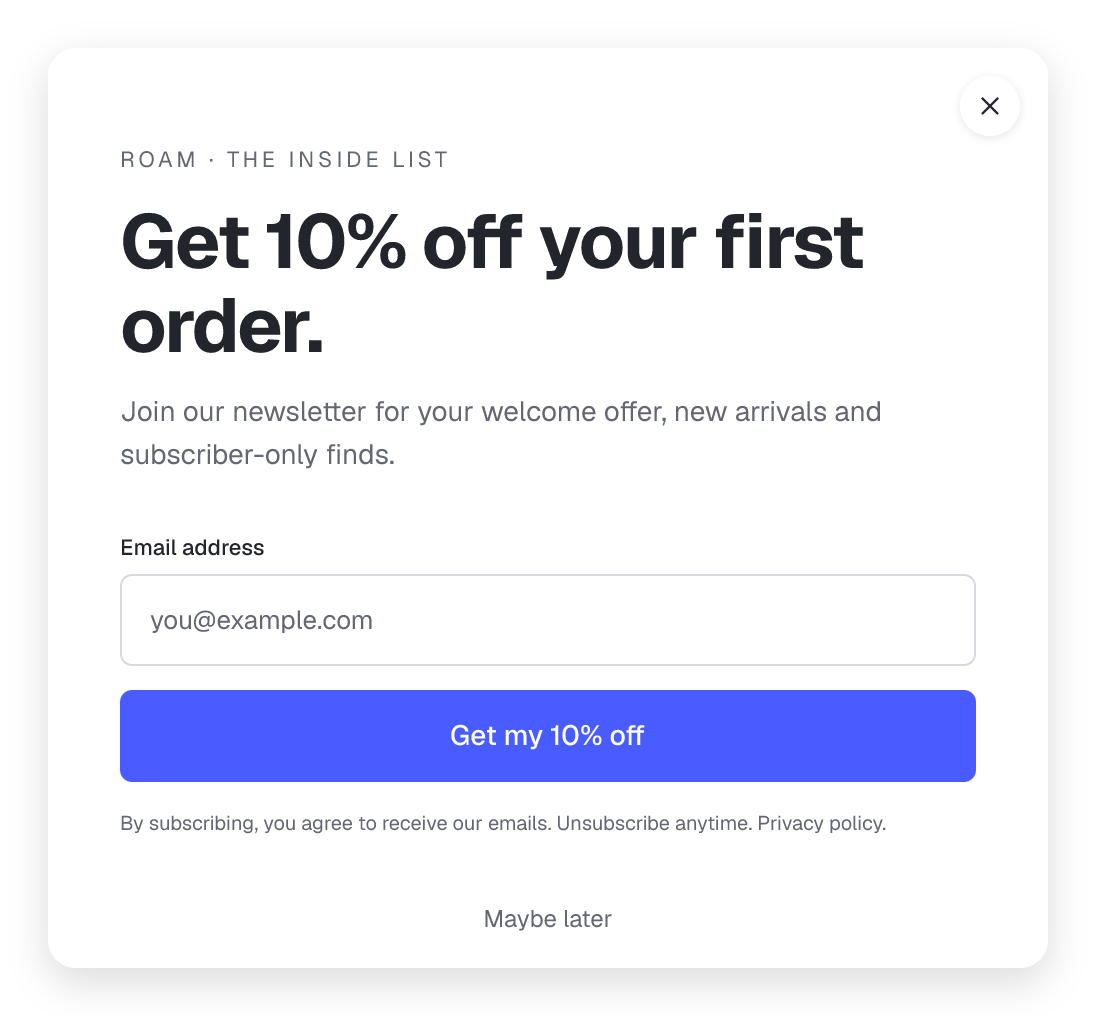
Welcome them with an offer.
A clear first-order benefit and a direct “Get my 10% off” action. Keep the signup focused on the email address.
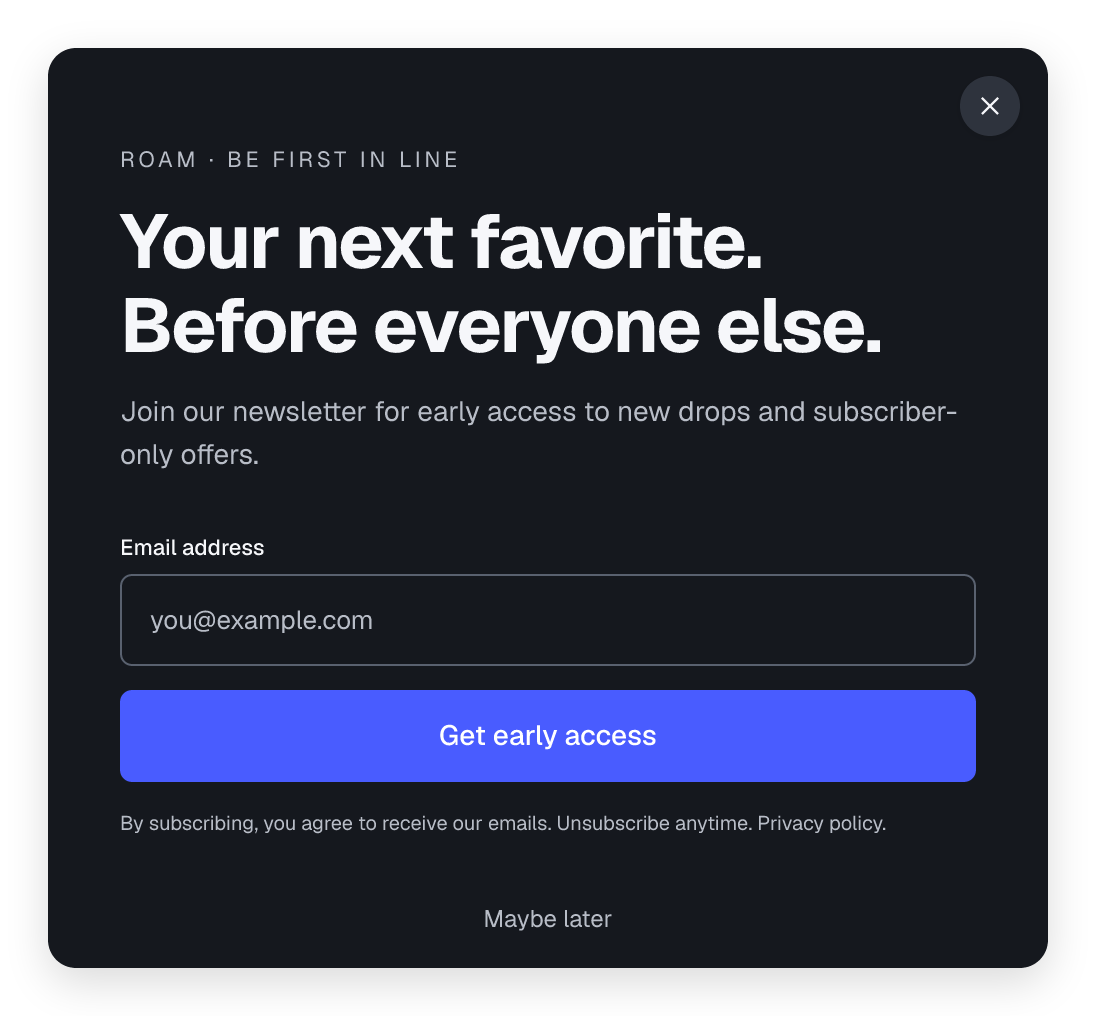
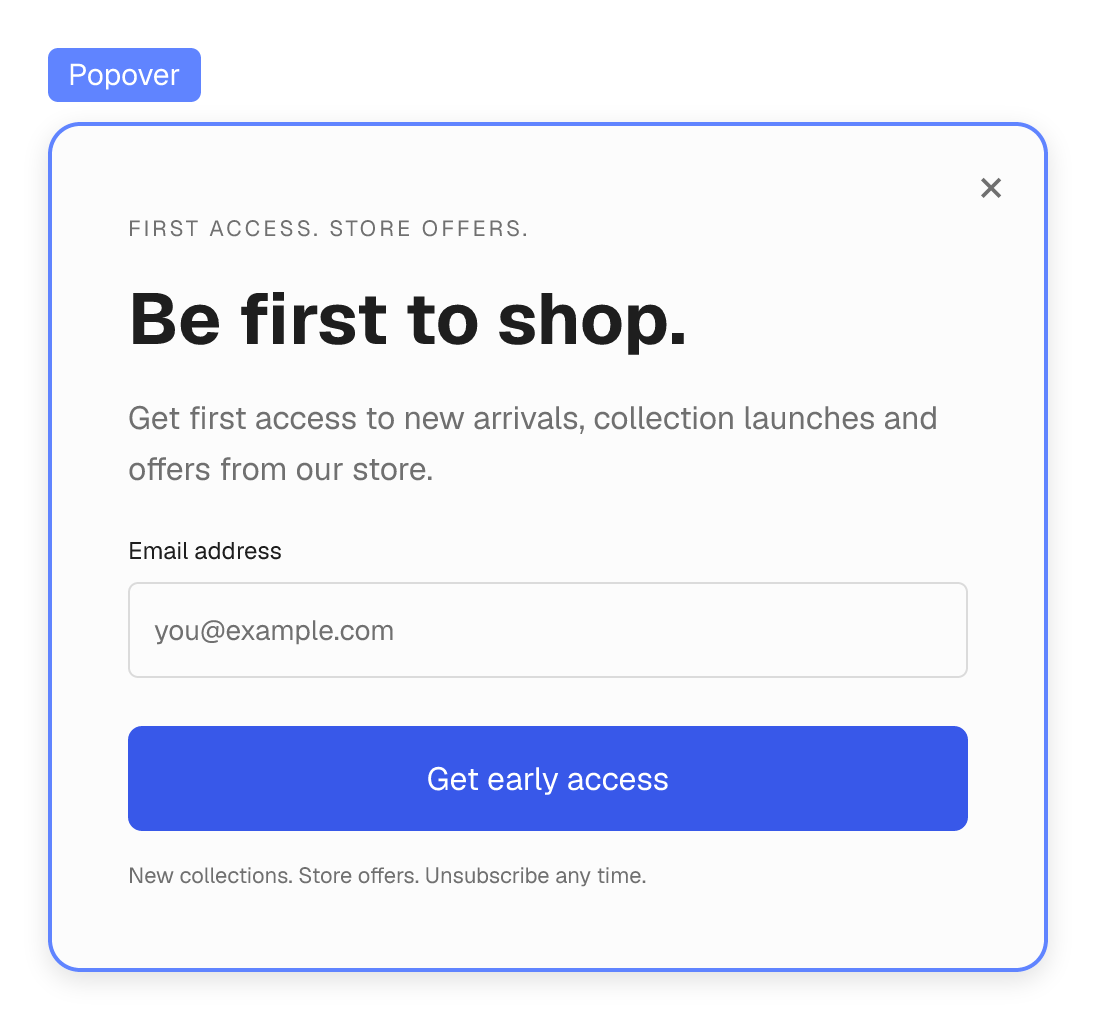
Give subscribers first access.
A dark design for launches and limited collections. Lead with early access when a discount is not the offer.
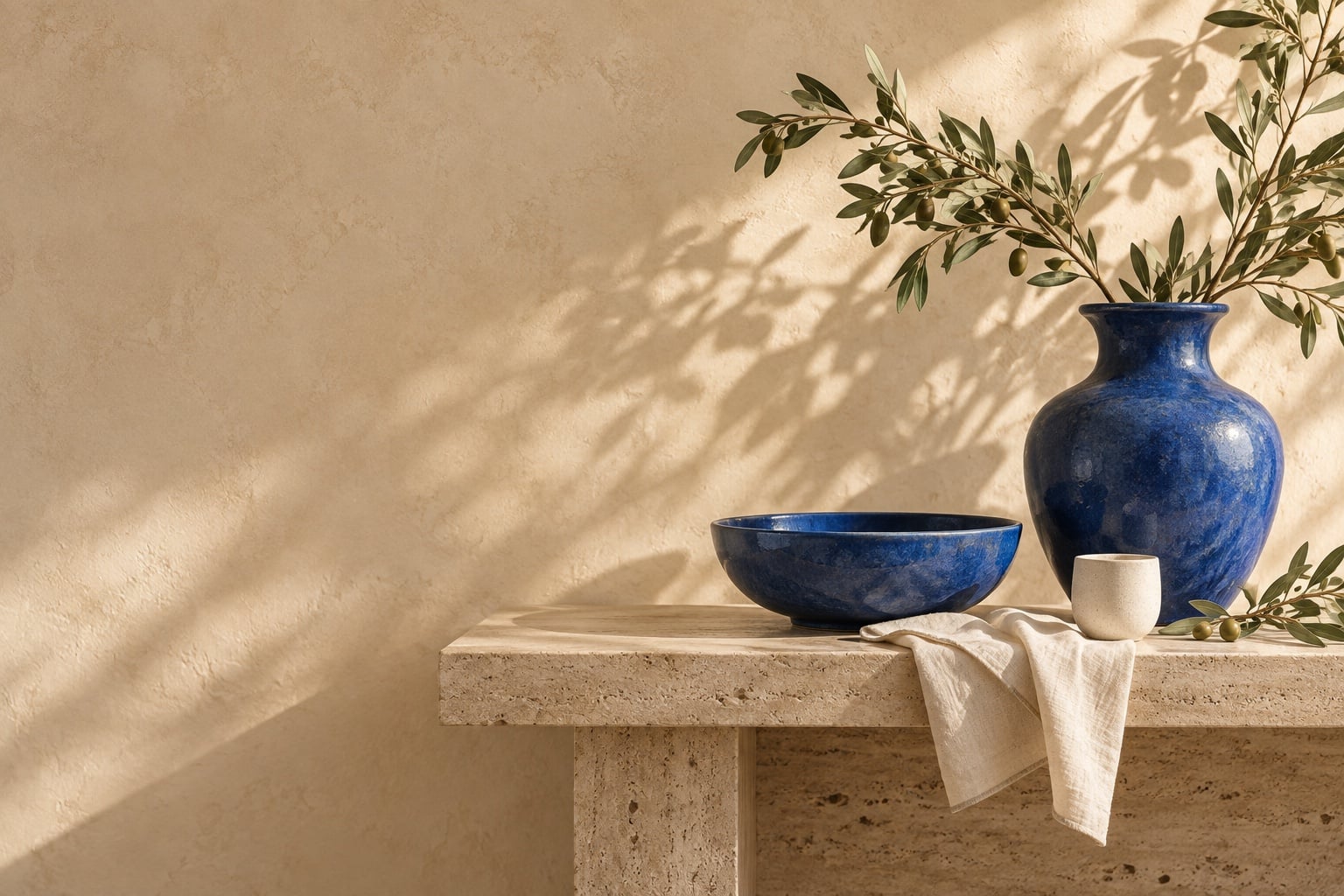
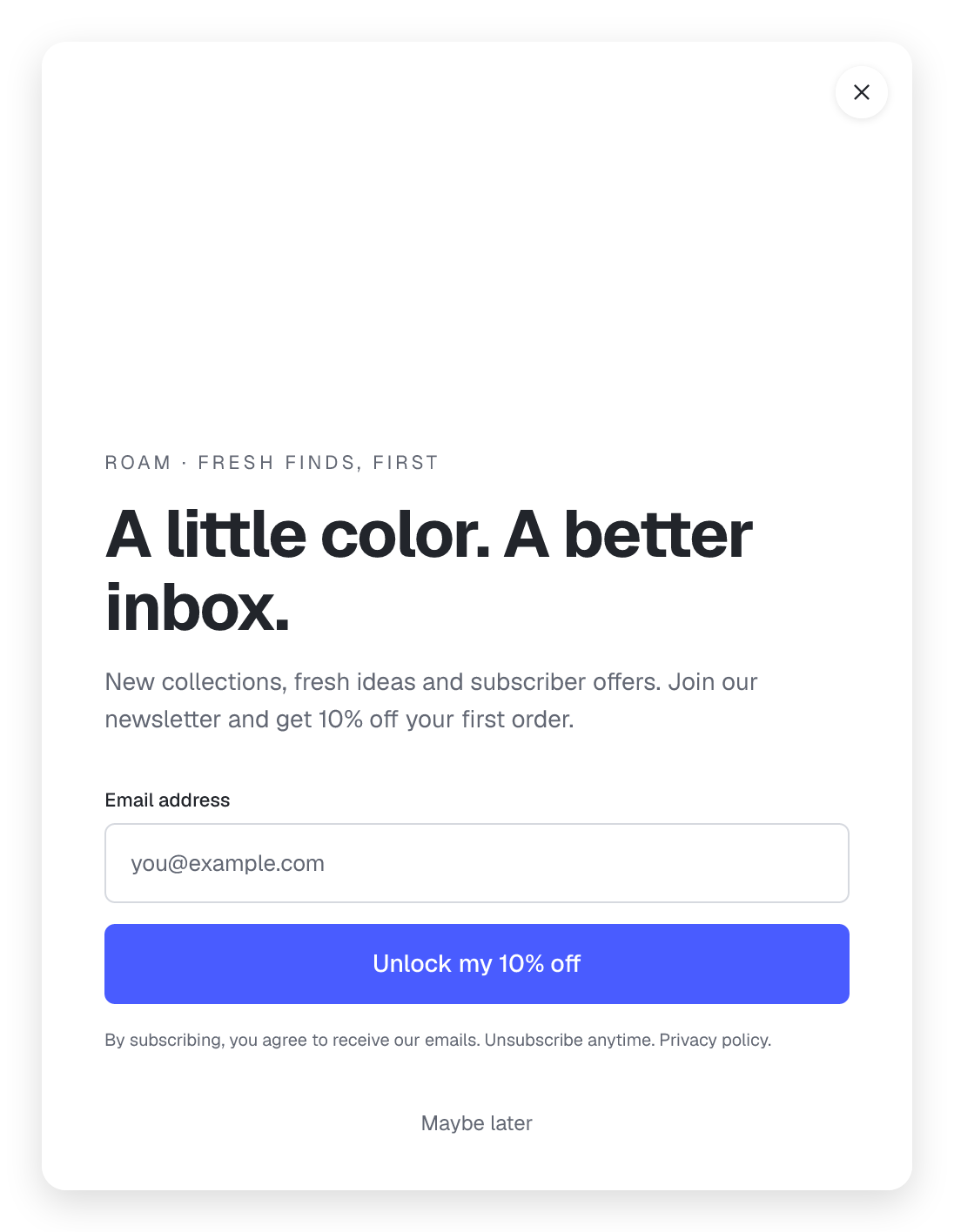
Put the collection up front.
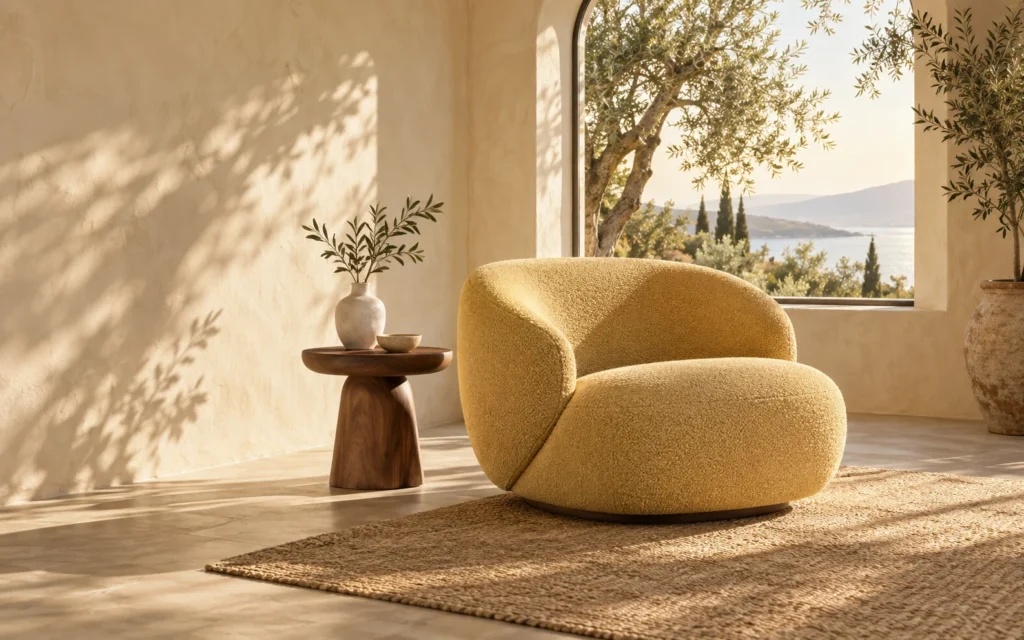
A banner image above the signup introduces the products. Keep the welcome benefit and submit action easy to find below it.

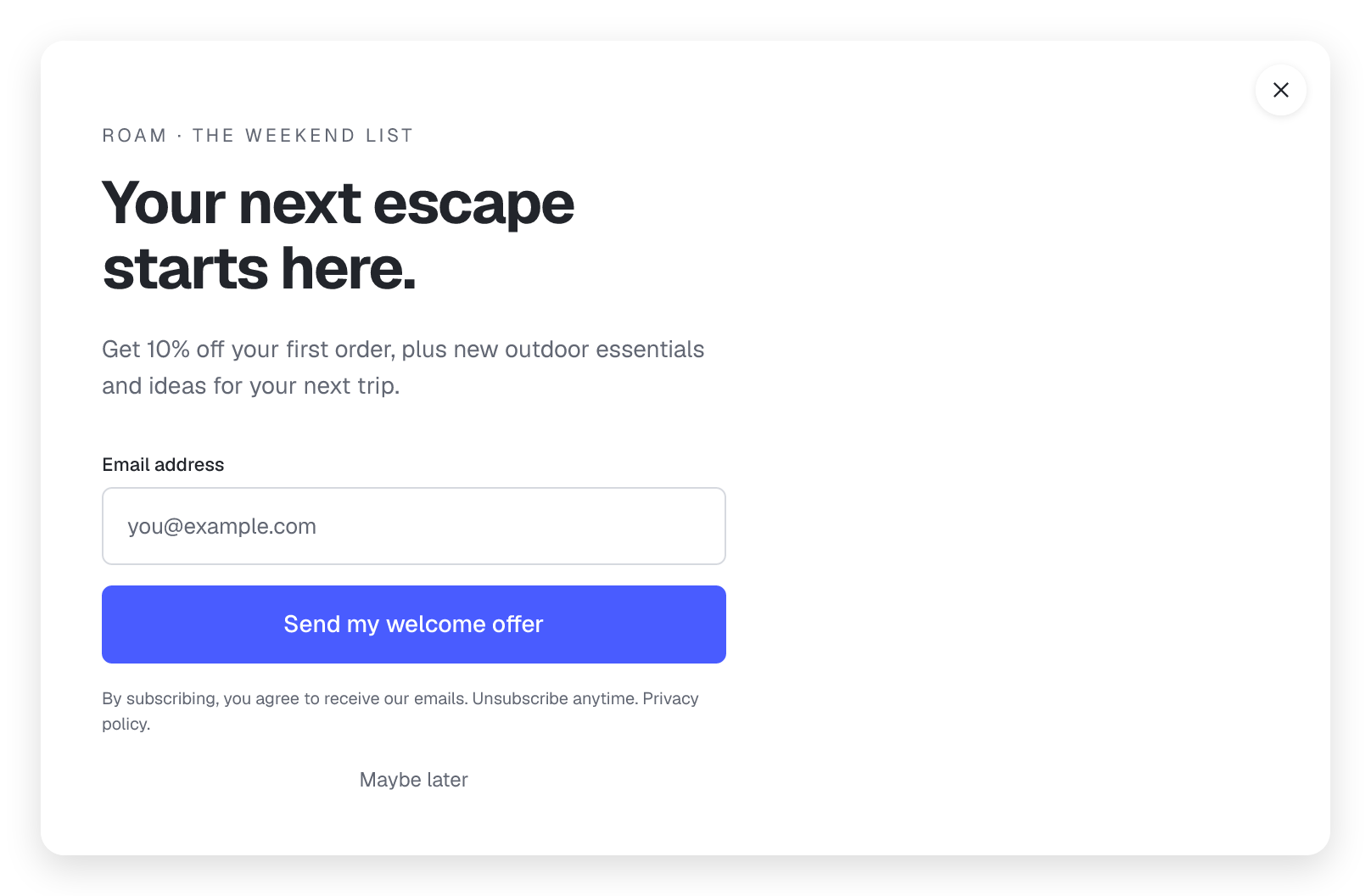
Let the product share the story.
Place the campaign image beside the offer. Give the copy, email field and primary action a dedicated space.
Try the popovers.
Open each example to see a different layout in action. Campaigns, size guides and product care, all built with native Flatsome blocks.
Campaign spotlight
A compact dark popup gives an offer a focused place to stand out.
Size & fit guide
A wider layout keeps measurements readable and close to the product.
Product care
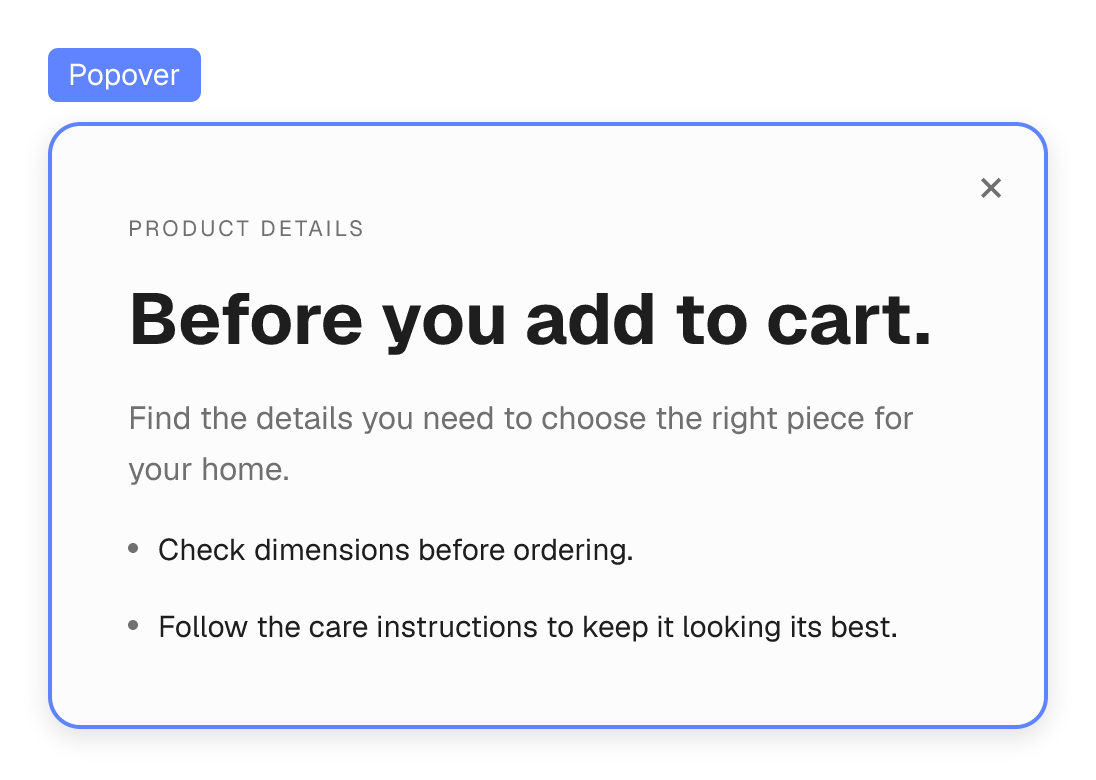
Combine a photo with expandable details shoppers can check before buying.
Campaign timing
Show your offer during the shopping journey.
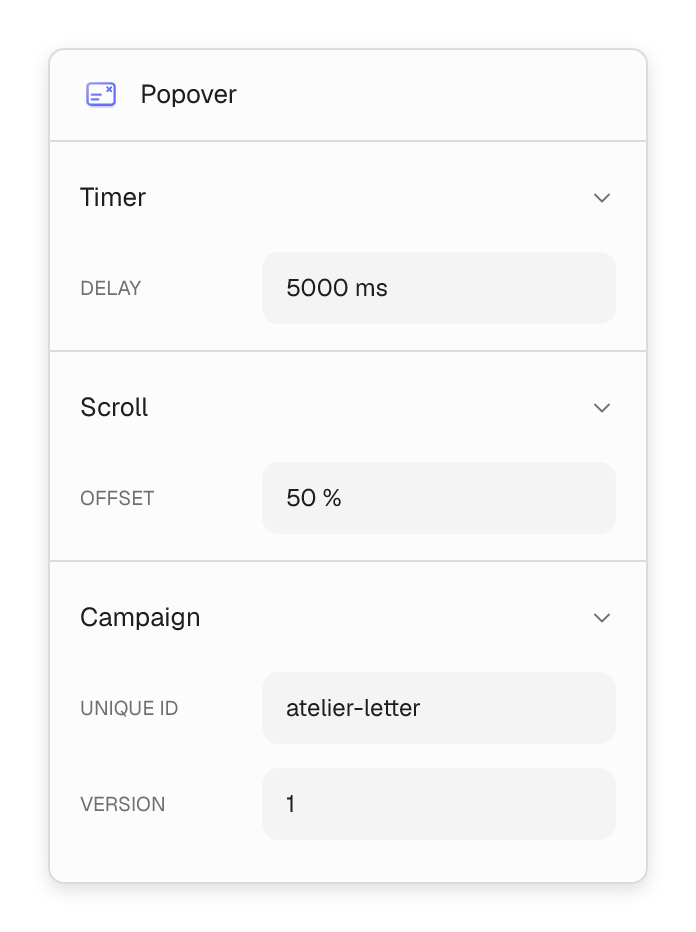
Let shoppers open a promotion themselves, or show it after they have spent time browsing. Choose when the popup appears and respect offers they have already dismissed.
- Open an offer from a store button or text link.
- Show a promotion after a delay or at a chosen scroll depth.
- Remember dismissed campaigns and introduce a new version when the offer changes.
Product information
Help shoppers buy with confidence.
Put size guides, materials and care information within reach. Let shoppers check the details in a popup while staying on the product page.
- Bring useful product details into a focused popup.
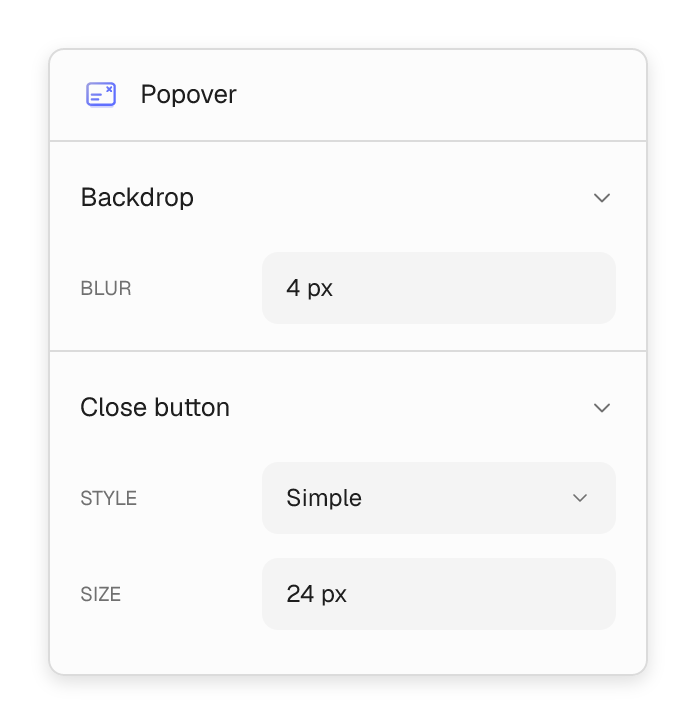
- Adjust content width, spacing and backdrop for a clear view.
- Make it easy to close the guide and return to shopping.

Keep shoppers close to their next purchase.
Help customers browse your categories and review their cart without losing their place. Use dedicated Flatsome blocks for store navigation and the mini-cart.
Make your store easier to browse.
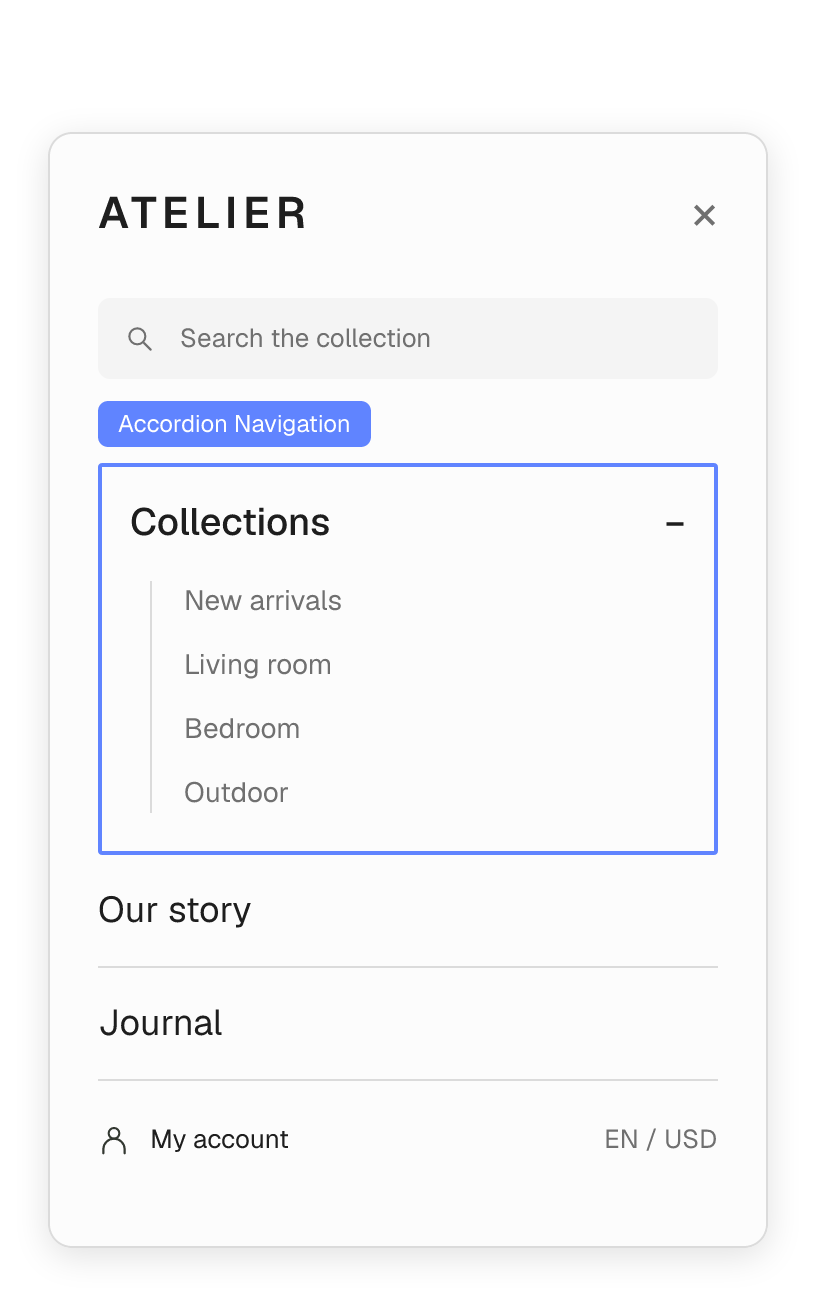
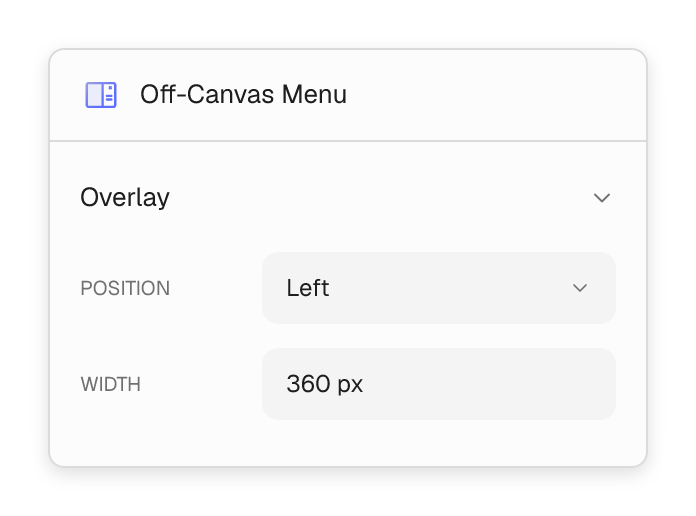
Bring product categories, search and account links into a mobile menu, so shoppers can quickly find their way to the right products.
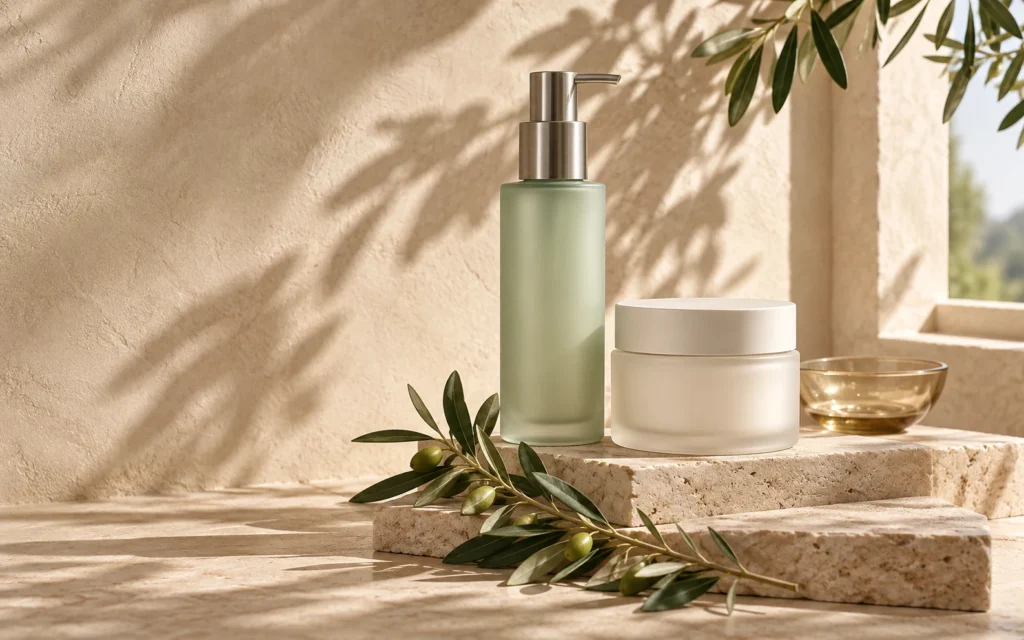
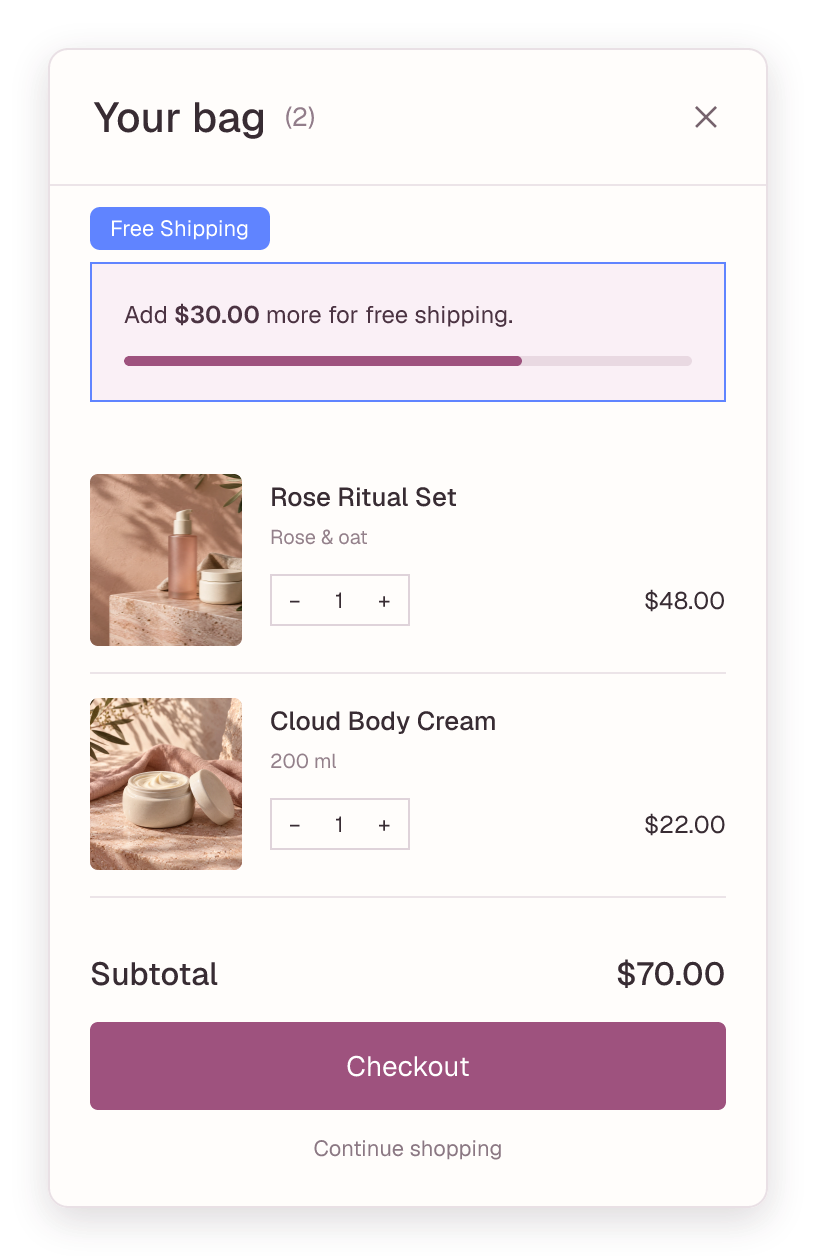
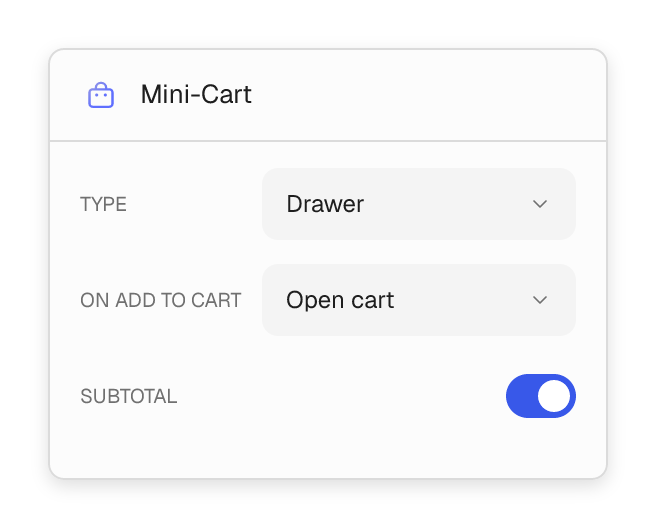
Store popups, built from familiar blocks.
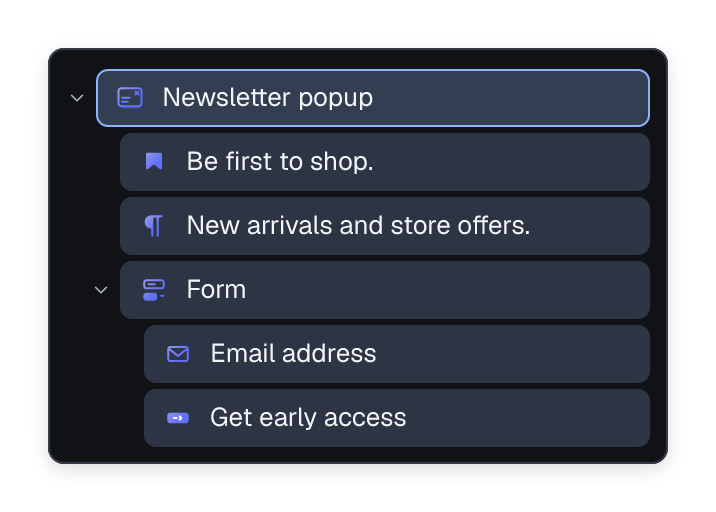
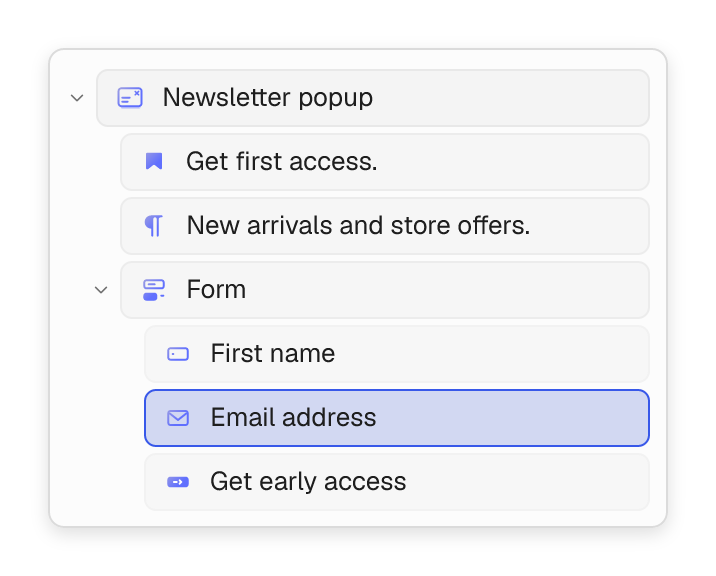
Bring the product, the offer and the signup together with Flatsome content and form blocks.

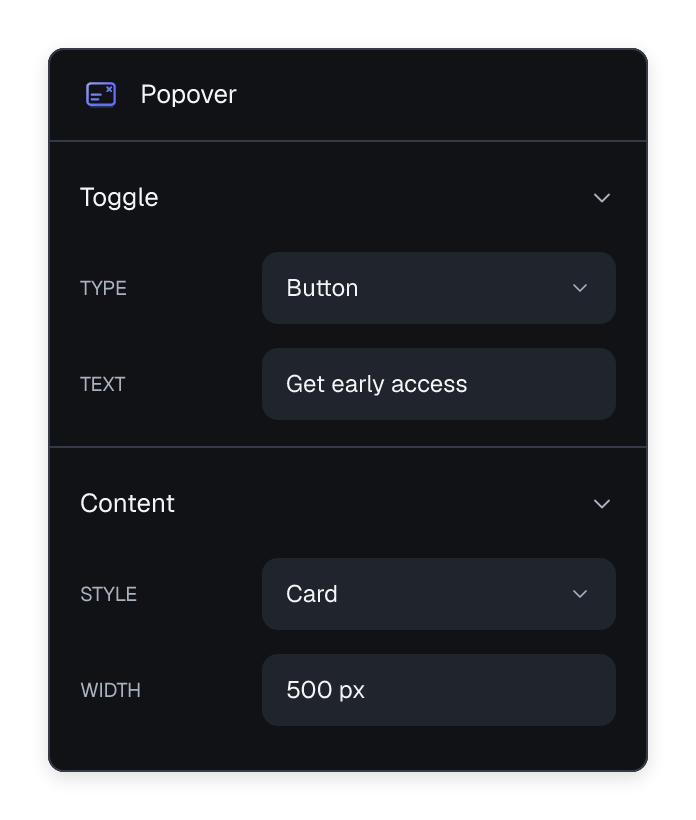
Popover
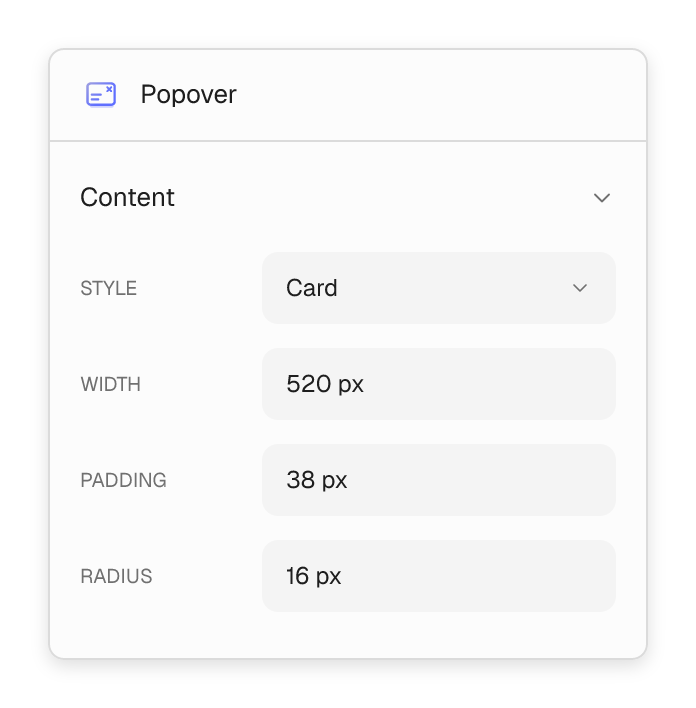
Open store offers, signup forms and product information with click, timer or scroll triggers.

Heading
Lead with the offer, product benefit or reason to join your list.

Paragraph
Explain the promotion, share product details and make the next step clear.

Image
Show the products or collection behind your campaign.

Form
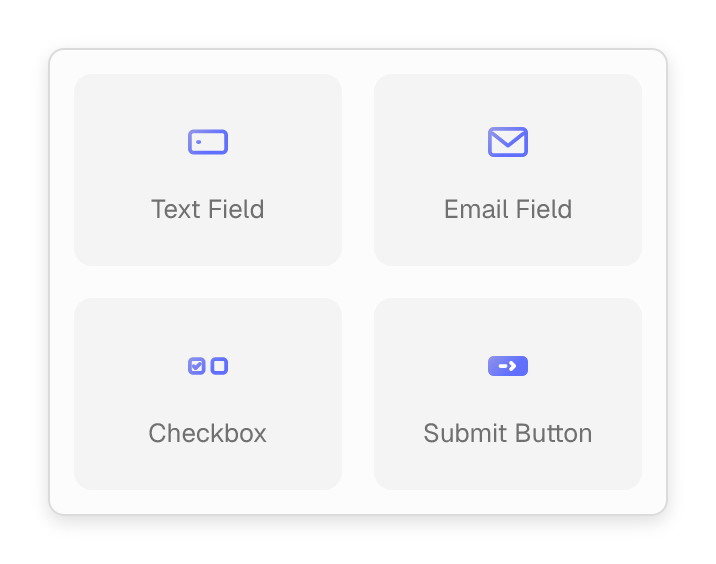
Build a reusable signup form for your store’s email list.

Email Field
Give shoppers a place to leave their email for store updates and offers.

Text Field
Collect a shopper’s name or another short response your form needs.

Checkbox
Let shoppers choose preferences or consent to your store’s emails.

Submit Button
Make the signup action clear and consistent with your storefront.