
Classic and Site Builder
Classic or Site Builder?
See what is different.
Flatsome Classic (Flatsome 3) is the theme and UX Builder that 270,000+ customers know. Site Builder (Flatsome 4) is the new Flatsome product, built on WordPress blocks.


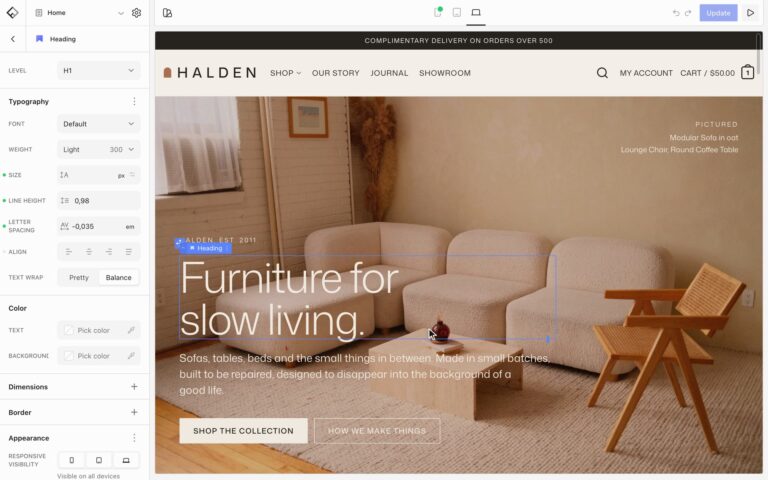
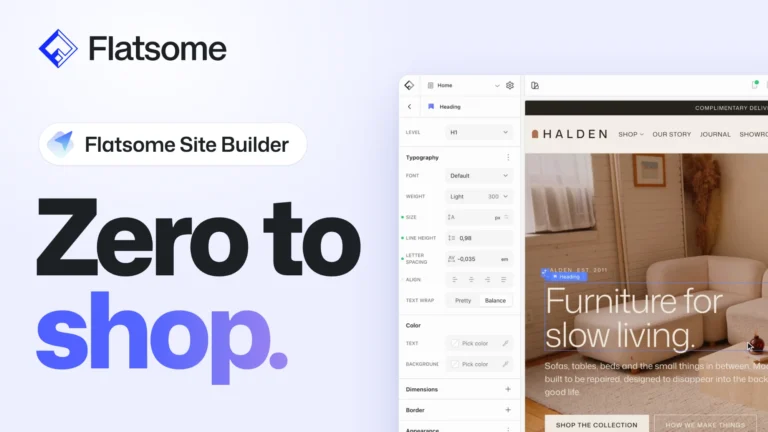
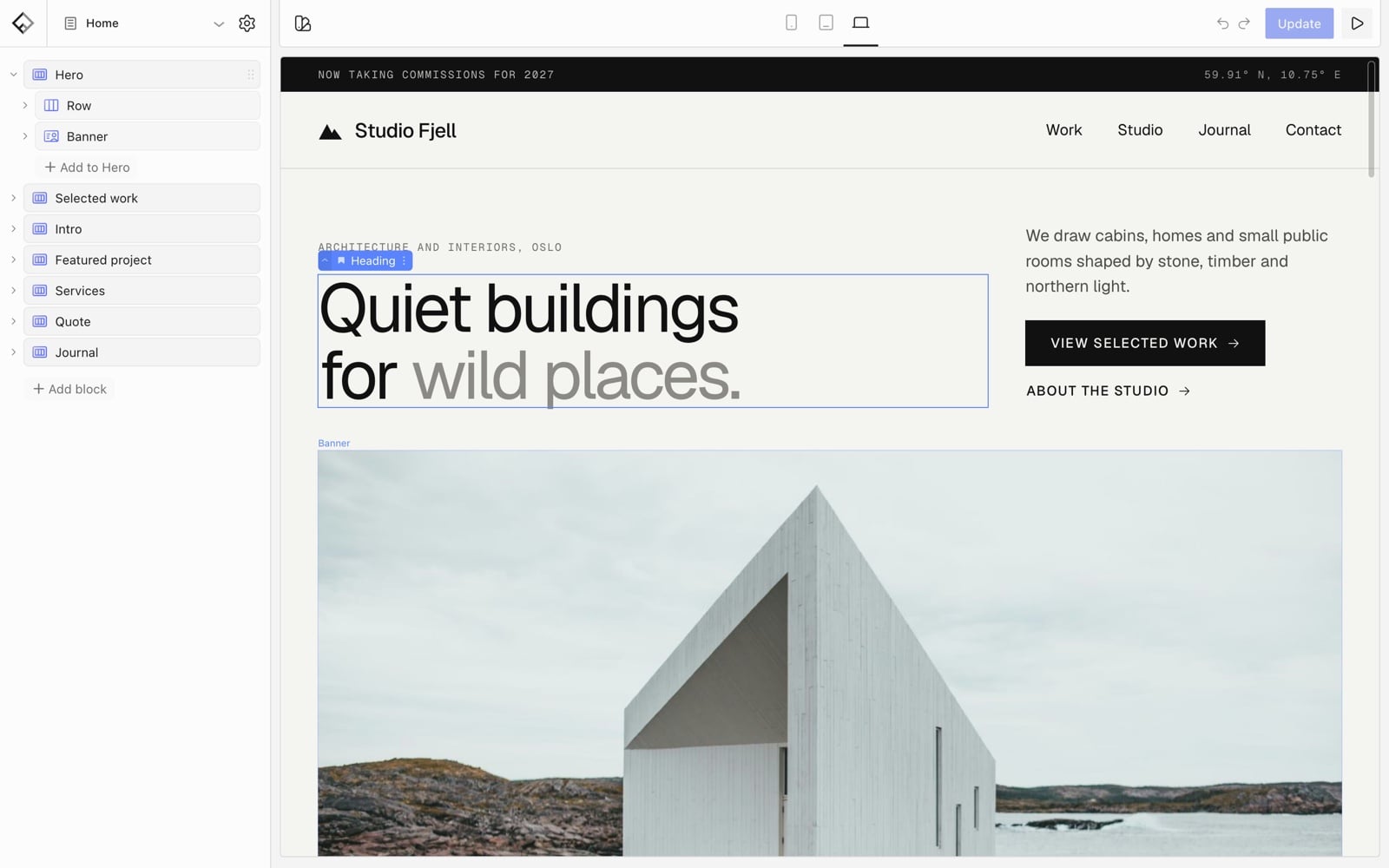
A live canvas with layers and Global Styles. Pages are saved in the standard WordPress block format.
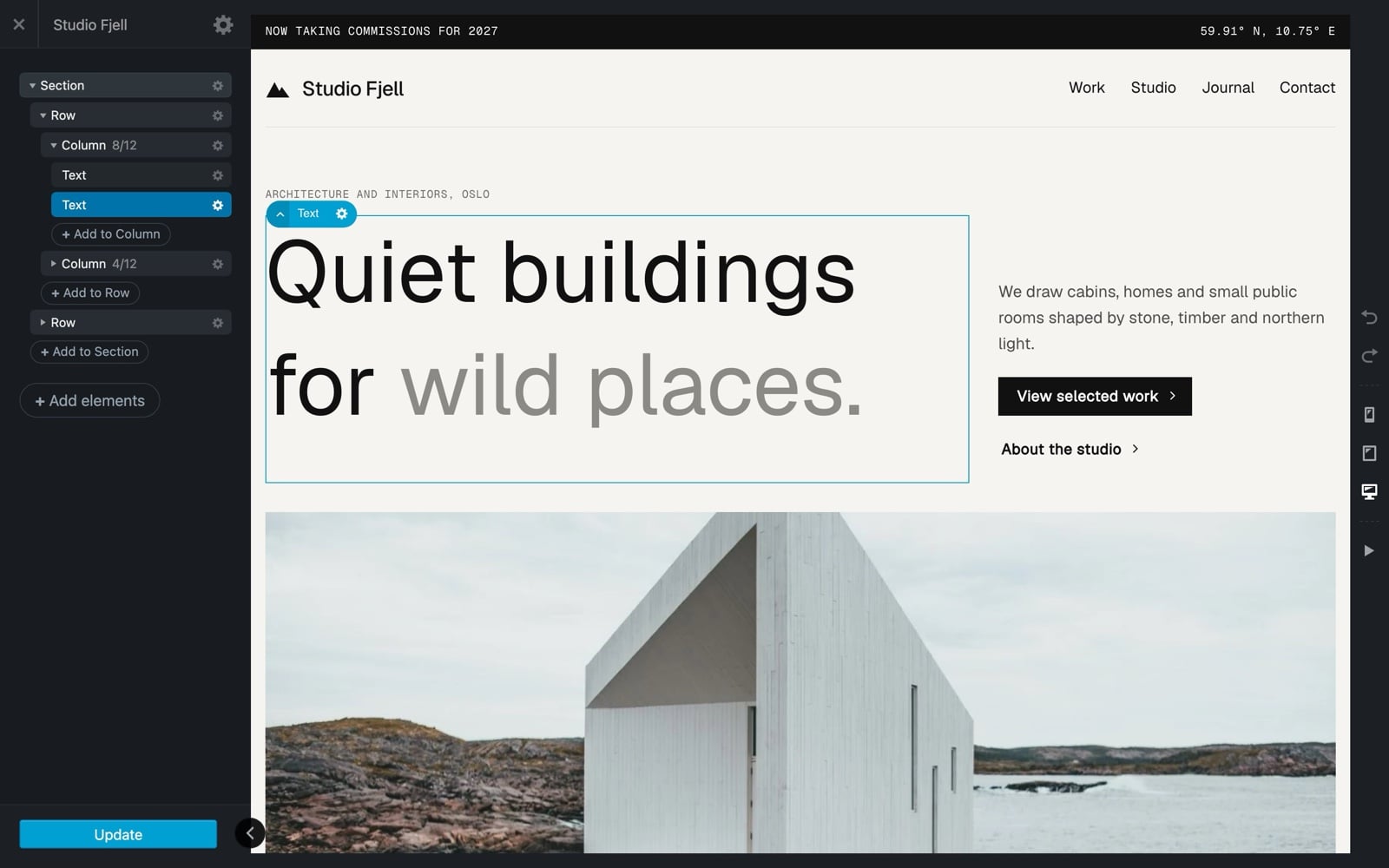
The same hero in UX Builder, built with Classic’s own elements and saved as Flatsome shortcodes.
At a glance
Compare them side by side.
UX Builder
Drag-and-drop page builder
Site Builder
Live canvas with layers
Shortcodes
Pages saved in Flatsome’s own format
WordPress blocks
Pages also open in the block editor
Header Builder
Set up in the Customizer
Template parts
Header and footer on the canvas
Design the product page
Shop, cart and checkout set in theme options
Design every shop page
Product, shop, cart, checkout and account
Customizer
Plus the Advanced panel
Global Styles
One panel for the whole site
74 elements
Plus Flatsome Studio layouts
100+ blocks
150+ patterns in 22 categories
17 homepages
On one shared demo
16 full sites
Pages, products and styles included
Not built in
Flatsome MCP
Claude, ChatGPT or any MCP client
Catalog Mode, Cookie Notice
Forms and SEO need plugins
9 modules
Switch on only what you need
6.0 s*
Home page on a phone
3.2 s*
Same store, same server
Lifetime updates
6 months of support
A year of updates
Priority support, renewal optional
PHP 7.4, WordPress 6.4
Or later
PHP 8.2, WordPress 7.1
Or later
Classic details from ThemeForest and Flatsome 3.20.11. Site Builder details from flatsome.com and version 1.0.0-beta.5. *Speed: time until the first slide of the store’s home page slider shows. Lighthouse mobile lab test of one store before and after the migration.
Flatsome Site Builder
What is better with Site Builder.

Pages made of flexible blocks.
Switch Classic off and its pages turn into shortcode text. Site Builder saves standard WordPress blocks: pages open in the block editor, and your headings, text and buttons stay readable even without Flatsome.

Design the whole store.
Header, footer, product, shop, cart, checkout and account pages are templates on the same canvas as your pages.

Set your style once.
Colors, fonts, spacing, buttons and block defaults live in one Global Styles panel, and every block follows them.

Start from a whole site.
Each of the 16 starter sites comes with its own pages, products, header, footer and styles. Classic’s wizard swaps homepage styles over one shared demo.

Build with your AI.
Flatsome MCP lets Claude, ChatGPT or any MCP client work on your site. Every connection starts read-only until you allow more.
Design control
Fine-tune every block.
On every device.
The same card, built in both. UX Builder gets you close. Site Builder adds the details that make a design feel finished.
- Letter spacing on headings, text and buttons
- Radius per corner on images and buttons
- Gradients on backgrounds and text
- Hover styles in your own colors and shadows
- Scroll animations with staggered timing
- Custom CSS on every block
75 style options you can set per device


Global Styles
Site-wide styles,
right in the Builder.
Classic keeps site-wide styles in the WordPress Customizer, a separate screen from UX Builder. Site Builder puts Global Styles in the Builder, next to the page you are designing.
- Color presets linked from every picker
- Block defaults for type, color and spacing
- Style variations to reuse on any block
- Presets for sizes, spacing and shadows

Speed
Same store.
On screen sooner.
We moved one WooCommerce store from Classic to Site Builder and timed its home page.
1.9×
faster home page on a phone*
than Classic
Classic
6.0 s
Site Builder
3.2 s
2.0×
faster home page on desktop*
than Classic
Classic
1.7 s
Site Builder
0.9 s
*Time until the first slide of the home page slider shows on a cold load. Lighthouse 13 lab tests, median of 7 runs. One store before and after the migration, with the same content, fonts, plugins and server, and no caching plugins. October 2026.
Modules
More built in, fewer plugins.
Leave a module off and it never loads: no scripts, no settings screens, no blocks.
Only in Site Builder 5

Flatsome MCP
Let Claude, ChatGPT or any MCP client build and edit your site, with access you set per connection.

Dynamic Pricing
Run sales, quantity discounts and buy X get Y deals that apply in the cart.

Estimated Delivery
Show estimated delivery dates on product pages, with an order cut-off time.

Quantity Rules
Set minimum, maximum and step quantities for products.

Age Gate
Ask visitors to confirm their age before they enter the site.
No extra plugin needed 2

Forms
Build forms from blocks, with an entries inbox and email notifications.
Classic uses Contact Form 7

SEO
Titles, descriptions, social sharing and structured data. Steps aside for Yoast or Rank Math.
Classic uses an SEO plugin
Also in Classic 2

Catalog Mode
Switch off purchases and hide prices, with roles that can still buy.

Cookie Notice
Show a notice that tells visitors the site uses cookies.
Feature board
You asked. Site Builder has it.
Some of the most voted requests on the Flatsome feature board, and how Site Builder answers them.
104
Custom layout for the thank you page
The order confirmation page is a template you design in the Builder, with your own header, footer and blocks around the order details.
Votes from the Flatsome feature board at uxthemes.canny.io, October 14, 2026.
Honest comparison
Where Classic is still ahead.
Site Builder is new, and a few Classic features are not in it today. If your store depends on one of them, Classic is the better fit for now, and it keeps getting updates.
Classic
Site Builder
Variation swatches
Built in
Coming in the next beta
Portfolio
Built in
Not today
Header and footer scripts setting
Built in
Not today, use a plugin
Product layouts per category
Built in
Per product, not per category
Sticky add to cart bar
Built in
Sticky columns, no bar
Infinite scroll on shop pages
Built in
Not today
Pricing model
One payment, lifetime updates
Yearly, renewal optional
Your choice
Which one is right for your site?


Yes. While we built it, you may have seen it called Flatsome 4 or v4, and Flatsome Classic is Flatsome 3. Site Builder became a separate product instead of an update to Classic, so your Classic sites keep working exactly as they are.
No, they are separate products with separate licenses, and your Classic license stays valid for Classic. Classic customers get 50% off their first year of Site Builder until November 2.
Yes. Classic keeps getting updates for new versions of WordPress and WooCommerce, including security fixes. There is no end date planned.
No. Moving is optional and there is no deadline. When you want to, the Flatsome Migrator converts your pages, UX Blocks and theme settings, and you review every page before anything changes.
Not today. A site runs one or the other. You can keep your Classic sites as they are and build new ones with Site Builder.
Site Builder is the Flatsome Site Builder plugin with Flatsome Block Theme. Your Classic theme and child theme stay installed, and rolling back the migration switches them on again. A Classic child theme does not load on Site Builder, and code written for Classic’s hooks will not run, so test custom code on a staging copy first.
No. Site Builder has its own editor, the Builder, with a live canvas, layers and Global Styles, and Flatsome adds 100+ blocks. Pages are saved as standard WordPress blocks, so you can still open them in the block editor or Site Editor.
A subscription is optional. A license includes a year of updates and support. After that, you can renew at $45 per site per year, or keep using the version you have.
Site Builder needs PHP 8.2 and WordPress 7.1 or newer. Classic still runs on PHP 7.4 and WordPress 6.4, but those PHP versions no longer get security updates, so a current version is the safer choice for either. Most hosts let you switch PHP versions in a click from their control panel.
It is in beta, with version 1.0 planned for November 2. For an established store, try it on a staging copy first. Each live site includes a free staging site.
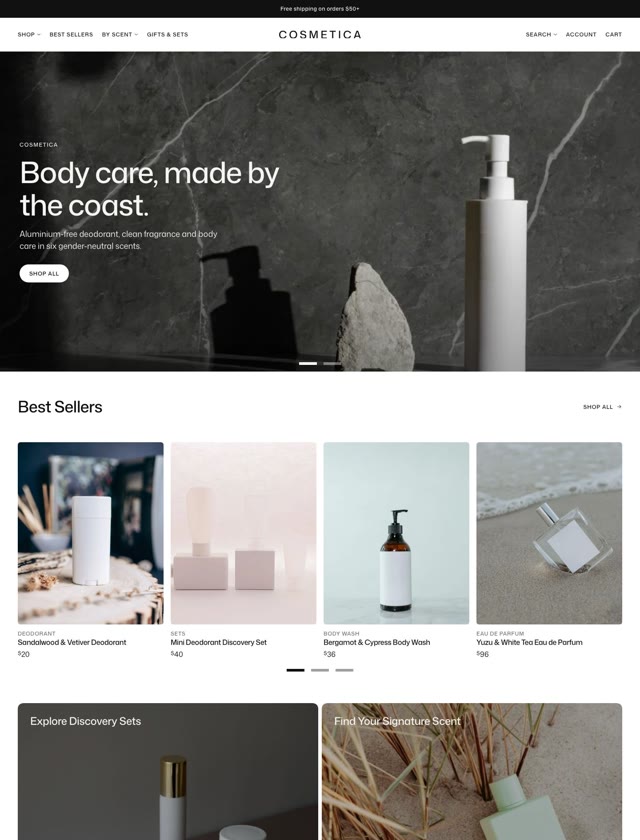
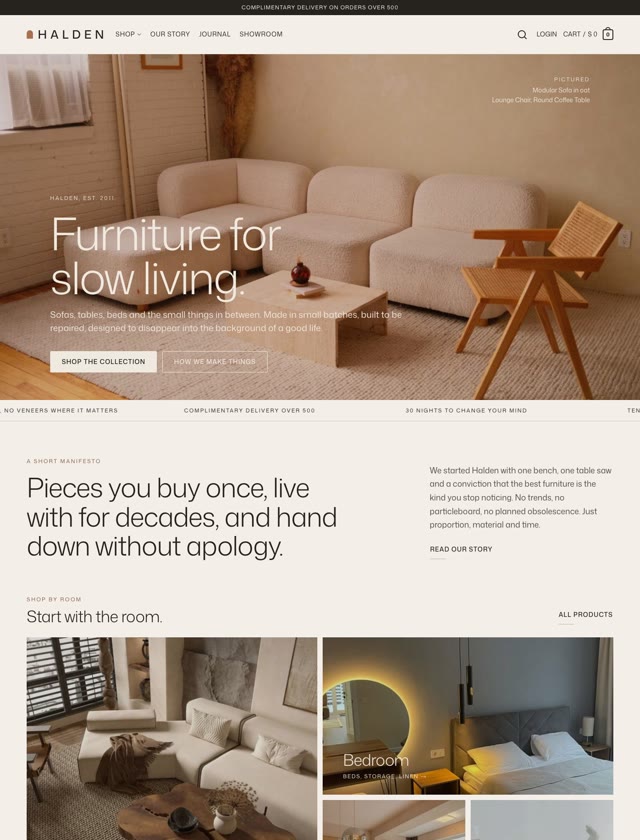
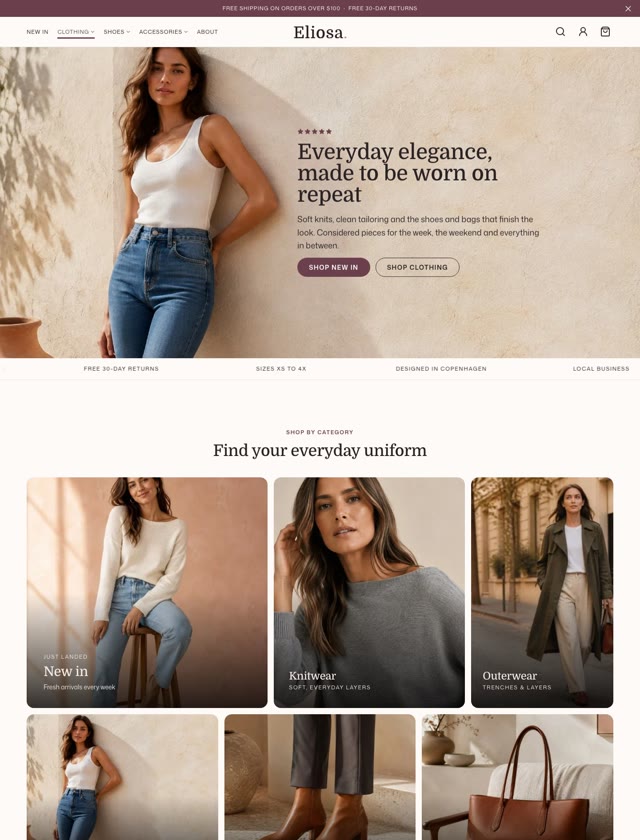
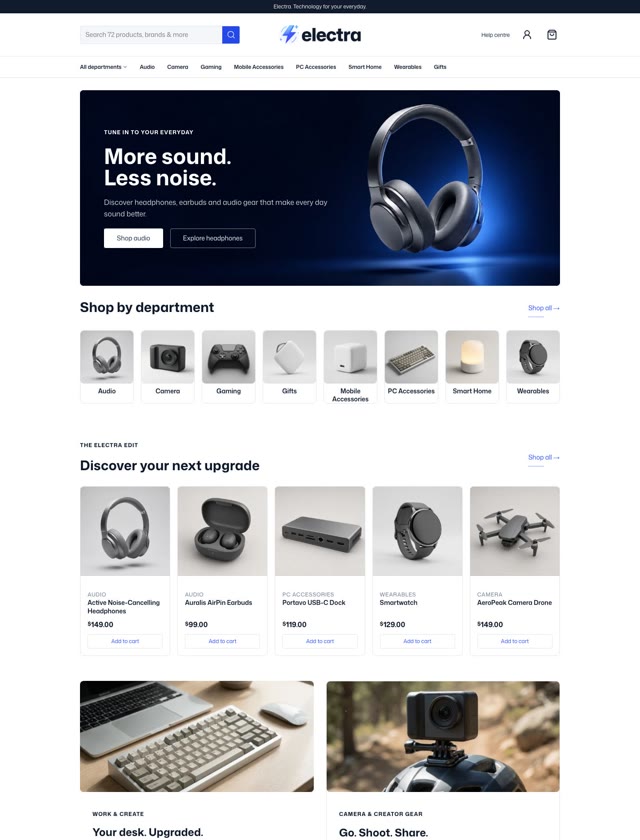

Build your next site on blocks.
Try Site Builder on a staging copy and see your site on blocks. Every license comes with a 30-day money-back guarantee.
Classic customers go first. 50% off your first year until November 2.