

Flatsome MCP for Grok
Build your WordPress site with Grok.
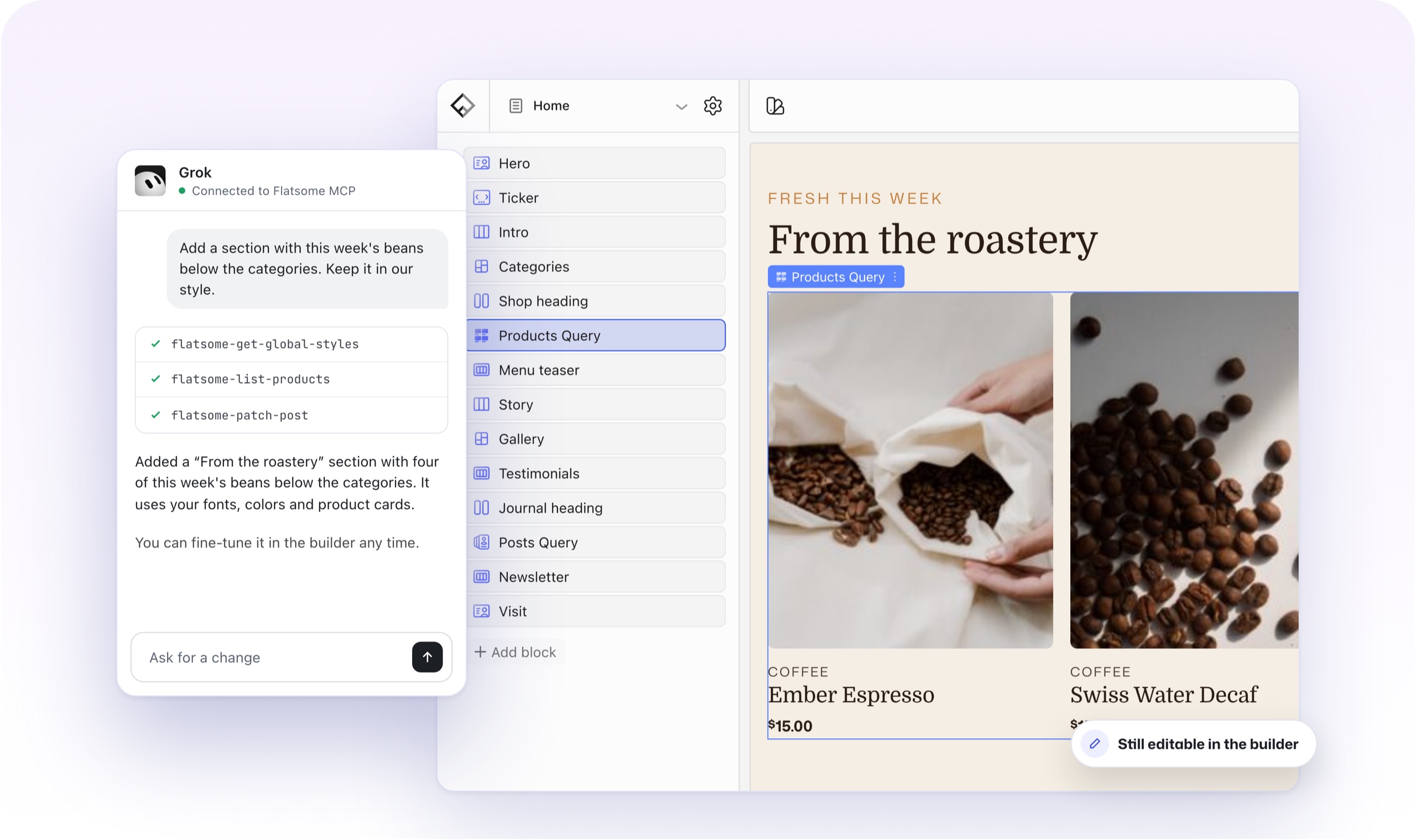
Connect Grok to your Flatsome site and ask it to build pages, write product copy and fine-tune your styles. Everything it makes stays editable in the Builder.
Try asking
Ask for it the way you would ask a person.
Grok reads your pages, products and styles first, then makes the change with Flatsome blocks.
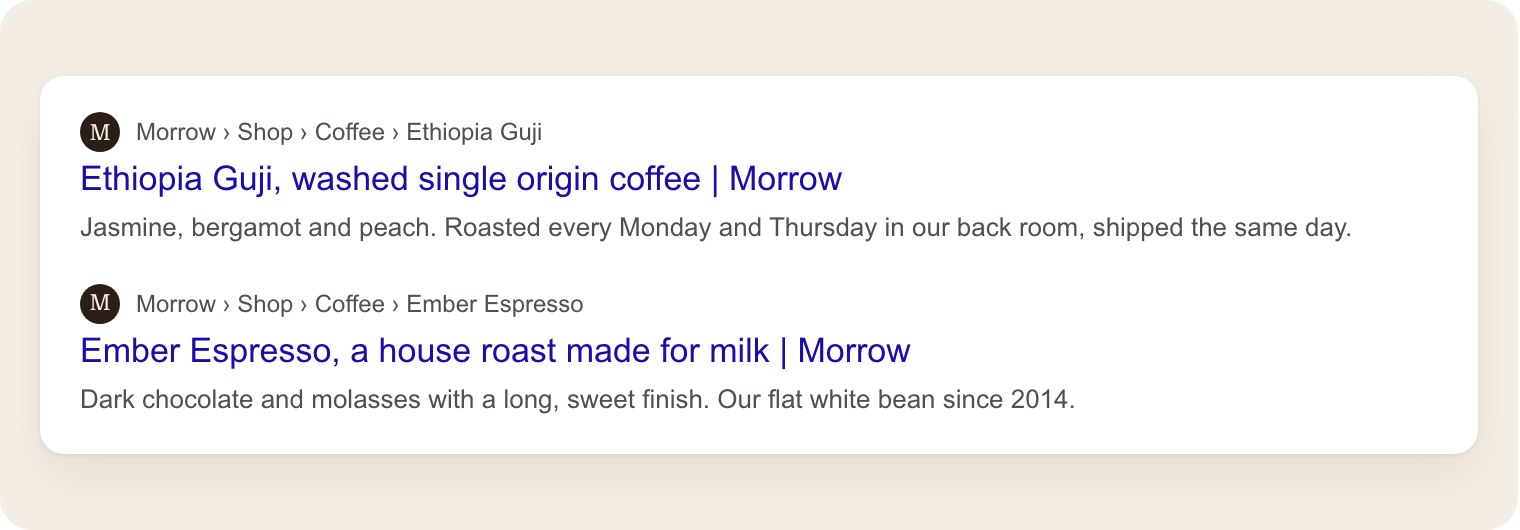
Write SEO titles and descriptions for every coffee.
flatsome-update-post × 7
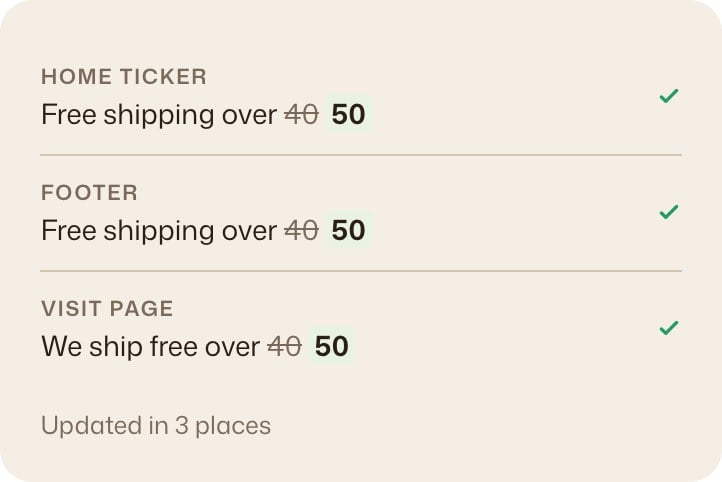
Free shipping now starts at 50. Find every mention and update it.
flatsome-patch-post × 3
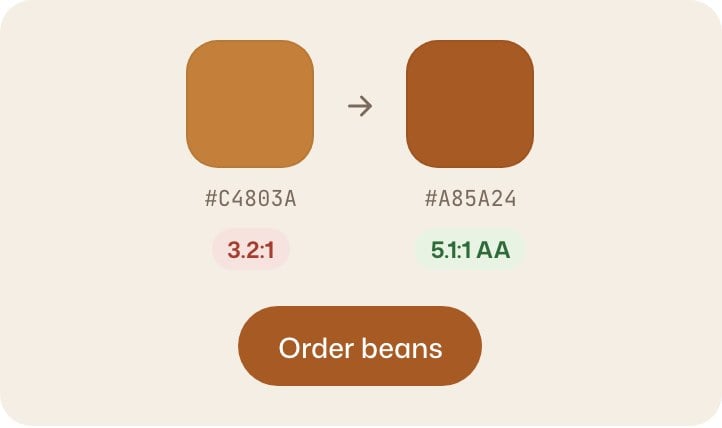
Make our orange a little deeper, and check the buttons still read well.
flatsome-patch-global-styles
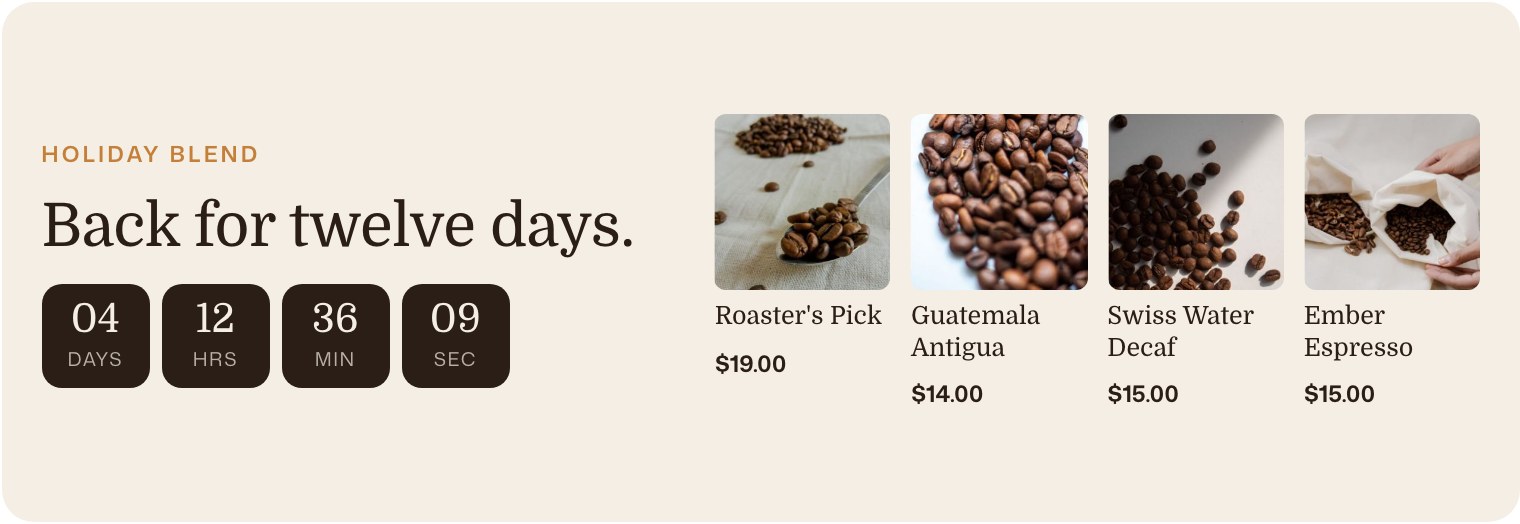
Make a landing page for the holiday blend with a countdown and four coffees.
flatsome-create-post
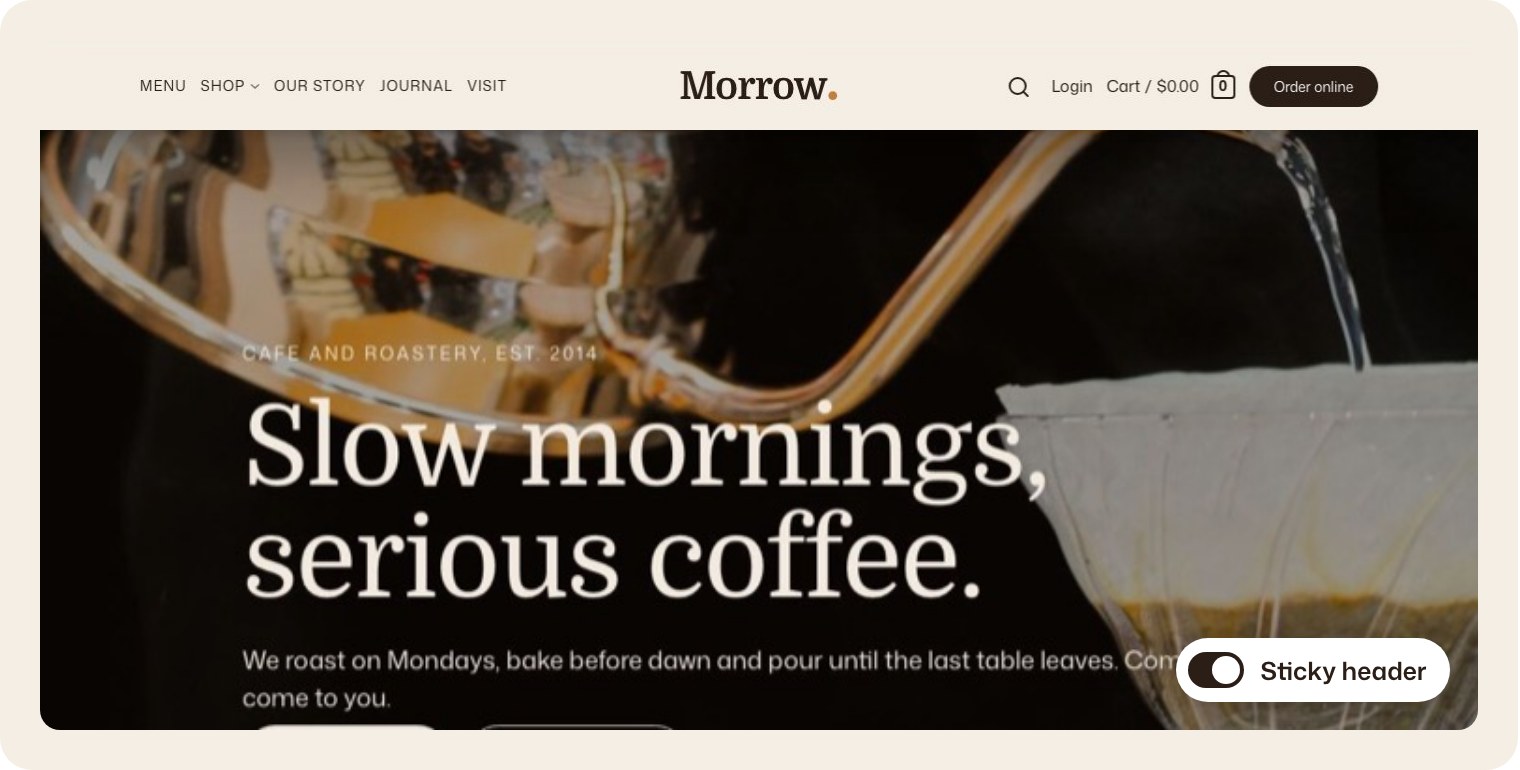
Make the header stick to the top when people scroll.
flatsome-patch-post
Write a journal post about the new Ethiopia Guji, with a photo from our library.
flatsome-create-post

What it can do
If you can do it in Flatsome,
Grok can too.

Pages and templates
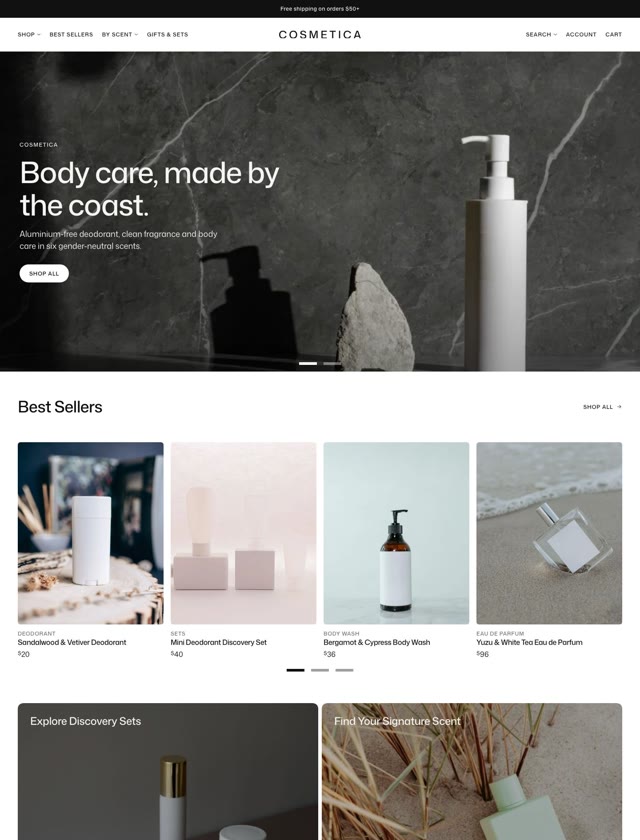
Pages, headers, footers and shop templates, built with Flatsome blocks.
flatsome-create-post
flatsome-patch-post

Products
Prices, options, images and the descriptions that sell them.
flatsome-create-post
flatsome-create-term

Styles
Colors, fonts and spacing in Global Styles, for the whole site.
flatsome-patch-global-styles

Menus
New pages in the menu, a new order, or a full mega menu.
flatsome-patch-post

SEO
Titles and descriptions for pages, products and categories.
flatsome-grep-content
flatsome-update-post

Forms and media
Forms, their submissions and your media library.
flatsome-create-form
flatsome-upload-media
Read-only to start
A new connection can only read. You choose when Grok may make changes.
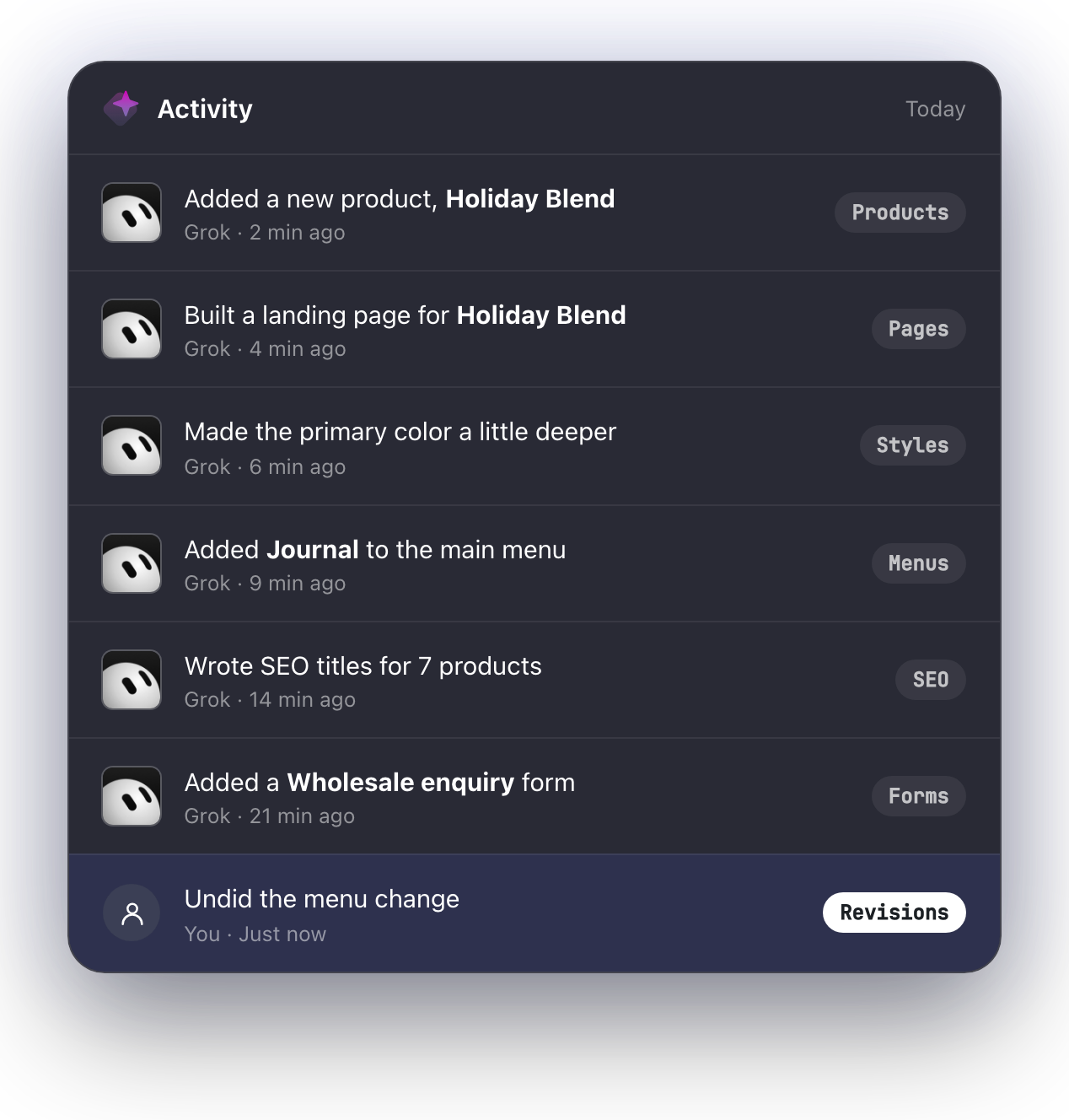
Every change can be undone
Pages keep revisions, so you can go back to any earlier version.
Your roles still apply
Grok works as a WordPress user, so it can only do what that user can.
xAI says connectors are open to all Grok users. On Grok Business and Enterprise, a team admin provisions the connector in the console before members can use it.
Only in WordPress. Turn on the MCP Server module in Flatsome and install the free MCP Adapter plugin if Flatsome asks for it. Nothing to install on your computer.
A new connection can only read. You decide when Grok may make changes, and every page it changes keeps a revision you can restore.
Yes. Ask Grok Bot to connect in a chat and paste your server address when it asks. There are no connector settings to fill in.
Using a different assistant?




Any MCP client
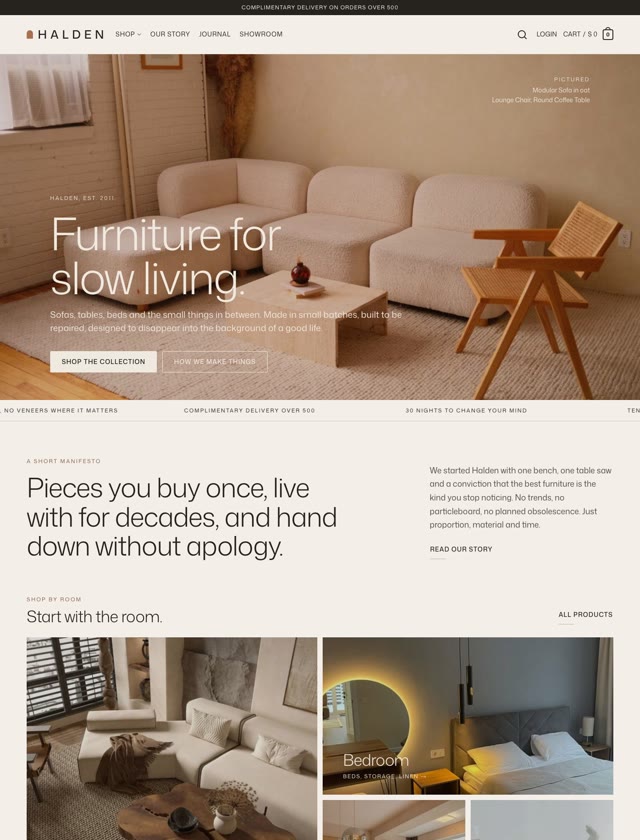
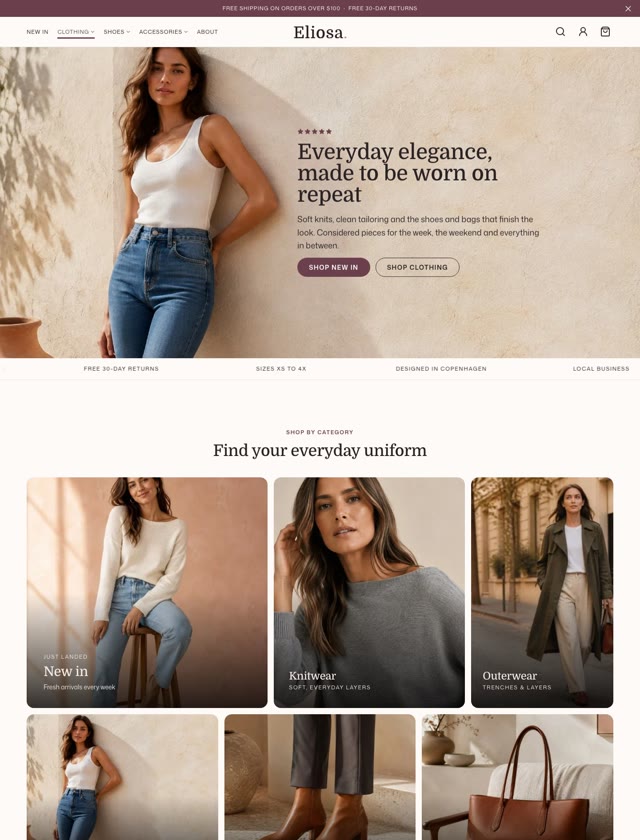
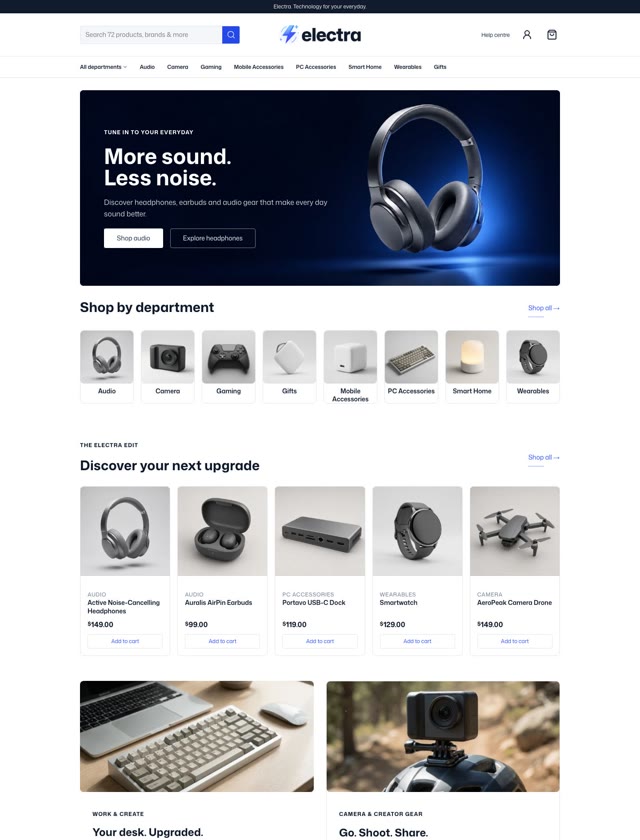

Put Grok to work in Flatsome.
Connect Grok and let it build, update and manage your WordPress and WooCommerce site.
Classic customers go first. 50% off your first year until November 2.