
Moving from Classic
Bring your Classic site over to blocks.
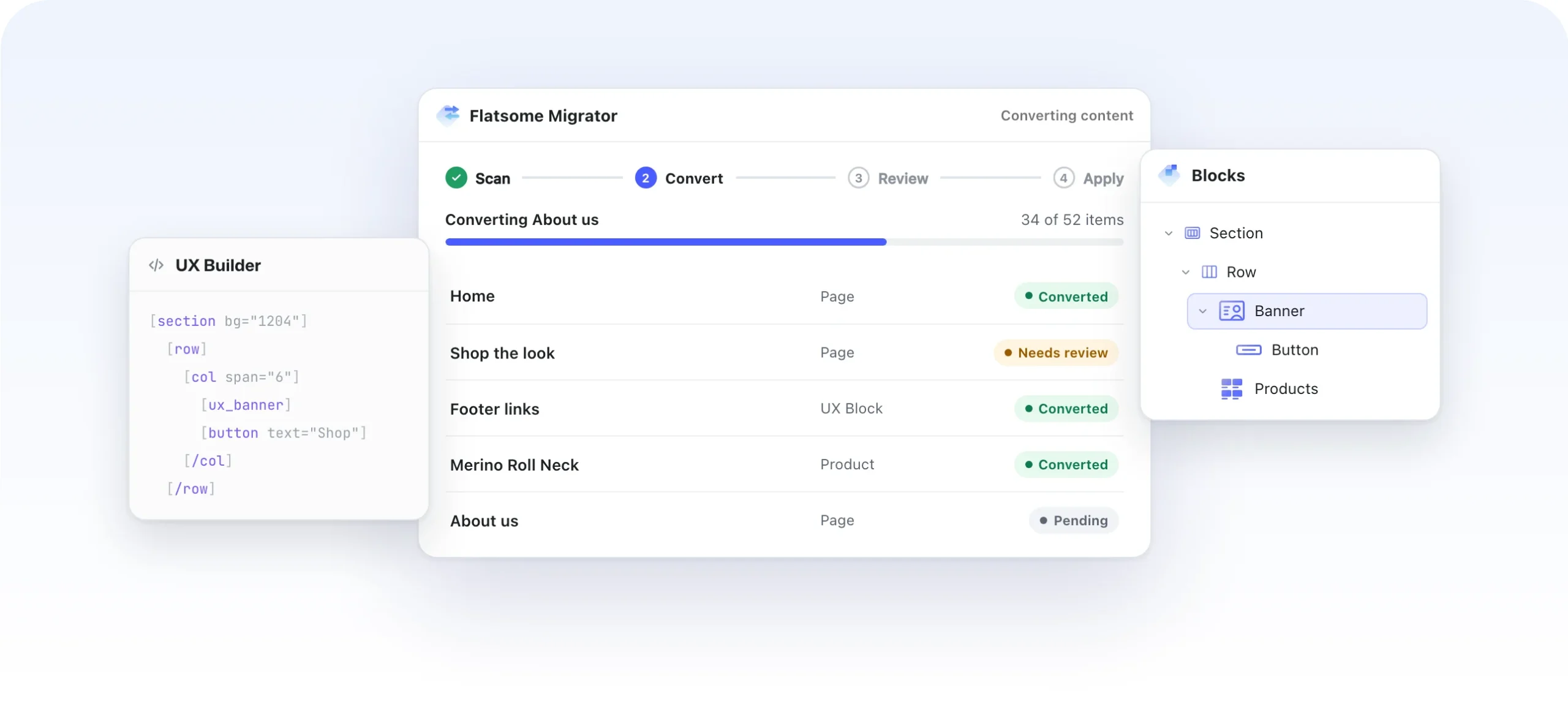
Flatsome Migrator converts the pages, products, header and theme settings you built with UX Builder into Flatsome blocks. Review every page before anything changes.
Your choice
Move when it suits you.
Site Builder is a separate product, so there is no deadline. Start your next site on blocks, or bring this one over when the time is right.
Classic continues
Your Classic license stays valid, and Classic keeps getting updates for new versions of WordPress and WooCommerce. No end date is planned.
Nothing changes until you apply
Scanning is read-only, and converted pages wait as drafts. Your live site stays exactly as it is while you review.
Roll back to the original
The original content is kept after you apply, so you can roll back and start over if you want to.
What converts
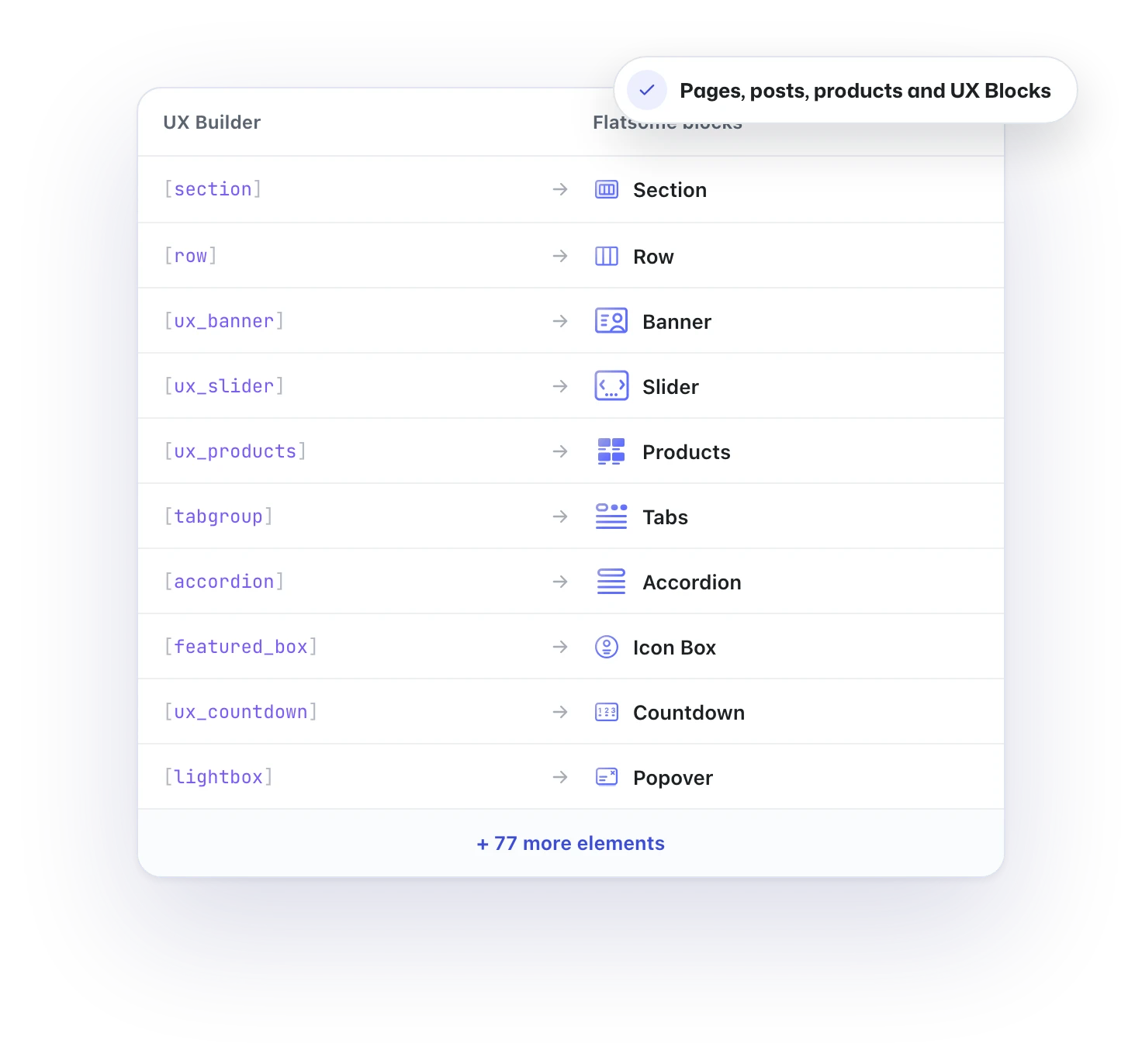
87 UX Builder elements, rebuilt as blocks.
The migrator reads every page, post, product and UX Block built with UX Builder and rebuilds it with Flatsome blocks, from sections and banners to sliders, product grids and tabs. UX Blocks become patterns you can reuse anywhere.
Site structure
The whole site comes along.
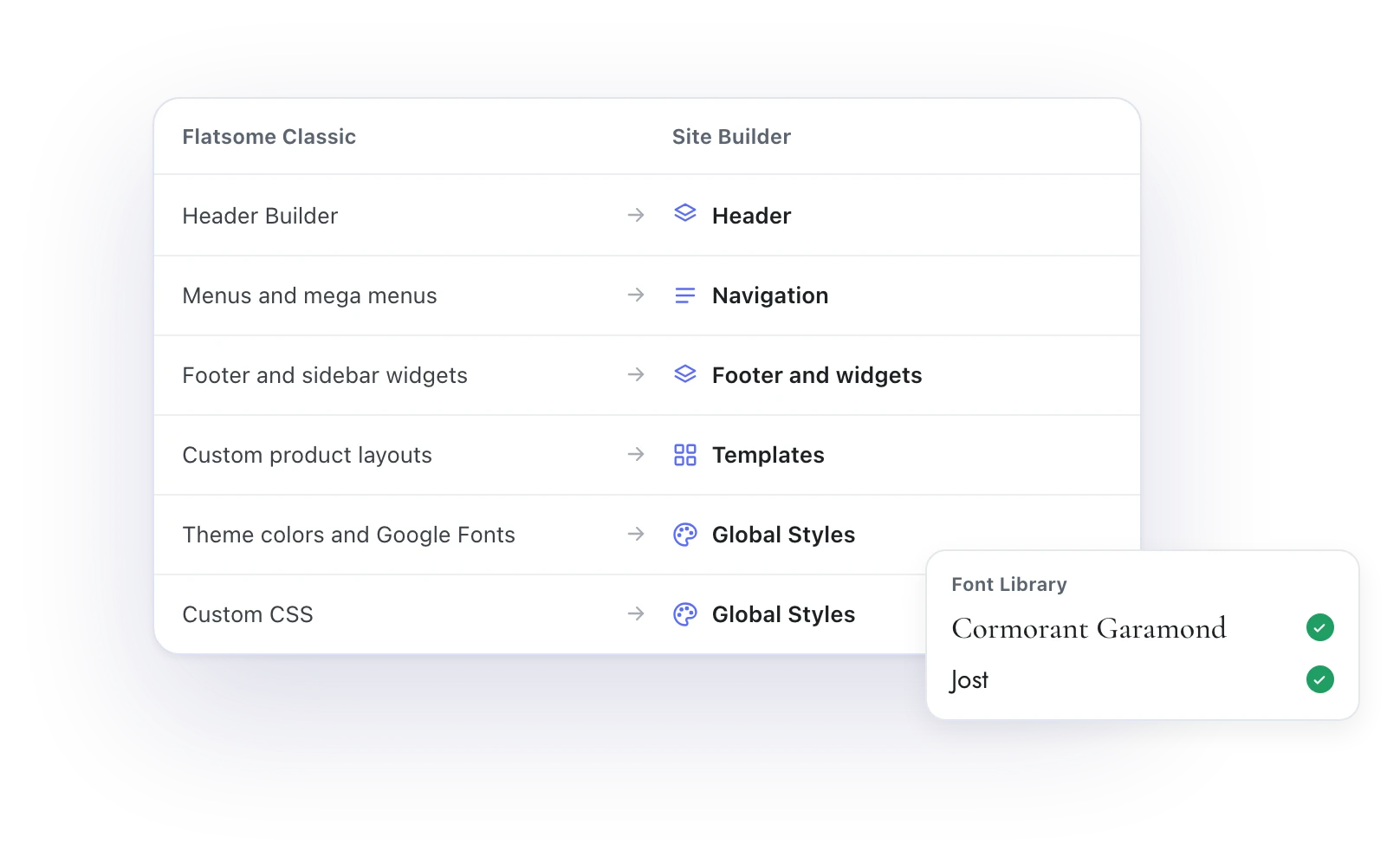
Your Header Builder layout becomes the header, with menus and mega menus as navigation. Footer, sidebar widgets, page templates and custom product layouts follow, and theme colors, Google Fonts and custom CSS move into Global Styles.
Review
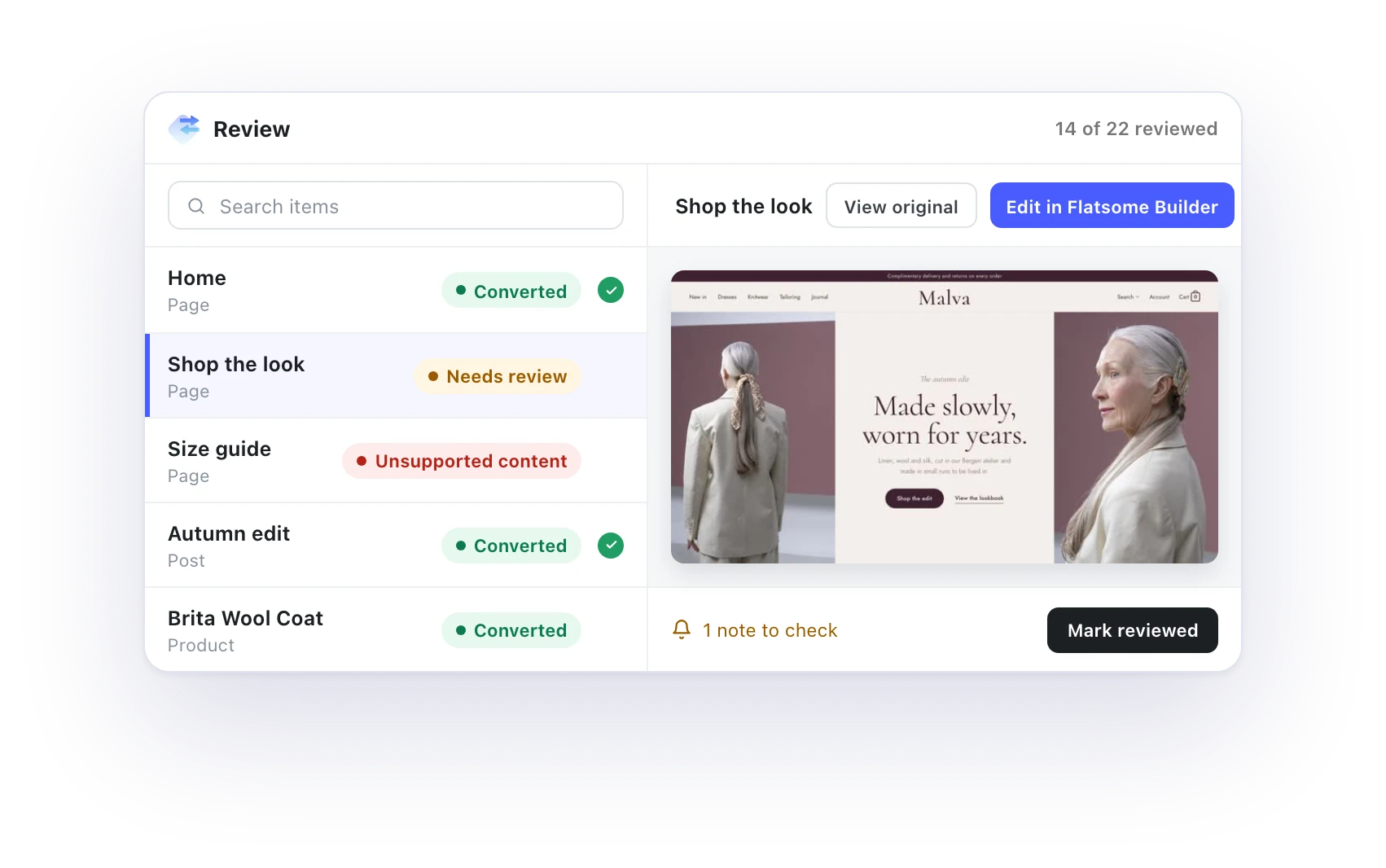
Check every page before it goes live.
Preview each converted page, compare it with the original and fix anything in the Flatsome Builder. Pages with shortcodes that have no block equivalent are flagged, so you know where to look first.
Apply
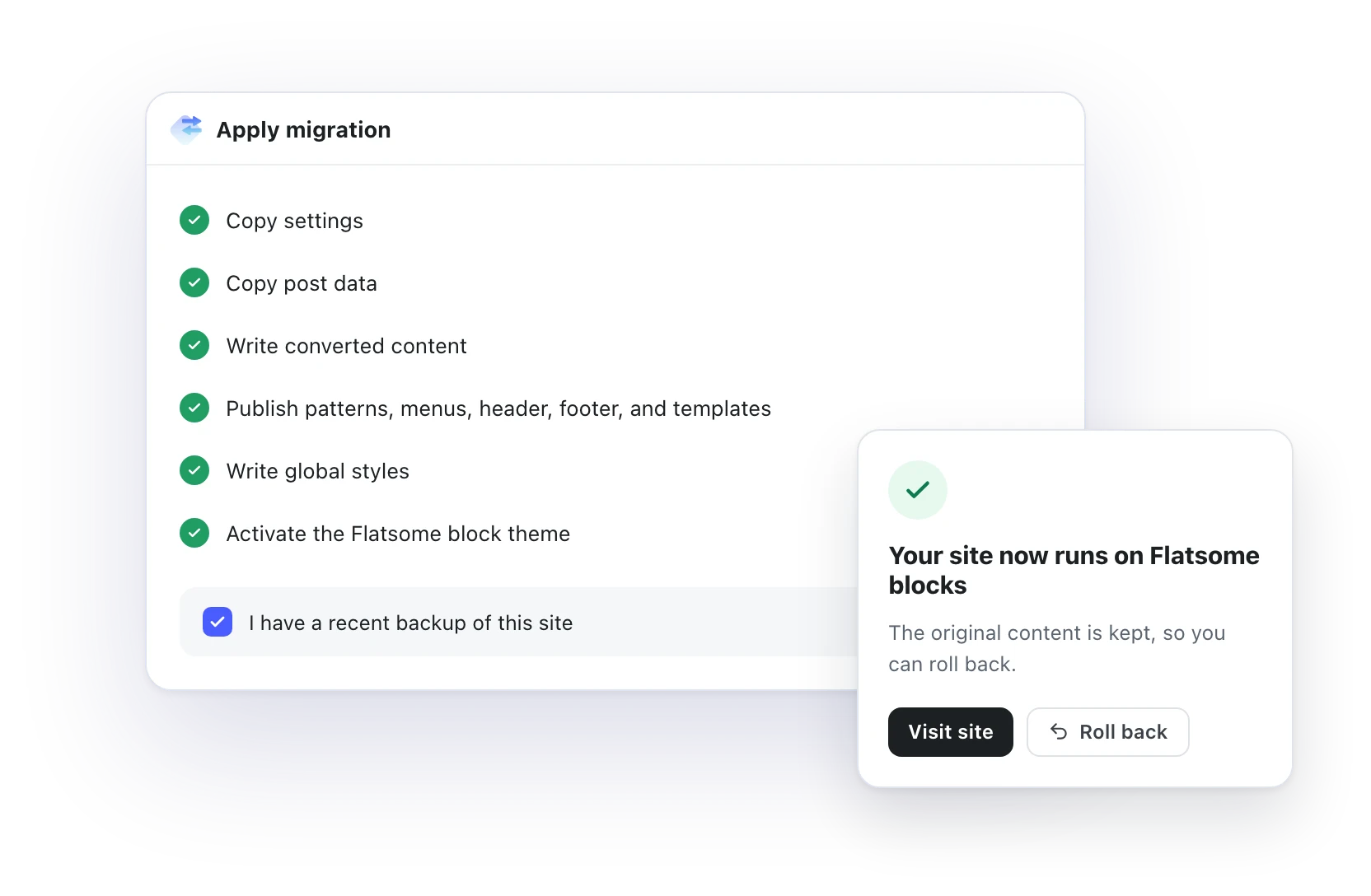
Apply in one step. Roll back if you need to.
Take a backup, then apply. Your settings, content, patterns, menus, header, footer and templates are written, Global Styles are set and the Flatsome block theme is activated. Your original content stays on the site, ready if you want to roll back.
Good to know
Built for real stores.
The details that make a move safe, whether you run it from the dashboard or the command line.
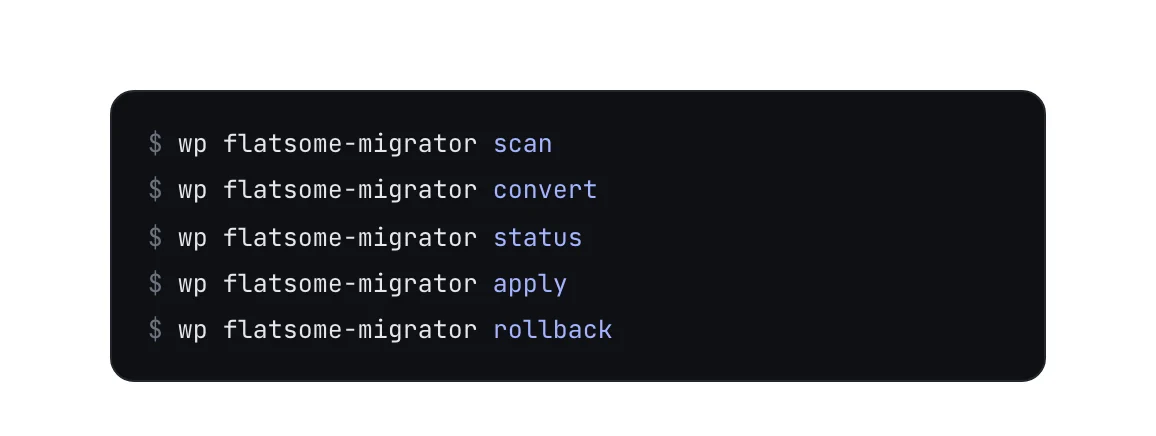
WP-CLI commands
Scan, convert, apply and roll back from the command line.
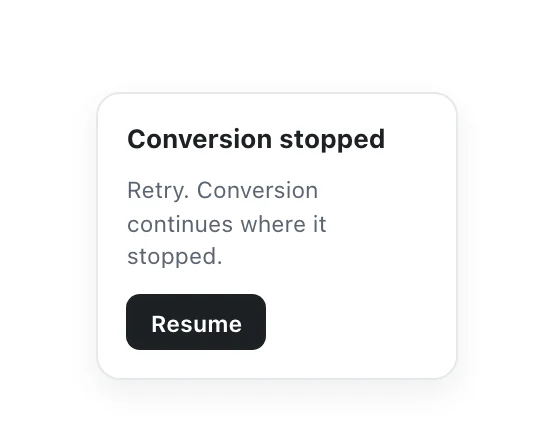
Picks up where it stopped
If conversion stops, retry and it carries on from there.

Variation images
Product variation images move into variation galleries.
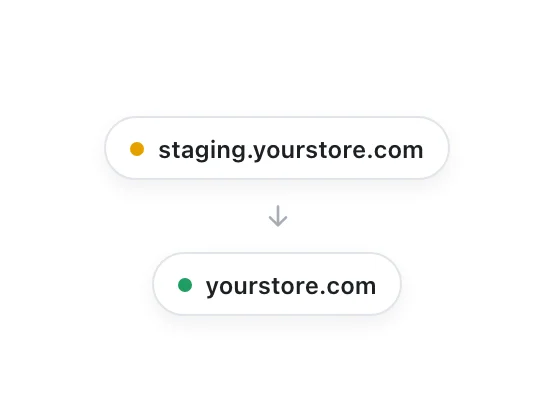
Try it on staging
Every live site includes a staging site for a trial run.
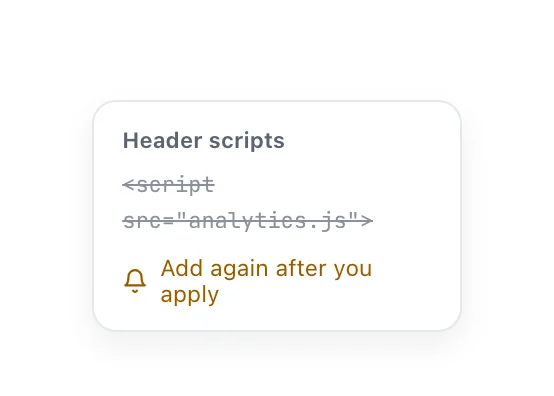
Scripts stay with you
Header and footer scripts are not migrated, so add them again after.
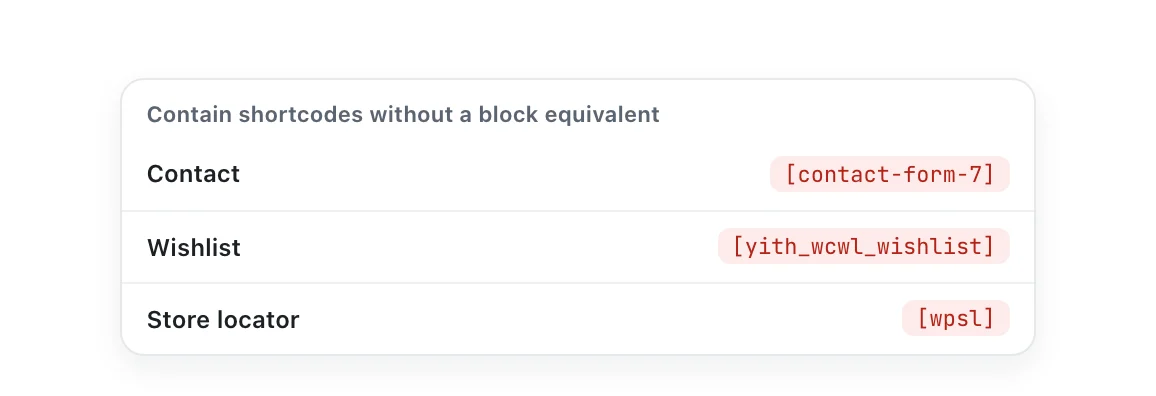
Flagged, not lost
Shortcodes from other plugins without a block equivalent are listed for review.
See what you are moving to.
Everything in Site Builder works on your migrated site from day one.
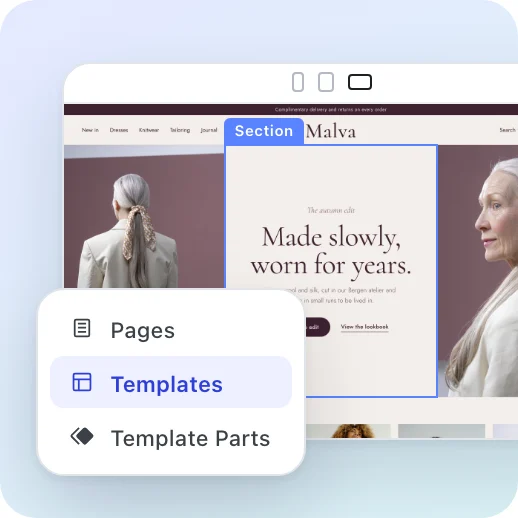

Site Builder
Pages, headers, footers and templates on one live canvas.
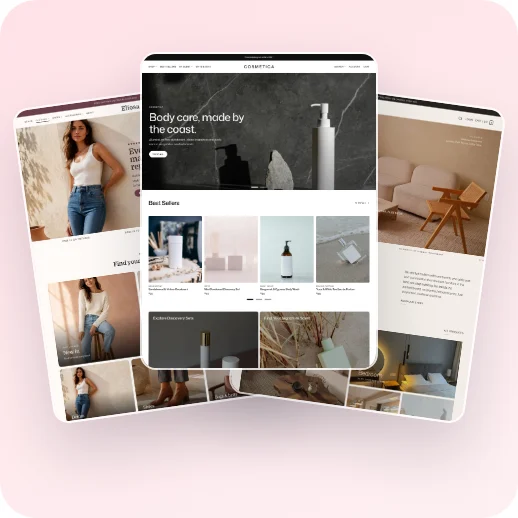

Templates
Start from a ready-made website and make it yours.
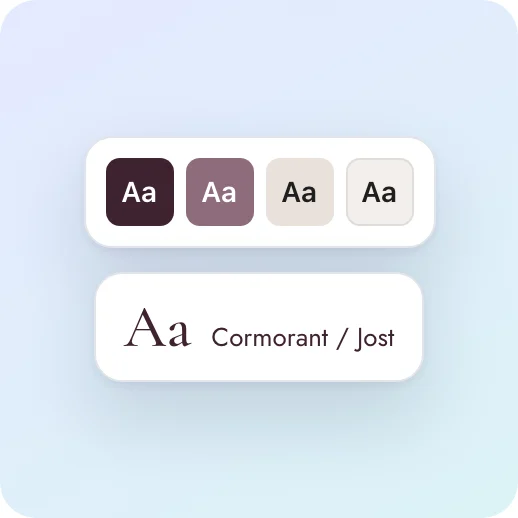

Global Styles
Colors, fonts and spacing that every block follows.
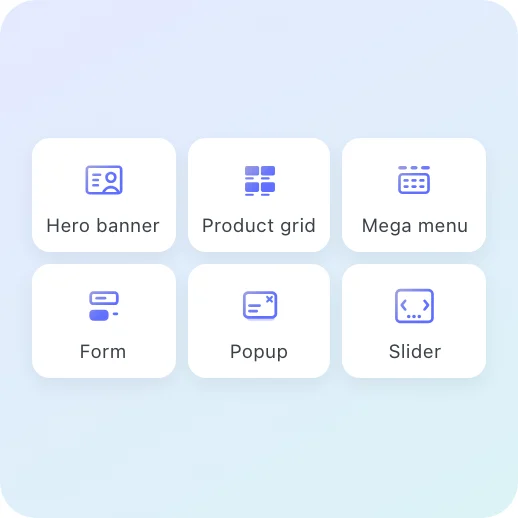

Flatsome Blocks
Over 100 responsive blocks for every section.
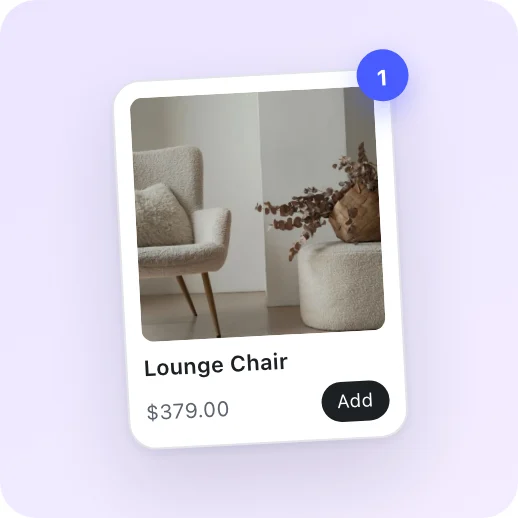

WooCommerce
Product pages, shop layouts, cart and checkout.
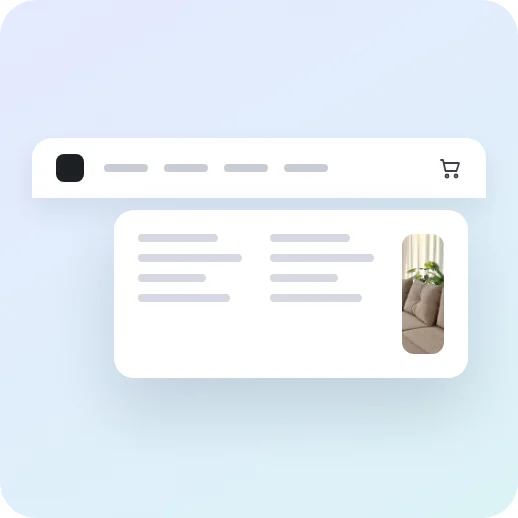
Headers and menus
Custom headers and accessible mega menus.
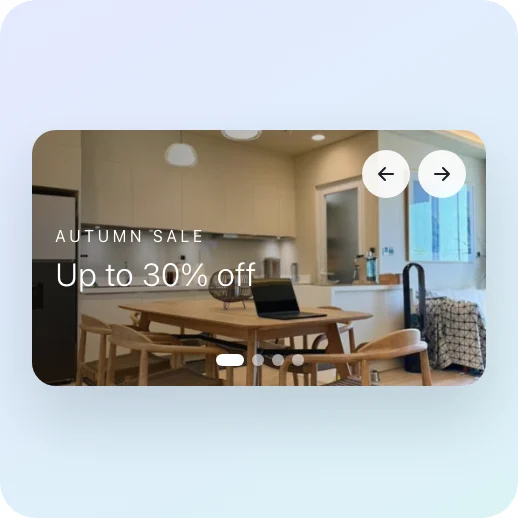
Sliders and banners
Campaign banners and slides for every launch.
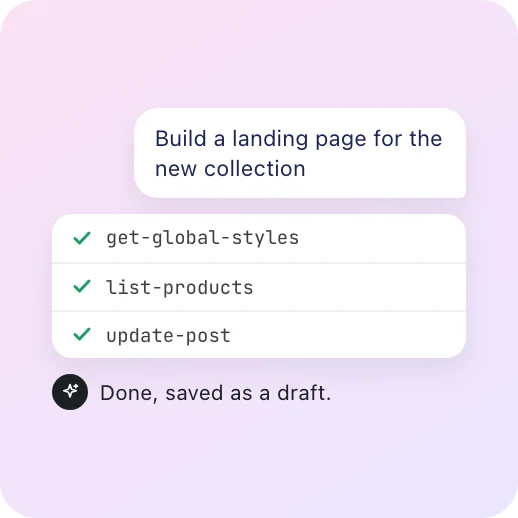

Flatsome MCP
Let your own AI agent build and edit with you.
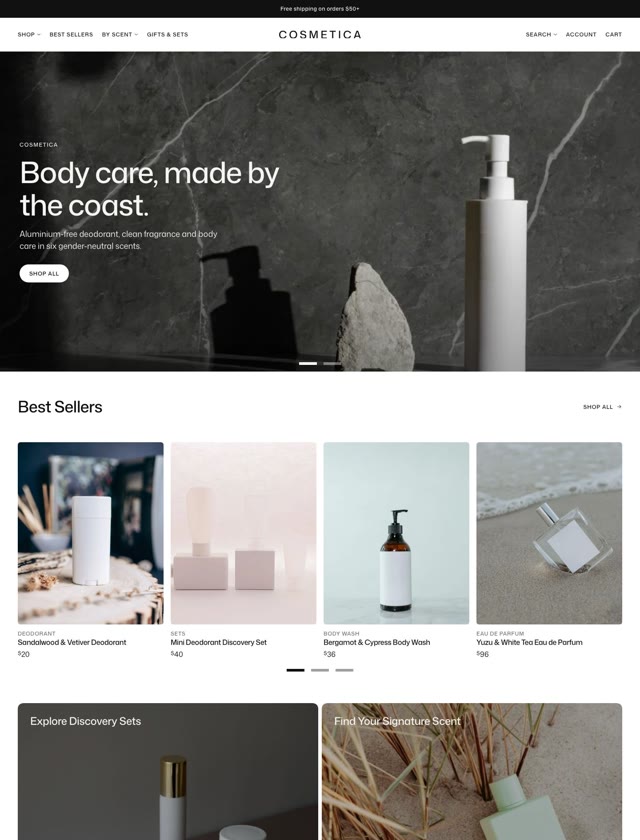
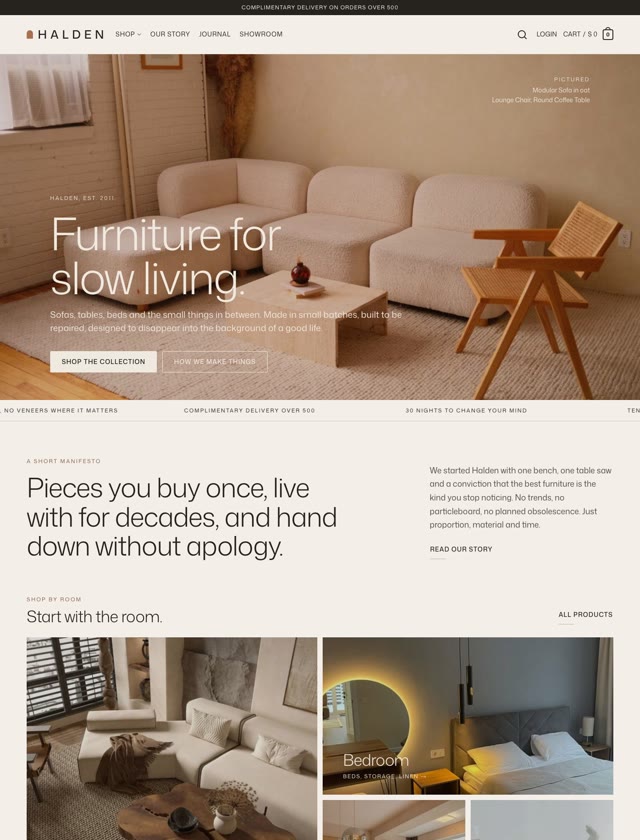
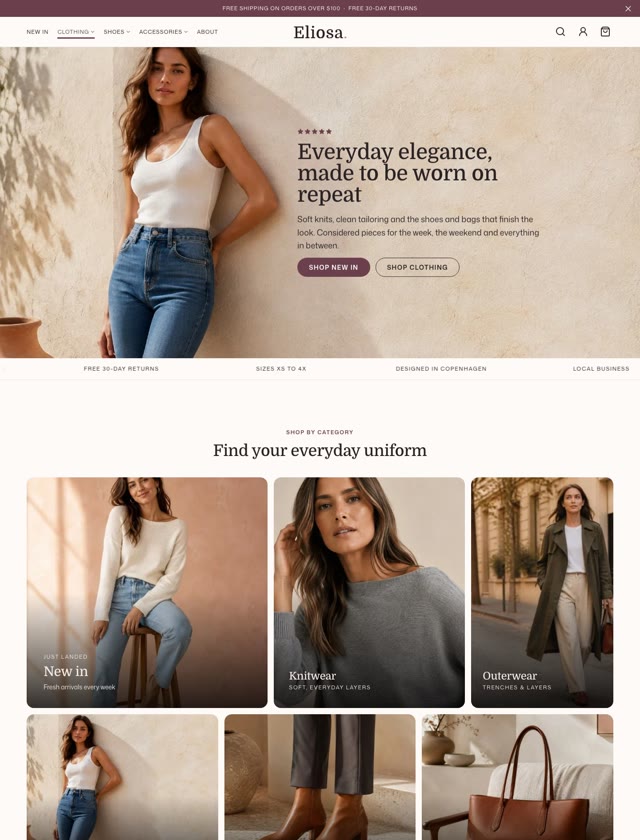
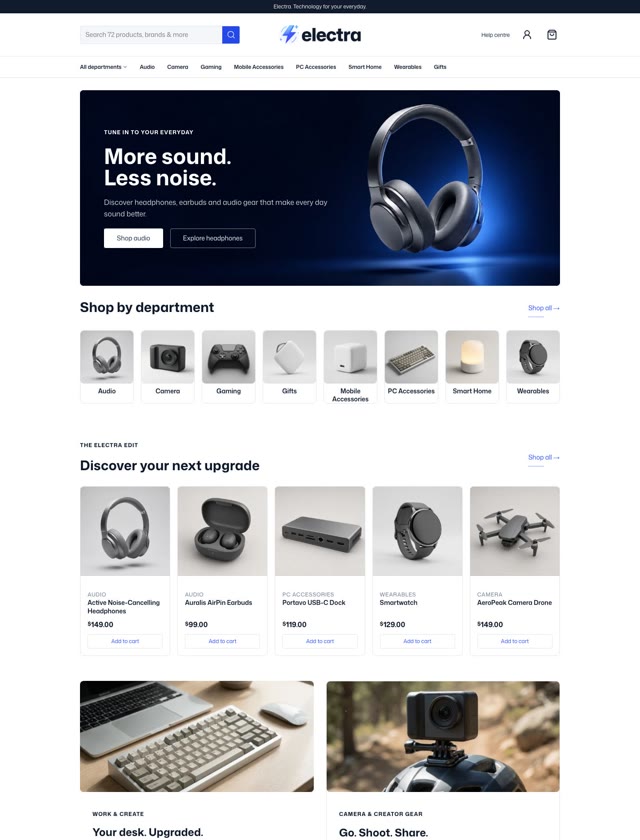

Bring your Classic site with you.
Classic customers get Site Builder first, with the migrator included. Try it on a staging copy and see your site on blocks.
Classic customers go first. 50% off your first year until November 2.