



Flatsome MCP
Do anything in Flatsome with your own AI agent
Connect Claude, ChatGPT, Cursor or any MCP client to your WordPress and WooCommerce site. Build pages, change styles, edit menus and settings, all from a chat. Powered by the WordPress Abilities API.




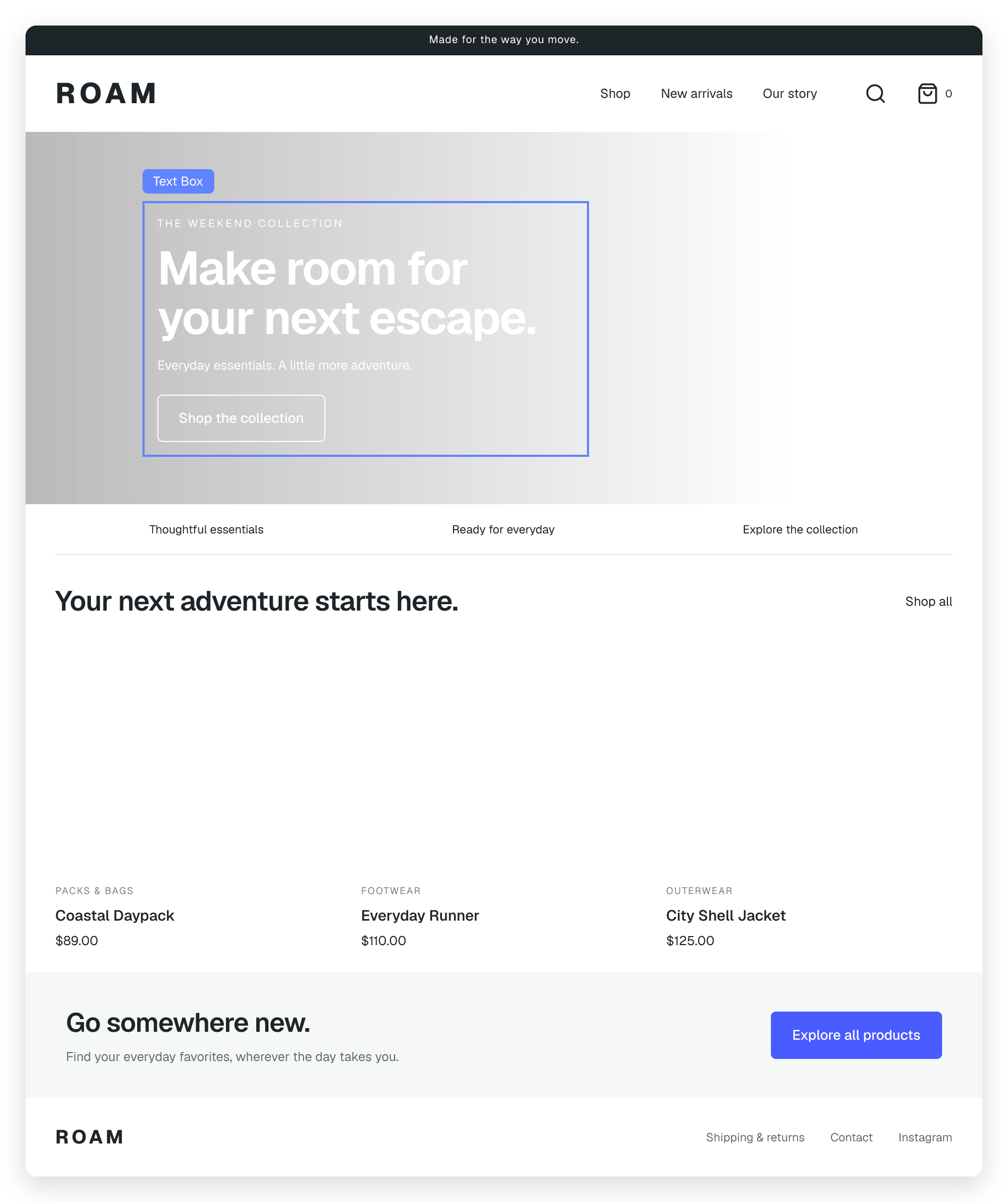
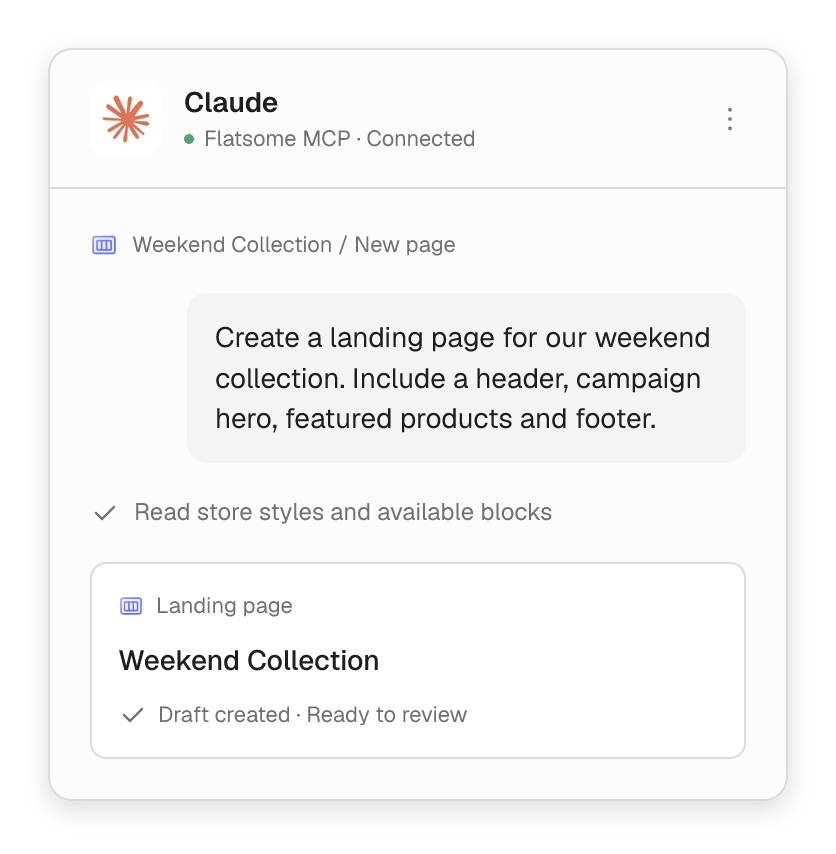
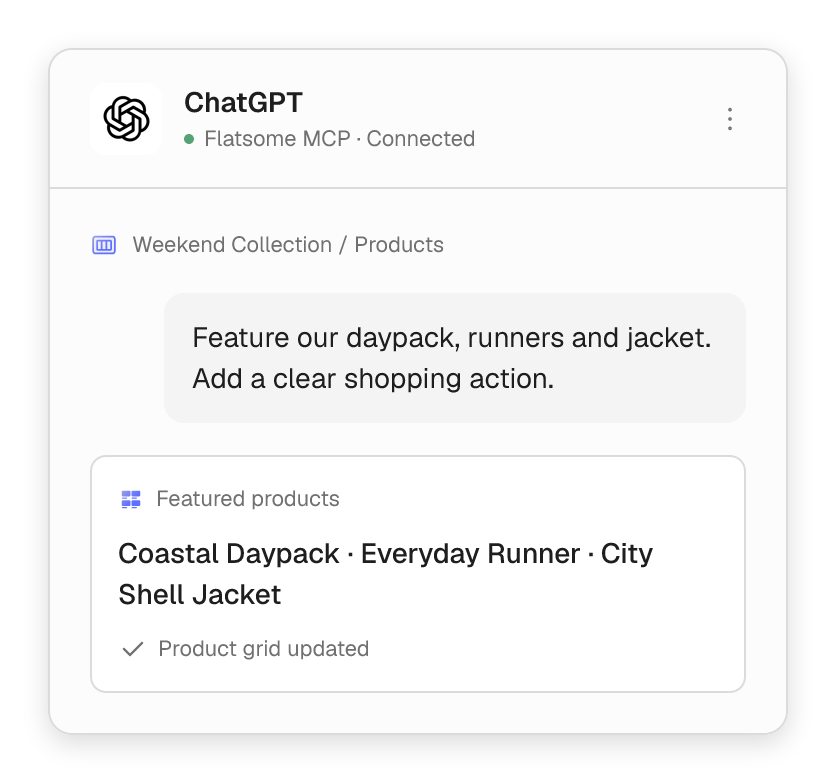
If you can do it in Flatsome, your agent can too.
Your agent works with the same pages, styles and settings you do. You decide what each agent is allowed to change.

Pages & templates
Build pages, templates, headers, footers and menus.

Find anything
Search every page, post and pattern on your site.

Reusable patterns
Create sections once and reuse them everywhere.

Styles & settings
Change colors, fonts, theme settings and site settings.

Forms & media
Build forms, read submissions and manage images.

Review & revisions
Check changes and roll back to an earlier version.

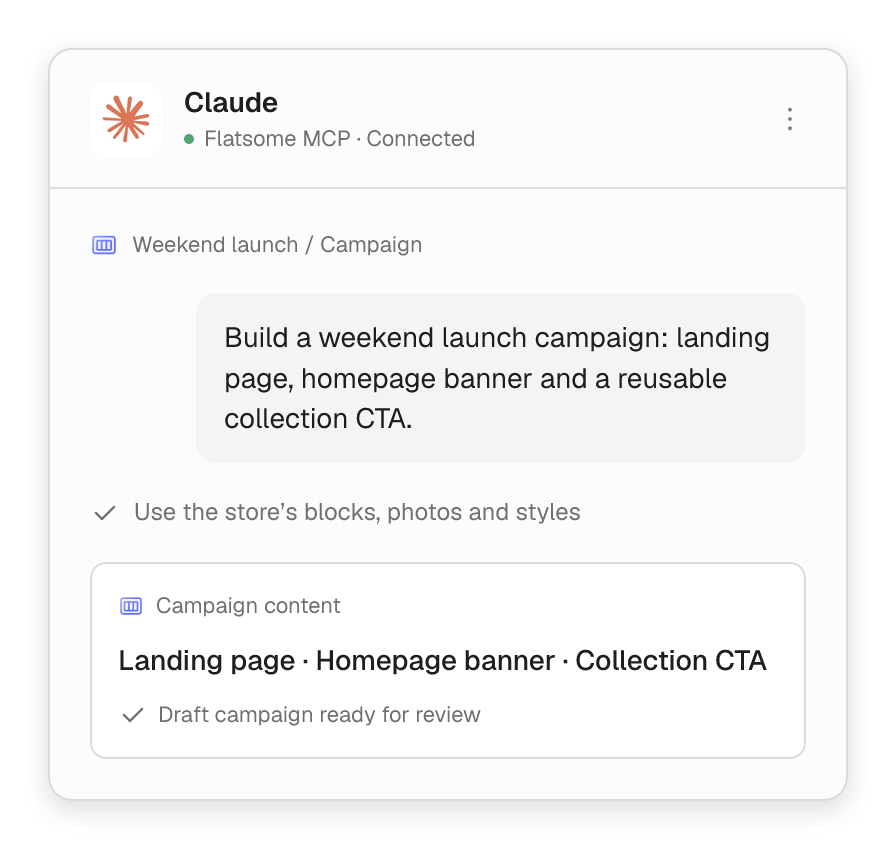
Campaigns
Launch a campaign from one message.
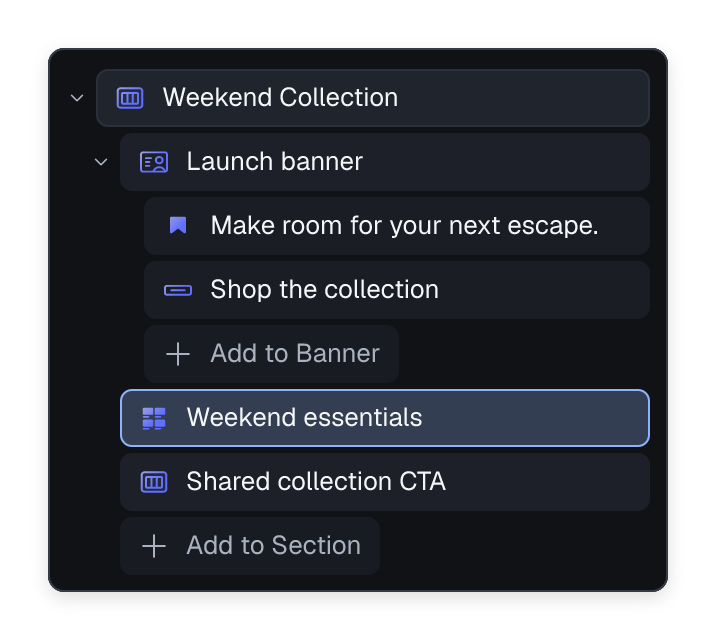
Tell your agent what you are selling and where it should appear. It builds the landing page, homepage banner and a reusable call to action with Flatsome blocks.
- Start with a new collection, a sale or a product story.
- Get page layouts, copy and shared sections.
- Fine-tune everything in Flatsome Builder.
Products
Get new products ready to sell.
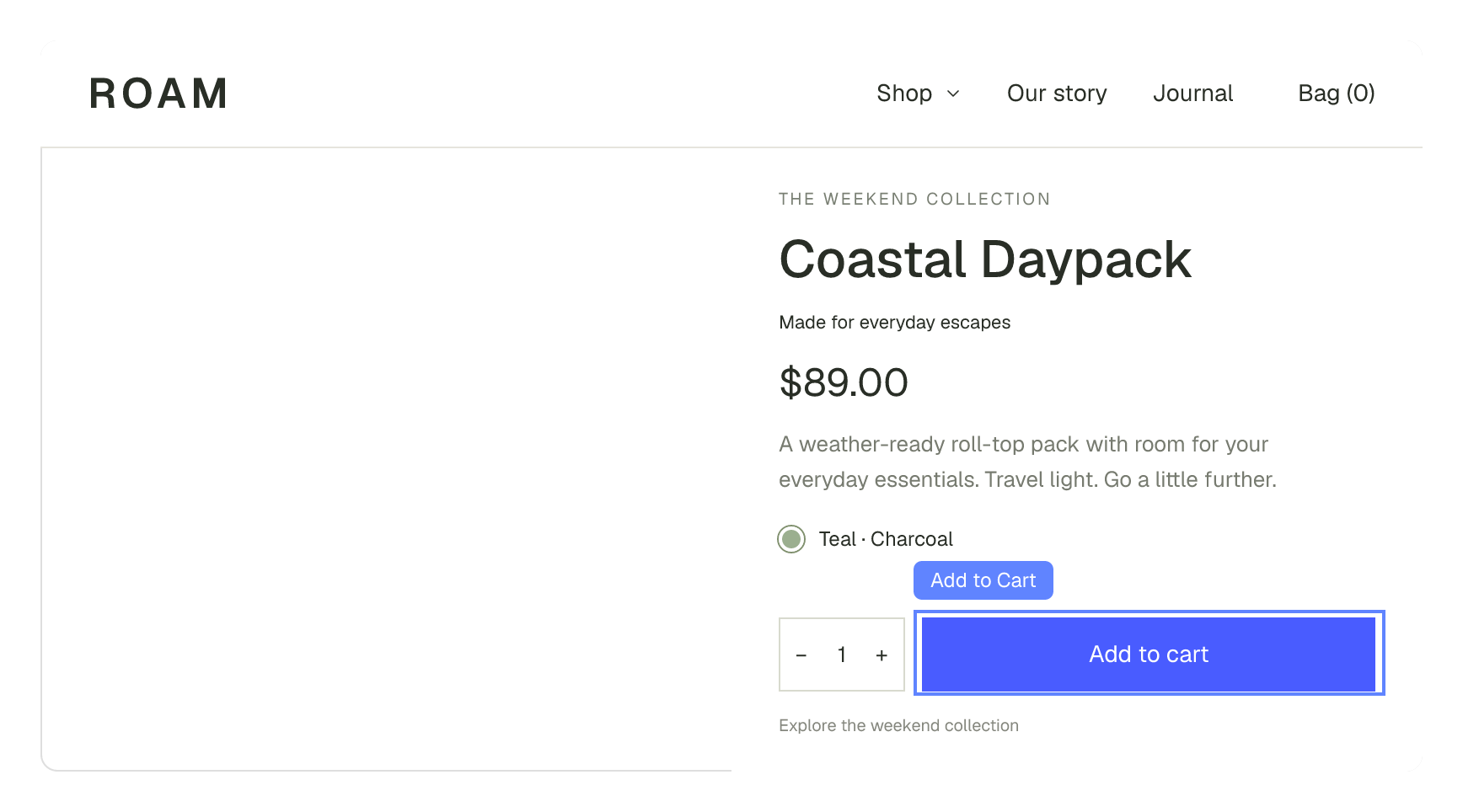
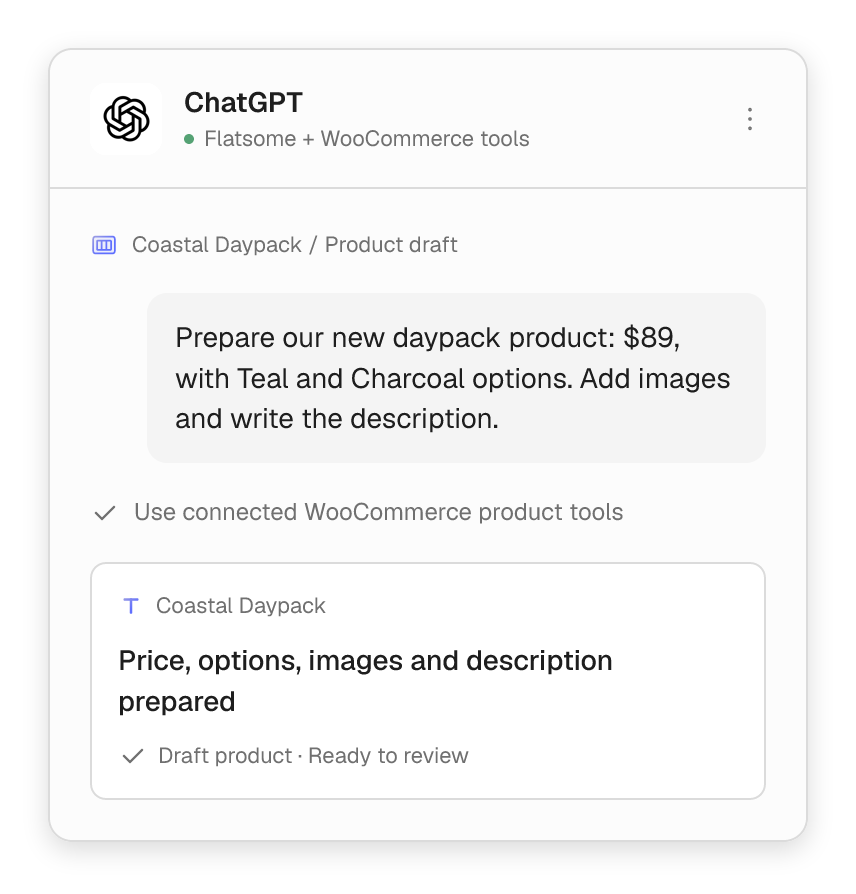
Connect WooCommerce product tools to add prices, options and images. Flatsome MCP then builds the product page and the campaign around it.
- Turn a product description into a draft.
- Add prices and variations with WooCommerce tools.
- Build the product page with Flatsome blocks.

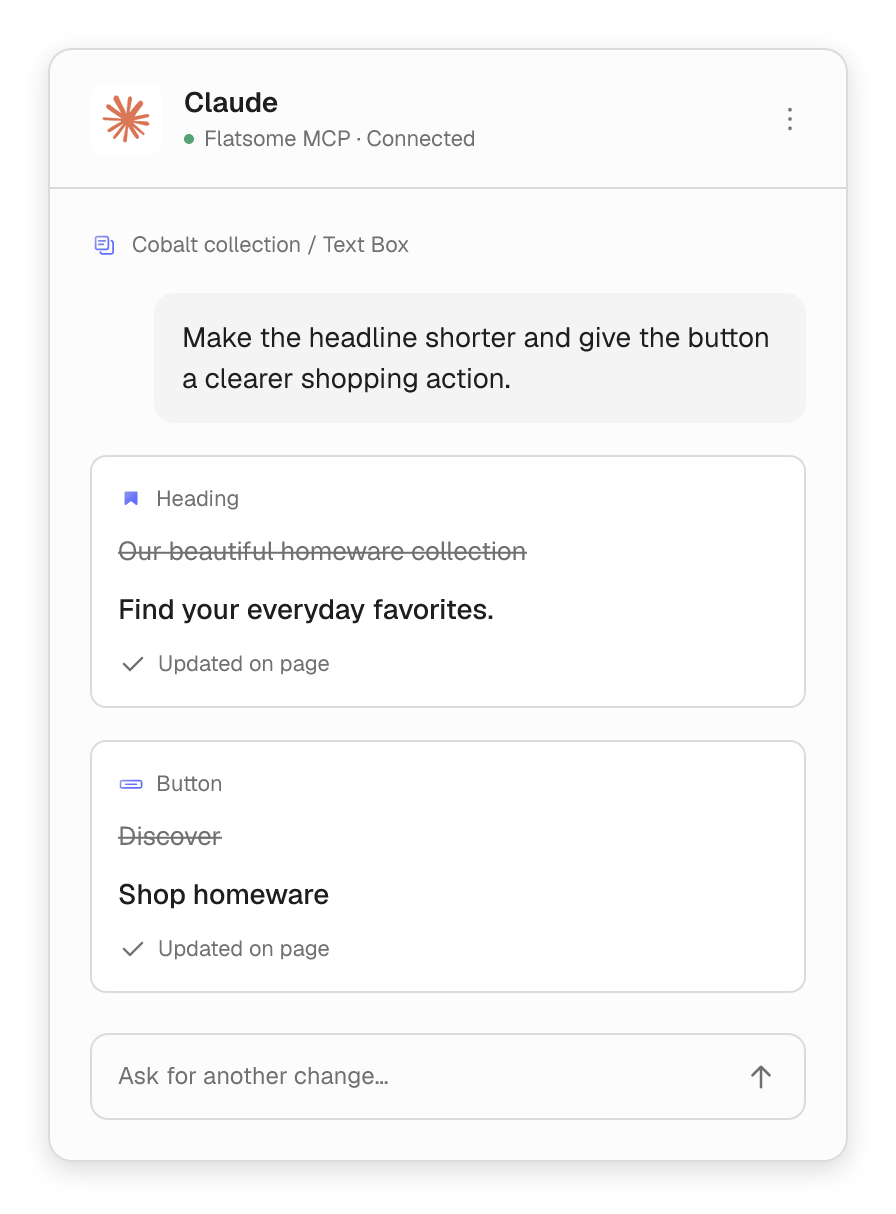

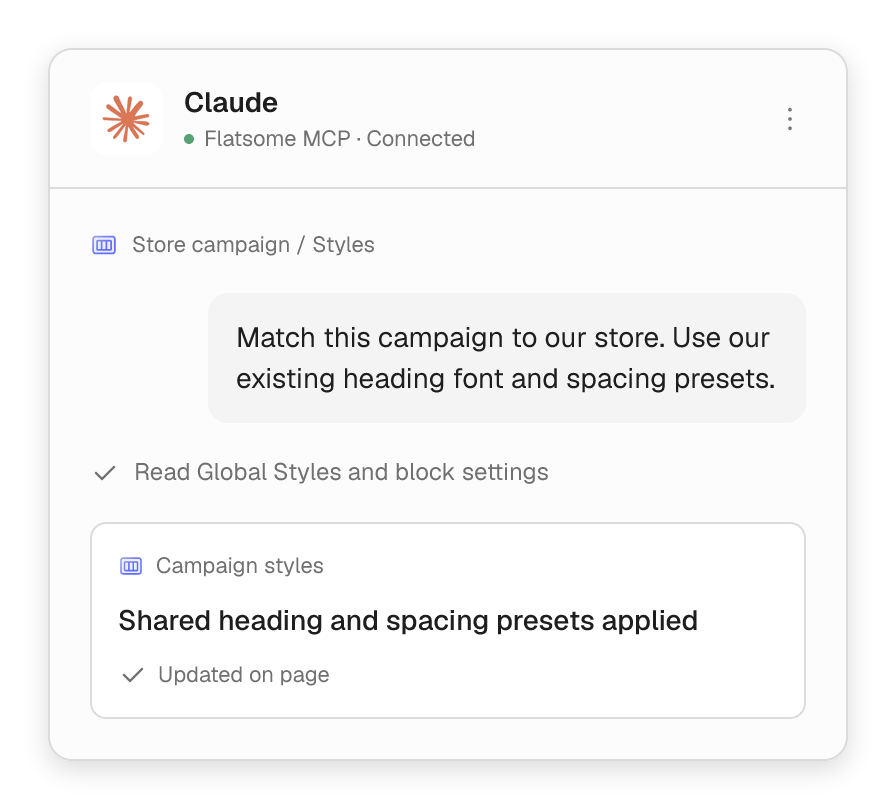
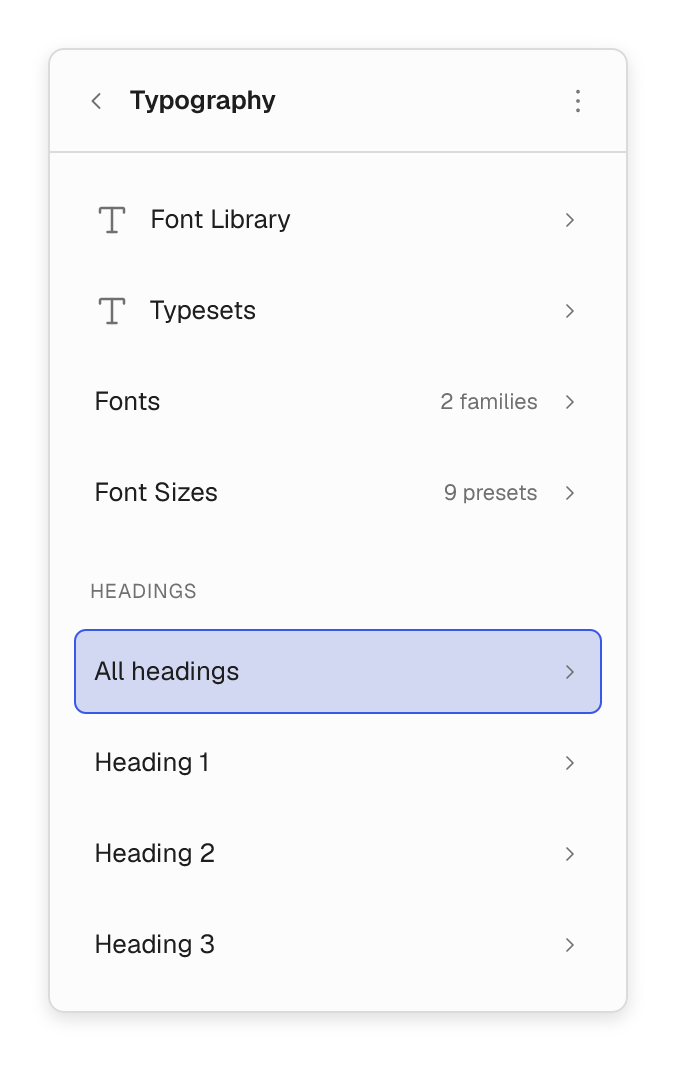
Manage the site you already have.
Update reusable promotions, put your media library to work and keep every page current, without starting over.


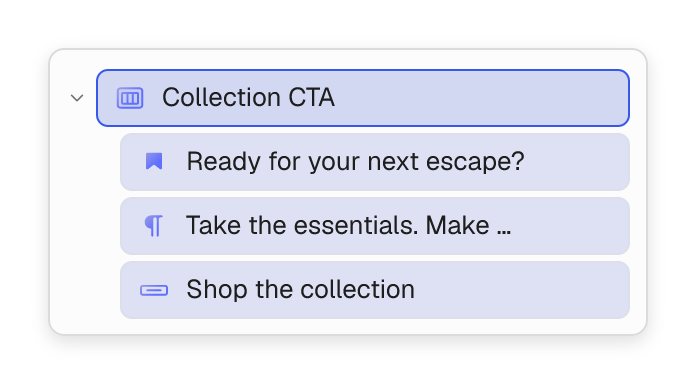
Reuse sections across your site.
Create a section once and use it on any page. Change the text on each page while the design stays the same.


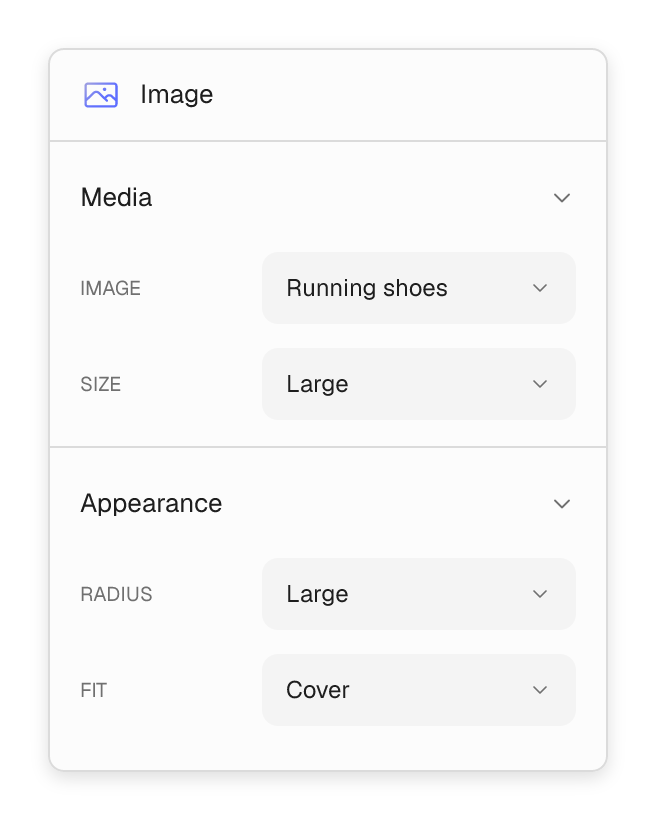
Manage your images.
Find images in your media library, upload new ones and update their details.
Connect your agent
Bring the agent you already use.
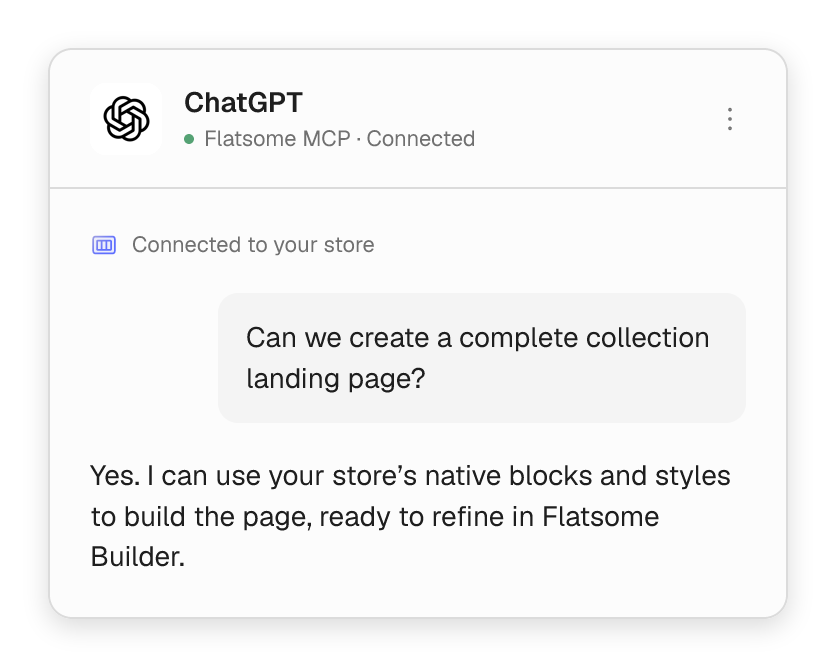
Turn on MCP Server in Flatsome, then connect Claude, ChatGPT, Cursor or any other MCP client. Available features depend on your AI app and plan.
- Copy the server address into your agent.
- Sign in with your browser, or use the setup for command-line tools.
- Choose read-only or edit access for each connection.
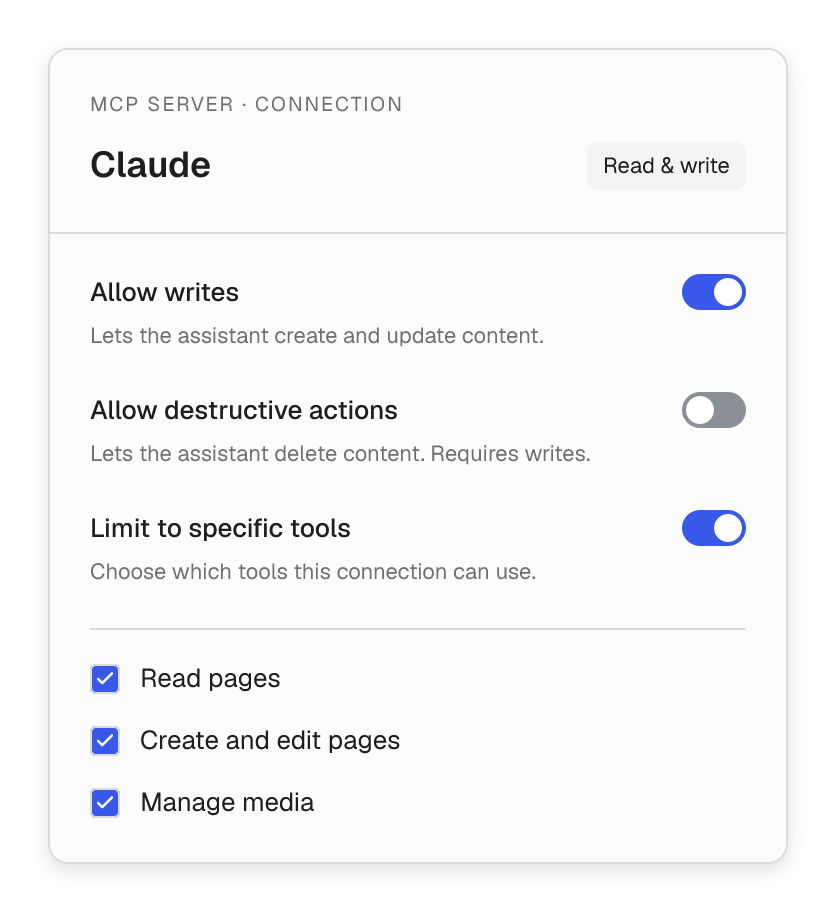
Connection permissions
Give each agent the access it needs.
Each connection has its own access. Start read-only, then allow edits and choose which tools it can use.
- Allow edits and deletions separately.
- Limit a connection to specific tools.
- WordPress user roles still apply.
- Revoke access at any time.
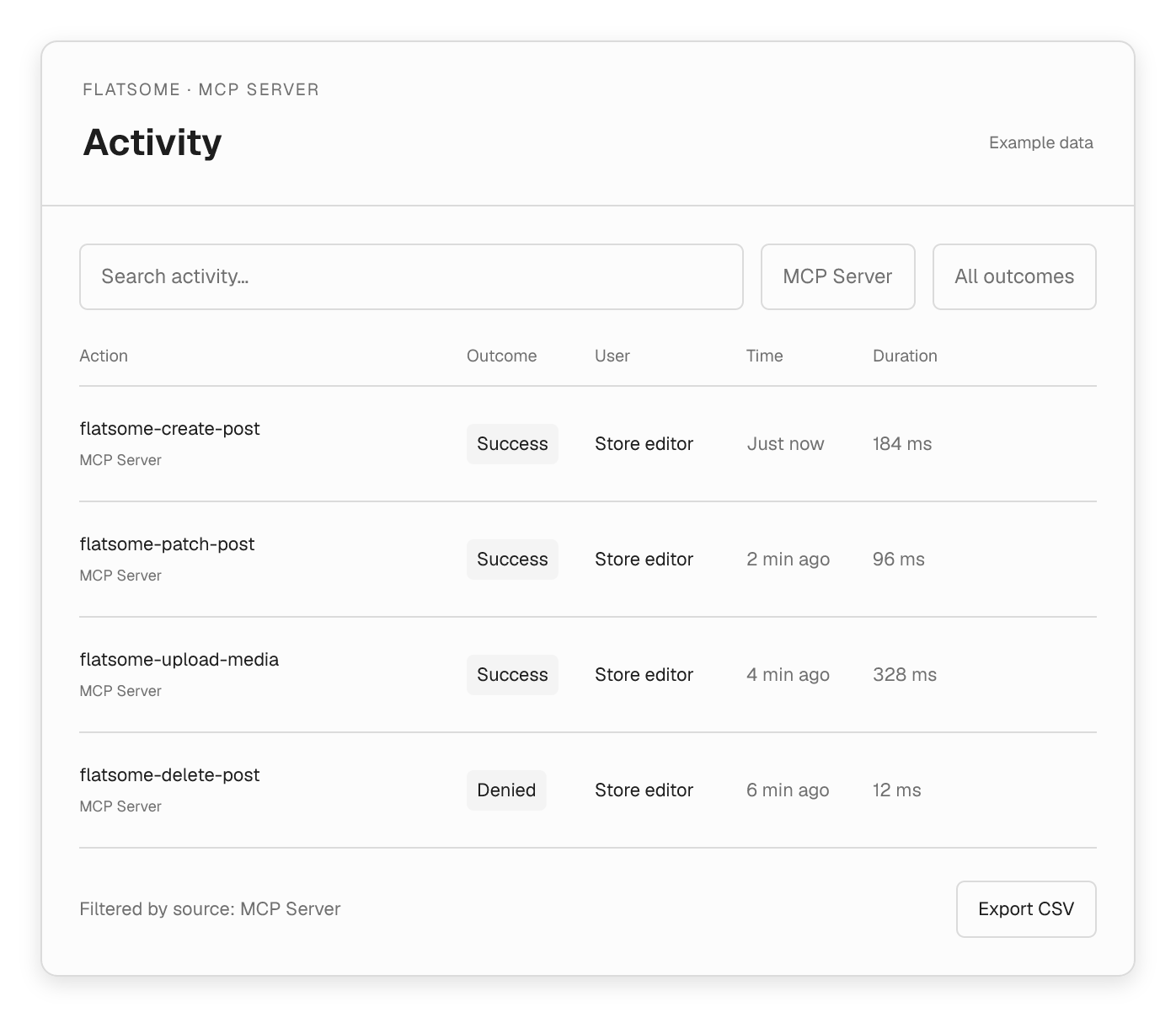
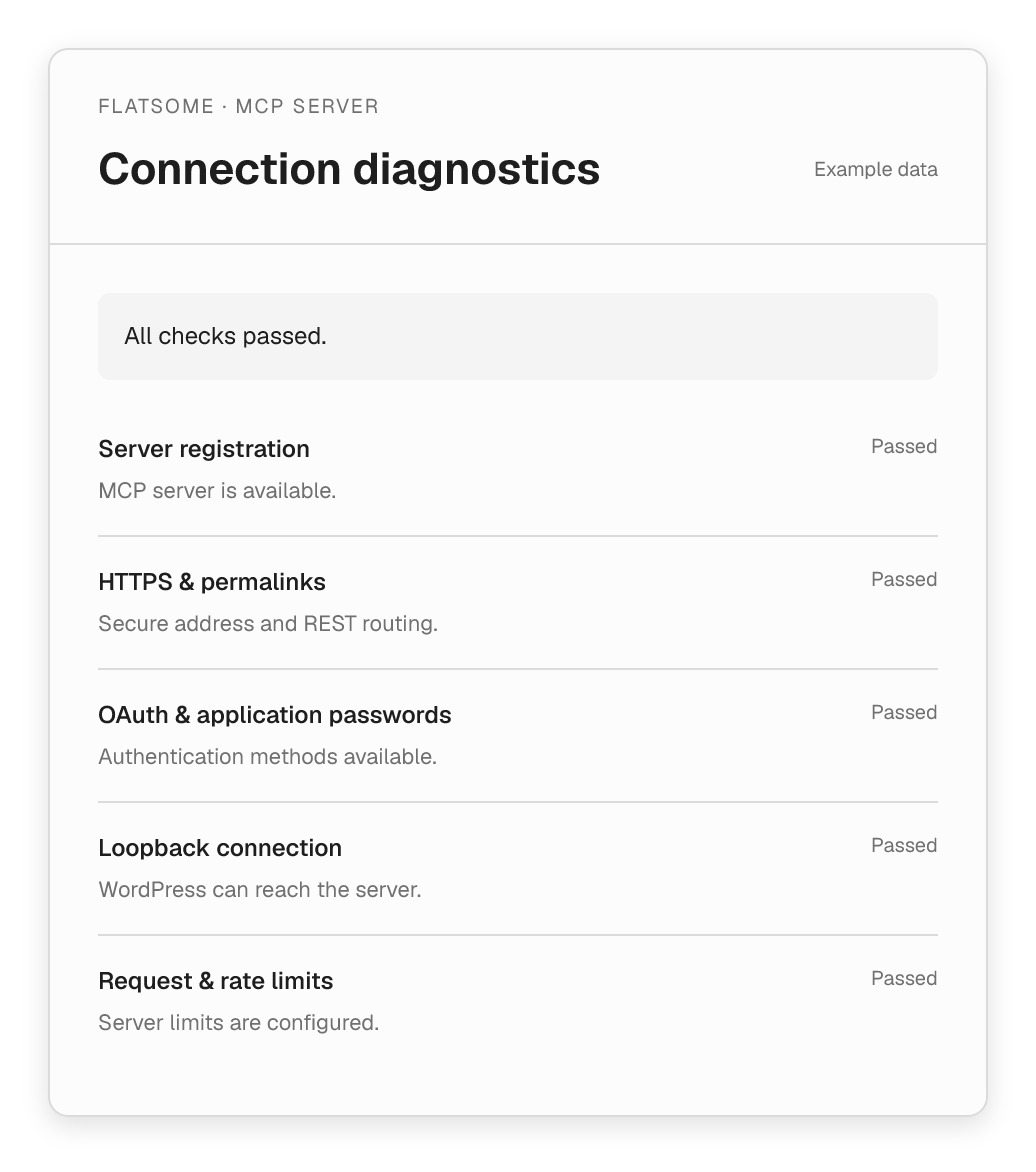
Connection diagnostics
Fix connection problems fast.
Built-in checks show whether your site is ready for your agent, and what to fix if it isn’t.
- Check HTTPS, permalinks and sign-in.
- Confirm the MCP server is set up correctly.
- Test that your agent can reach your site.
- Spot caching, CDN or firewall issues.
Powered by the WordPress Abilities API.
Your agent uses real WordPress tools, not screen scraping. Every change follows your site’s permissions.
Easy sign-in
Connect with a browser sign-in, or use an application password for command-line tools.
No lost edits
If someone else changes a page first, your agent reloads it before saving.
Checked before saving
Pages are checked before they are saved. If something is wrong, your agent fixes it and tries again.
Undo with revisions
Go back to an earlier version of a page with WordPress revisions.
Secure connection
HTTPS, rate limits and other safeguards are built in.
Standard WordPress abilities
Each tool is a WordPress ability with its own permission check.