






Visual header builder
Build your header, block by block.
Bring your logo, navigation and useful actions together in one layout. Edit your header on the canvas with the same blocks and controls you use across the rest of your site.
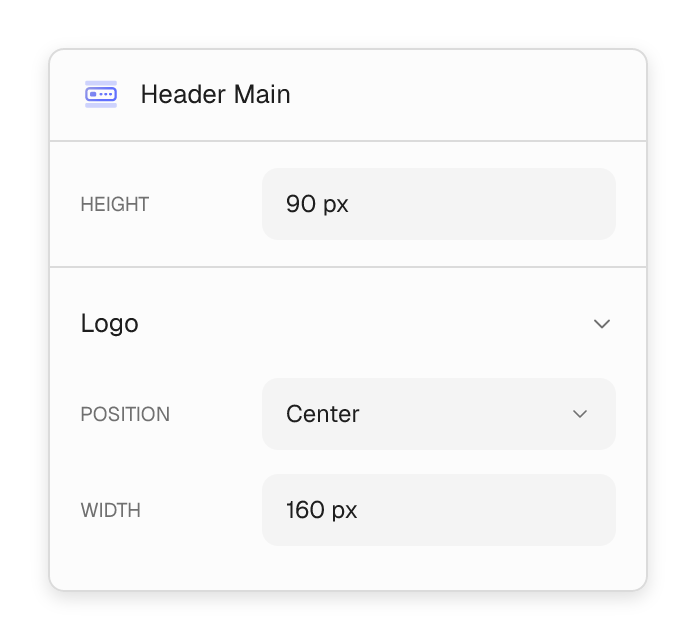
- Position your logo on the left or in the center.
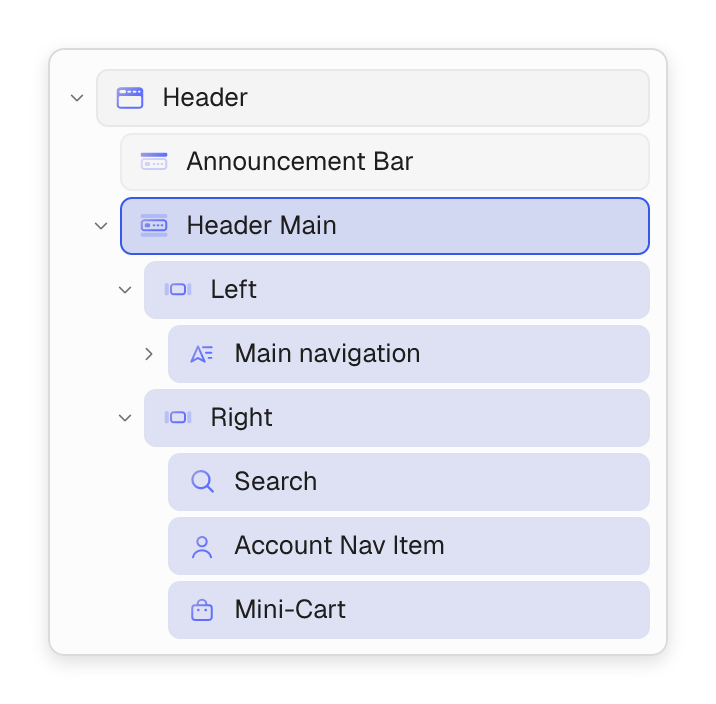
- Arrange navigation and actions in the left and right header columns.
- Add extra rows for utility links, contact details or promotions.
Mega menu builder
Turn your menu into a place to explore.
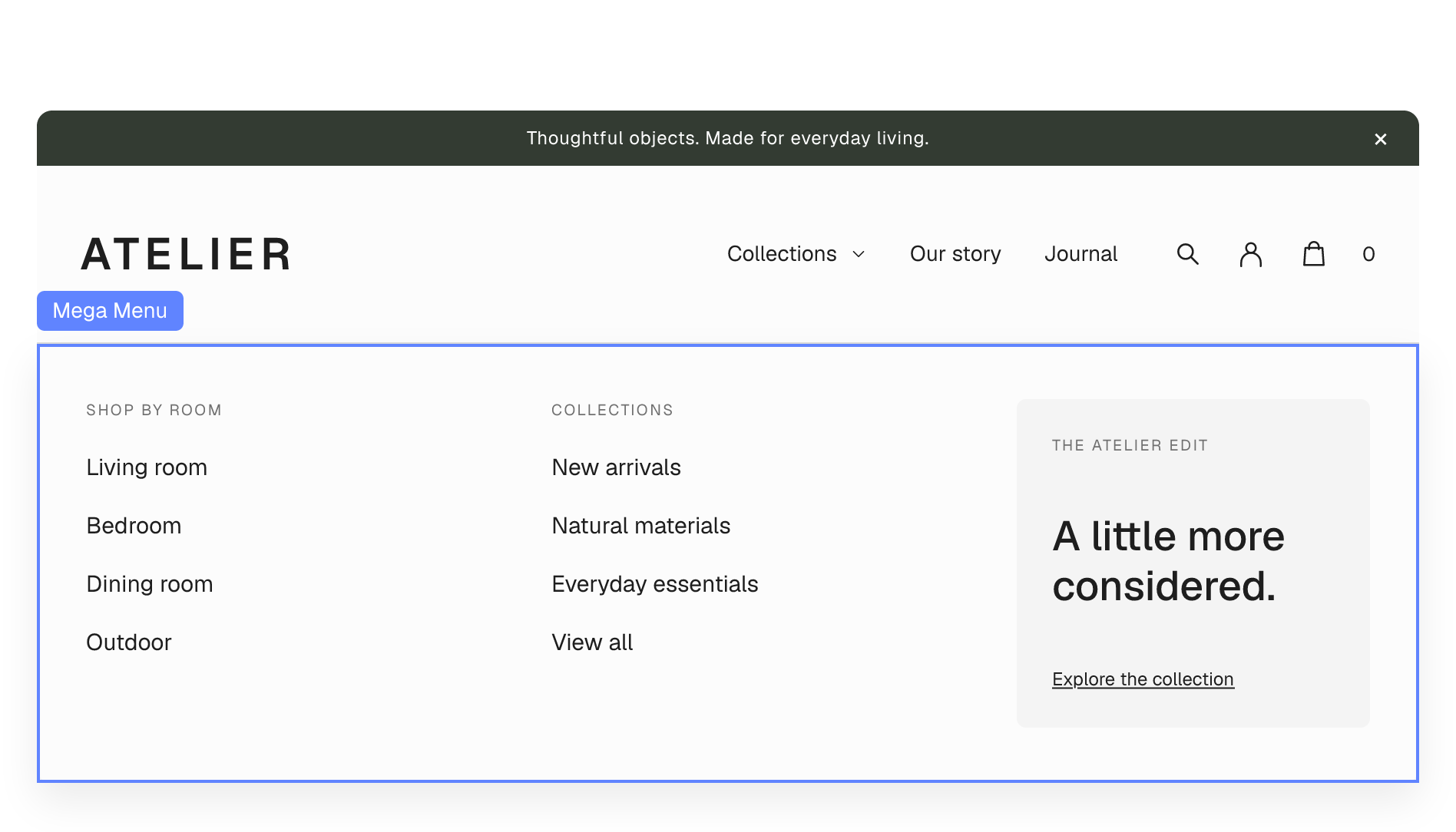
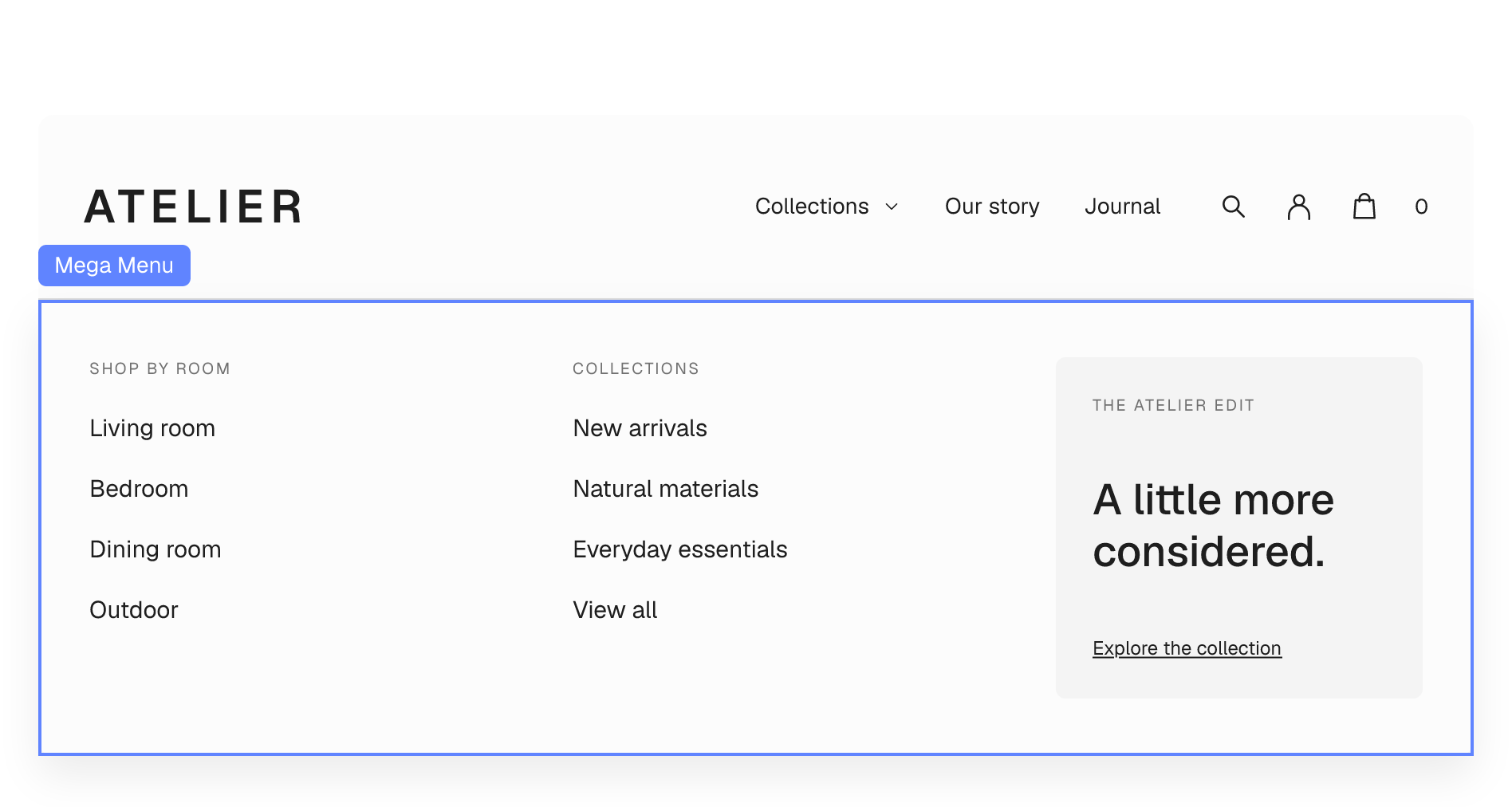
Go beyond a list of links. Build a menu with columns, images, banners and featured collections, all inside the visual builder.
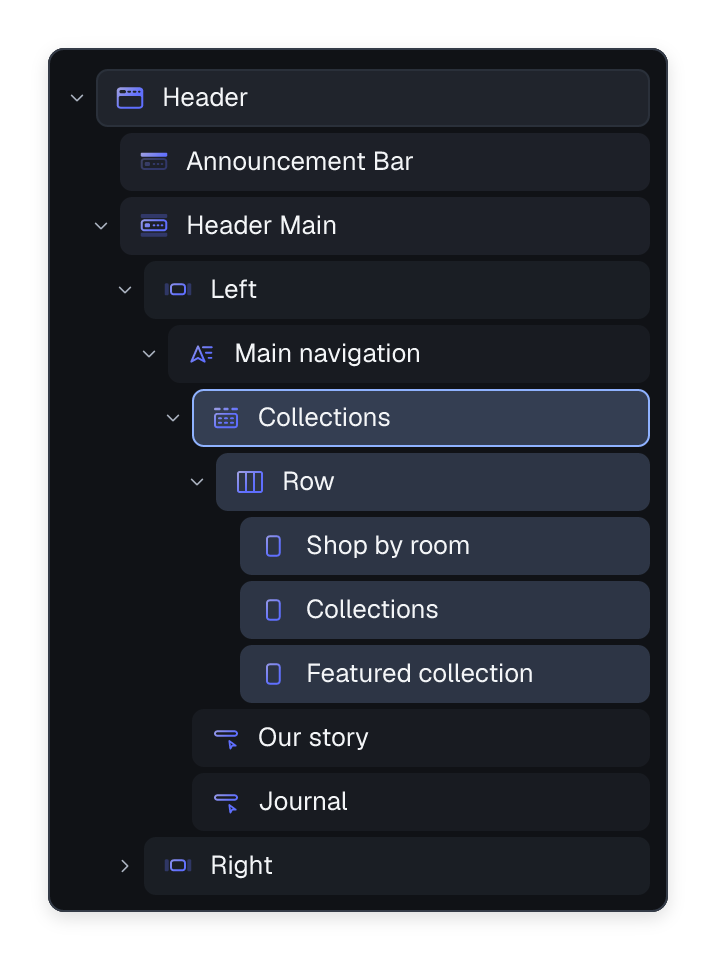
- Compose menu content from the same blocks as your pages.
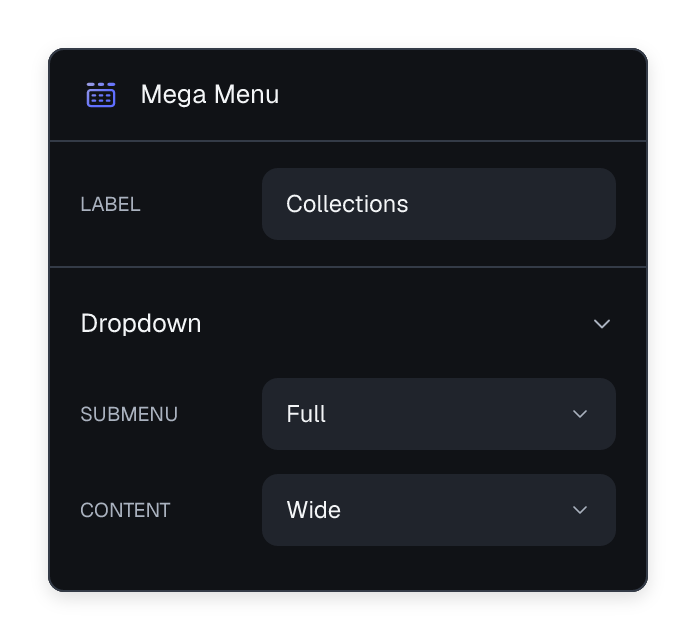
- Choose wide or full-width dropdown layouts.
- Group links clearly and give your featured content room to stand out.




Live search
The right product, as they type.
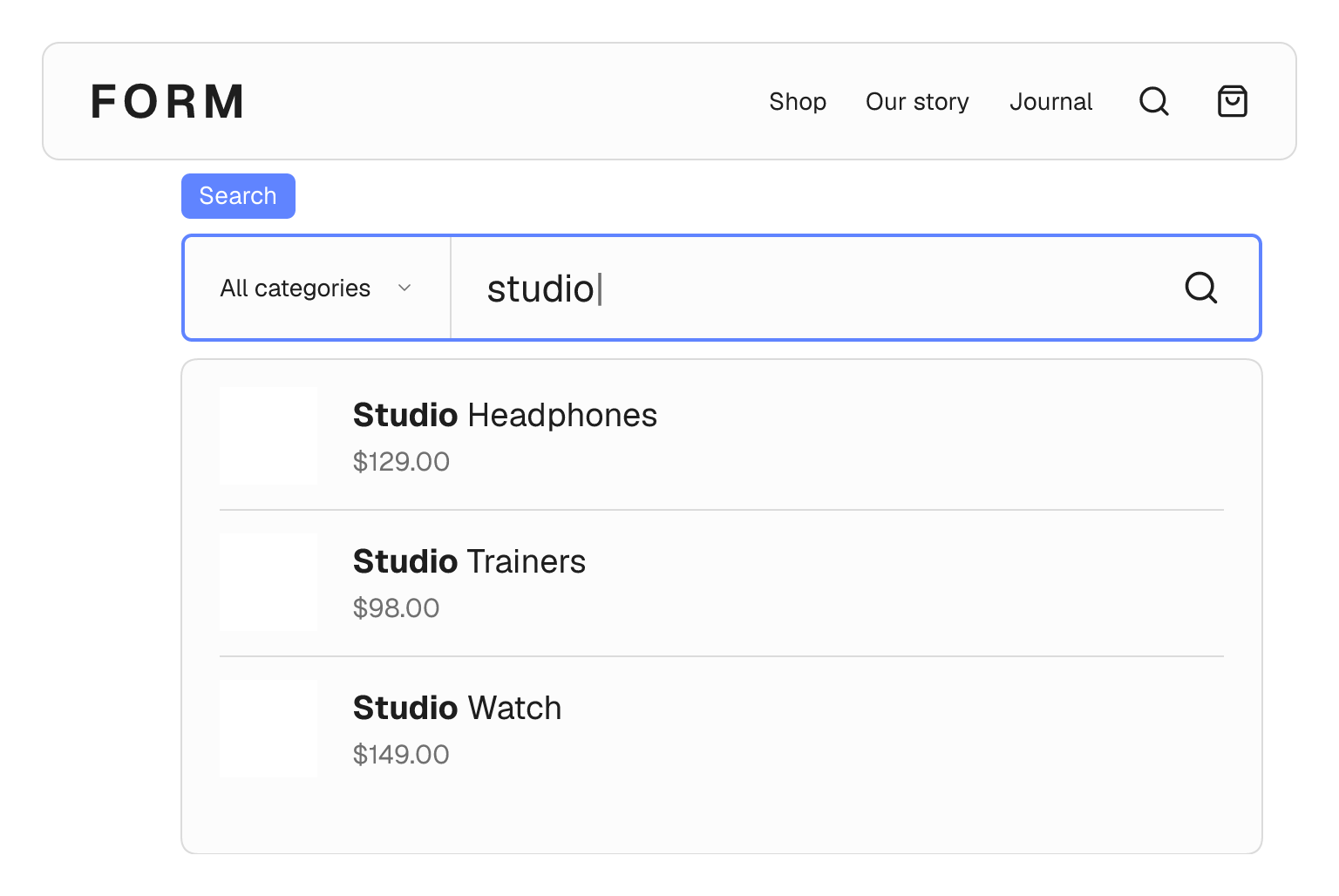
Turn your header into a shortcut to your catalog. Show matching products while shoppers type, with photos and prices to help them choose.
- Show product results without reloading the page.
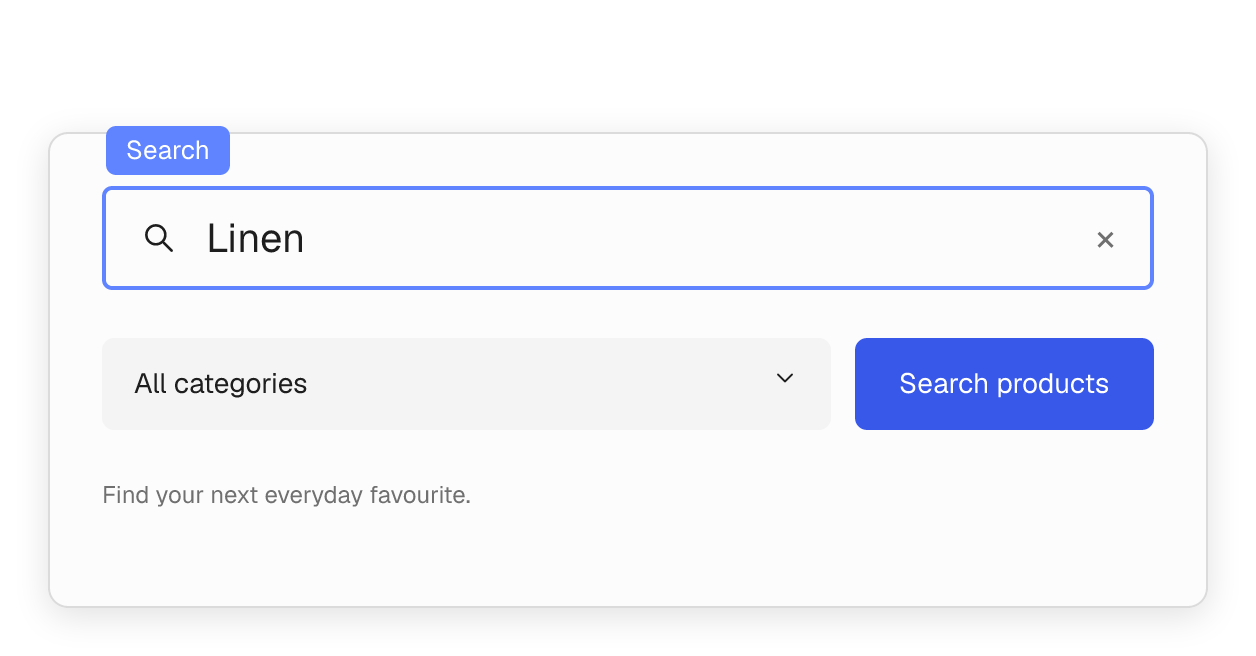
- Let shoppers narrow results by product category.
- Enable matching by product SKU and product tags.

Mobile & off-canvas navigation
A small screen. A complete experience.
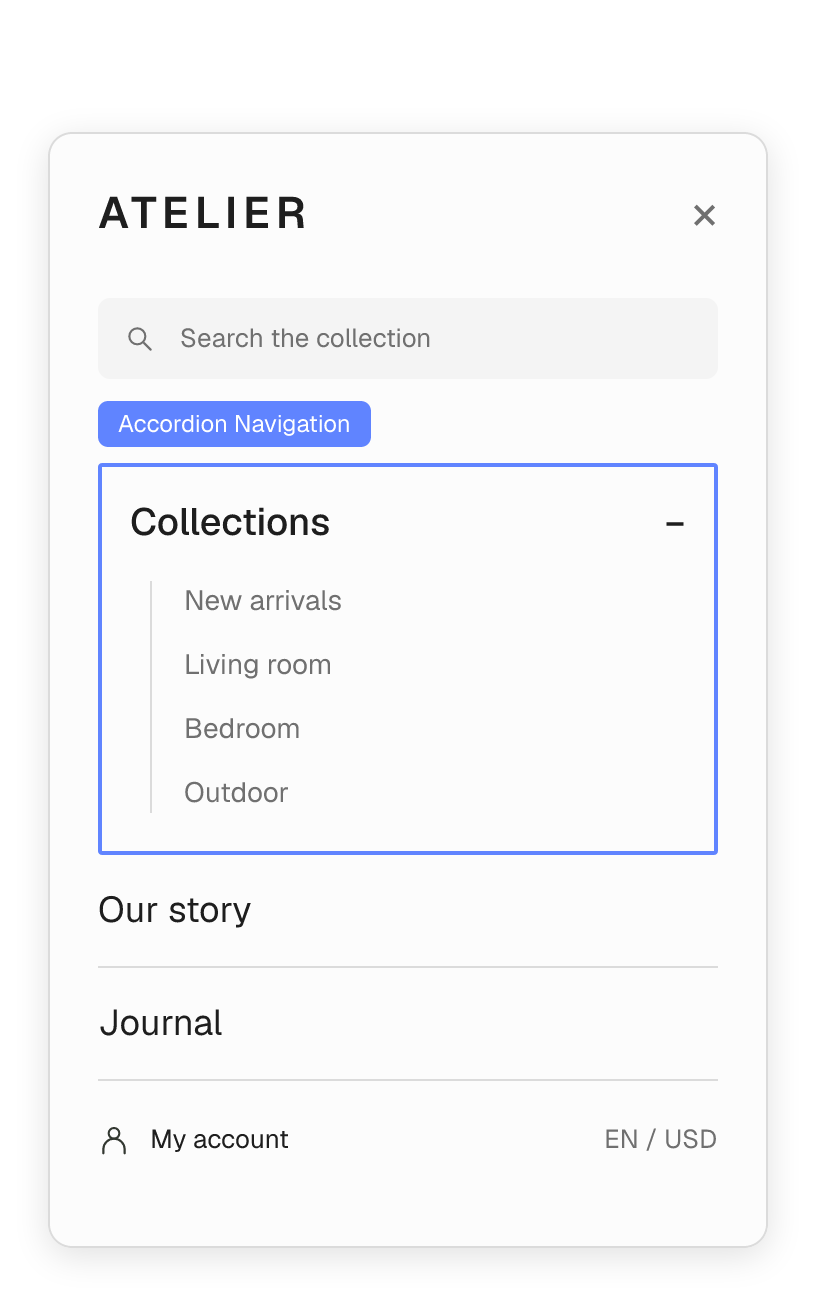
Give mobile visitors a menu that is easy to browse. Open a side drawer or a full-screen overlay, and bring search, navigation and account links into one clear view.
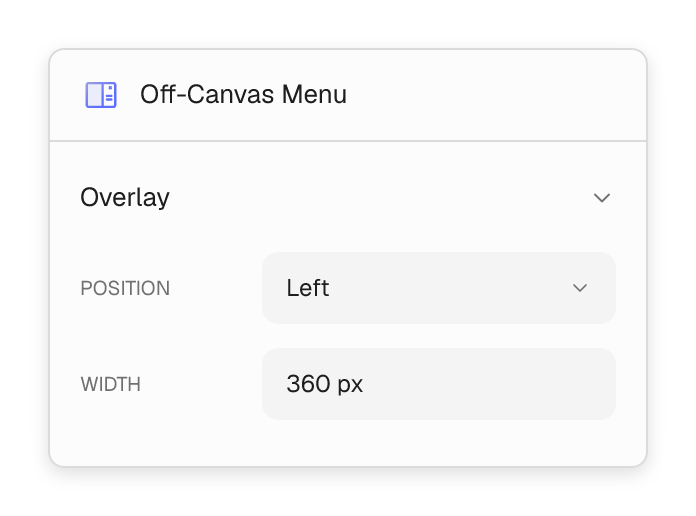
- Choose a left drawer, right drawer or full-screen menu.
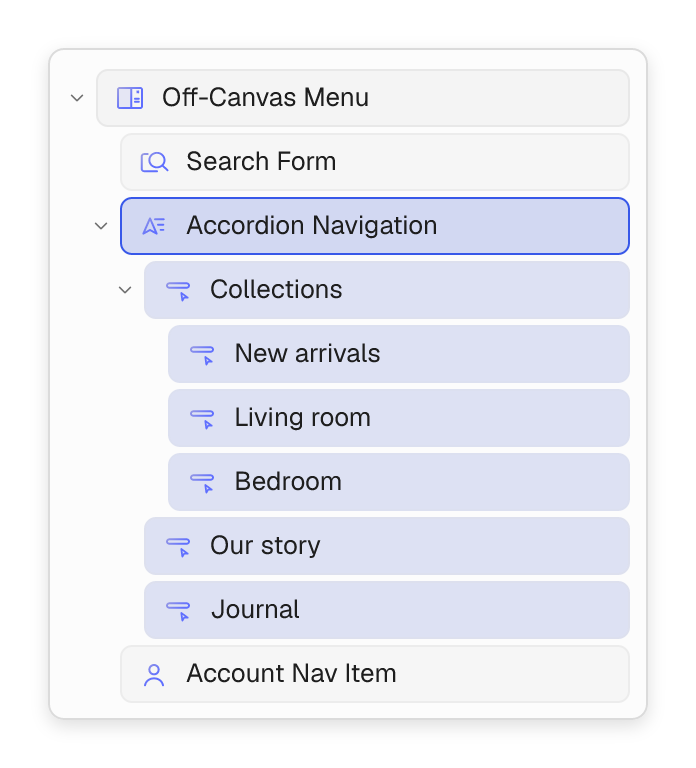
- Use accordion navigation or sliding nested panels.
- Adjust header visibility and spacing for each screen size.
Sticky & transparent headers
Stay within reach as the page moves.
Let your header sit over a hero image, then adapt it as visitors scroll. Keep the important navigation close without letting the header take over the page.
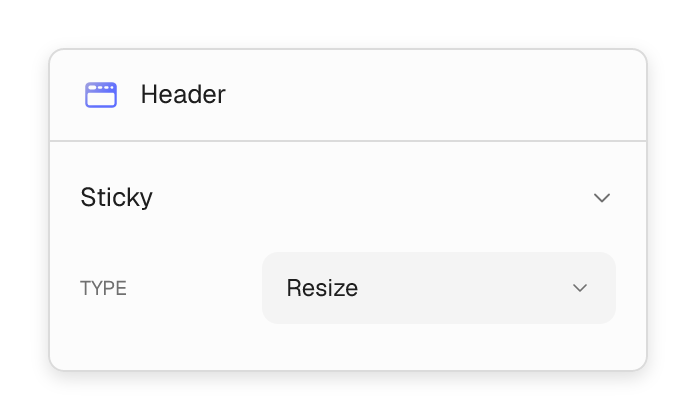
- Choose resize, slide-down or fade-in sticky behavior.
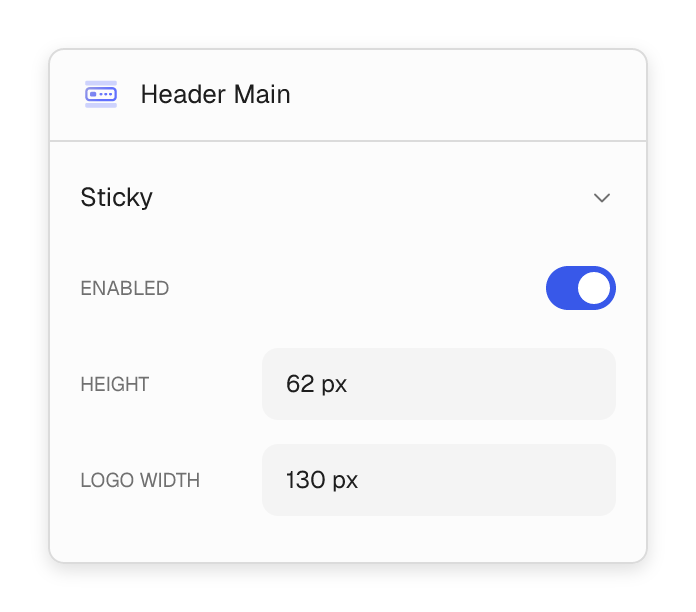
- Set a separate sticky height and logo size.
- Show or hide individual header rows when sticky mode activates.


Small details. A better way around.
Make your header useful from the first visit, with thoughtful touches for content, navigation and shopping.
Give your news a place at the top.
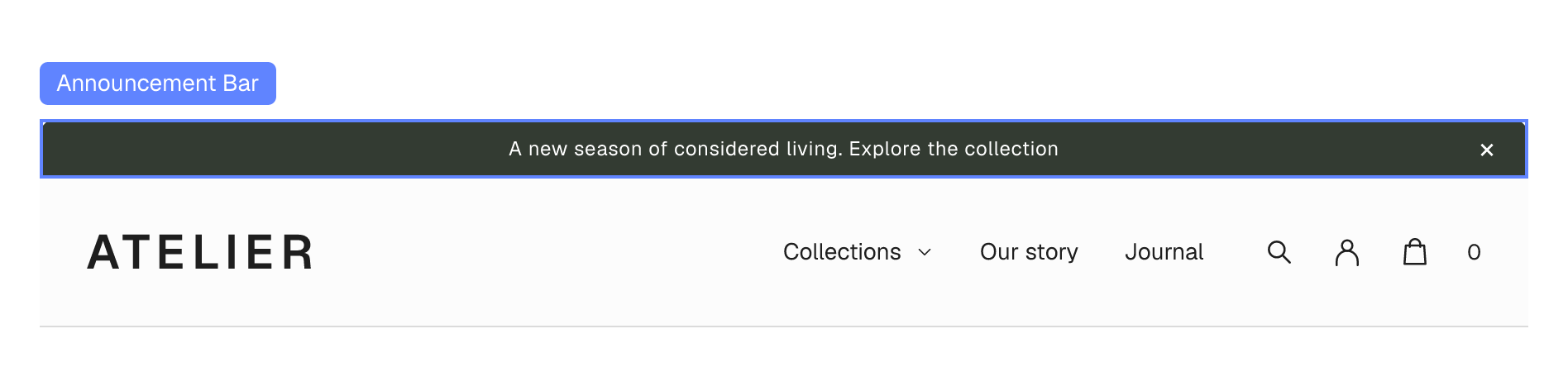
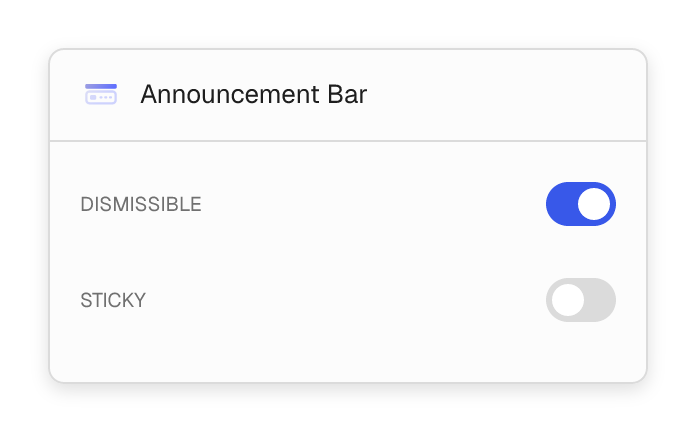
Share a launch, promotion or store update in an announcement bar. Let visitors dismiss it and choose whether it stays visible on scroll.

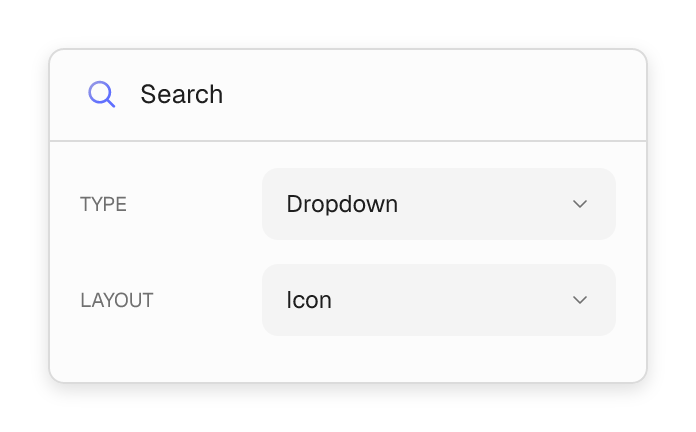
Help visitors find what they came for.
Add a search icon or a full search form. Choose a dropdown, lightbox or full-screen search experience.

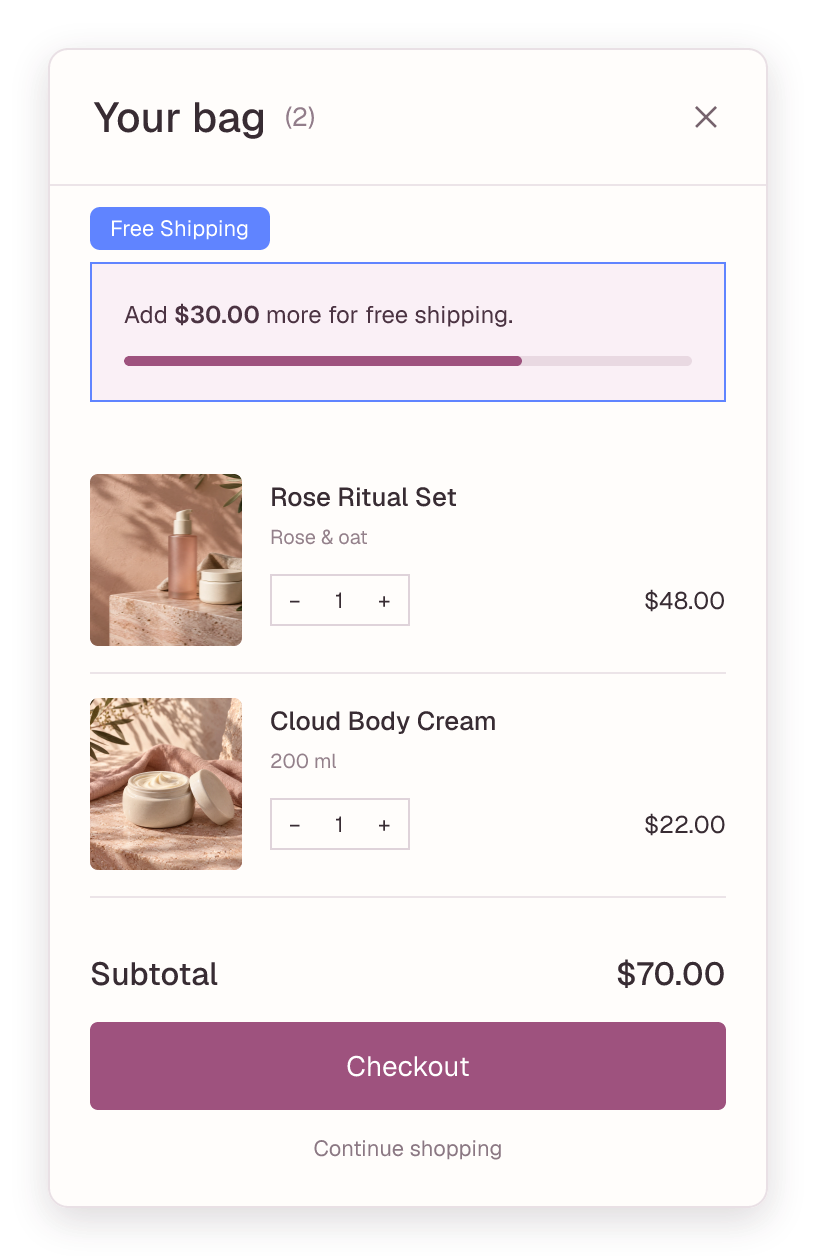
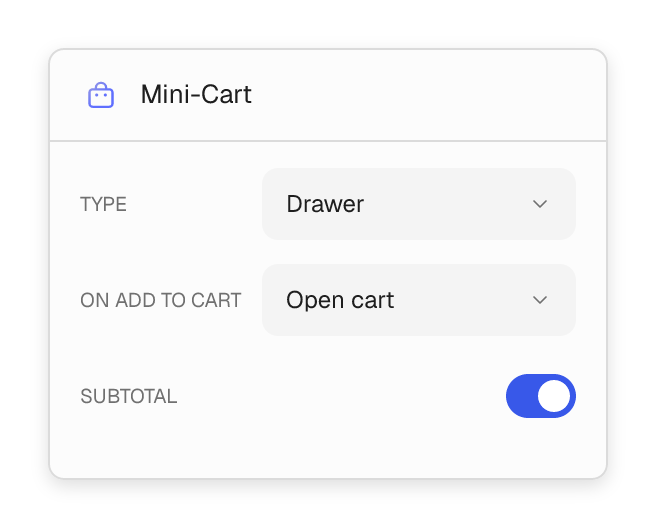
Bring the store into your header.
Keep account access and the cart close by. Use an off-canvas mini-cart with items, subtotal and free-shipping progress.
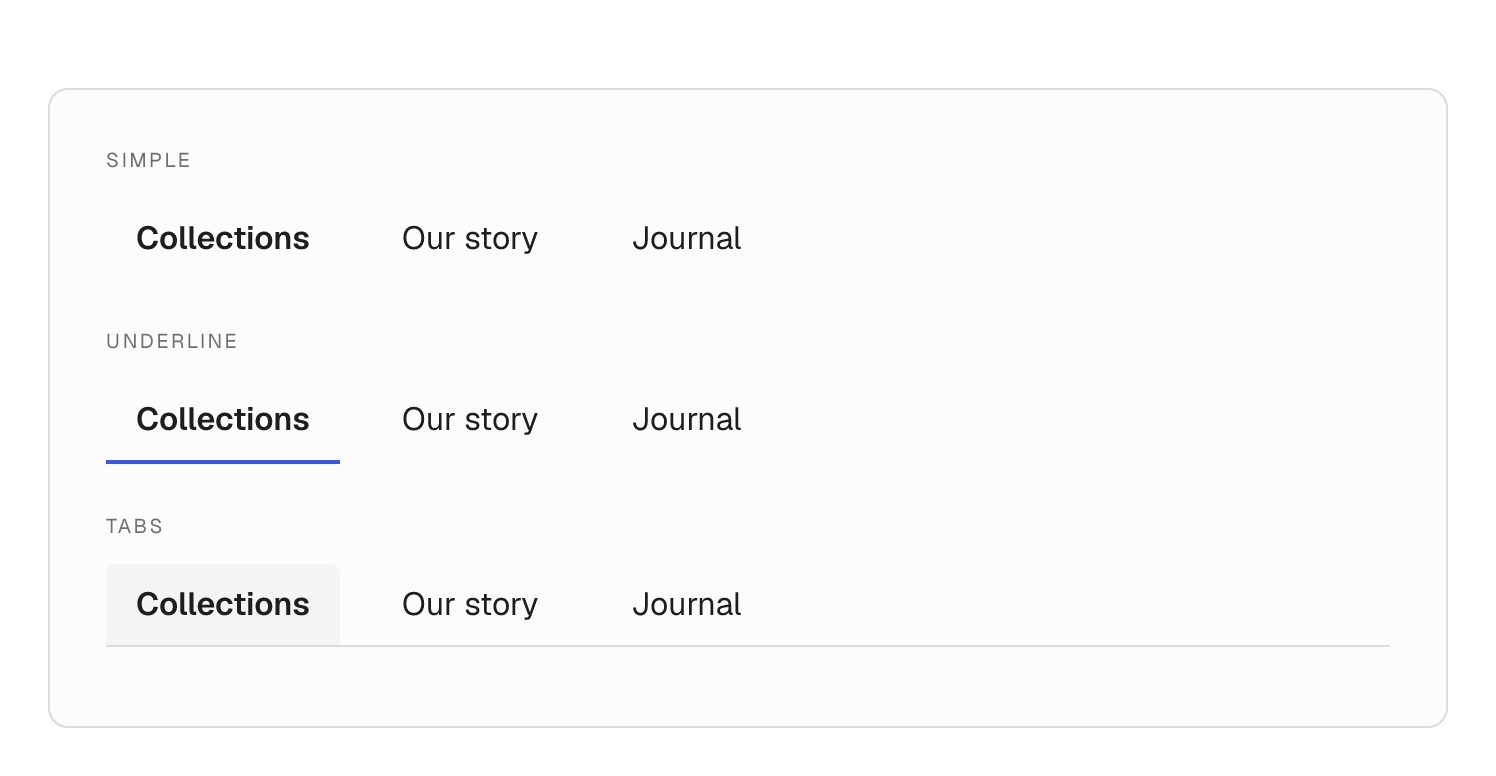
Find the right navigation style.
Choose simple links, underlines, outlines, tabs and more. Tune spacing and typography to match the rest of your site.
Native header blocks
All the pieces, in one builder.
Build the header with purpose-made blocks, then bring in the content blocks you already know. Shared design controls keep the result consistent with your website.
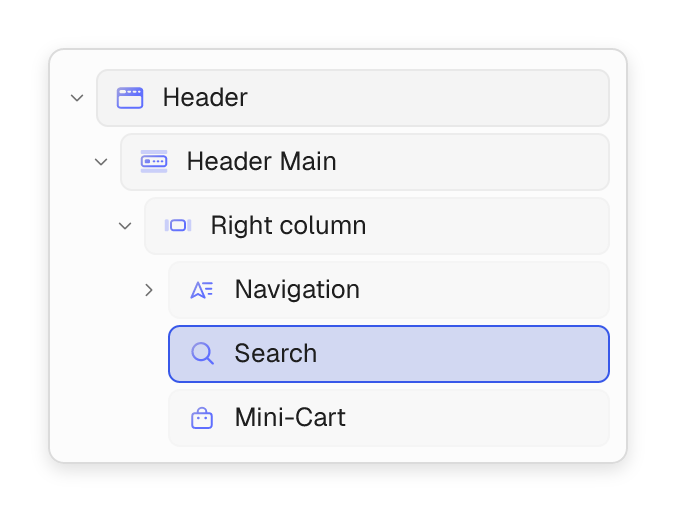
- Start with Header Main, Header Row and Header Column.
- Add mega menus, search, account access and a mini-cart.
- Build mobile menus with accordion or sliding navigation.
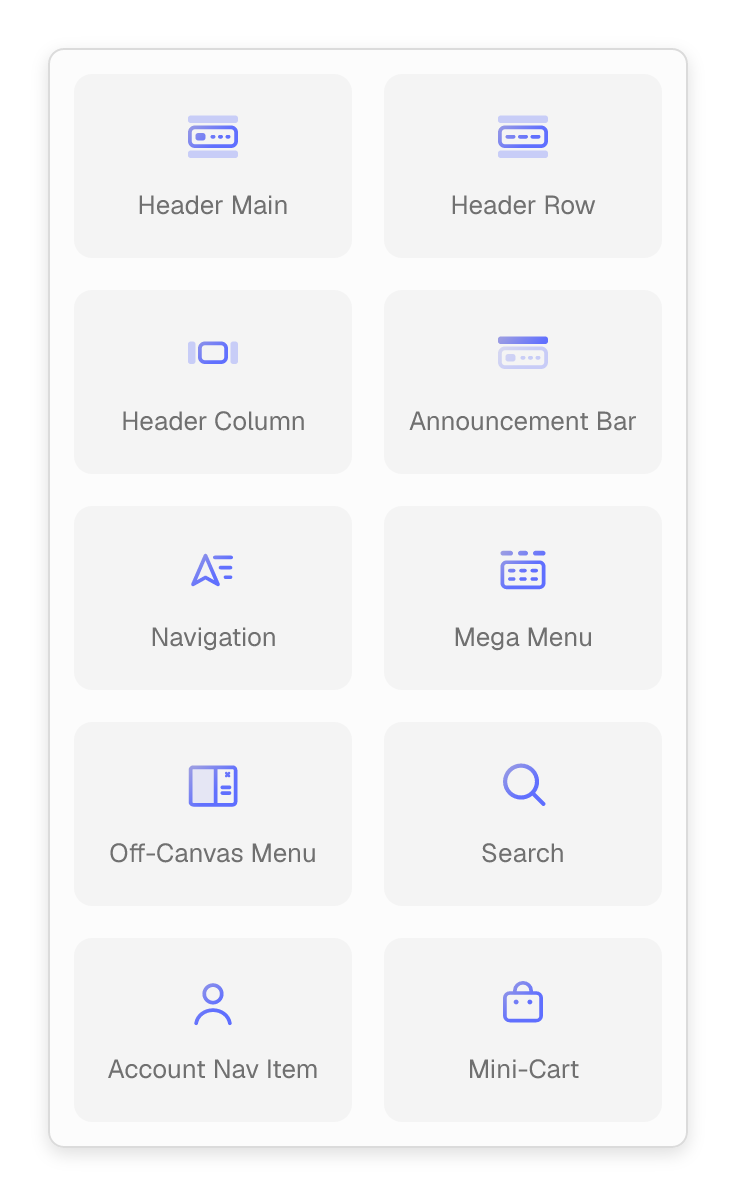
Header blocks, included with Flatsome.
From the first row to the smallest navigation detail, choose the pieces your site needs.

Header Main
Bring your logo and main navigation together, with separate sticky settings.

Header Row
Add a row for secondary navigation, contact details or useful links.

Header Column
Arrange the blocks on either side of your logo.

Announcement Bar
Create a dismissible bar for offers, launches and store updates.

Navigation
Build horizontal menus with dropdowns and a choice of visual styles.

Mega Menu
Design rich dropdowns using columns, images, banners and other blocks.

Off-Canvas Menu
Open navigation in a side drawer or a full-screen overlay.

Accordion Navigation
Expand nested menu items within a compact vertical list.

Sliding Navigation
Move through nested menu levels in sliding panels.

Search
Add a search trigger with dropdown, lightbox or full-screen presentation.

Account
Give customers access to sign-in and their account pages.

Mini-Cart
Put cart items, quantities, subtotal and checkout within easy reach.