





Titles & descriptions
Give every product story a clear introduction.
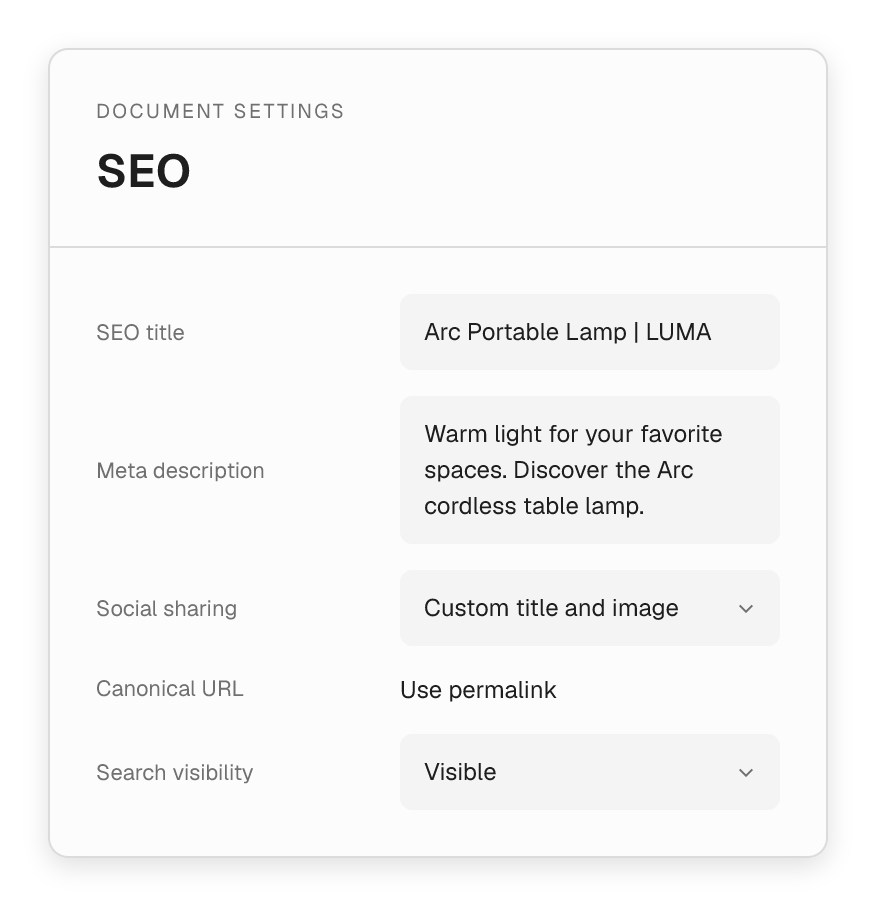
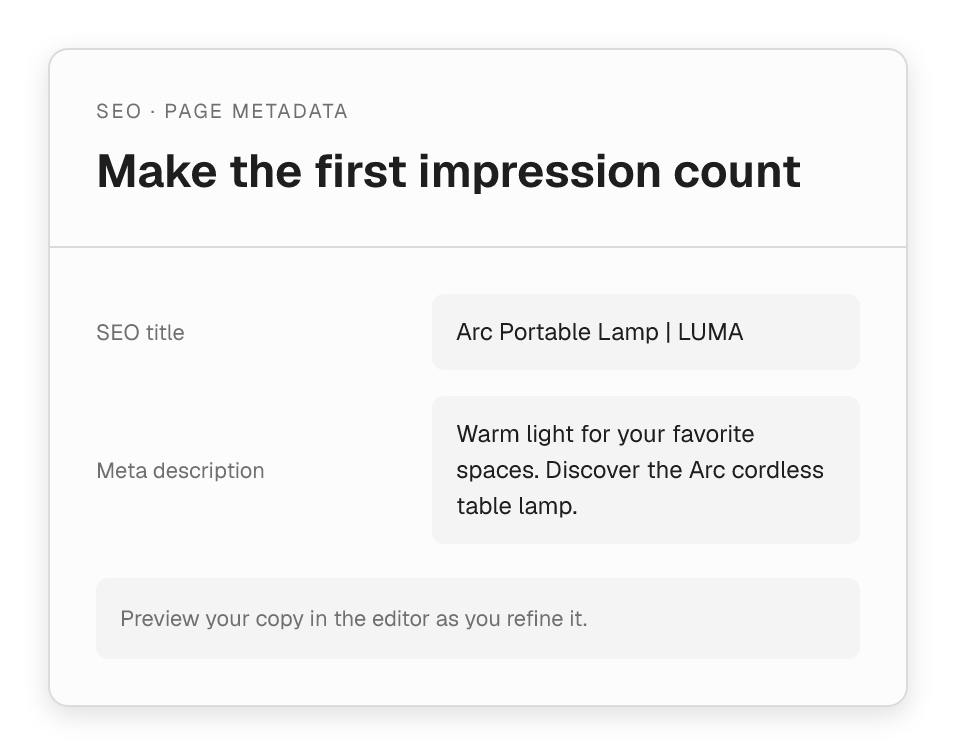
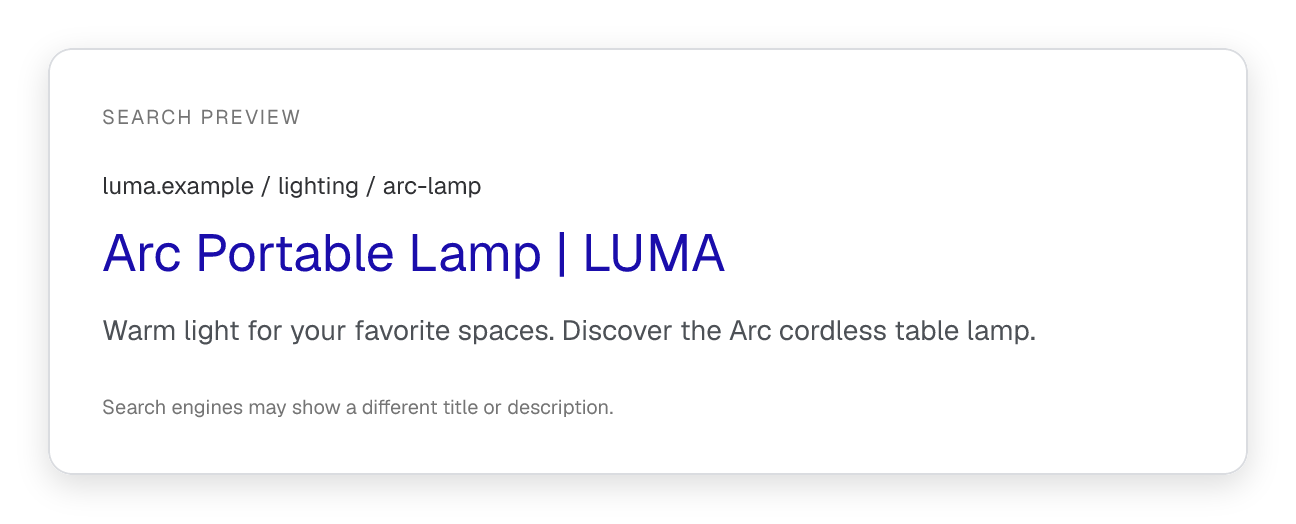
Write the title and description for a product, collection landing page or store article. Check the search preview while you edit and keep the message focused on what the page offers.
- Set a page-specific SEO title and meta description.
- Preview how the supplied copy could appear in search.
- Use a custom canonical URL when the page needs one.
Social sharing
Make the shared link feel like your brand.
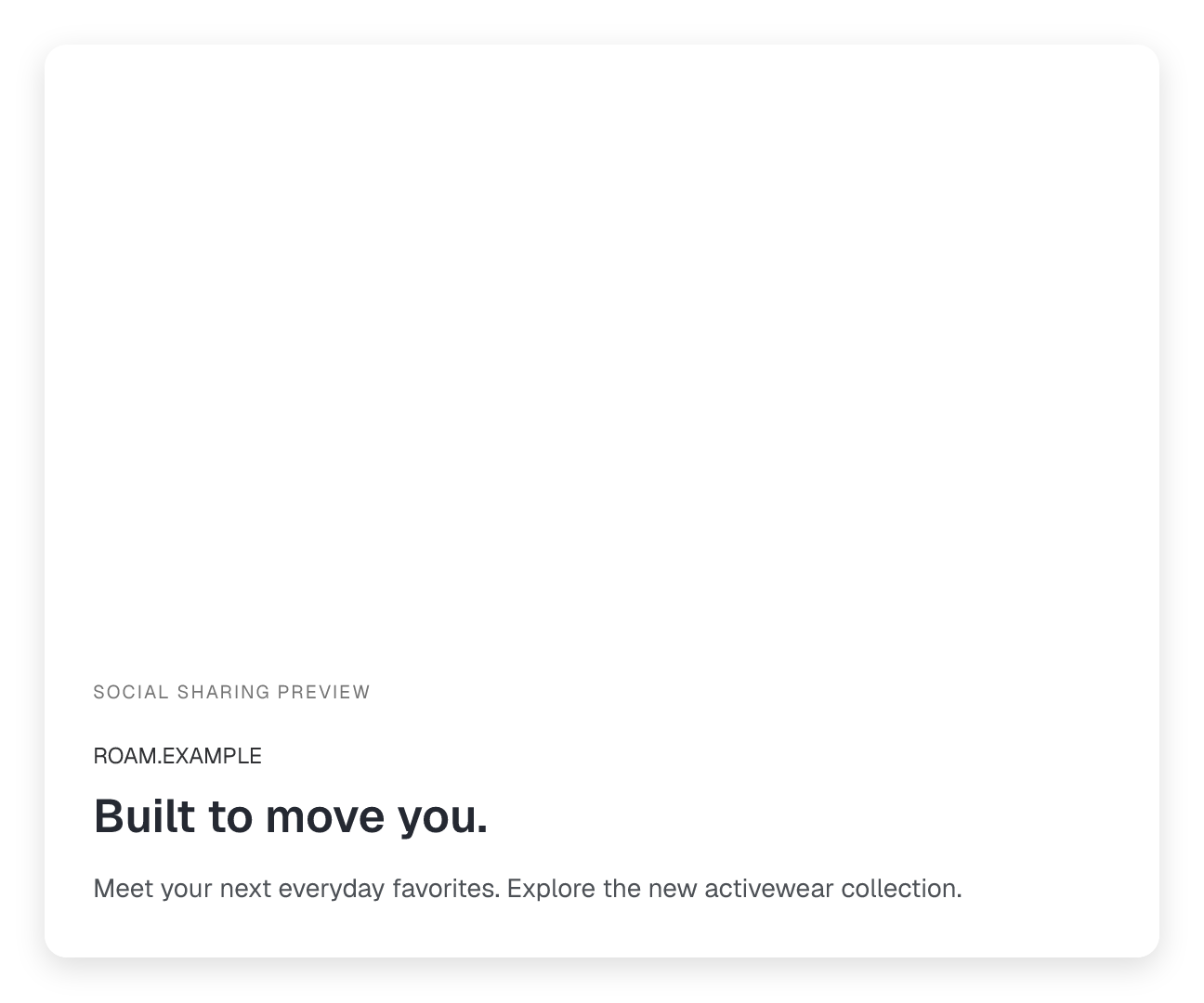
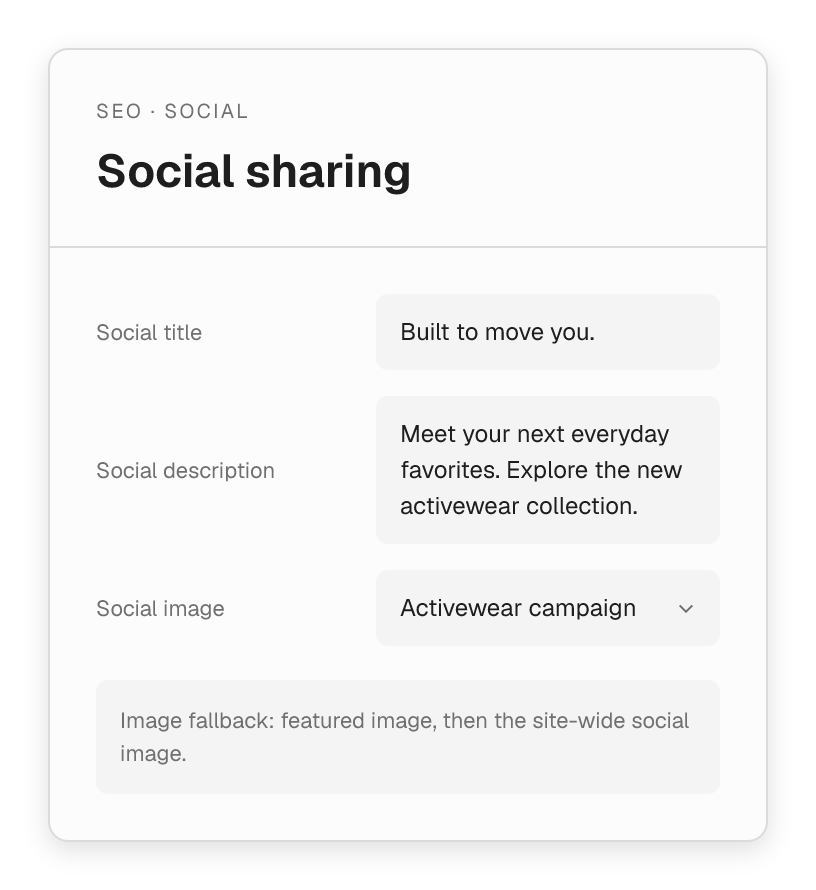
Give a campaign its own social title, description and image. Create a useful preview for the people discovering your collection through a shared link.
- Override social copy without changing the page headline.
- Choose a social image for the individual page.
- Fall back to the featured image or site-wide social image.
- Output Open Graph and Twitter Card metadata.


Shared SEO templates
Give new pages a useful starting point.
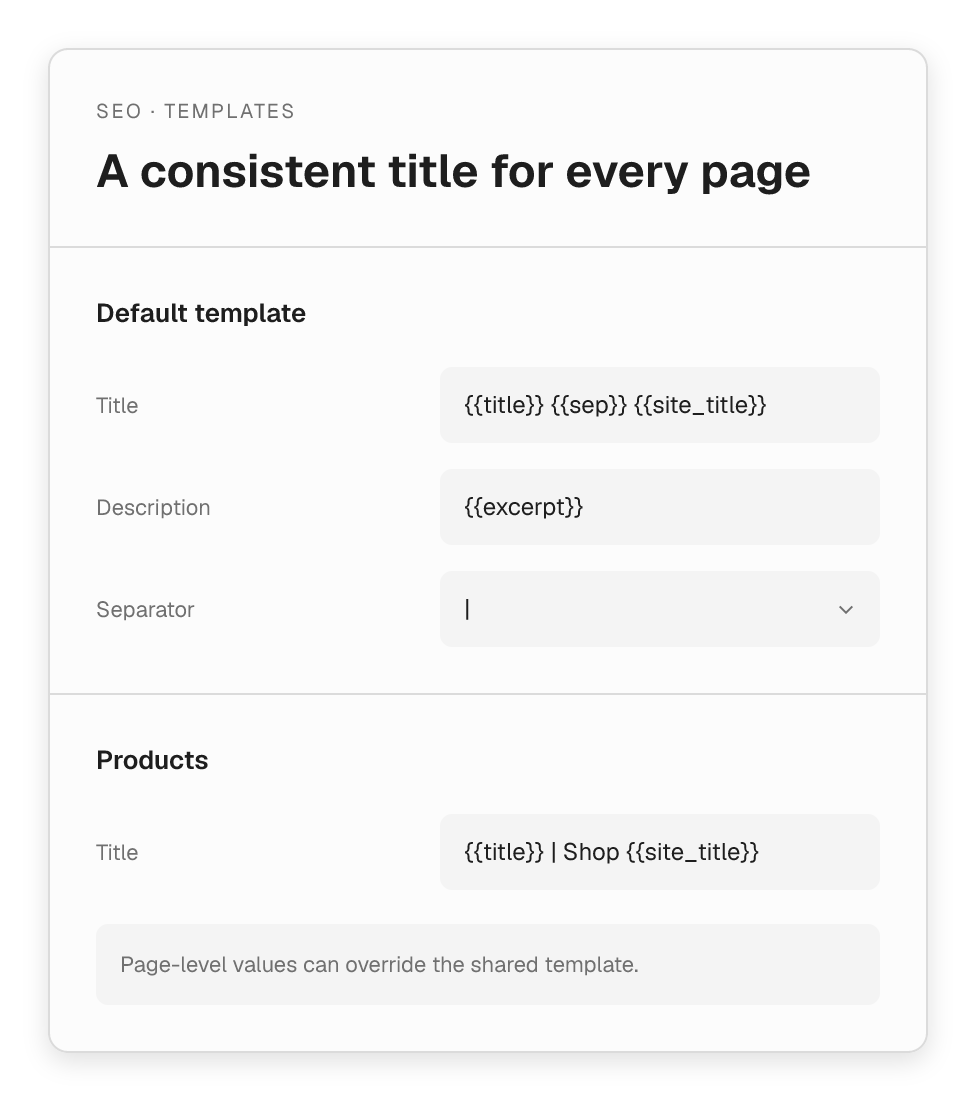
Set title and description templates once, then reuse them across your content. Keep the store name and separator consistent while individual pages can still have their own copy.
- Set a default template and post-type-specific templates.
- Use title, excerpt, site name and separator placeholders.
- Override the defaults on the pages that need a custom message.
Be deliberate about what search engines see.
Choose the pages and content types that belong in search, and keep supporting metadata aligned with those decisions.

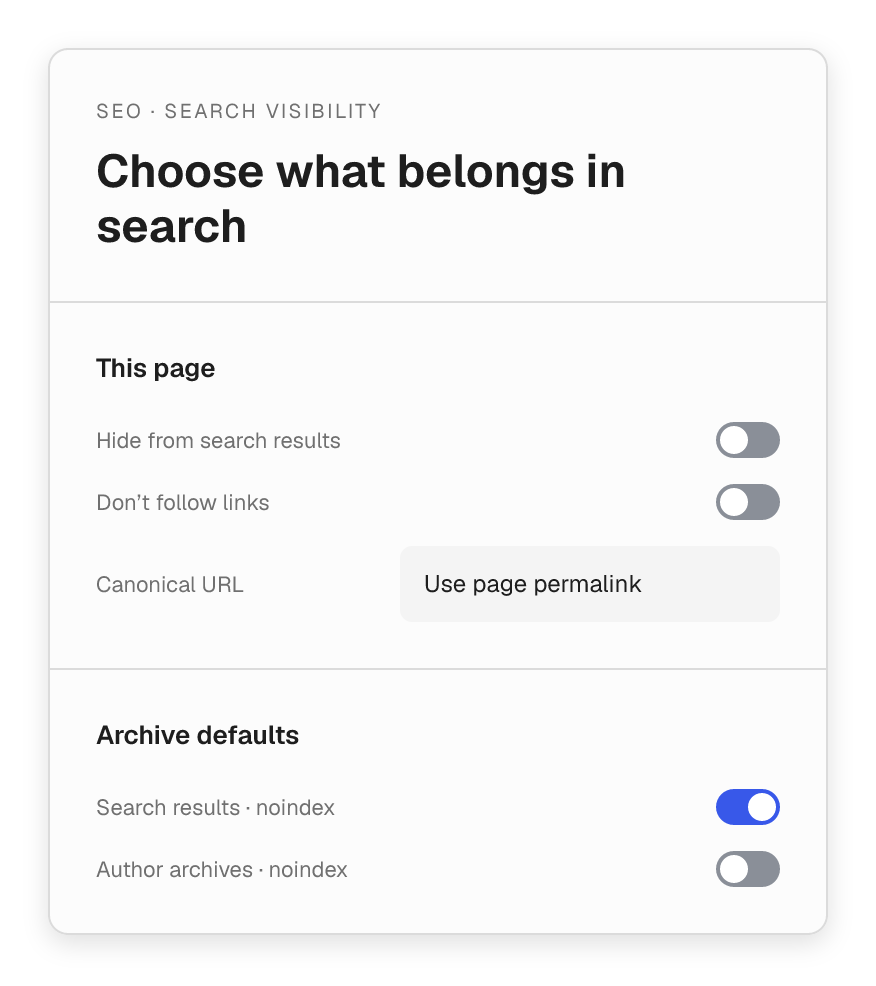
Set search visibility with intent.
Control noindex and nofollow per page. Set archive defaults for search results, dates, authors and paginated views.

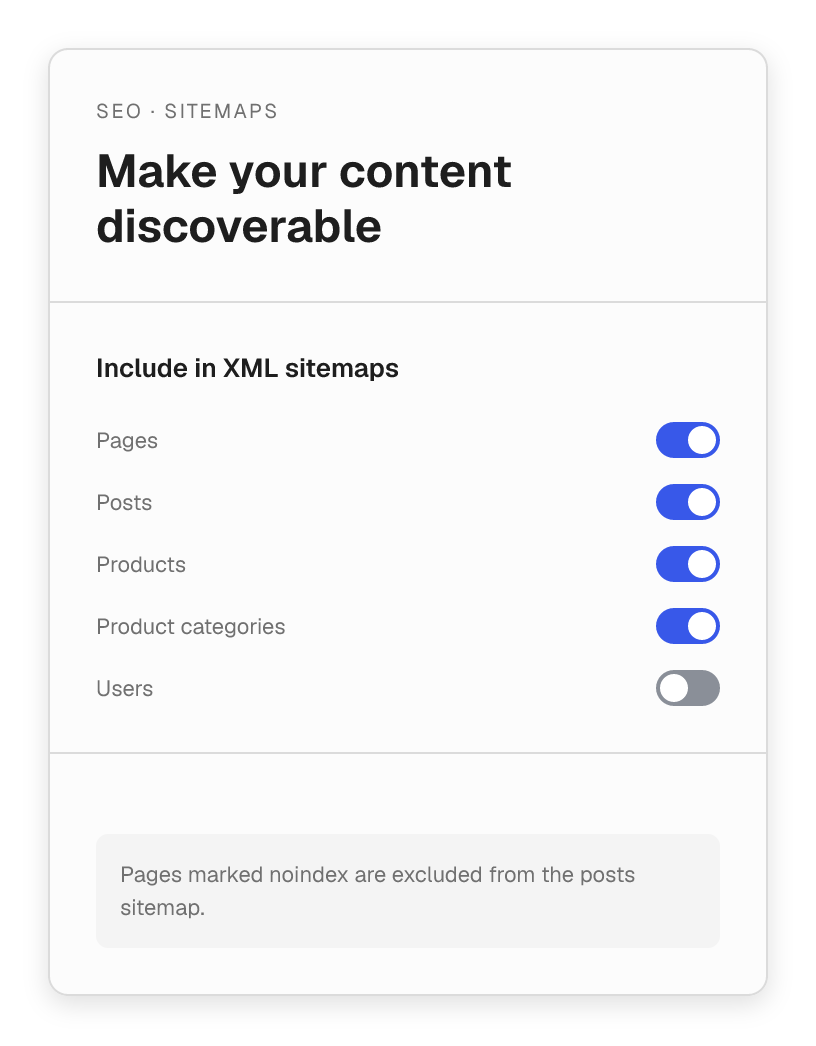
Keep the sitemap focused on your content.
Include the post types and taxonomies you want in WordPress XML sitemaps. Pages marked noindex are excluded automatically.
Structured data
Help describe the site behind the storefront.
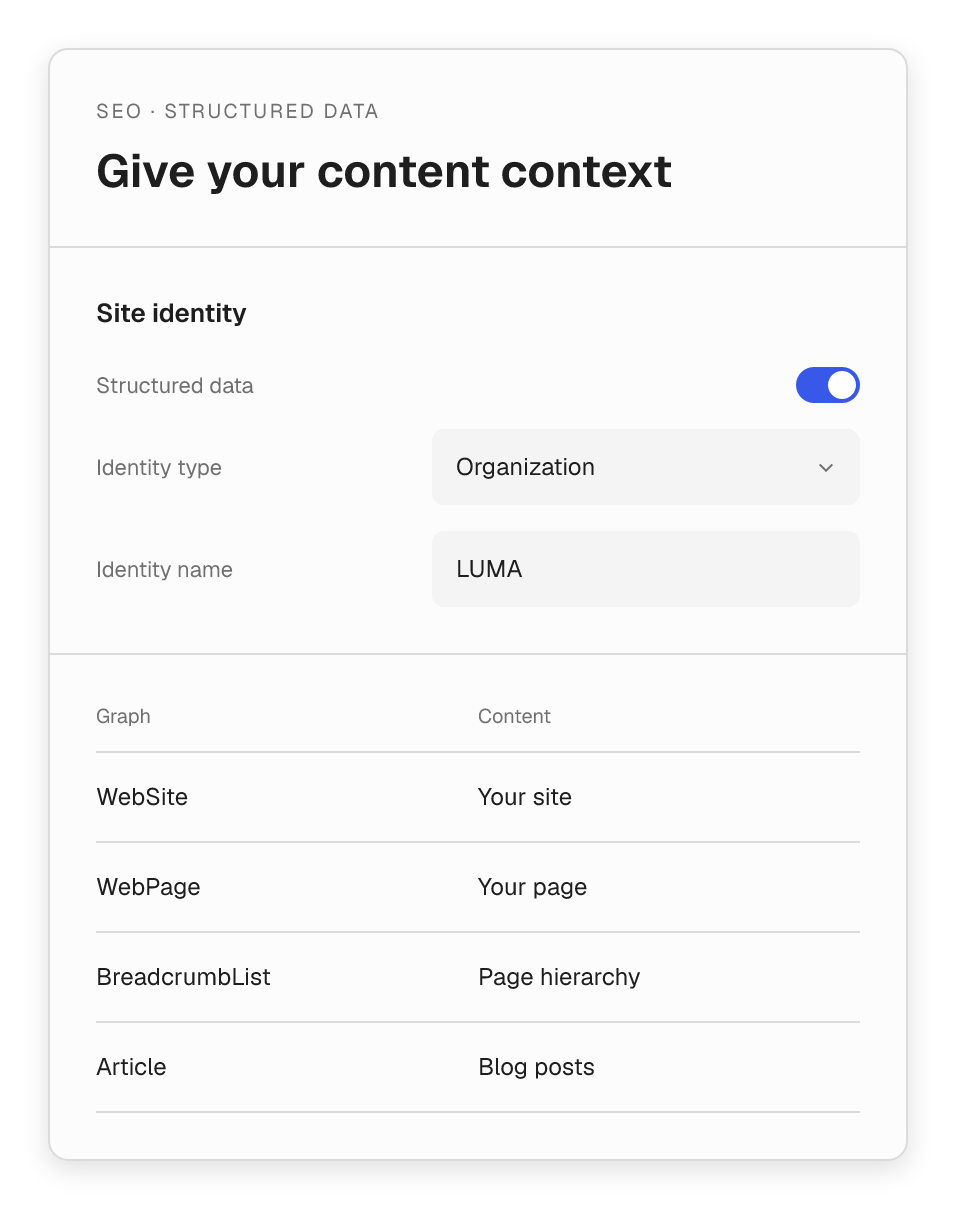
Set your site identity and output a connected structured-data graph for supported pages. Give search engines context about your website, content and page hierarchy.
- Choose an Organization or Person identity.
- Describe the WebSite and WebPage, with Article and breadcrumb data where supported.
- Leave product-page structured data to WooCommerce.
- Stand down when a recognized SEO plugin already handles the output.
SEO controls that fit your publishing workflow.
Manage the essentials alongside the pages and campaigns you are already building.

Page metadata
Edit SEO titles and descriptions in the document settings.

Reusable defaults
Set shared templates and override them for individual pages.

Social presentation
Control the title, description and image behind a shared link.

Indexing controls
Use canonical URLs, robots directives and sitemap inclusion.

Structured context
Connect site identity, page data and supported breadcrumb and article metadata.

Your existing SEO setup
Flatsome detects Yoast SEO, Rank Math, SEOPress and All in One SEO to avoid duplicate output.