







Slider & Banner
Turn your next promotion into a landing page.
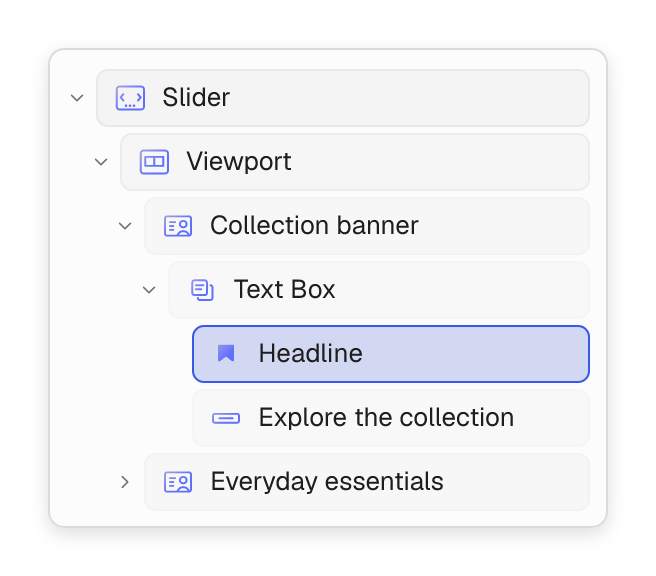
From a seasonal sale to a new collection, create promotional content that feels like your store. Combine banners, sliders and product blocks into a complete campaign page.
- Layer headlines and calls to action over photos or video.
- Build swipeable slides for offers, launches and featured collections.
- Bring campaign banners and shoppable product grids together on one landing page.

Product pages
Put your products in the spotlight.
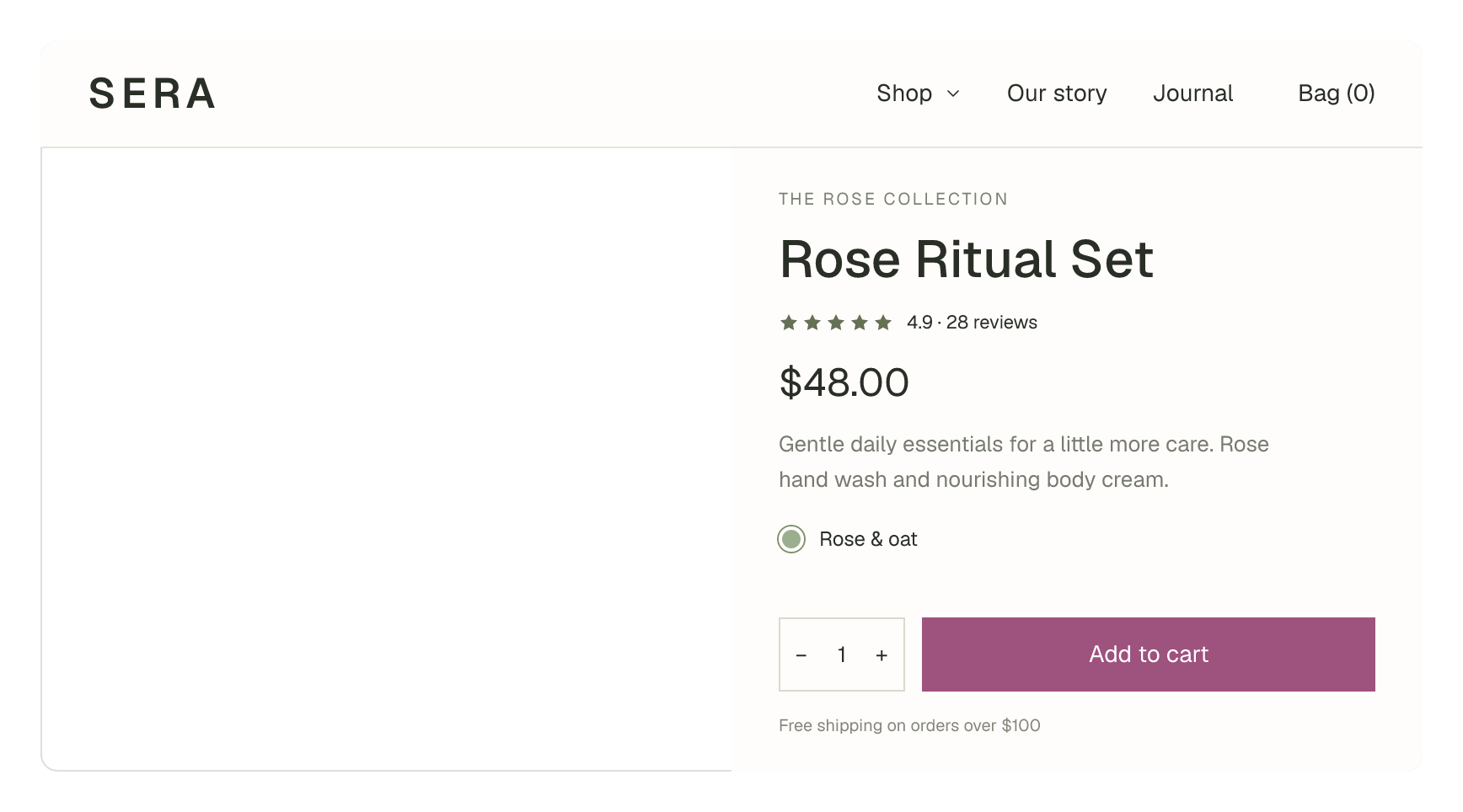
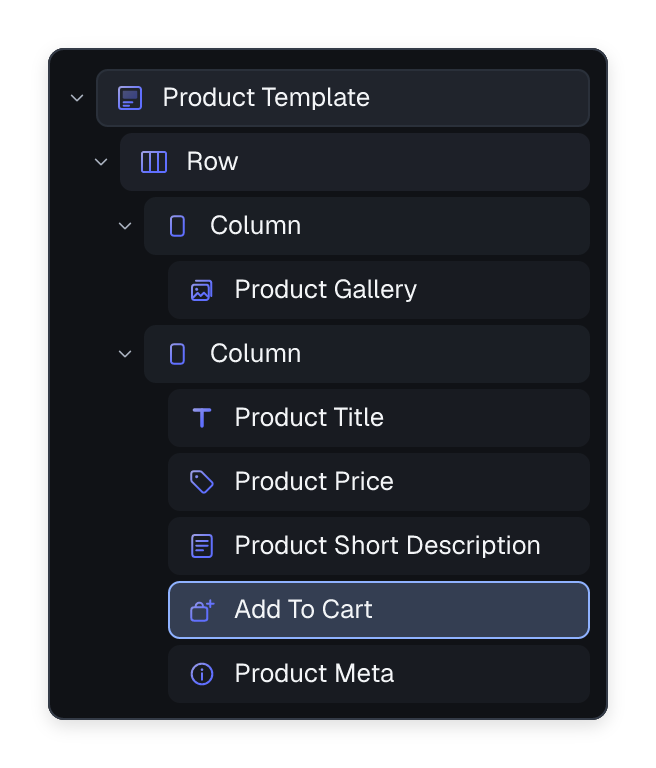
Build a product page around what you sell. Arrange galleries, titles, prices, descriptions and purchase controls directly on the canvas.
- Compose product templates from dedicated WooCommerce blocks.
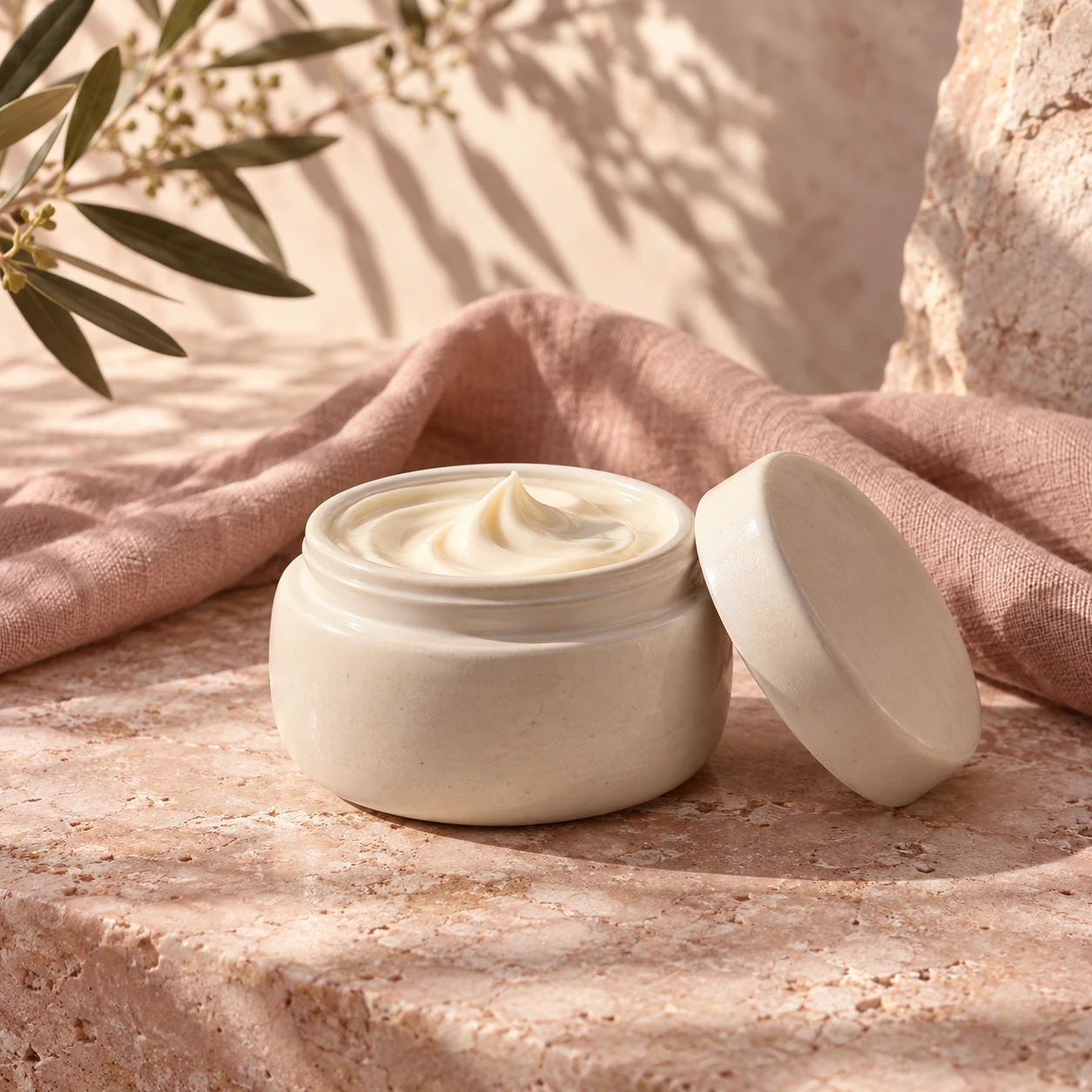
- Choose horizontal, vertical, full-width or stacked galleries.
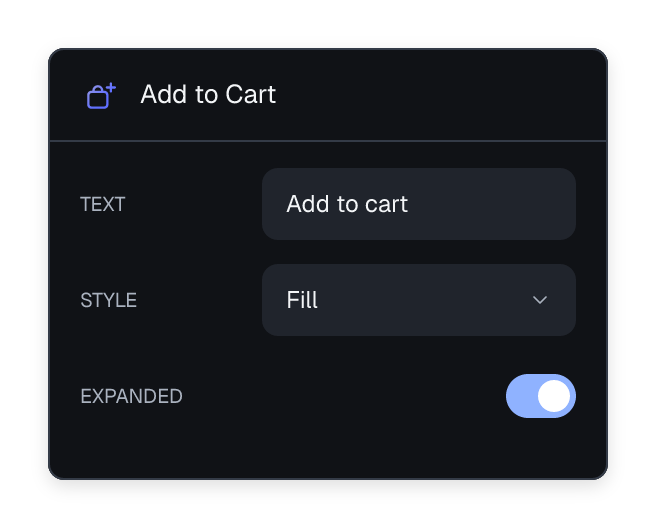
- Place ratings, product details and add-to-cart controls where they belong.
Shop & collections
Make every collection worth exploring.
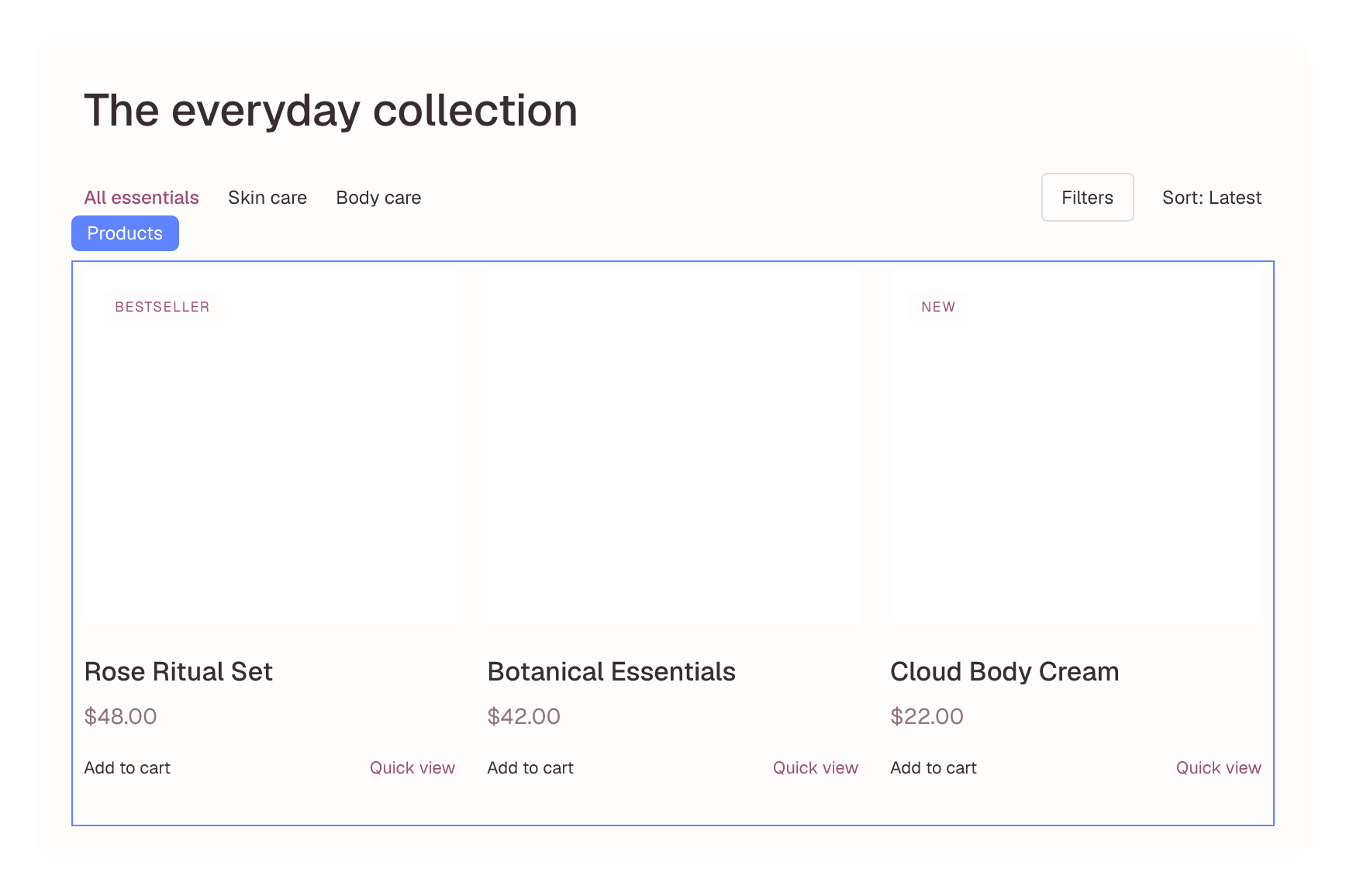
Create your own product grids and sliders, then decide exactly what they show. Build collections around categories, tags, featured products or sale items.
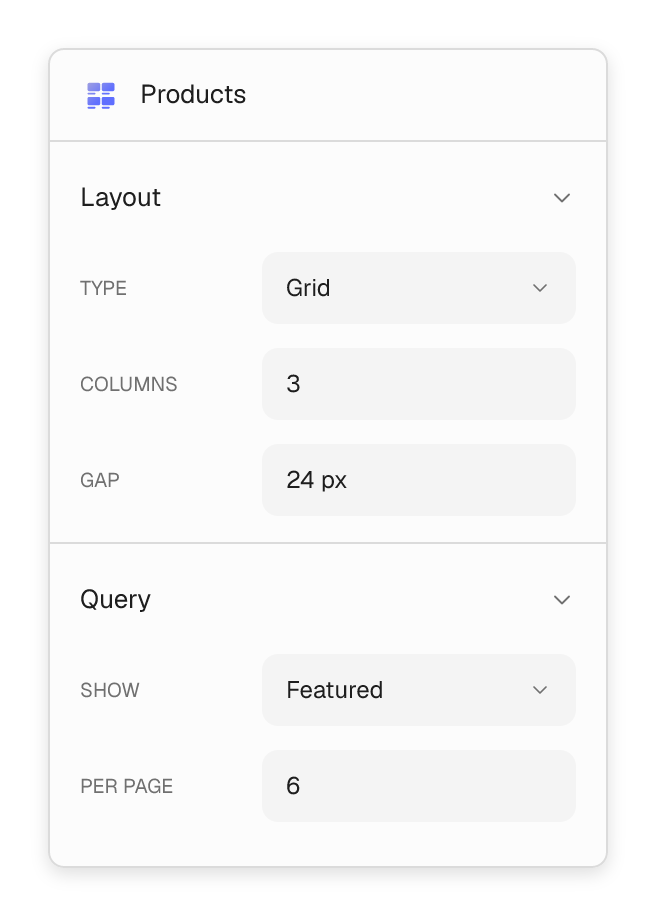
- Set responsive columns and gaps for product grids.
- Use sliders for touch-friendly, browseable collections.
- Combine product cards with prices, badges and quick-view buttons.

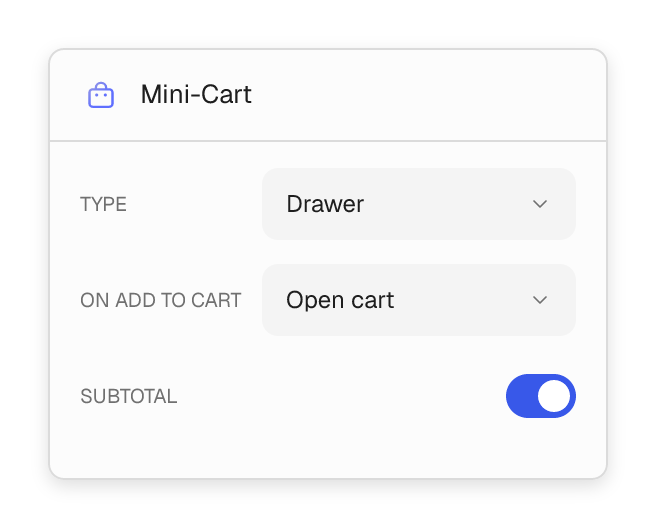
Off-canvas cart
Keep the next step close at hand.
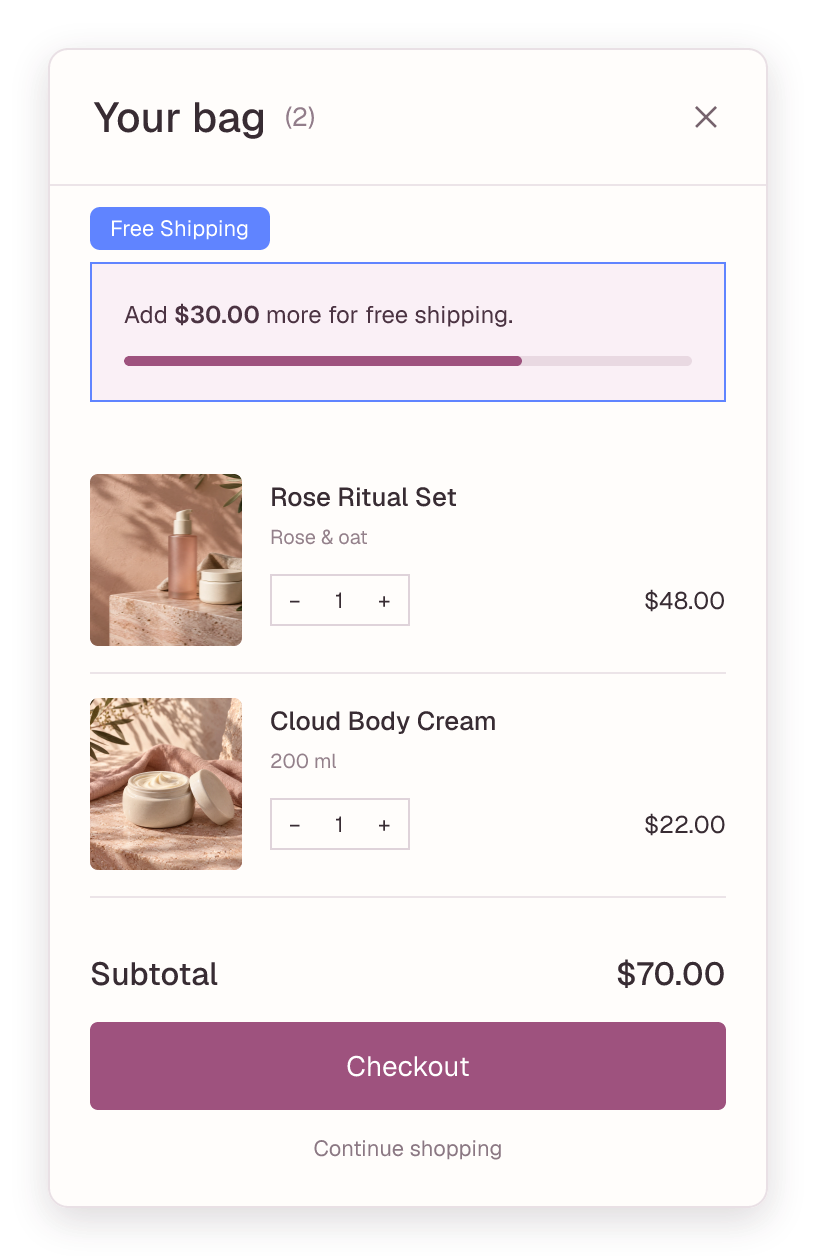
Give shoppers a cart that feels like part of your store. Open a drawer after add-to-cart, show their items and subtotal, and make the path to checkout easy to find.
- Switch between a dropdown mini-cart and an off-canvas drawer.
- Add a free-shipping progress bar based on the cart total.
- Style line items, quantity controls, empty states and a sticky footer.
Checkout designer
Make checkout feel like part of your store.
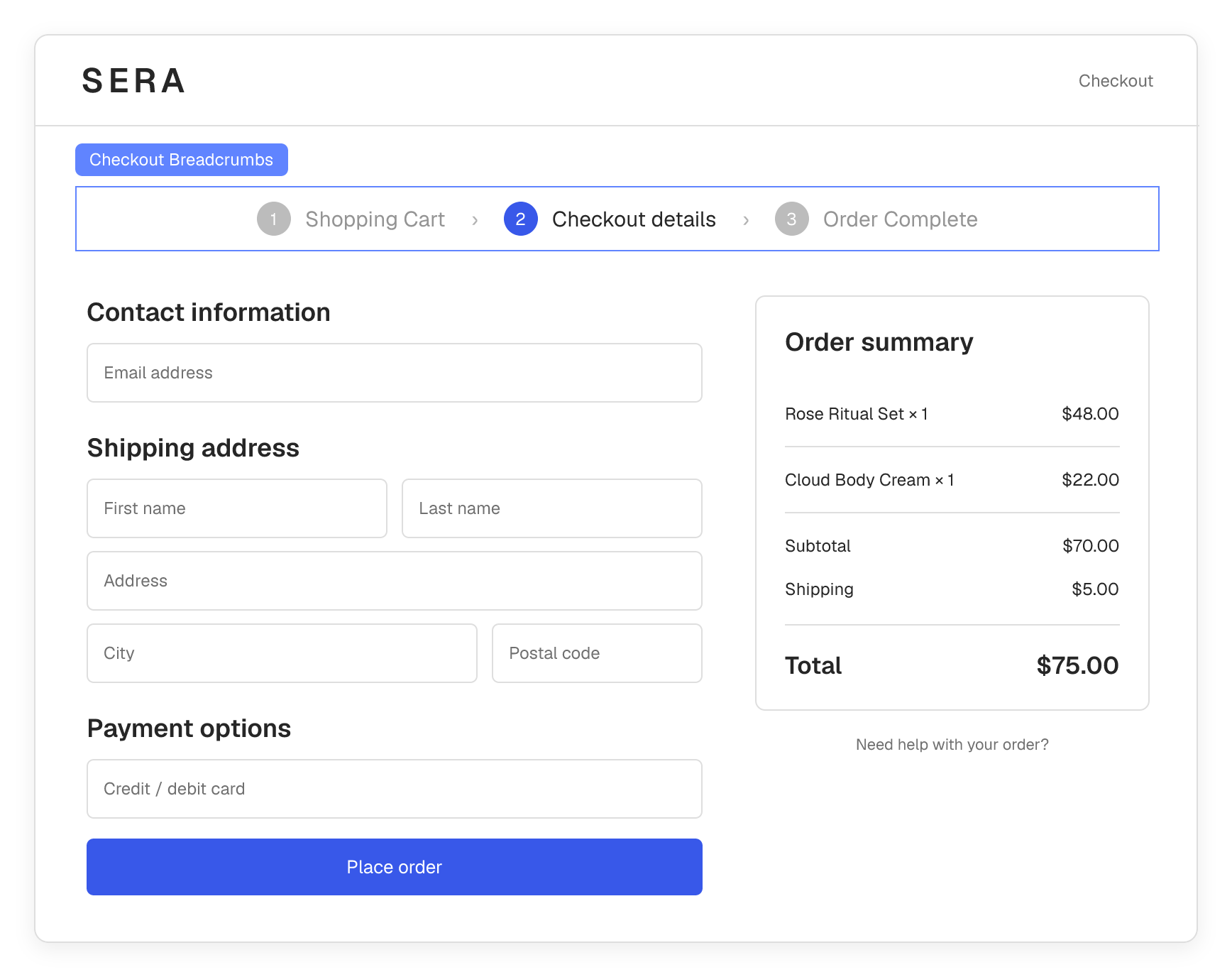
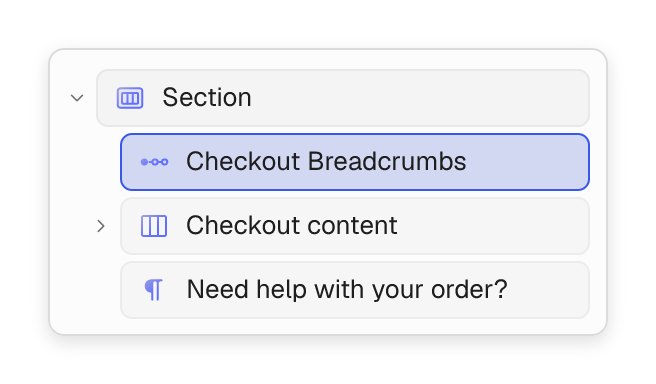
Carry your design through to the final step. Build the page around WooCommerce’s native checkout, with your own header, footer, step navigation and supporting content.
- Edit the checkout page template in the same visual workflow.
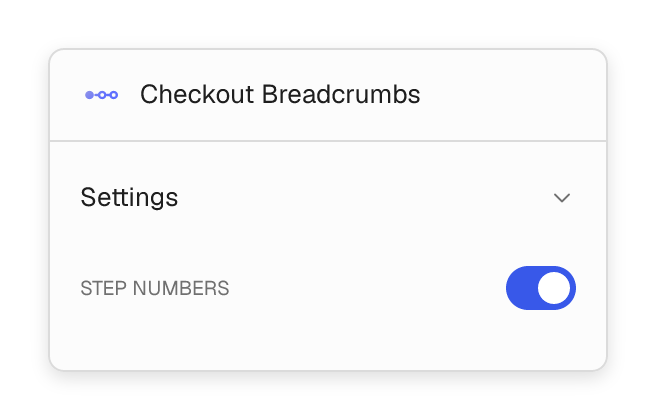
- Style checkout breadcrumbs and show numbered steps.
- Keep contact details, delivery, payment and order summary together.
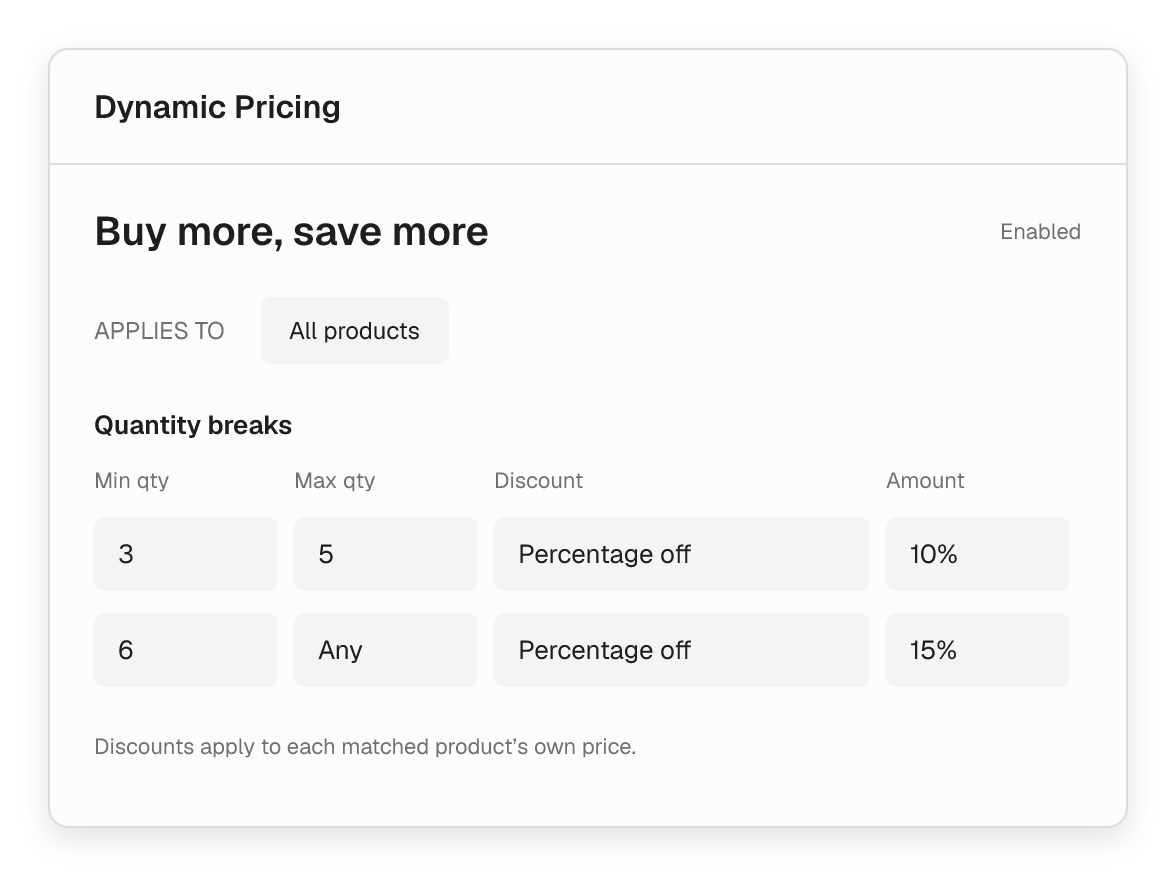
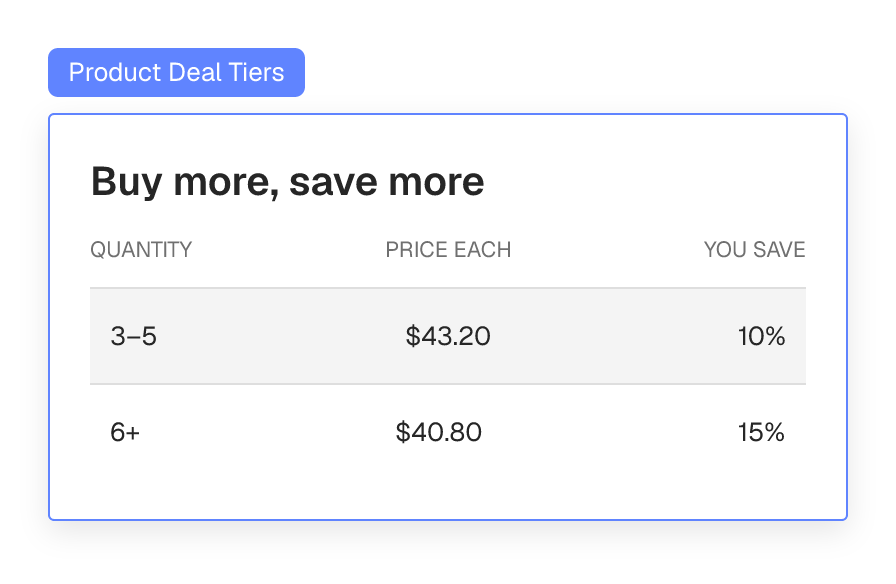
Dynamic Pricing module
Create offers that work across your store.
Set up product sales, quantity discounts and buy-X-get-Y deals from one place. Make the offer clear on product pages and show shoppers their progress in the cart.
- Offer percentage discounts, an amount off or a fixed price.
- Create quantity breaks, buy-X-get-Y offers and free gifts.
- Target products, schedule start and end dates, and control deal stacking.
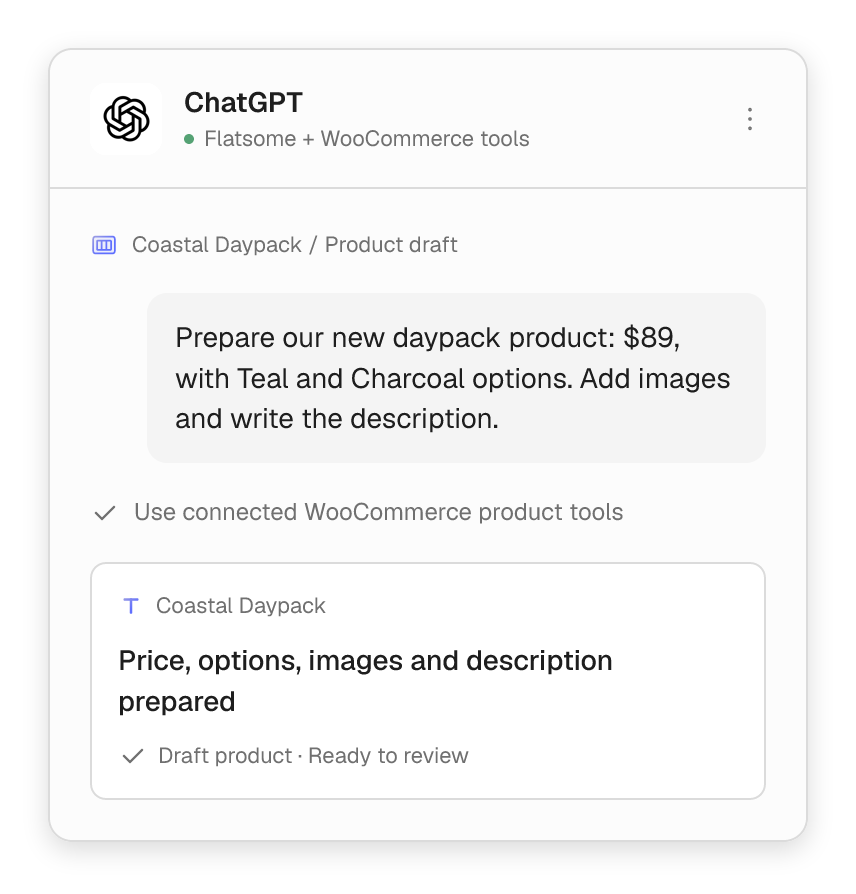
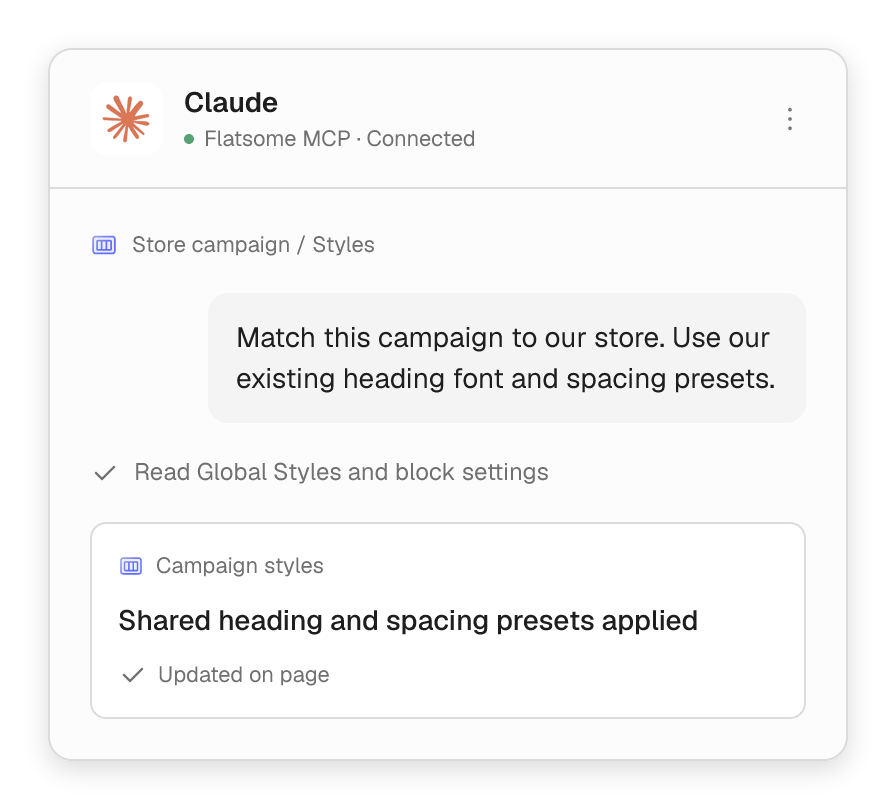
Flatsome MCP
Manage your store with Flatsome MCP.
Use your own AI agent, like Claude or ChatGPT, to update product pages, launch campaigns and keep your store fresh. Just ask in a chat.
- Build product pages, shop layouts and landing pages.
- Update banners, menus and styles across your store.
- Add prices and variations with connected WooCommerce tools.
- Choose what each agent is allowed to change.
Make the whole shopping experience yours.
From the first browse to the next add-to-cart, design the details that make your store feel complete.
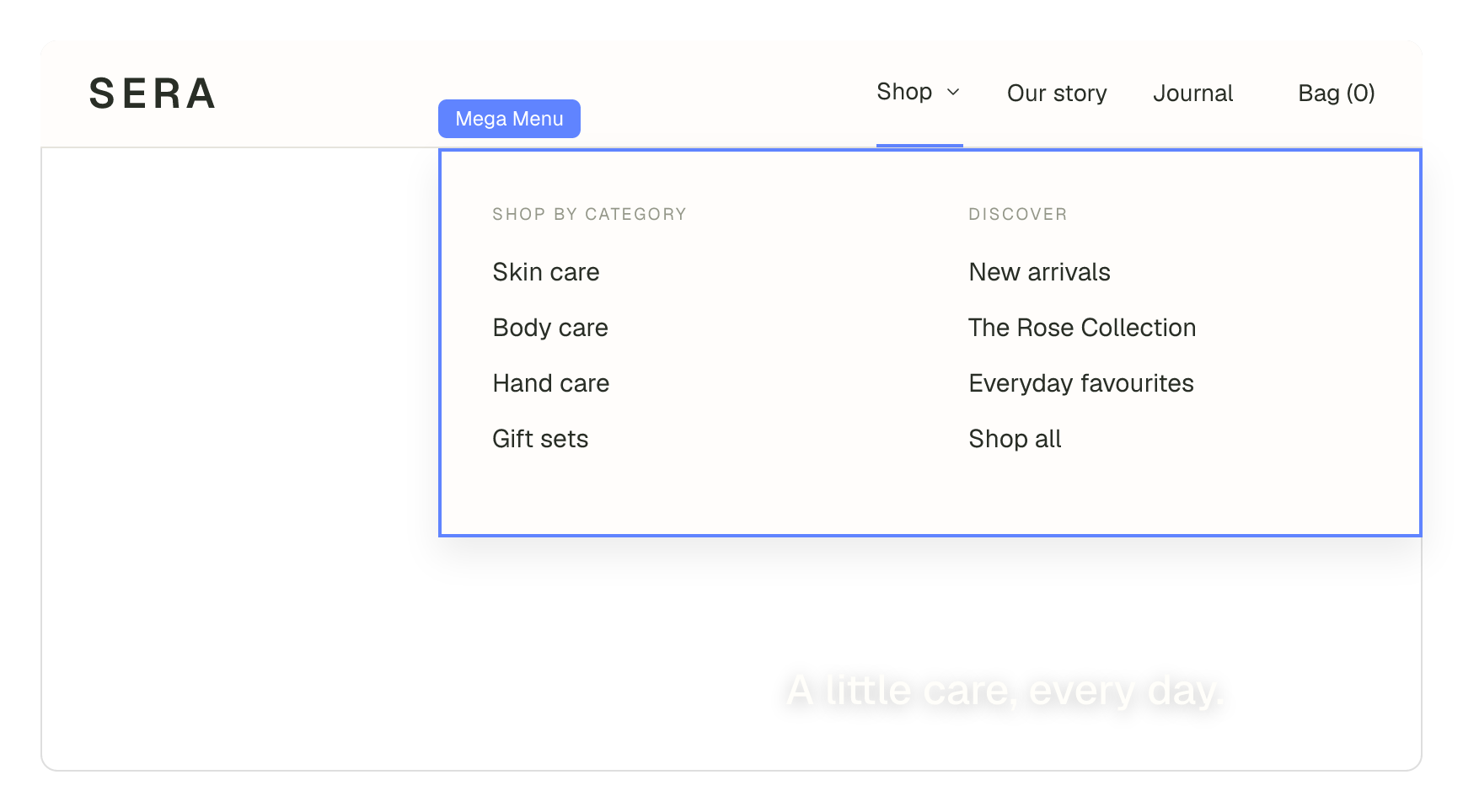
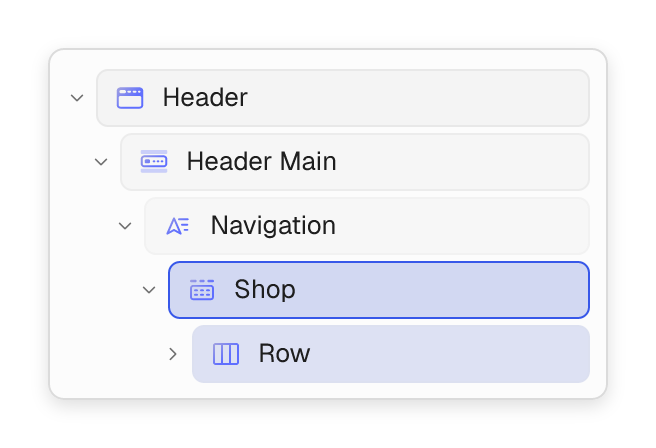
Mega menus made for shopping
Build rich navigation with categories, featured collections and custom layouts in the header.
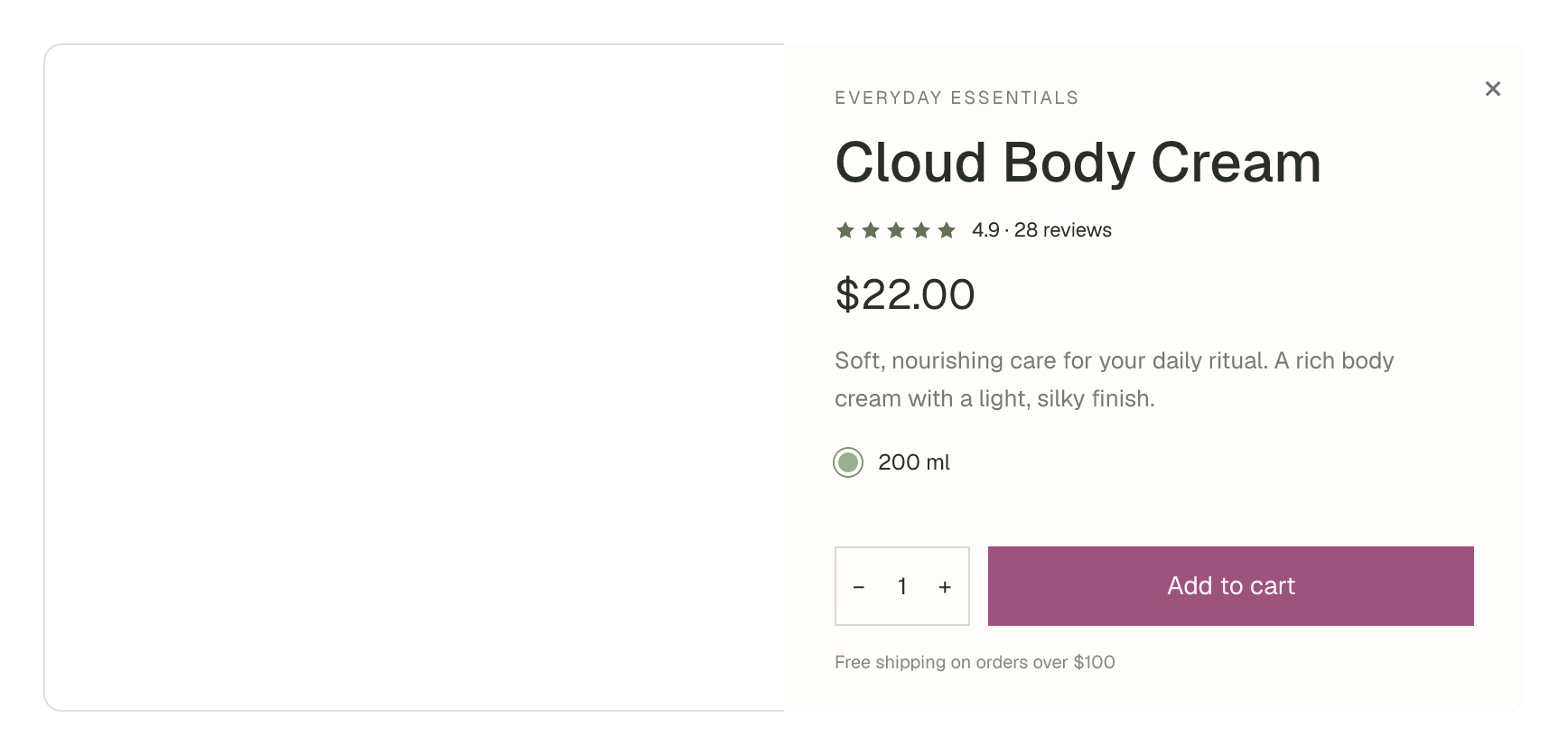
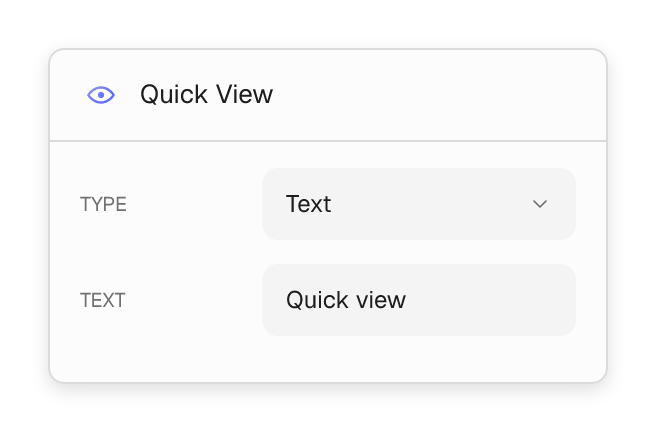
A closer look with quick view
Let shoppers open product details from a listing and get back to browsing without losing their place.
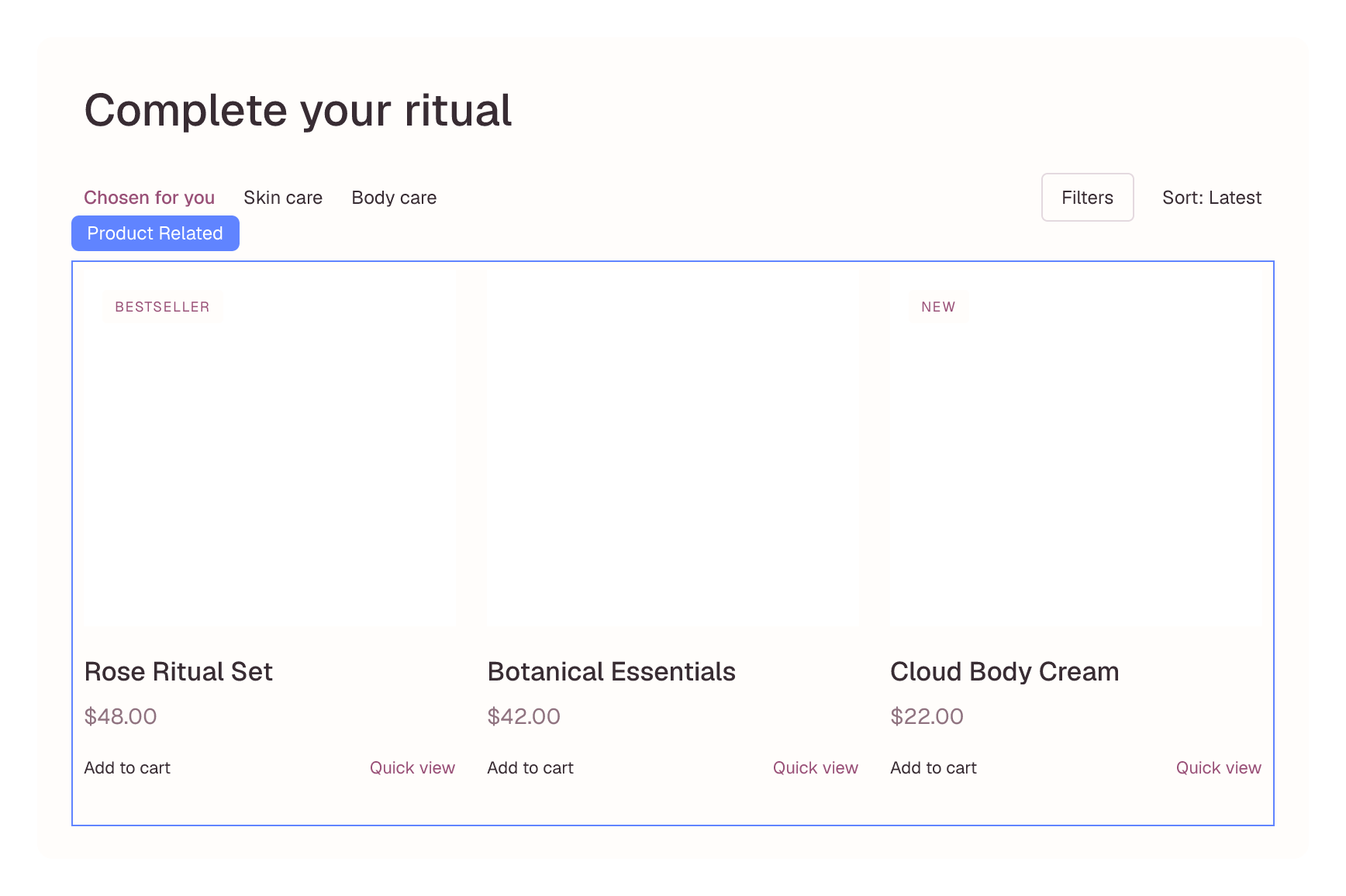
Recommendations that fit
Arrange related products and up-sells in grids or sliders to help customers discover more of your range.
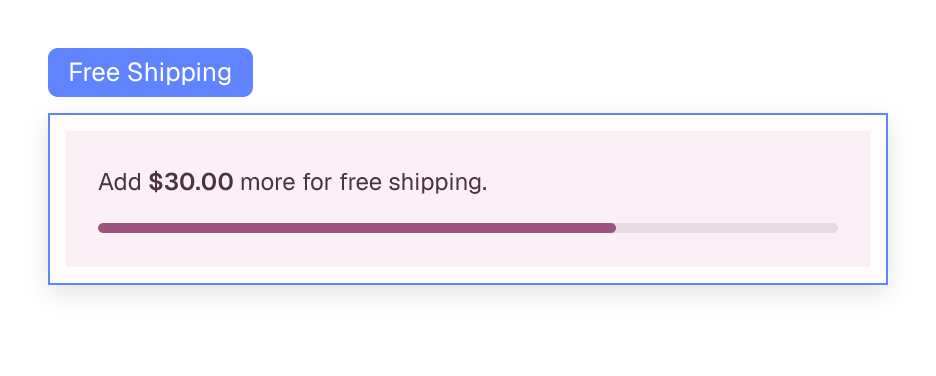
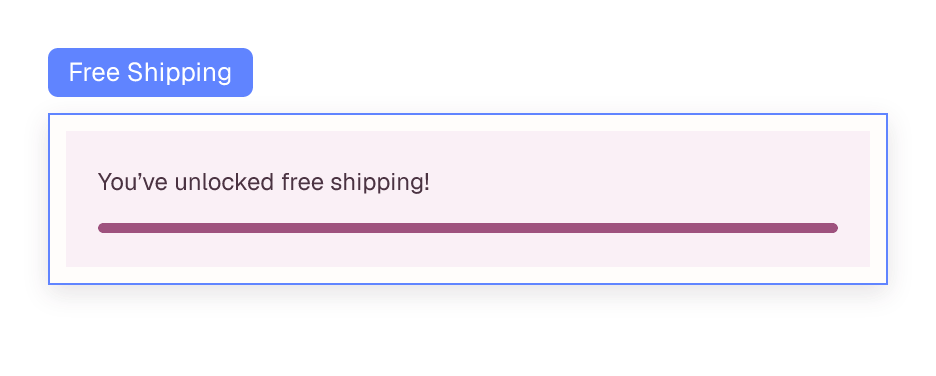
A little nudge toward free shipping
Show the amount left to spend and celebrate when the cart reaches the free-shipping threshold.
WooCommerce blocks
Build with the pieces your store needs.
Use dedicated commerce blocks inside the same visual workflow as the rest of your site. Each block connects to WooCommerce product and cart data, so the layout stays yours.
- Product titles, prices, galleries and purchase controls.
- Products, quick view, related products and up-sells.
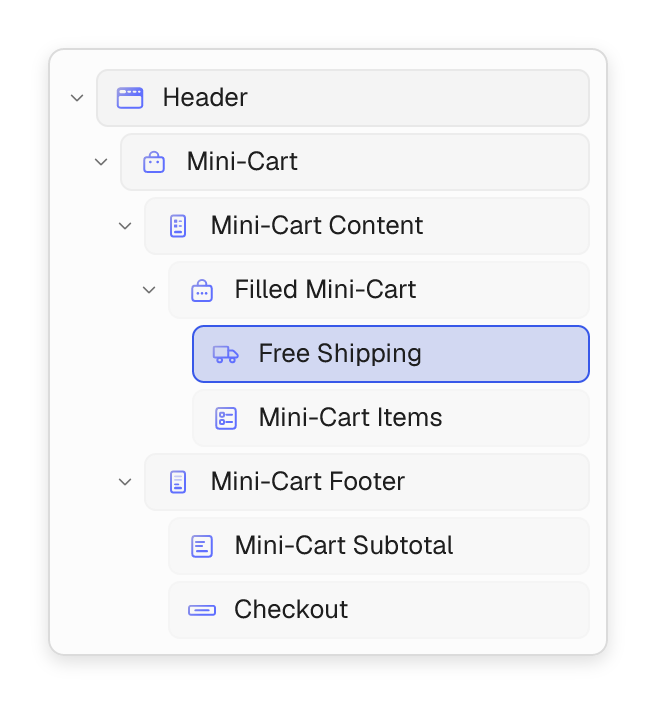
- Mini-cart content, line items, subtotal and free shipping.
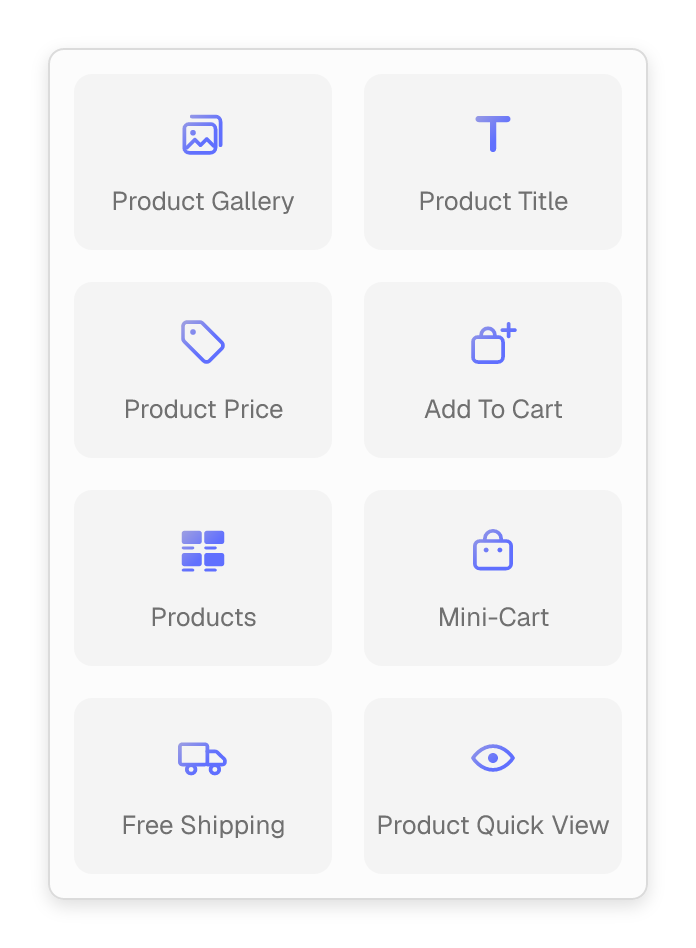
WooCommerce blocks, included with Flatsome.
Dedicated building blocks for product pages, collections and the cart. Enable Dynamic Pricing to add its deal blocks to your store.

Product Gallery
Show products with thumbnail navigation, full-width or stacked galleries.

Product Title & Price
Place live product names and prices anywhere in your product template.

Products
Build responsive product grids and sliders from your chosen collections.

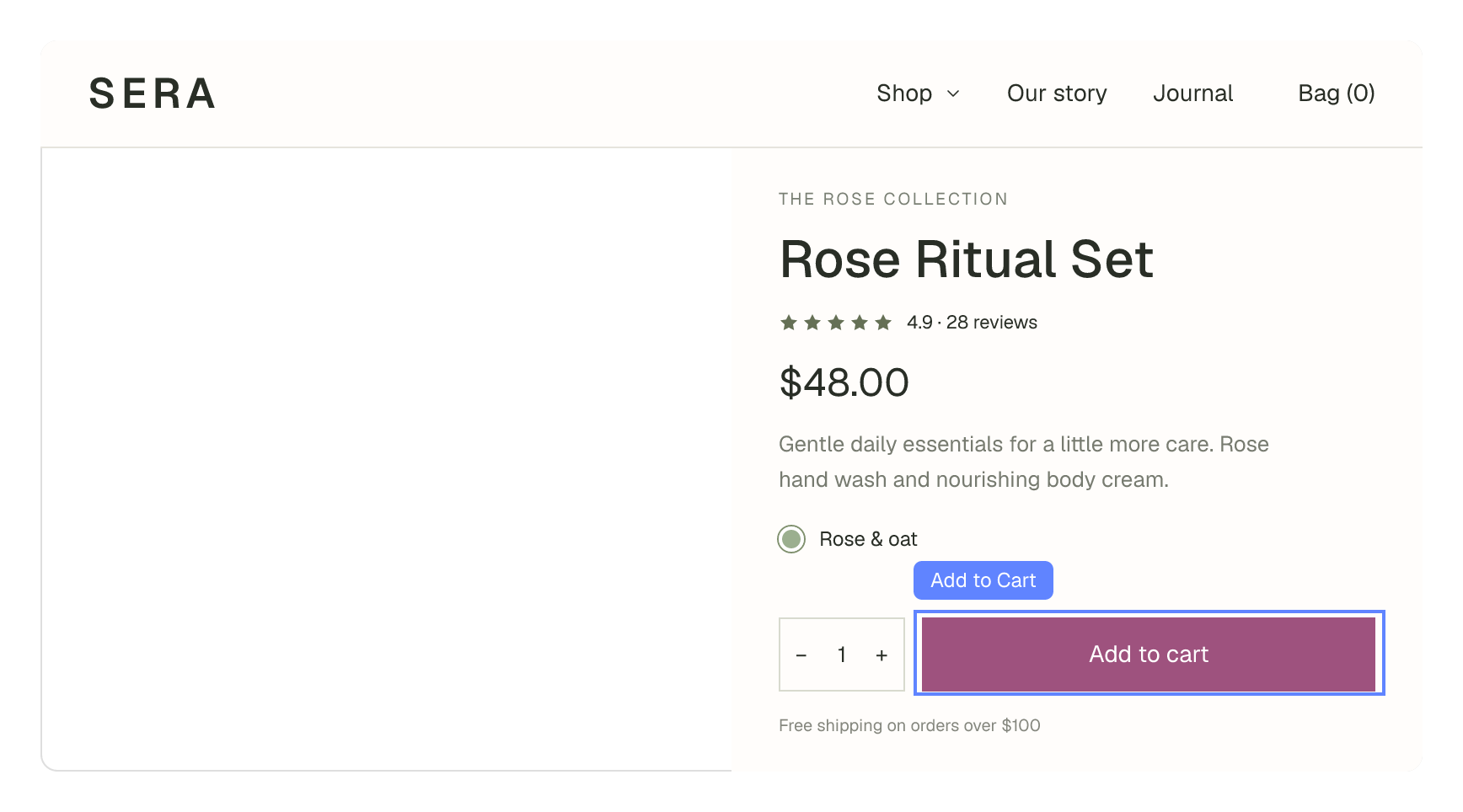
Add to Cart
Place purchase controls alongside product options and quantity selectors.

Product Quick View
Open product details in a modal without leaving the product listing.

Mini-Cart
Compose a dropdown or drawer with items, quantities, subtotal and checkout.

Free Shipping
Show shoppers how much is left to spend and when they reach the threshold.

Related Products & Up-sells
Help shoppers discover complementary products in grids or sliders.

Product Deal Price
Show the quantity-break price for the shopper’s selected quantity.

Product Deal Tiers
Display quantity discounts as a table or selectable list with live highlighting.

Product Deals
Explain available buy-X-get-Y offers with a cart-aware status message.

Cart Deals
Show available offers and deal progress inside the shopping cart.