


The Popover block is a trigger and a floating panel in one. The panel can hold any blocks: a size guide table, a contact form, a video, a promo with a button. It opens on click, on a timer, or when the visitor scrolls far enough.
Add a popup with a button
- Insert the Popover block. Variations give you a head start: Popover, Menu, Info, and Timed Popup.
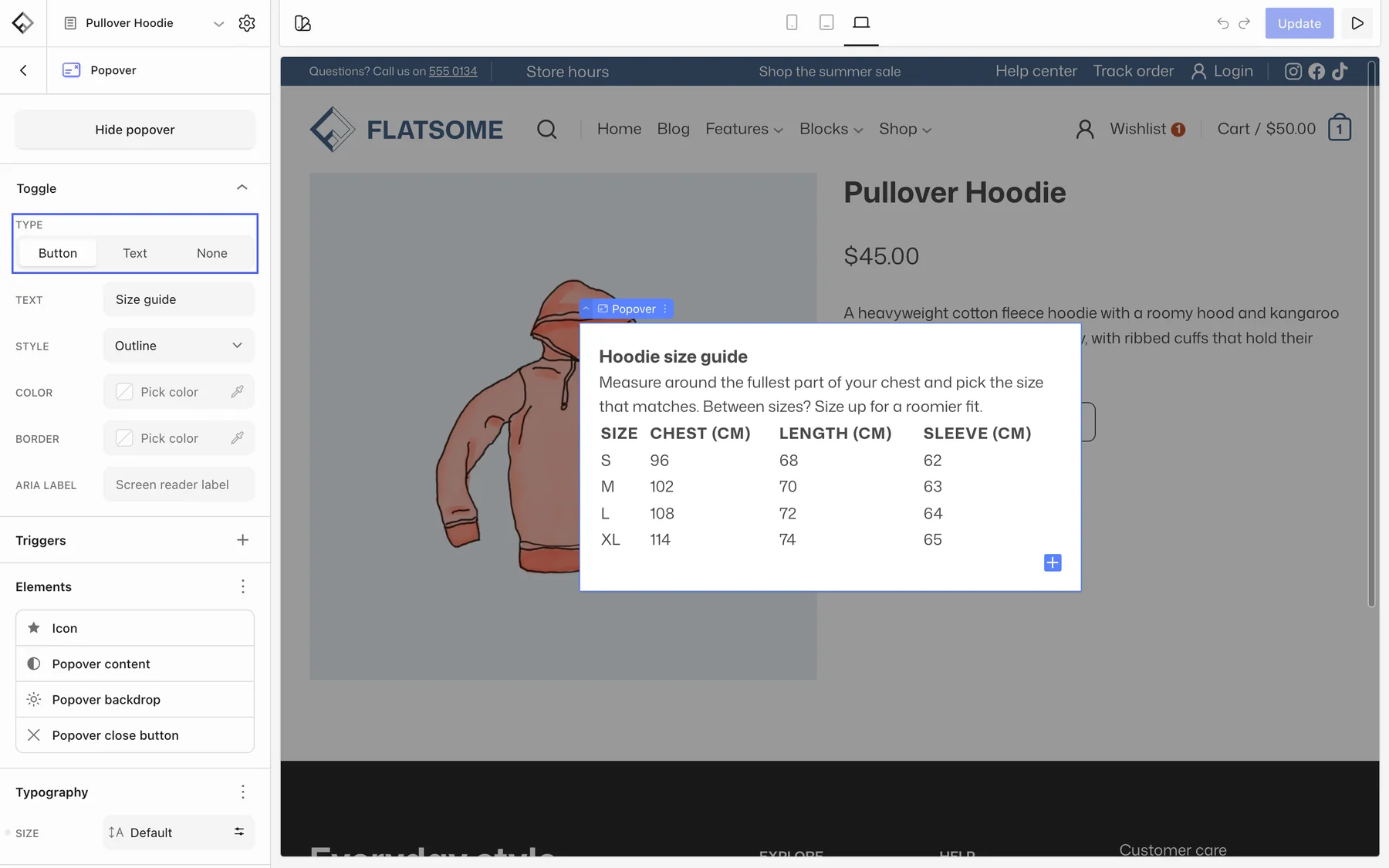
- Under Toggle, set Type to Button or Text, enter the Text such as Size guide, and pick a style. Add an icon under Elements → Icon.
- Add the content blocks inside the popover panel in the editor.
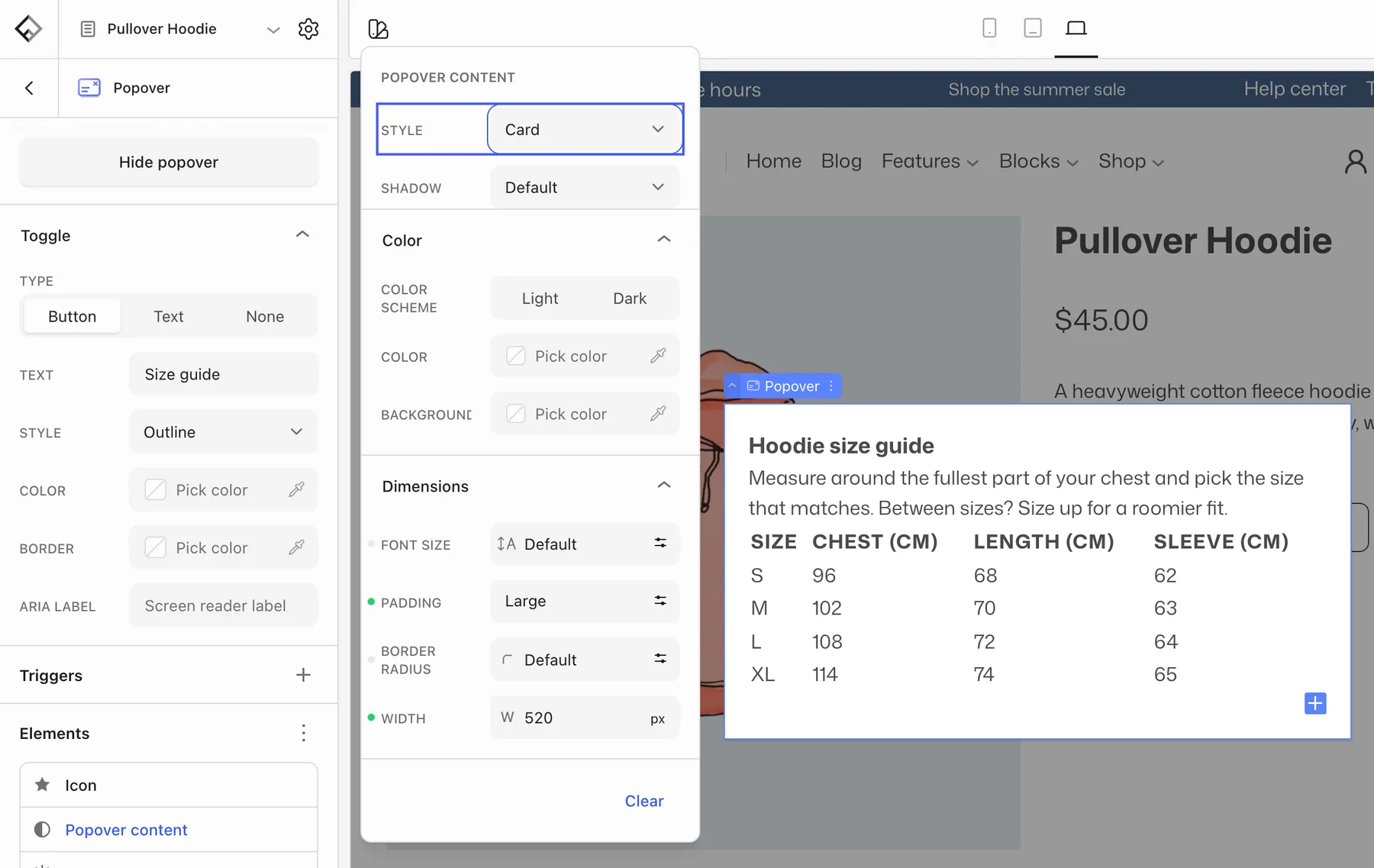
- Under Elements, open Popover content and choose Card or Blank style, a width, padding, and color scheme. Popover backdrop sets the dimmed background and blur.
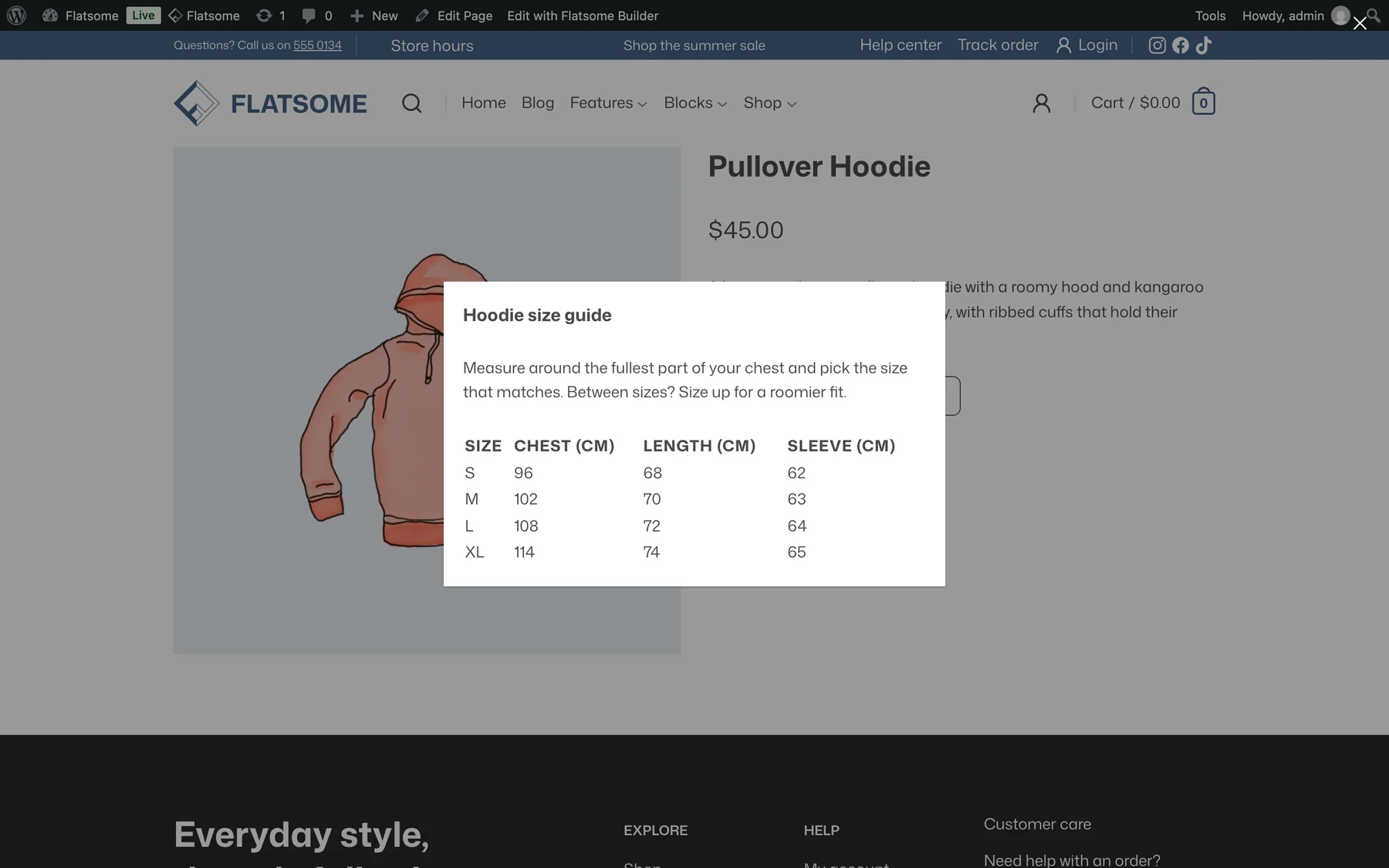
A close button is always included and can be styled under Elements → Popover close button. Clicking the backdrop or pressing Escape closes the panel too.
Open it automatically
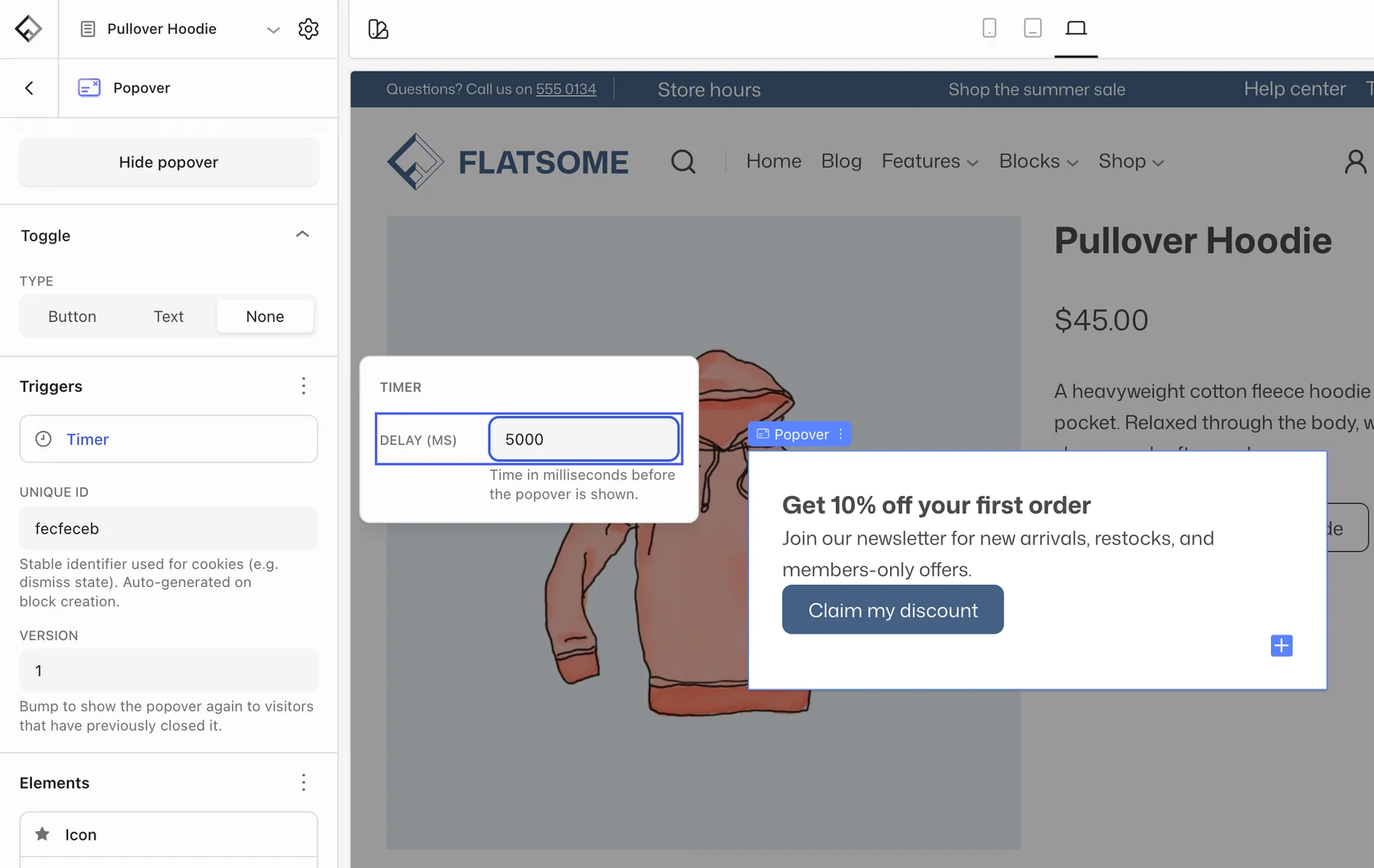
Set Type to None to hide the trigger, then open the Triggers panel and add a Timer or Scroll trigger with the + button. Timer shows the popover after a Delay (ms); Scroll shows it once the visitor has scrolled past an Offset (%) of the page. Once dismissed, it stays hidden for that visitor. Raise the Version number to show it again to everyone, for example for a new campaign. Only one automatic popover shows at a time.
Size guide on product pages
Put the Popover block in the Single Product template near the add-to-cart area, with a table or an image inside. Every product then gets the same size guide. For guides that differ per category, use a template per category with its own popover.