





Store campaigns & landing pages
Launch your next store campaign.
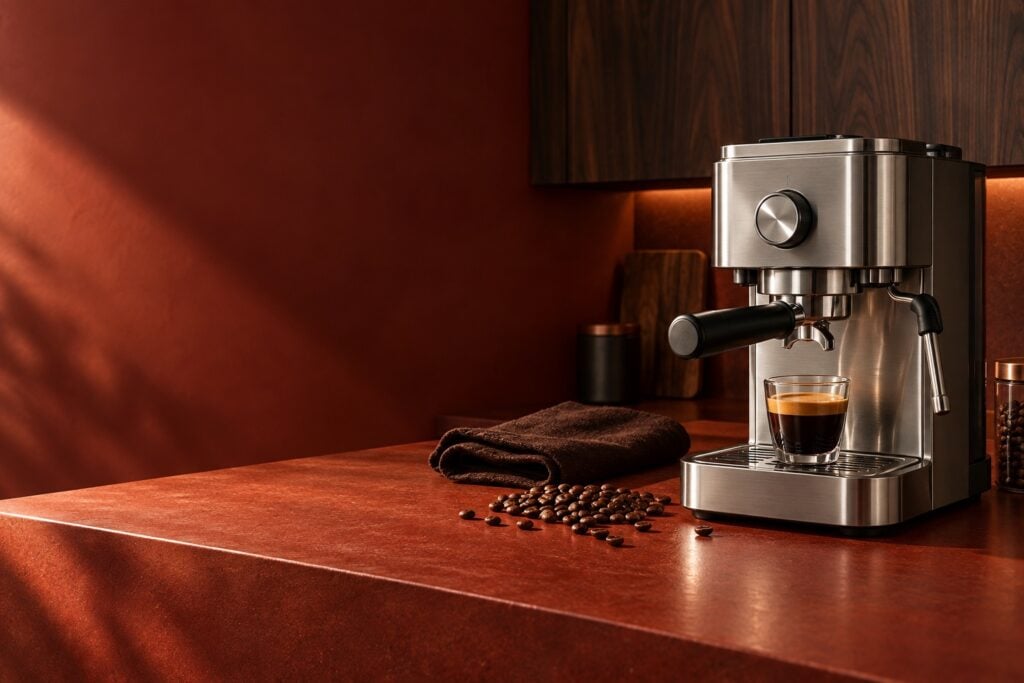
Bring your offer, products and call to action together. Build a dedicated landing page for a seasonal sale, a new collection or your next product launch.
- Lead with your offer and a clear Shop now button.
- Keep the product in focus with layered text and imagery.
- Combine campaign banners with WooCommerce product blocks.
Put more products in front of shoppers.
Showcase new arrivals, bestselling collections and product categories in a swipeable carousel. Help shoppers discover more of what your store sells.




Promotional sliders
Guide shoppers to the next offer.
Give each collection or promotion its own slide. Use clear navigation and thoughtful transitions to help shoppers browse your offers and find something they want.
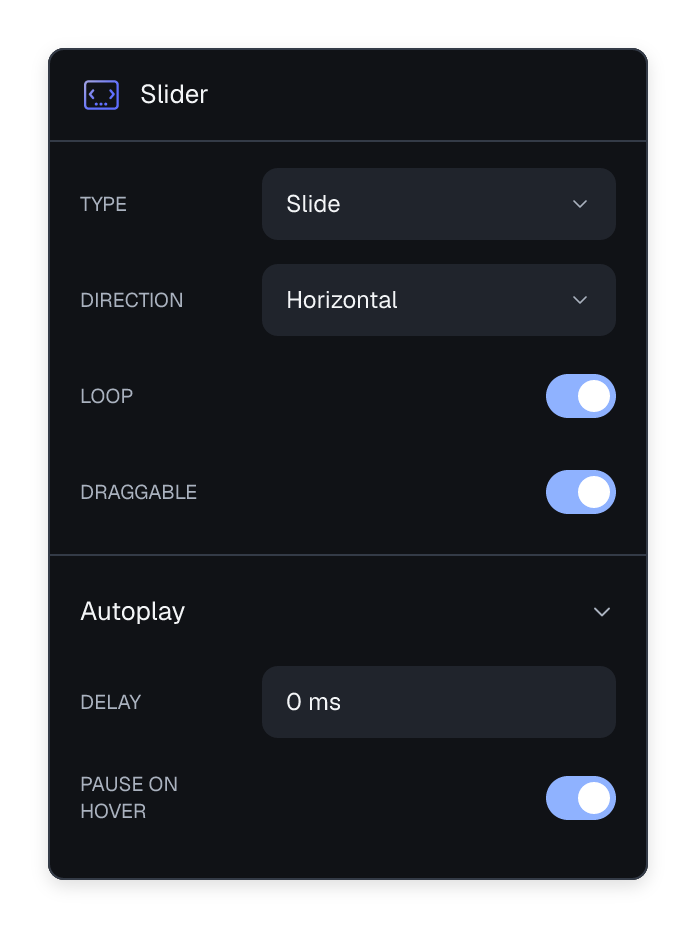
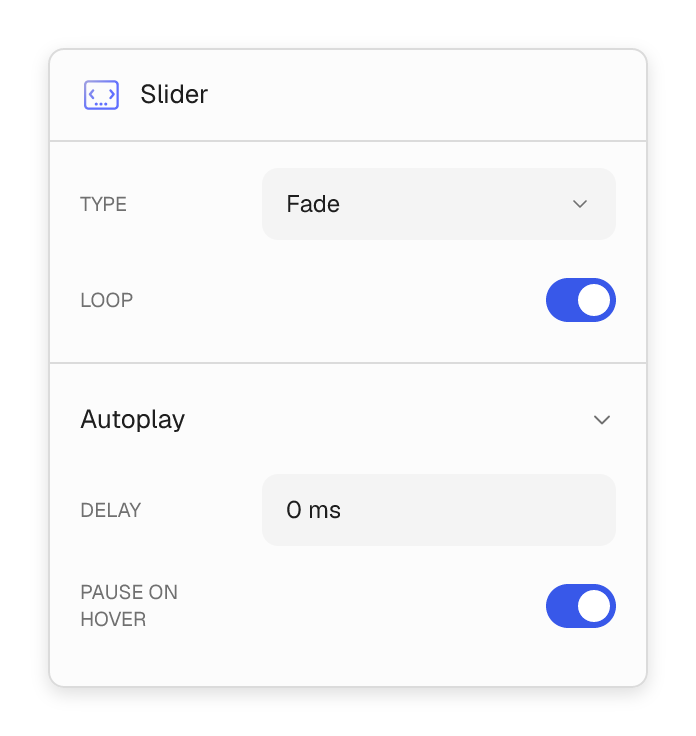
- Choose slide or fade transitions for your store campaigns.
- Set autoplay and pause on hover so shoppers can take a closer look.
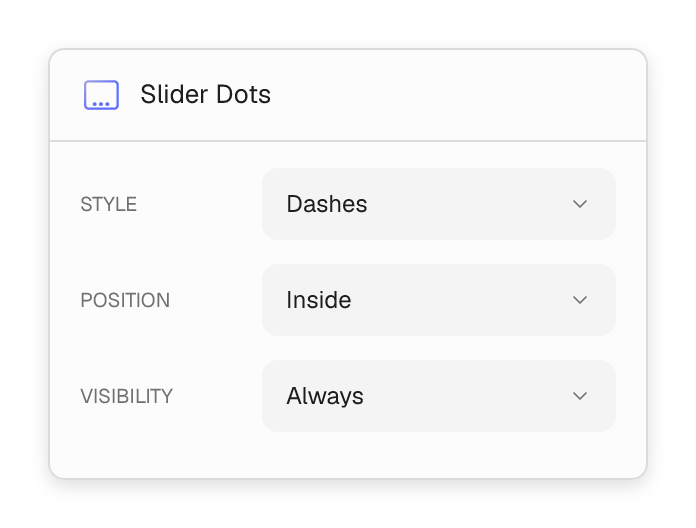
- Add arrows and dots that make every promotion easy to reach.



Collection & category banners
Give every collection a place to sell.
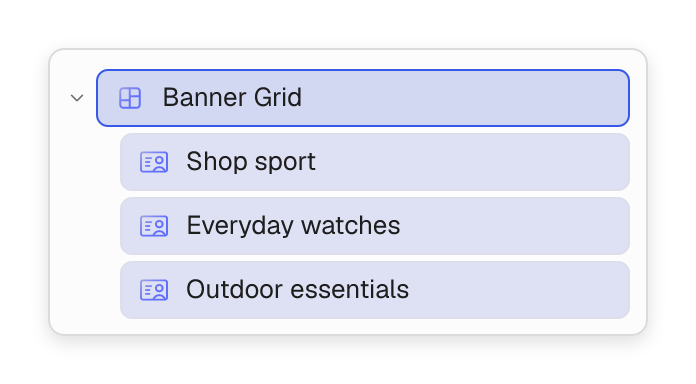
Lead with your main promotion, then make room for bestsellers, new arrivals and seasonal categories. Build a banner grid that invites shoppers further into your store.
- Group product categories and featured collections in one layout.
- Give your main offer more space with flexible banner sizes.
- Adjust the layout and message for shoppers on mobile.
Built for your storefront
Build campaigns around your products.
Use the same visual builder for the banner, the collection page and the rest of your WooCommerce store. Keep each promotion consistent with the way you sell.
- Create slides for product launches, collections and store offers.
- Edit the message, imagery and navigation in one visual workflow.
- Reuse campaign designs across your homepage and landing pages.
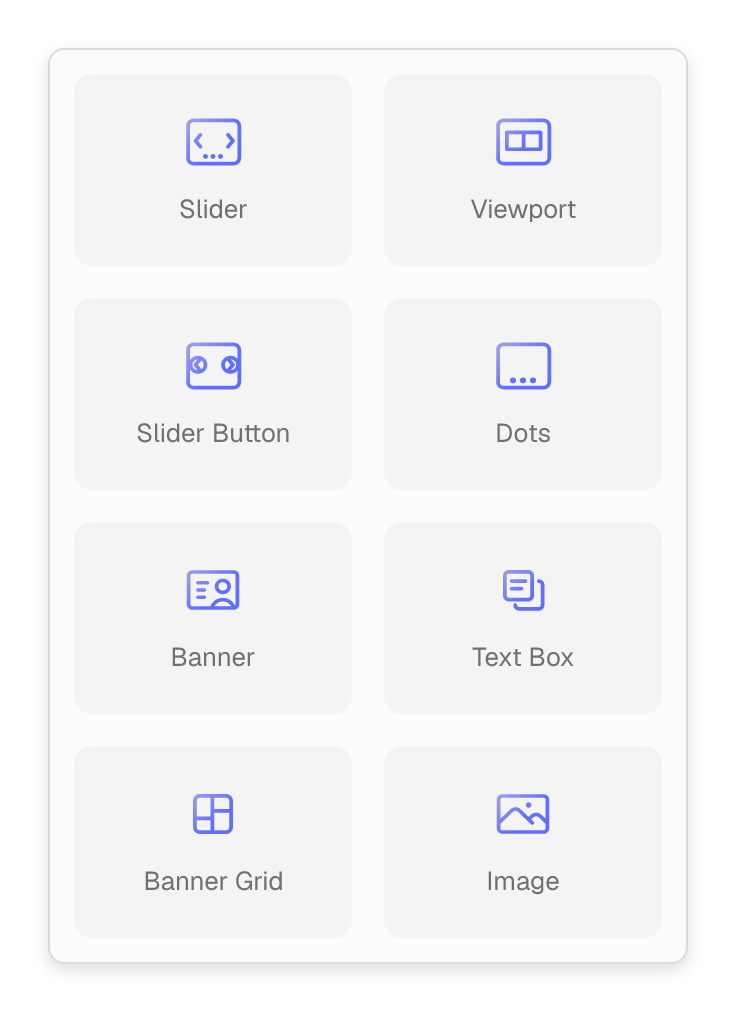
The building blocks of your next sale.
Create product banners, collection sliders and promotional landing pages with native Flatsome blocks.

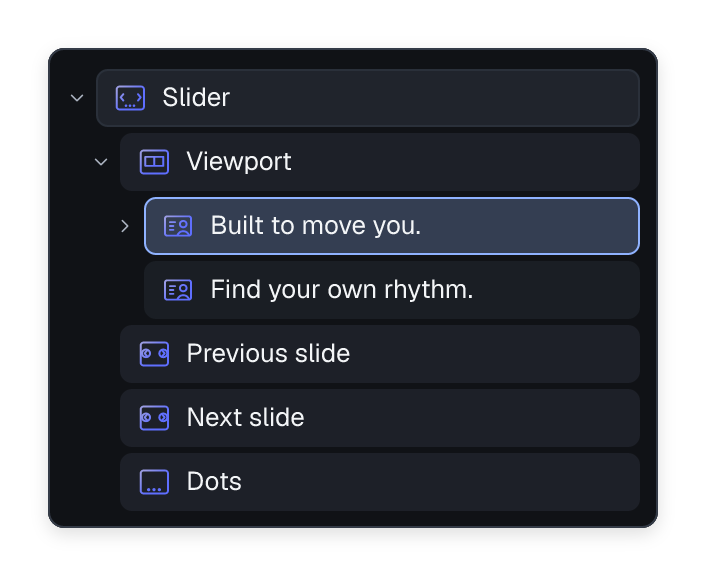
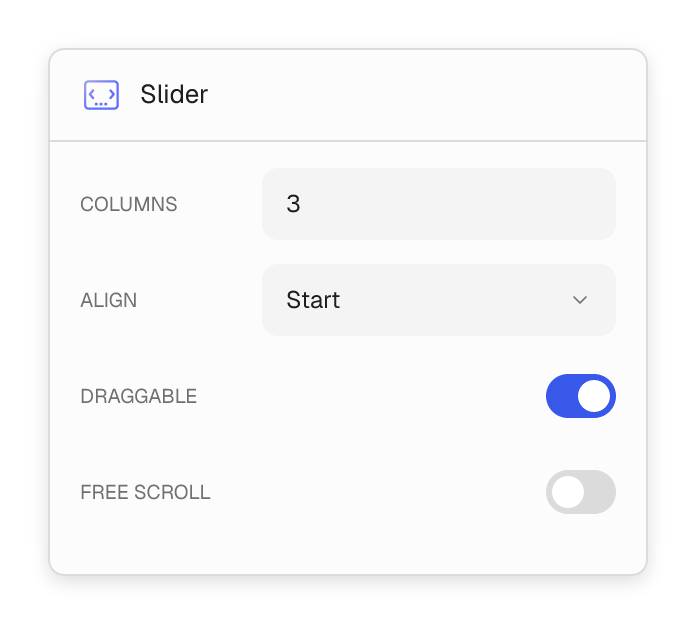
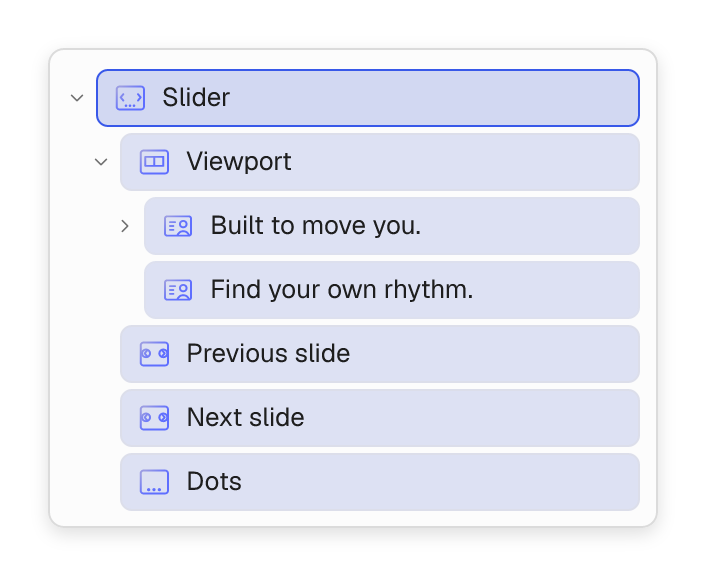
Slider
Promote new arrivals, bestsellers and seasonal offers in a swipeable slider.

Slider Viewport
Control how many collection or campaign slides shoppers see at once.

Slider Buttons
Give shoppers a clear way to move between featured collections and offers.

Slider Dots
Let shoppers jump directly to another promotion in your slider.

Banner
Put your product image, offer and call to action at the center of a campaign.

Text Box
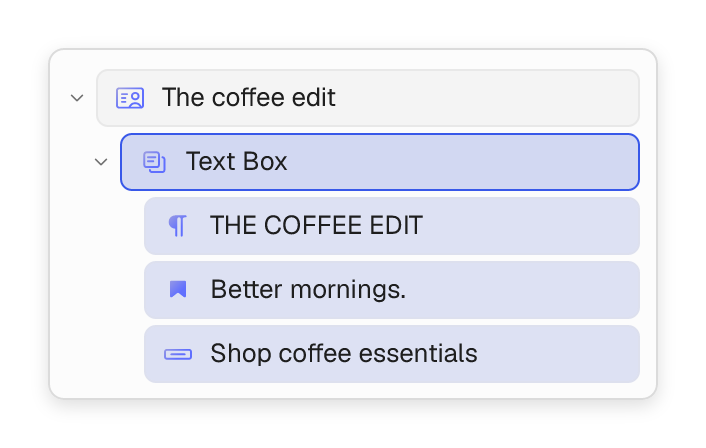
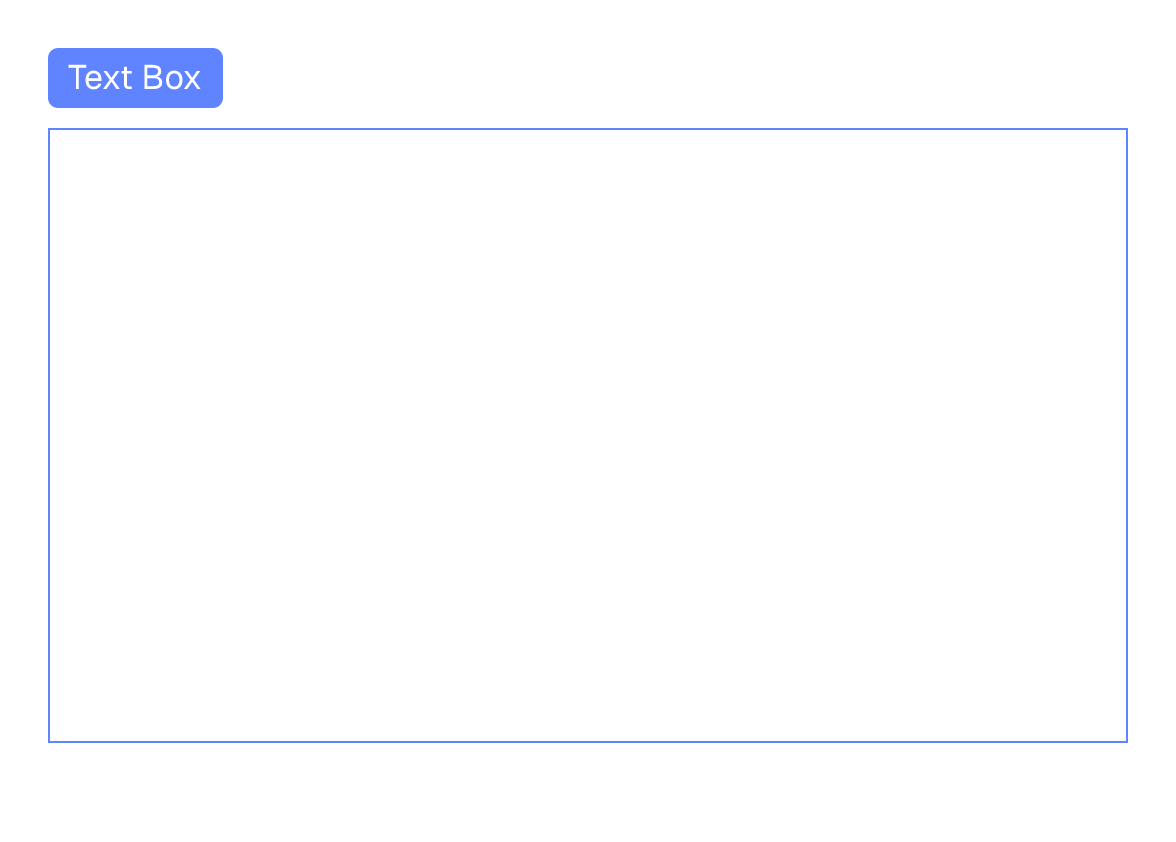
Keep the offer, supporting message and Shop now button together.

Banner Grid
Showcase several product categories or collections in one store section.

Image
Show the product details and lifestyle photography that support your offer.

Video
Show products in use or bring a collection campaign to life with video.