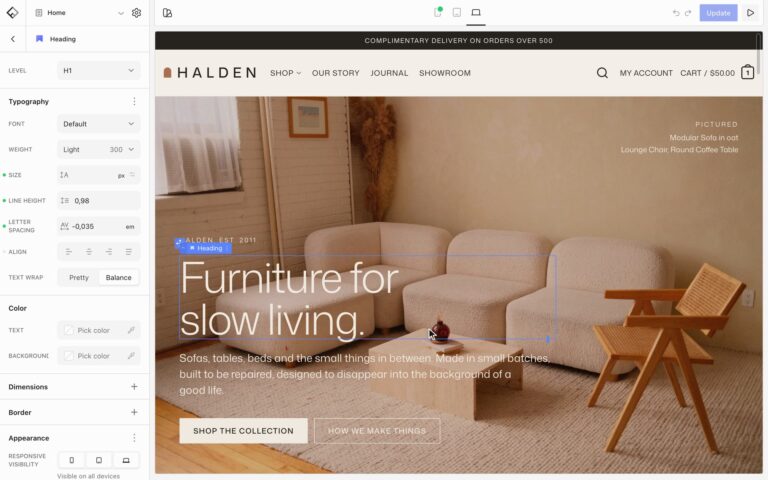

Text can be filled with a gradient, on a whole block or on a few words, and links can get their own underline style site-wide.
Gradient on a whole block
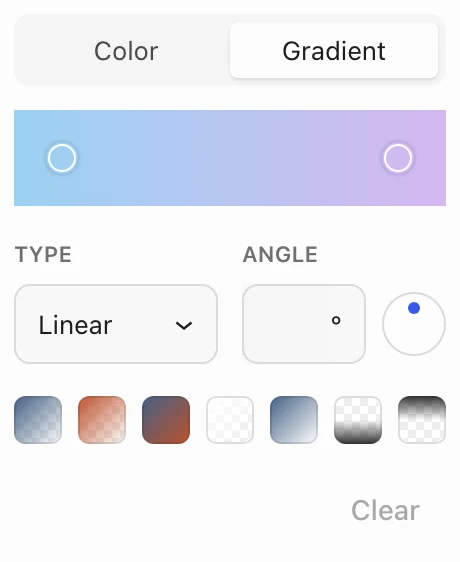
Select a Heading or Paragraph, open Text in the Color panel, and switch to the Gradient tab. Pick a gradient or build your own. The option is hidden while the block has a background color. On a Button, the Color setting accepts a gradient too.
Gradient on a few words
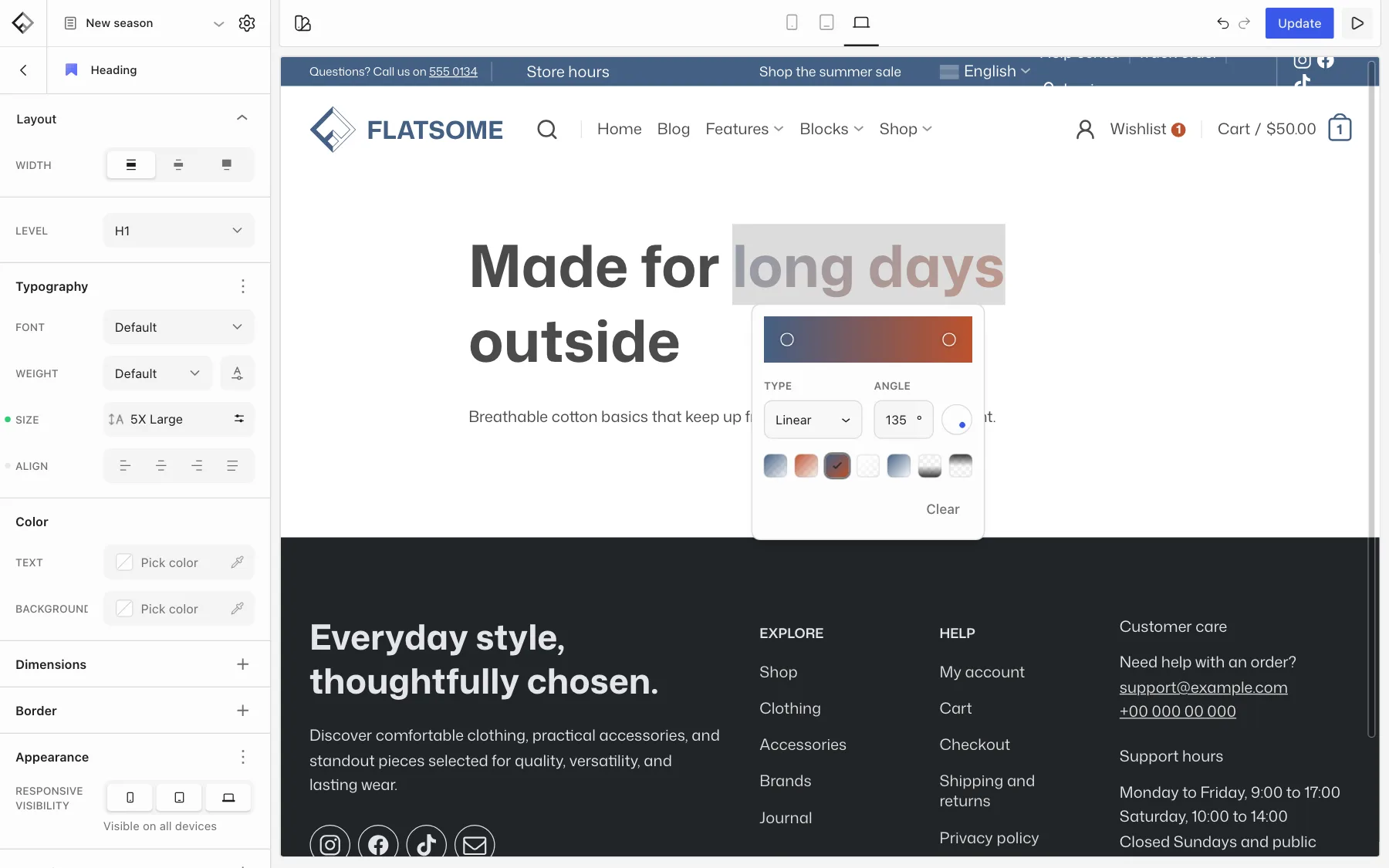
Select the words in a heading or paragraph. In the toolbar that appears, open More (the arrow next to Link) and choose Gradient, then pick a gradient. Clear the gradient to remove it again.
Link underlines
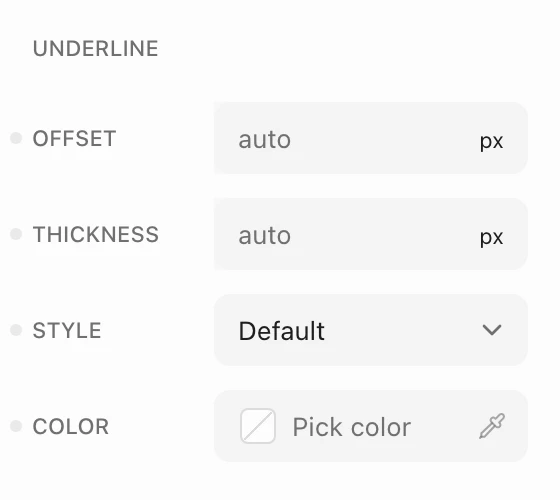
Choose Styles in the Builder’s top toolbar, then Elements and Links. Under Underline, set Offset, Thickness, Style (Solid, Dashed, Dotted, Double, or Wavy), and Color. Use State to give links a different look on Hover and Focus. Offset is set for the normal state only.
For font width, weight, and number styles, see Change fonts and add custom fonts.