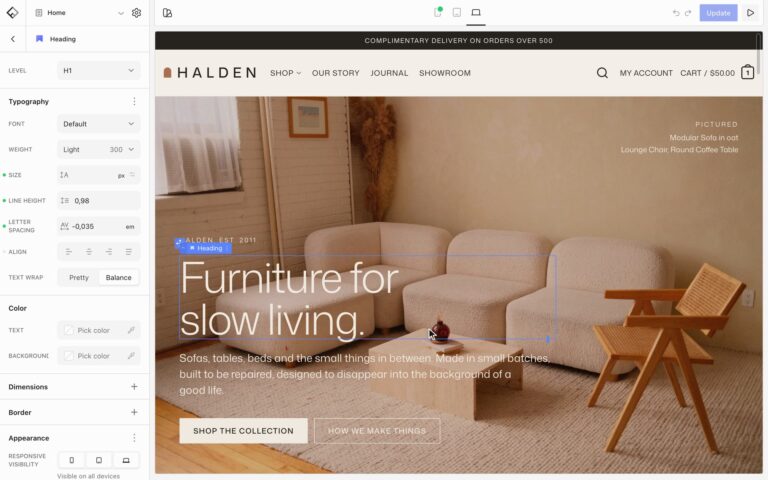

The List block makes bulleted, numbered, and icon lists, such as feature lists with checkmarks. Start from a variation: Default, Muted Checks, or Primary Checks.
Settings
- Type: Unordered or Ordered. Ordered lists number their items.
- Dividers: lines between the items.
- List Item: the space above and below each item, and the colors of item tooltips.
Icons
Select the List, open Elements, and choose Icon to set one icon for every item. Besides the icon itself, set its Size, Color, Background, Padding, and border, for example a white check in a colored circle.
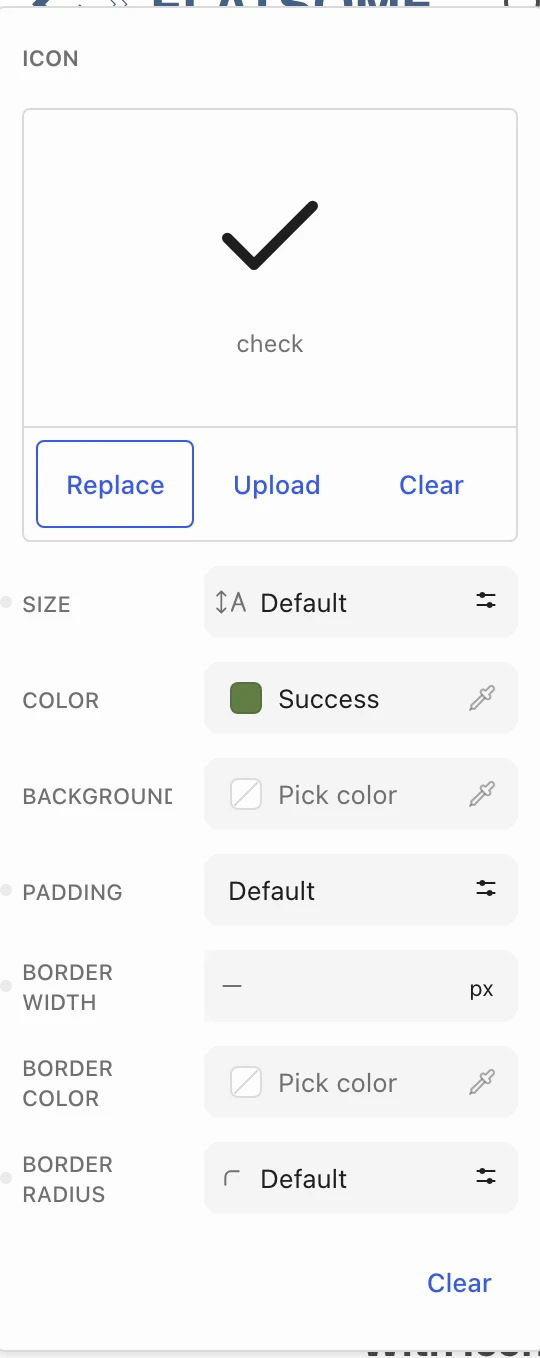
Select a single List Item to give it its own icon, which replaces the list’s icon for that item. In an ordered list, an icon takes the place of the number.
Tooltips
Select a List Item and open Tooltip to show extra text when visitors point at or focus the item.