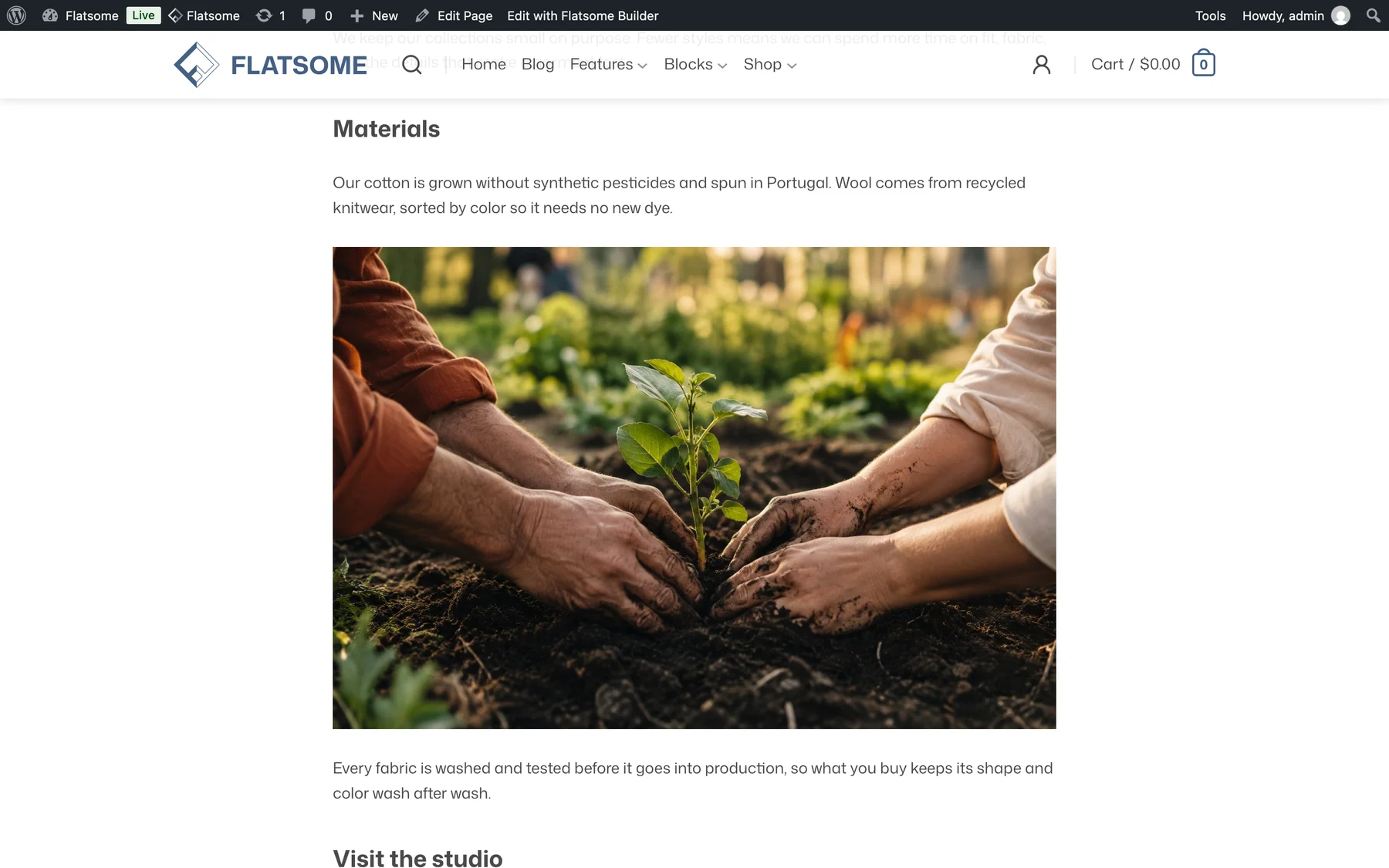
An anchor is an ID on a block that a link can jump to with a hash, such as #pricing. Put the anchor on the heading that starts the section, then link to it from a button, a menu item, or another page.
Set the anchor
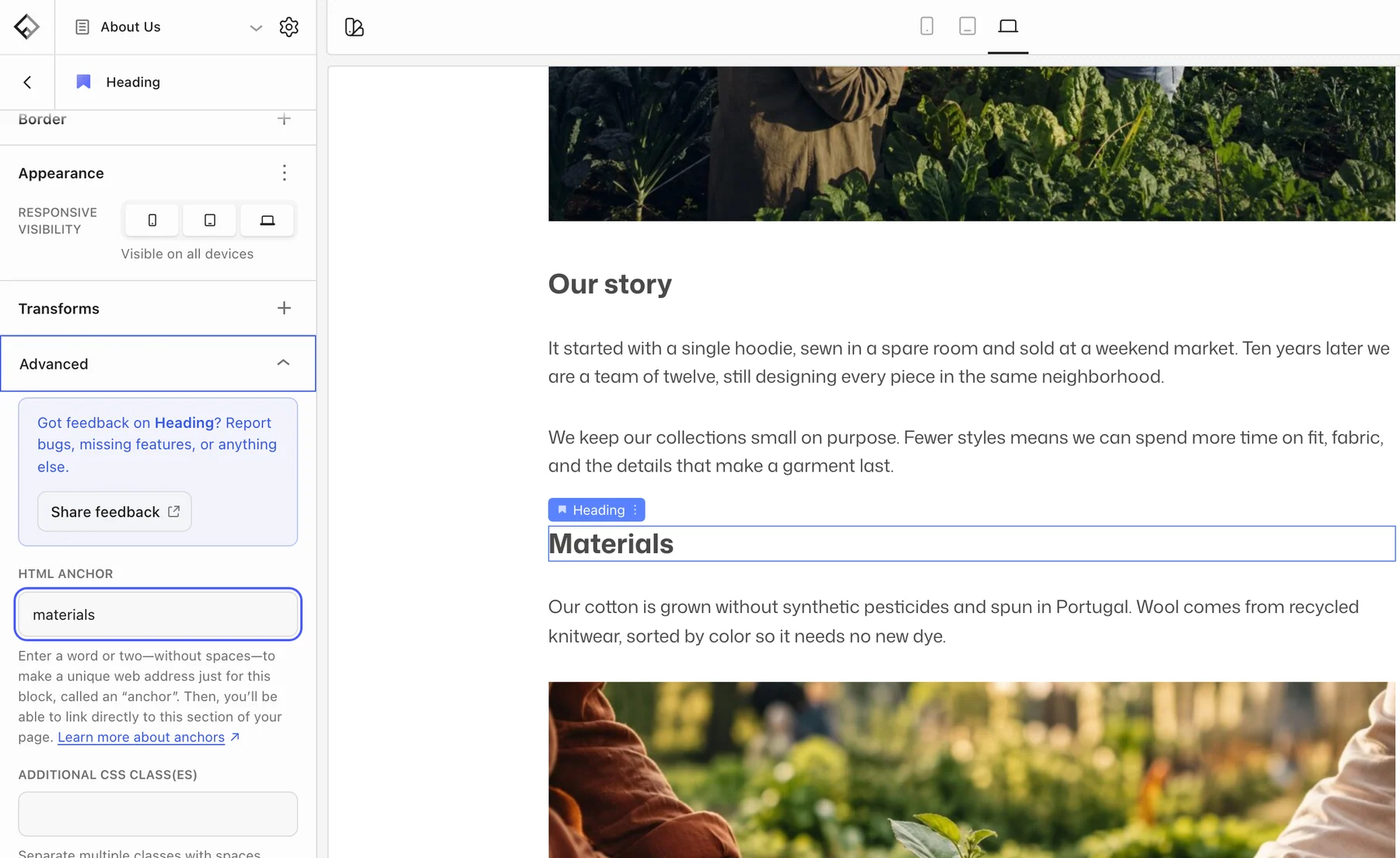
- Select the Heading at the top of the target section.
- Open Advanced and enter an HTML anchor: lowercase, no spaces, unique on the page, for example
pricing.
Headings and paragraphs take anchors; containers such as Section and Row do not. If a section has no heading, add a Paragraph with the anchor as its first block.
Link to it
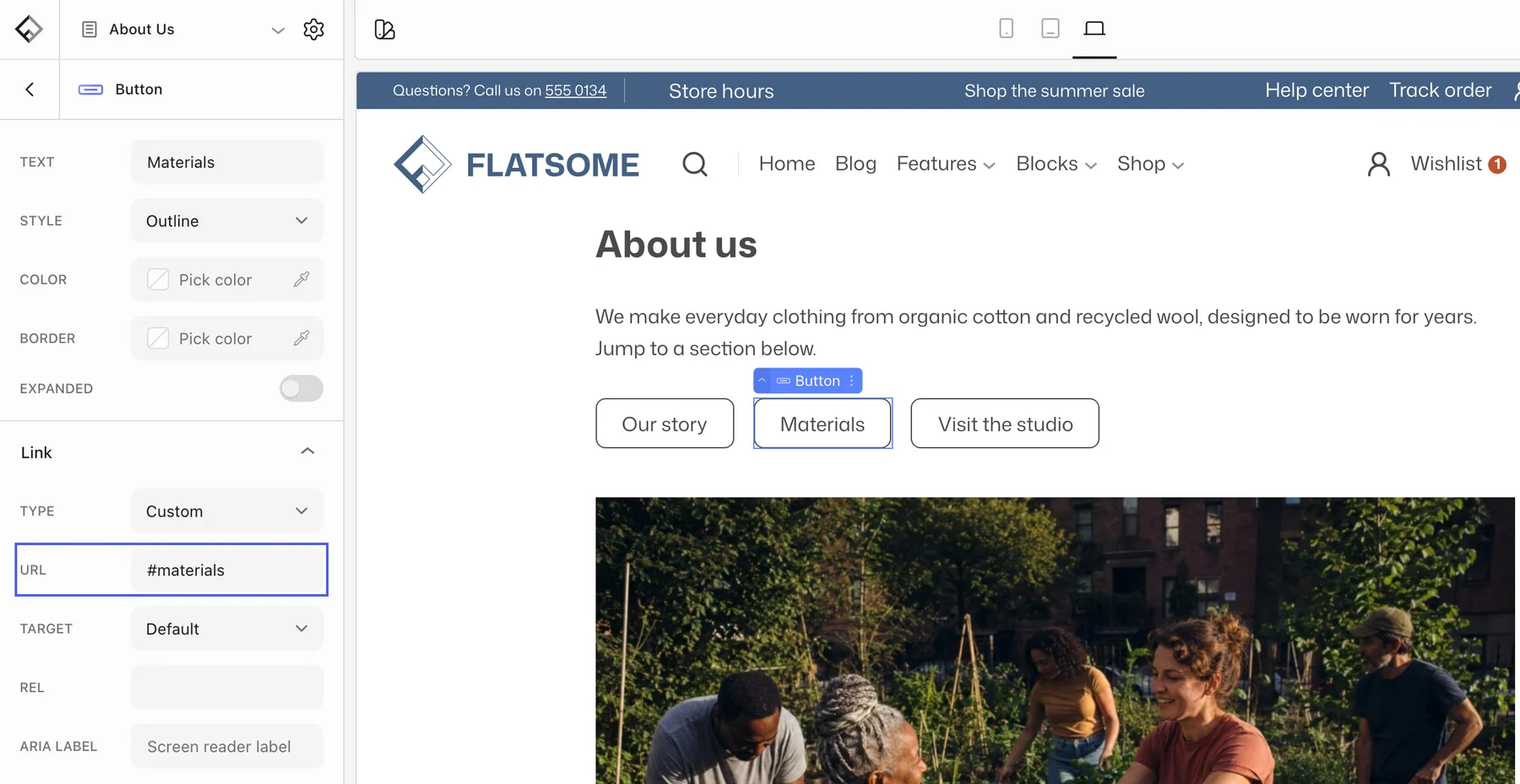
- Button or text link on the same page: use
#pricingas the URL. - From another page or the header menu: use the full address,
/about/#pricing. - In a navigation menu, add a custom link with the same URL.
Sticky headers
The theme reserves room for the sticky header when jumping to an anchor, so the heading lands below it rather than hidden behind it. Nothing to configure.