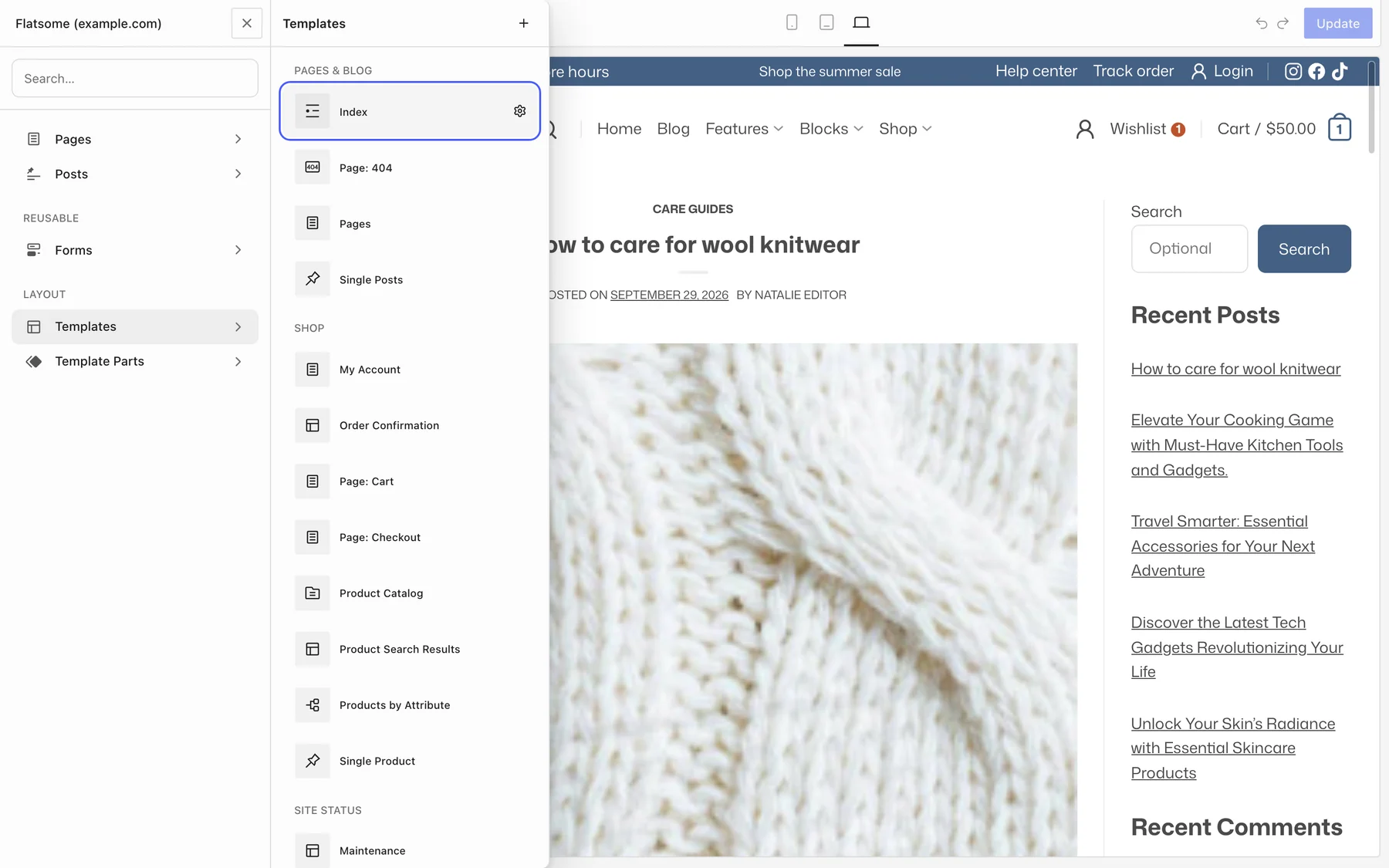
Three templates make up the blog: Index for the blog page and archives, Single Posts for one post, and the Blog Sidebar template part. All three are edited in the Builder, and the Posts block shows articles anywhere else.
The blog page and archives
Open Templates → Index. It lists posts in a nine-column area with the sidebar beside it. Each entry is built from post blocks you can rearrange or remove: Post Terms, Post Title, Post Date, Post Author, the featured Image with a Post Date Badge, Post Excerpt, and Post Read More. Pagination is below the list.
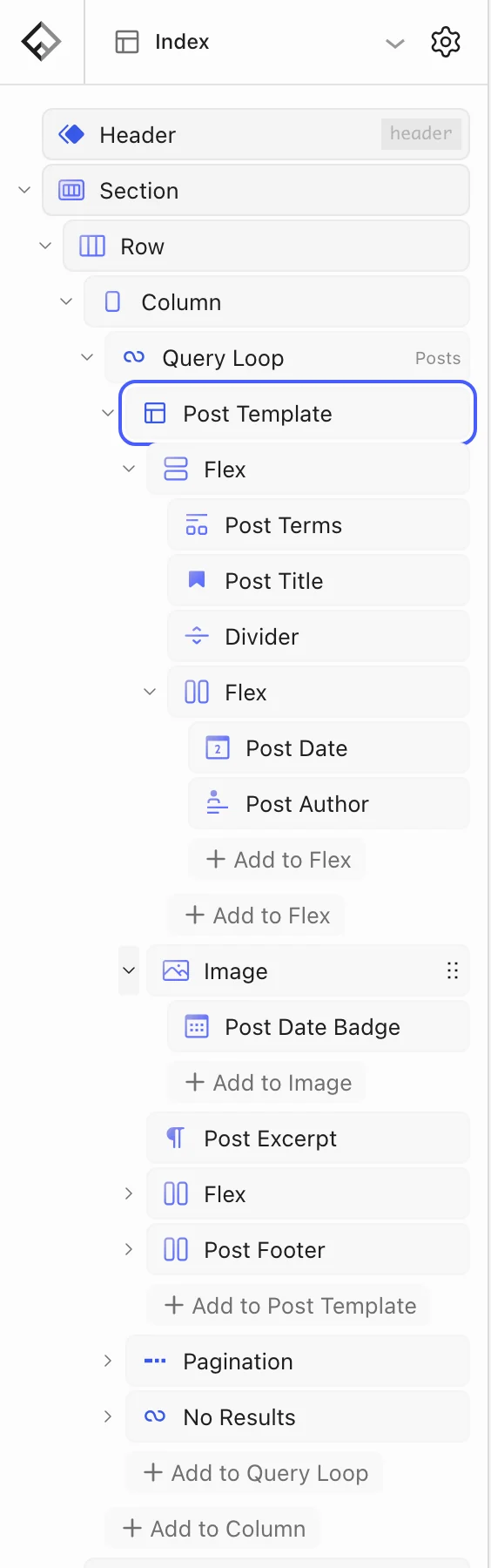
- For a grid of cards, replace the list with a Posts block set to Query type → Default so it follows the current archive, and set Columns.
- To drop the sidebar, remove its column and widen the main column to 12.
- Post Excerpt has a word limit; Post Read More takes any button style.
Single posts
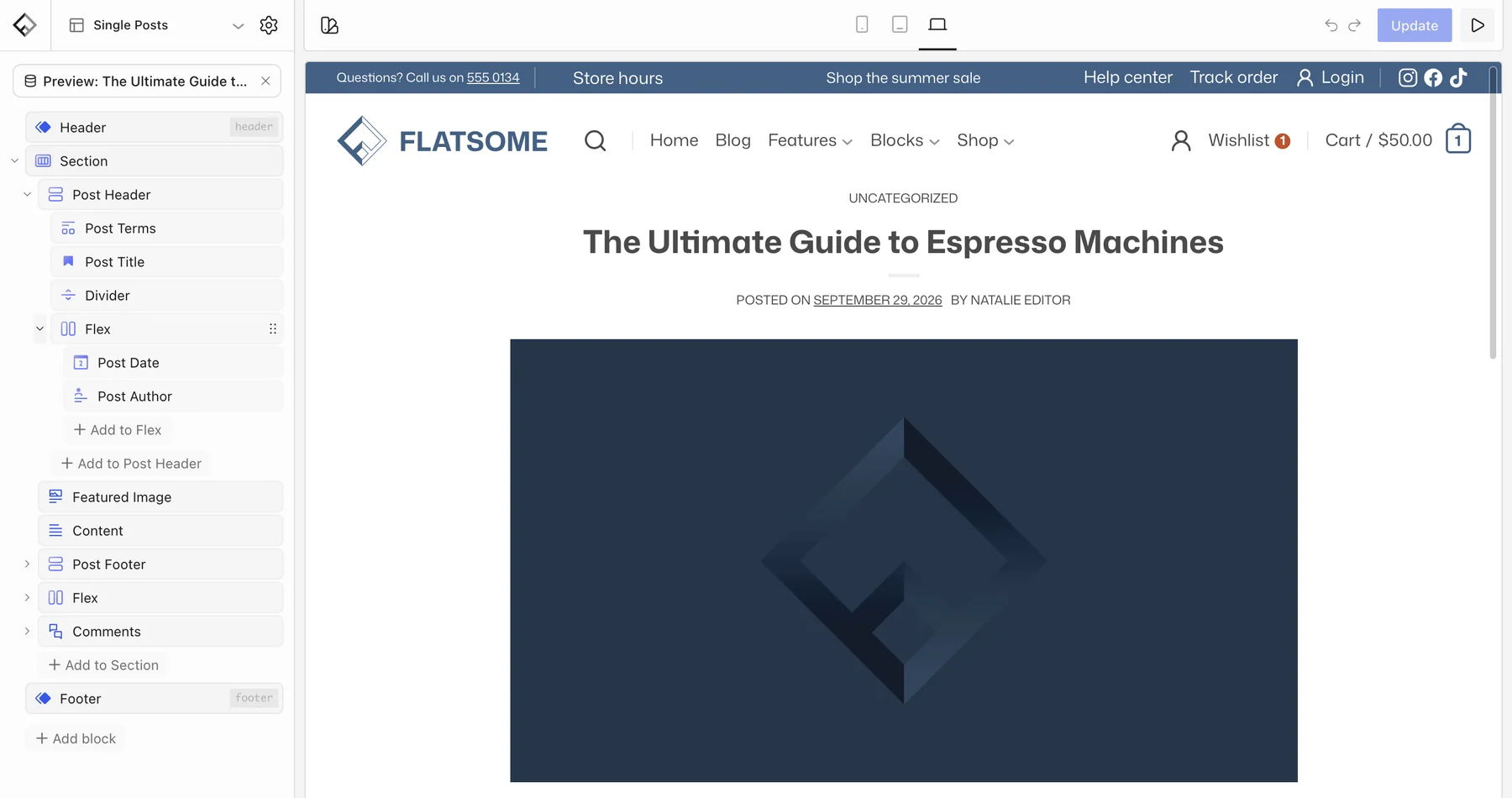
Open Templates → Single Posts. It stacks the post header, the featured image, the content, Share Icons, an author box, previous and next links, and comments. Move the featured image above the title for a magazine feel, add a Posts block at the end for related articles, or remove the author box.
Sidebar
Open Template Parts → Blog Sidebar. It holds a search field, recent posts, and recent comments by default. Add a Posts block for popular articles or a newsletter Form.
Posts on other pages
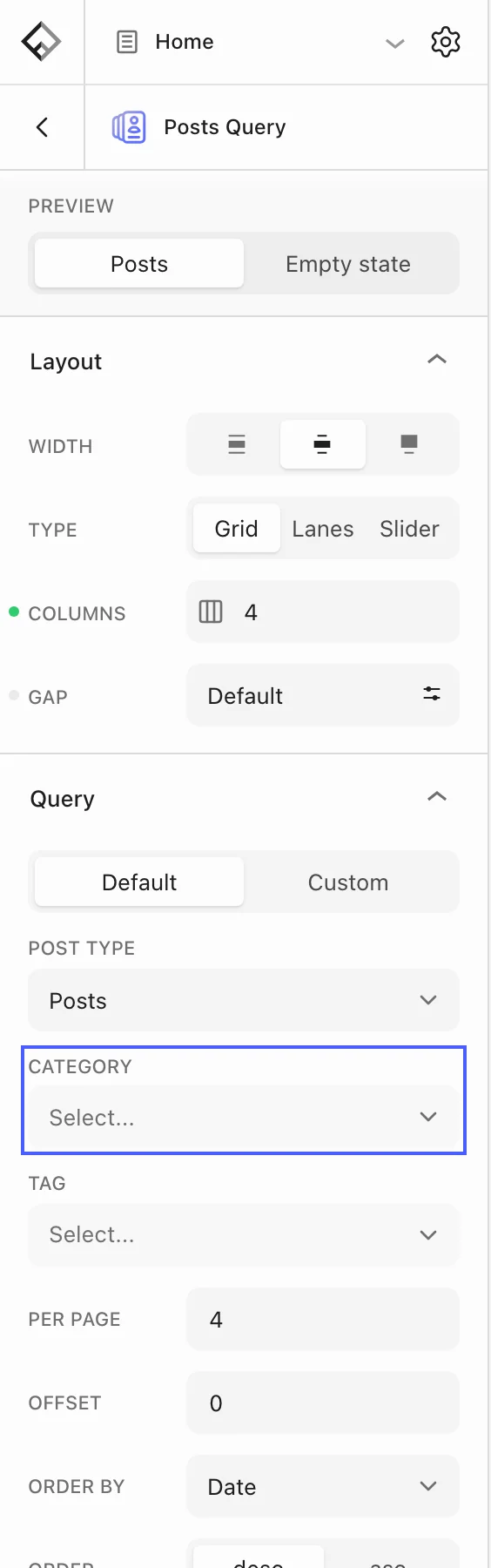
Insert the Posts block as a Posts Query Grid or Posts Query Slider on the homepage or in the footer. Under Query, choose a Category or Tag, Per page, and Order by. Each post is a card whose inner blocks you can edit, so the design can differ from the blog page.