


Flatsome is a theme and site builder for WordPress and WooCommerce. Every part of a site, from the header to the product page, is built from blocks and edited visually in the Flatsome Builder. This page explains the pieces you will meet in the rest of the docs.
Two parts: plugin and theme
- Flatsome Site Builder is the plugin, and the only file you download. It holds the Builder, the block and pattern libraries, the modules, the setup wizard, and the admin screens under Flatsome in the WordPress menu.
- Flatsome Block Theme decides how the site looks out of the box: the templates (front page, product page, blog, 404, maintenance), the template parts (header, footer, sidebar, quick view, mini-cart), and the default global styles. The plugin’s setup wizard installs and activates it for you.
The two update separately, so new blocks and Builder features can ship without changing your site’s templates. One license covers both.
The Builder
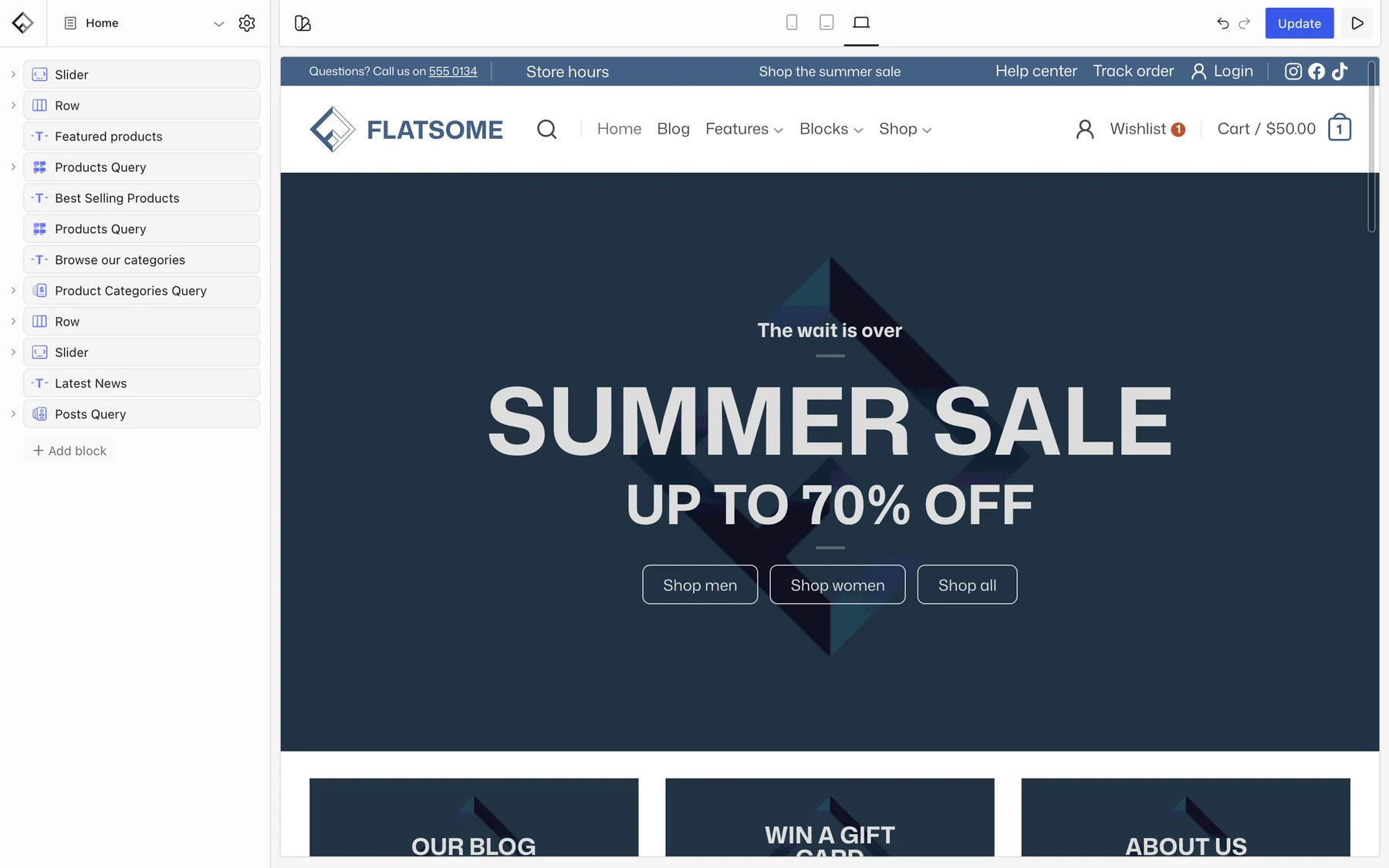
The Flatsome Builder is a visual editor for pages, posts, products, templates, and template parts. You work on a live preview of the site, add blocks from the inserter, and change their settings in the sidebar. Every block has responsive controls, so one layout adapts to desktop, tablet, and phone. See Your first page for a tour.
Blocks, patterns, templates
- Blocks are the building units: Section, Row, Column, Banner, Slider, Products, Navigation, Form, and many more. The Blocks reference documents each one.
- Patterns are saved groups of blocks. Flatsome ships a library of them and you can save your own, synced or not. See Reuse content with patterns.
- Templates decide the layout of a kind of page, such as all product pages or the blog archive. Template parts are shared areas such as the header and footer. Both are edited in the Builder with the same blocks.
- Global Styles hold the palette, fonts, spacing, and per-block defaults for the whole site.
Modules
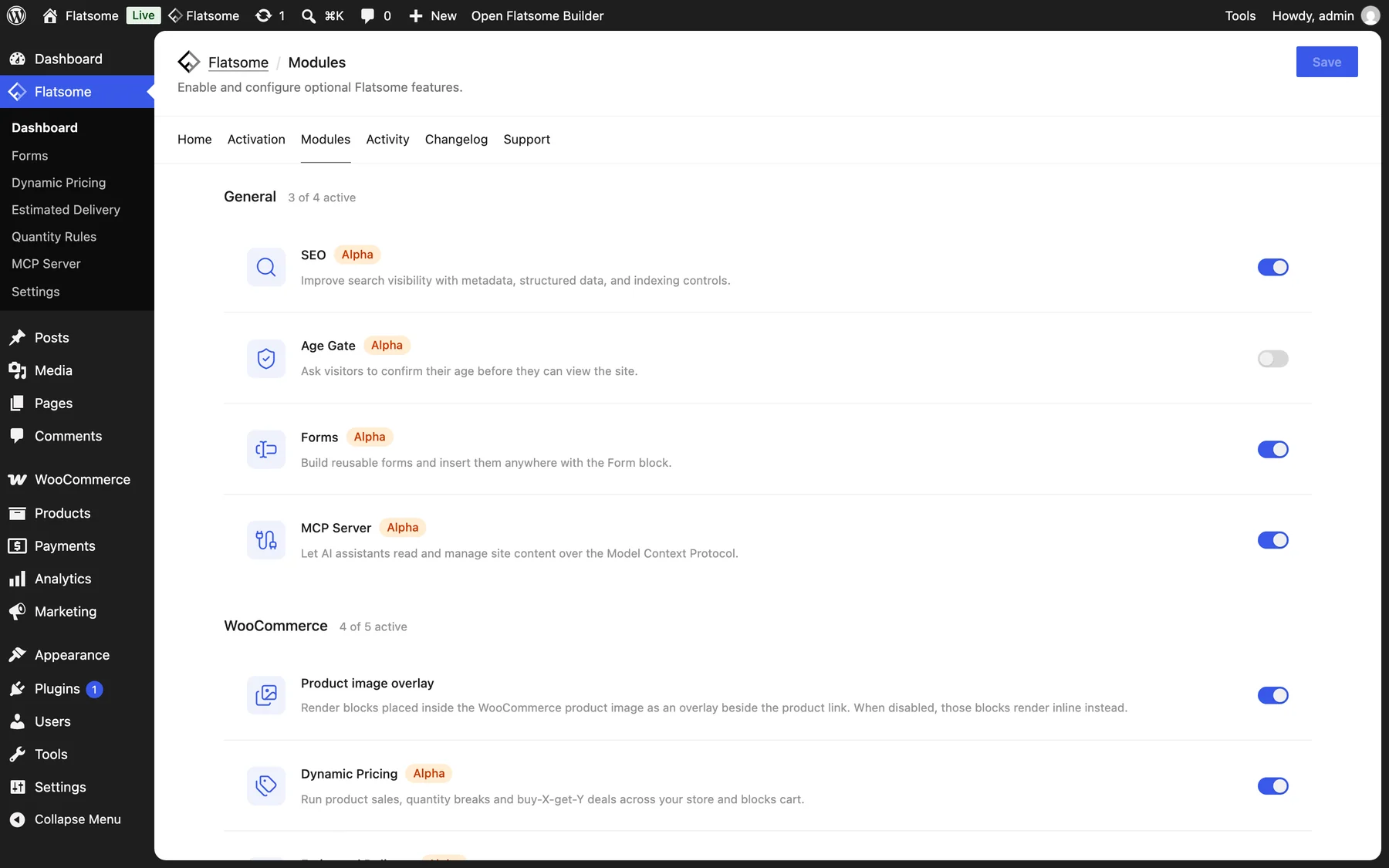
Optional features such as Forms, SEO, Catalog Mode, Dynamic Pricing, Estimated Delivery, and the MCP Server are modules. Each one is switched on or off on the Modules tab of Flatsome → Dashboard, and a disabled module loads nothing. See Turn modules on and off.
AI assistants
Flatsome can be driven by AI assistants such as Claude through the built-in MCP server. An assistant works with the same blocks, patterns, and templates you do, with permissions you control per connection. See Connect an AI assistant.
What you need
A WordPress site on WordPress 7.0 or newer with PHP 8.2 or newer, and WooCommerce 11.0 or newer if you sell products. See Server recommendations for the details, then continue with Installation.