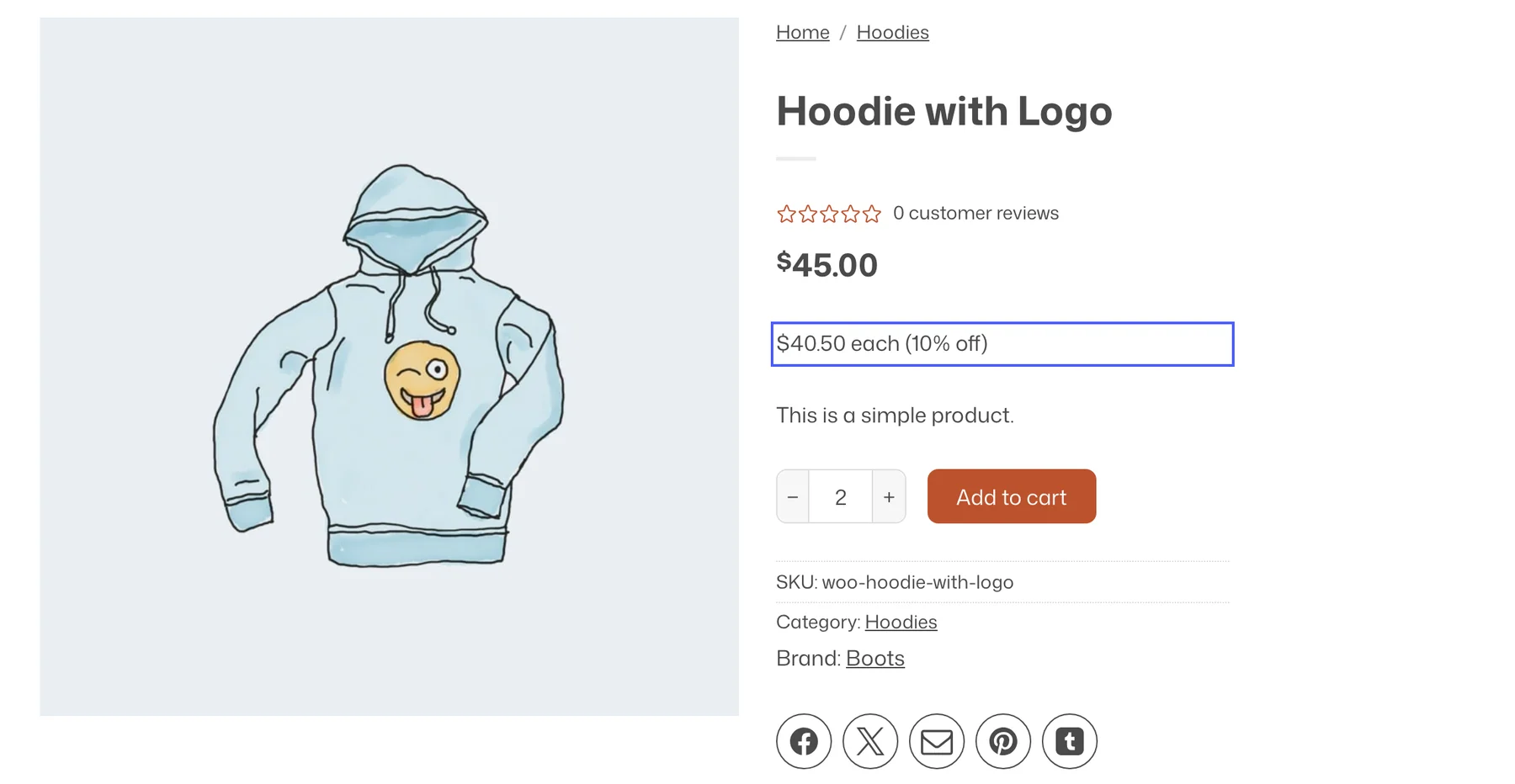
Dynamic Pricing runs discounts without coupon codes. Put products or whole categories on sale for a period, lower the unit price as the quantity grows, or give something free when the customer buys enough. Each deal is a rule with conditions, and the cart shows what was applied.
Turn it on
- Enable Dynamic Pricing under Flatsome → Dashboard → Modules.
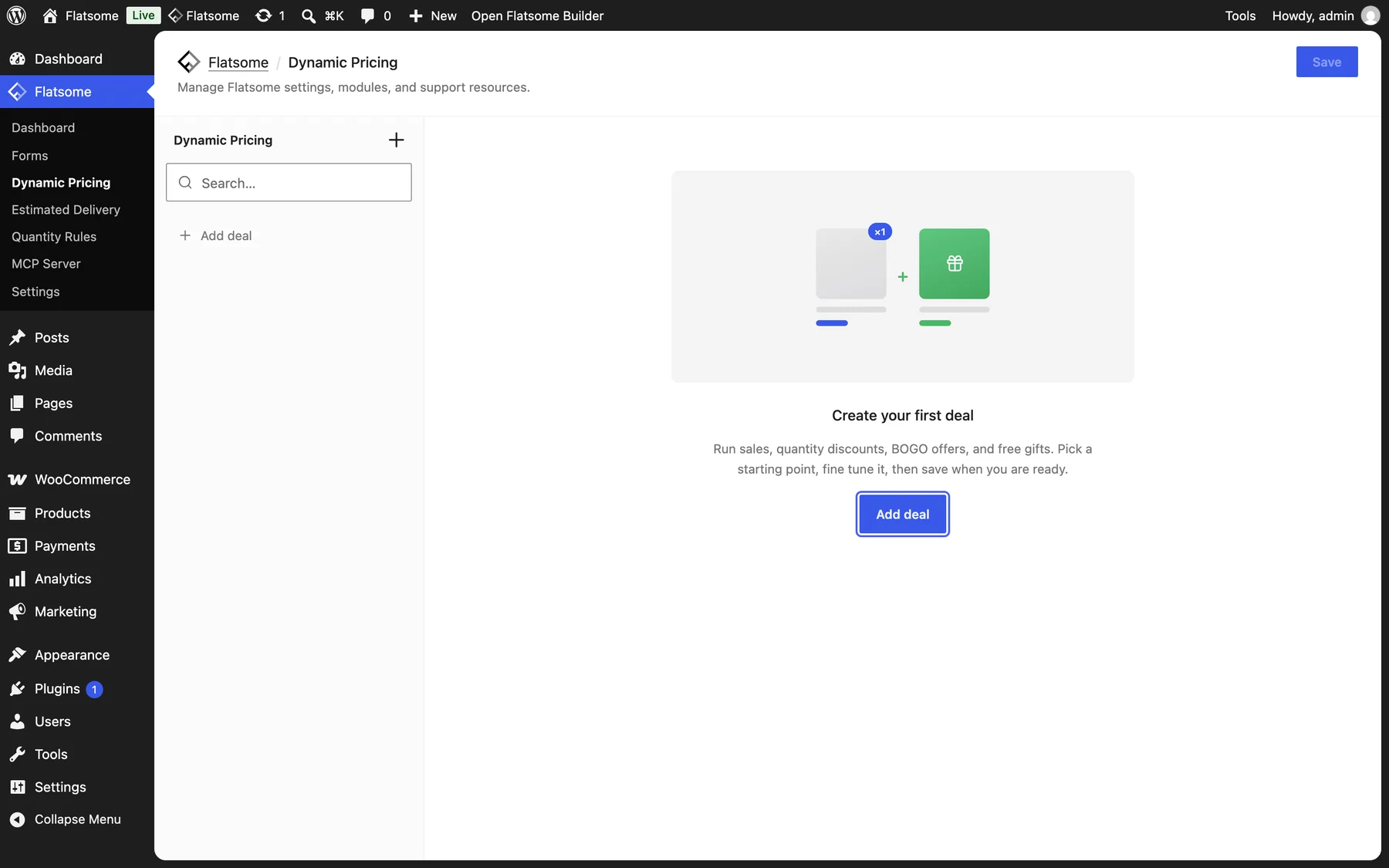
- Open Flatsome → Dynamic Pricing and choose Add deal.
Deal types
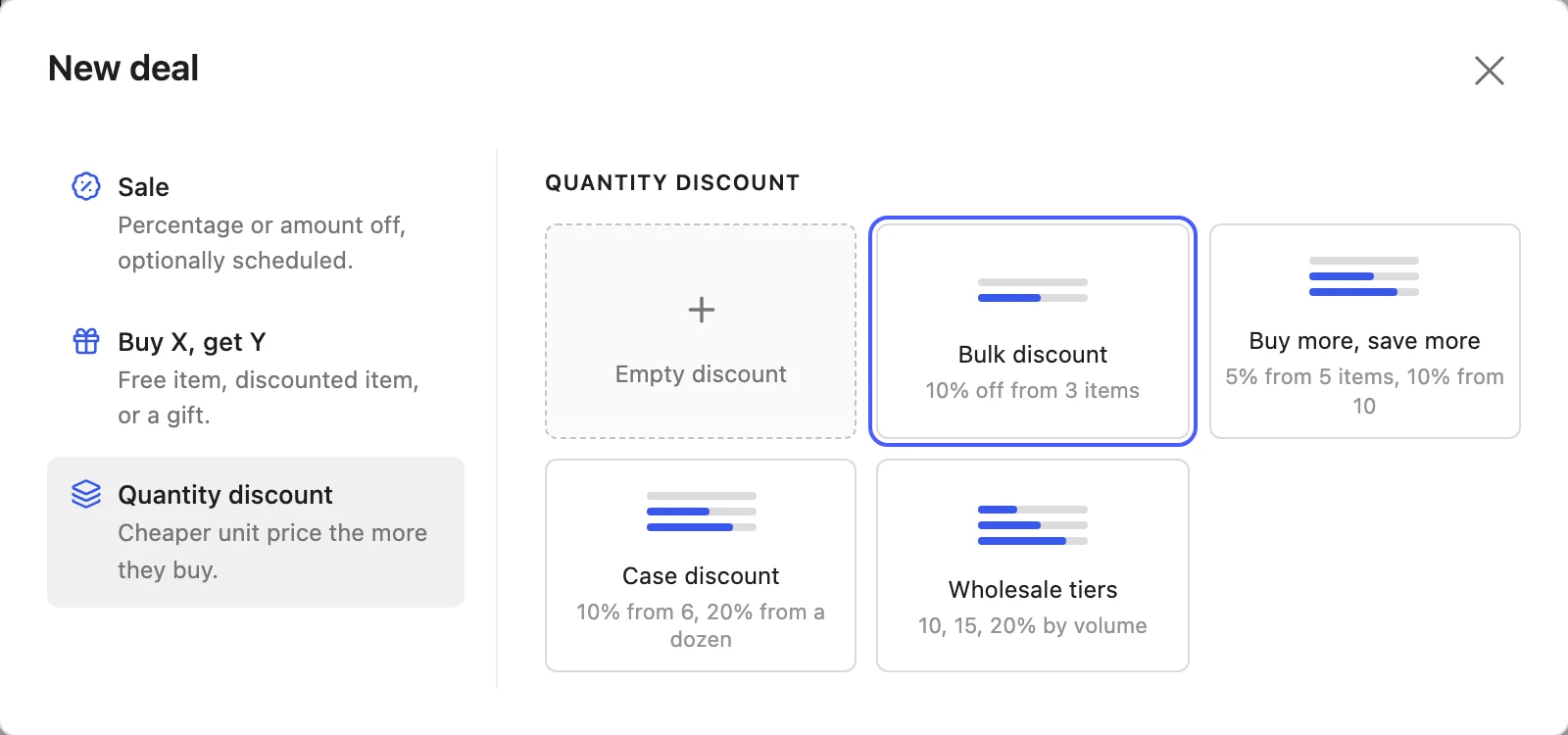
- Sale: Percentage off, Amount off, or a Fixed sale price, calculated from each product’s regular price. A cheaper existing sale price is kept, and Skip on-sale products leaves products with their own sale untouched.
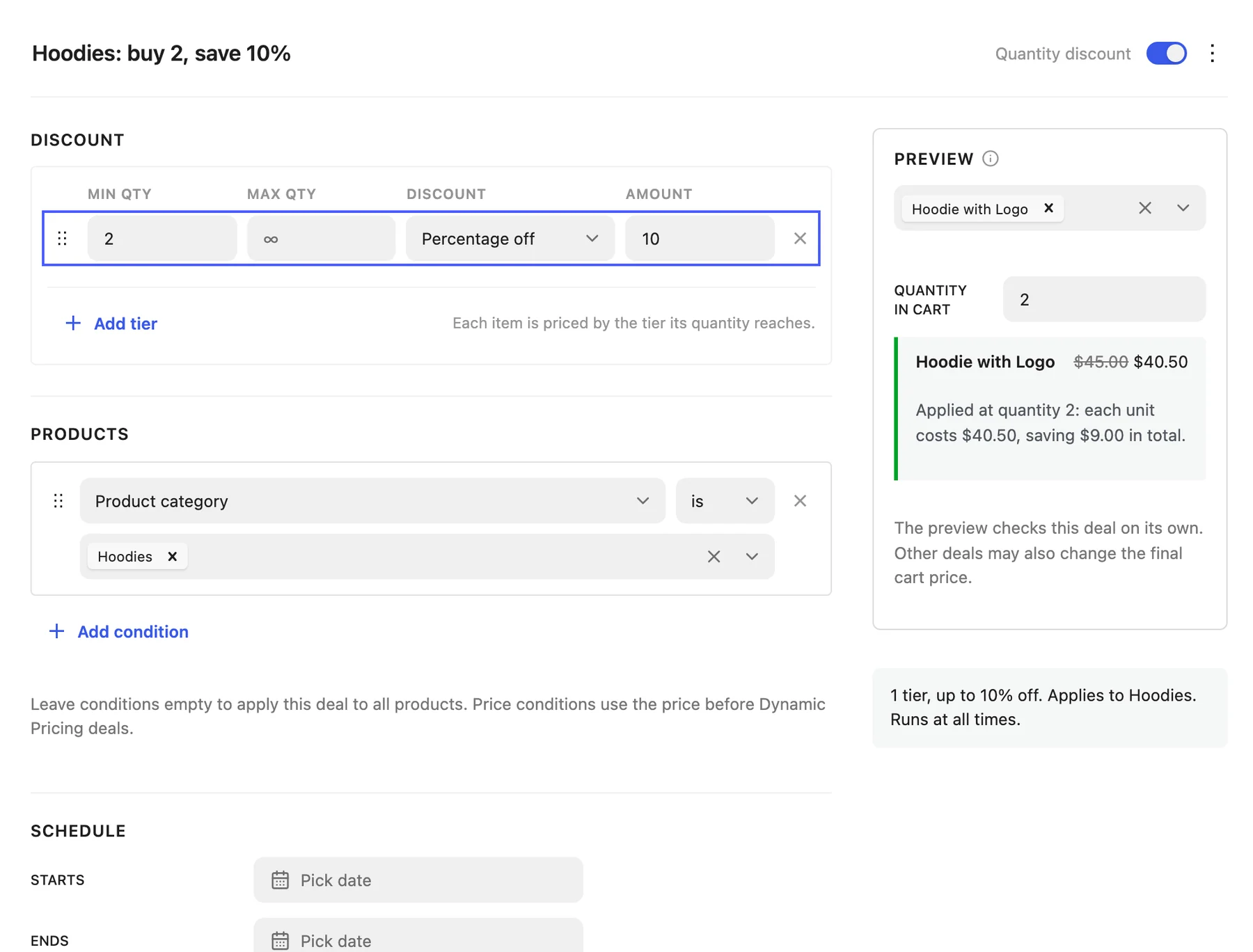
- Quantity discount: a table of Min qty, Max qty, Discount, and Amount rows, for example 10% off from 3 and 20% off from 10.
- Buy X, get Y: Customer buys a quantity or reaches a Cart spend, and Customer gets items Free or at a discount. The reward can be the Cheapest matching item or A specific product, which can be auto-added to the cart as a gift. Choose Once per order or Every multiple and cap Max rewards per order.
Target and schedule
- Products: use Add condition to match product, category, tag, brand, shipping class, or stock status. Leave empty for all products.
- Schedule: Starts and Ends dates for campaigns; leave both empty to run always.
- Stacking: by default a deal claims the cart lines it discounts. Open Advanced and turn on Combine with other deals to let deals lower in the list apply on top, in list order.
Use the Preview section of a deal to check the resulting prices, and the Enabled switch next to the deal type name to pause a deal without deleting it.
Show the offer on product pages
Quantity break prices appear under the product price automatically through the Product Deal Price block once the quantity reaches the first tier. Add Product Deal Tiers to the Single Product template for a “buy more, save more” table that sets the quantity on click, and Product Deals to list available Buy X, get Y offers. Cart Deals on the cart page shows what applies now and how much more to spend to unlock the next offer.