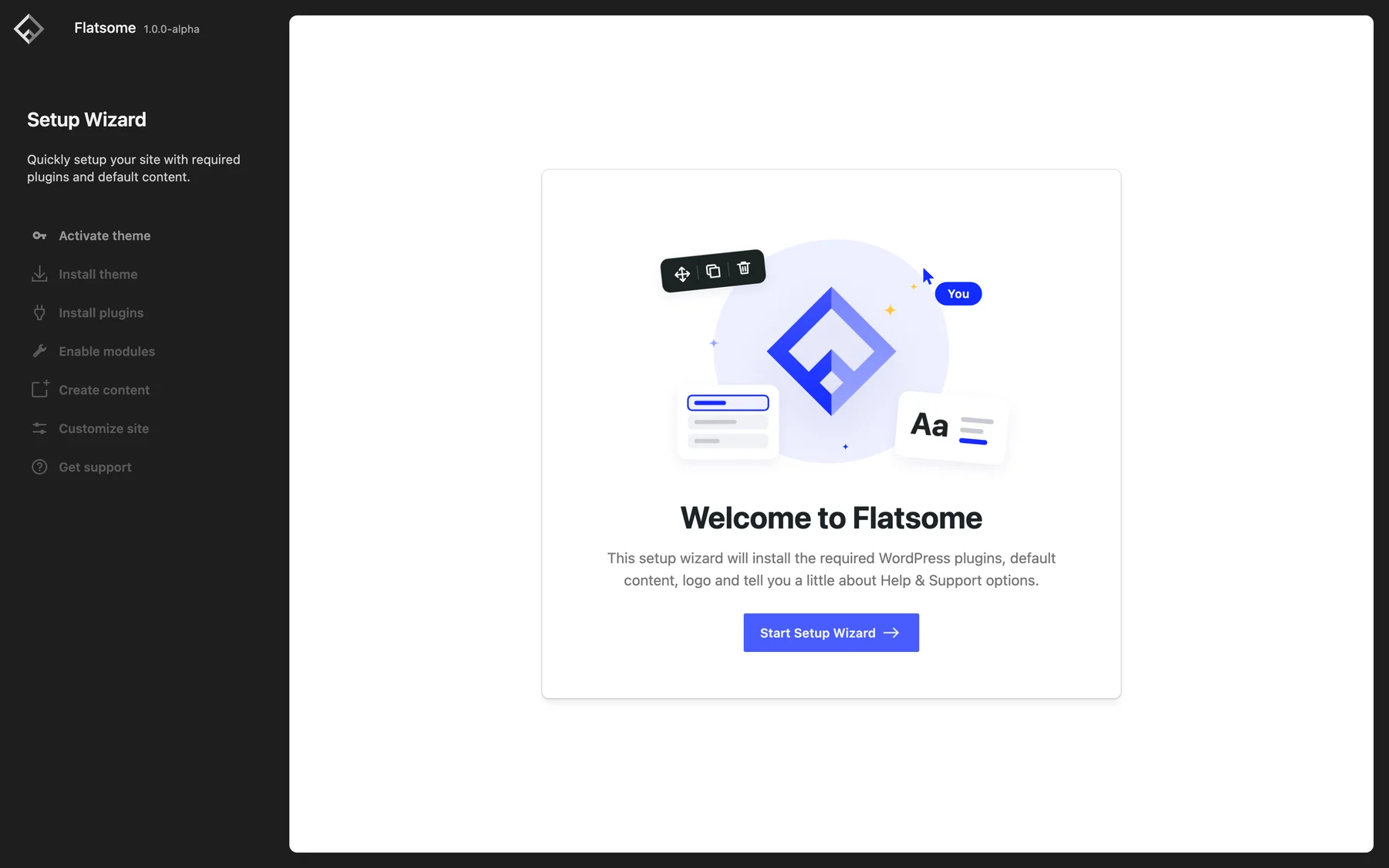
All you need to get started is the Flatsome Site Builder plugin, installed through the WordPress admin like any other plugin. Its setup wizard opens as soon as the plugin is active, installs and activates the Flatsome Block Theme for you, and walks you through the rest.
Before you start
Make sure the site runs WordPress 7.0 or newer on PHP 8.2 or newer. If you sell products, install WooCommerce 11.0 or newer first, or let the setup wizard install it. See Server recommendations.
Download the plugin
Sign in at my.flatsome.com, go to Downloads, and download Flatsome Site Builder. Keep it as a ZIP file; do not unpack it. The Flatsome Block Theme can be downloaded there too if you need to install it manually, but the setup wizard normally takes care of it.
Install the plugin
- Go to Plugins → Add Plugin → Upload Plugin.
- Choose the plugin ZIP file and select Install Now.
- Choose Activate Plugin.
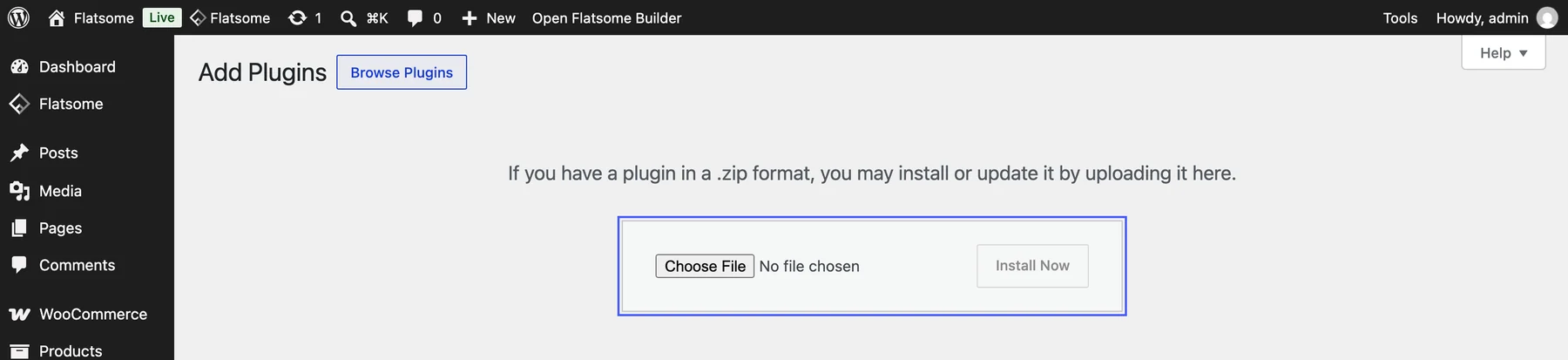
Once the plugin is active, the setup wizard installs and activates the Flatsome Block Theme for you.
With WP-CLI:
wp plugin install ./flatsome.zip --activateNext steps
The setup wizard opens automatically. It installs and activates the Flatsome Block Theme, activates your license, installs WooCommerce if you want a store, enables modules, and can import a complete demo site. Once the license is active, updates arrive through Dashboard → Updates; see Activate your license.