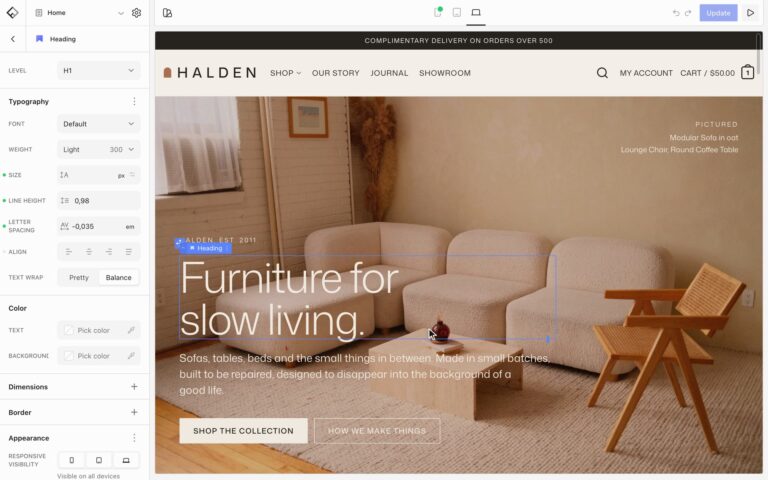

The Marquee block moves a row of items sideways across the page: brand logos, short phrases, or images. Add any blocks inside it; each one becomes an item.
Items
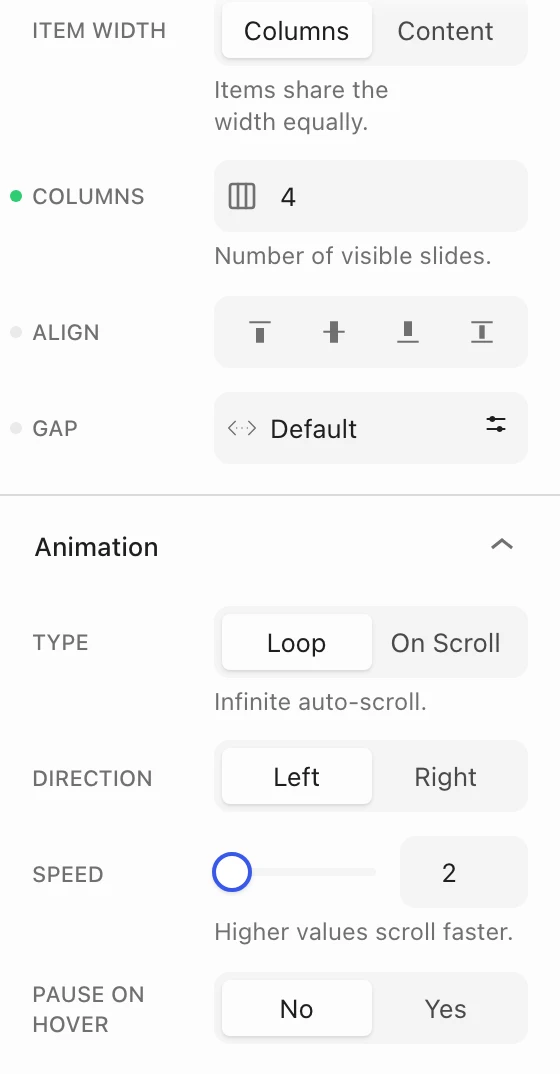
- Item width: Columns gives every item the same width, and Columns sets how many are visible at once. Content makes each item as wide as its content, which suits logos and words of different lengths.
- Align and Gap: how items line up and the space between them.
Animation
- Type: Loop scrolls on its own without end. On Scroll moves the items as the visitor scrolls the page.
- Direction: Left or Right.
- Speed: from 1 to 10. Higher values move faster.
- Pause on hover (Loop only): slows the marquee to a stop while the pointer is over it.
Fade the edges
In Elements, choose Fade to fade the items out at both ends. Set the Width of the fade and the From Opacity it starts at.