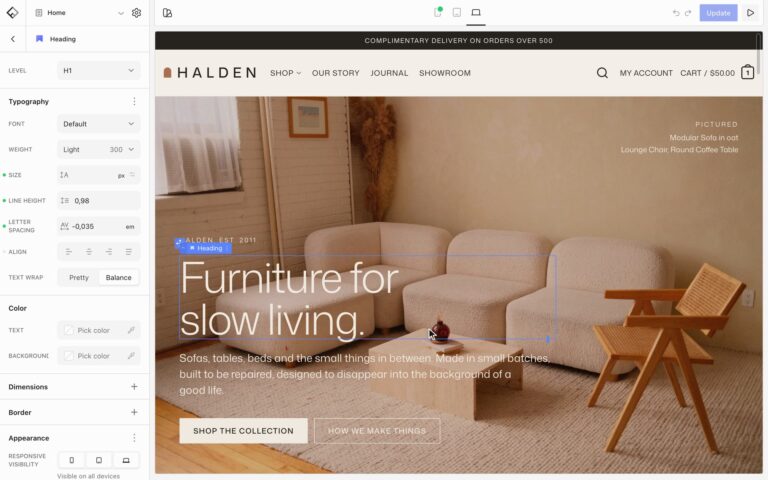

A badge is a short label such as New, Sale, or 12. Use the Badge block anywhere on a page, or add a badge to a tab title.
Badge block
- Insert the Badge block where the label should go, for example above a heading or inside a card.
- Type the text on the canvas.
- To add an icon, open Elements and choose Icon.
- Style it with the Color, Typography, Border, Shadow, and Spacing panels.
Badges on tabs
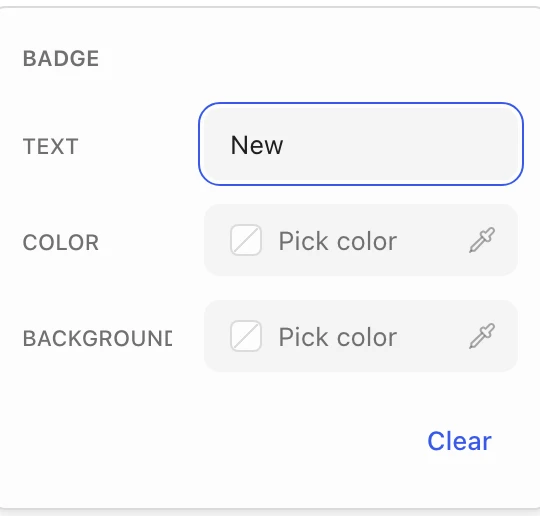
Select a tab in a Tabs block, open Elements, and choose Badge. Enter the Text and, if you like, a Color and Background for this tab only. The badge appears after the tab title and otherwise looks like your Badge blocks.
To change how all badges look, choose Styles in the top toolbar, then Flatsome Blocks and Badge.