


Most customization happens with blocks and global styles, but sometimes you need to paste an embed, add a tracking script, or run a PHP snippet. Here is where each kind of code belongs.
Embeds on a page
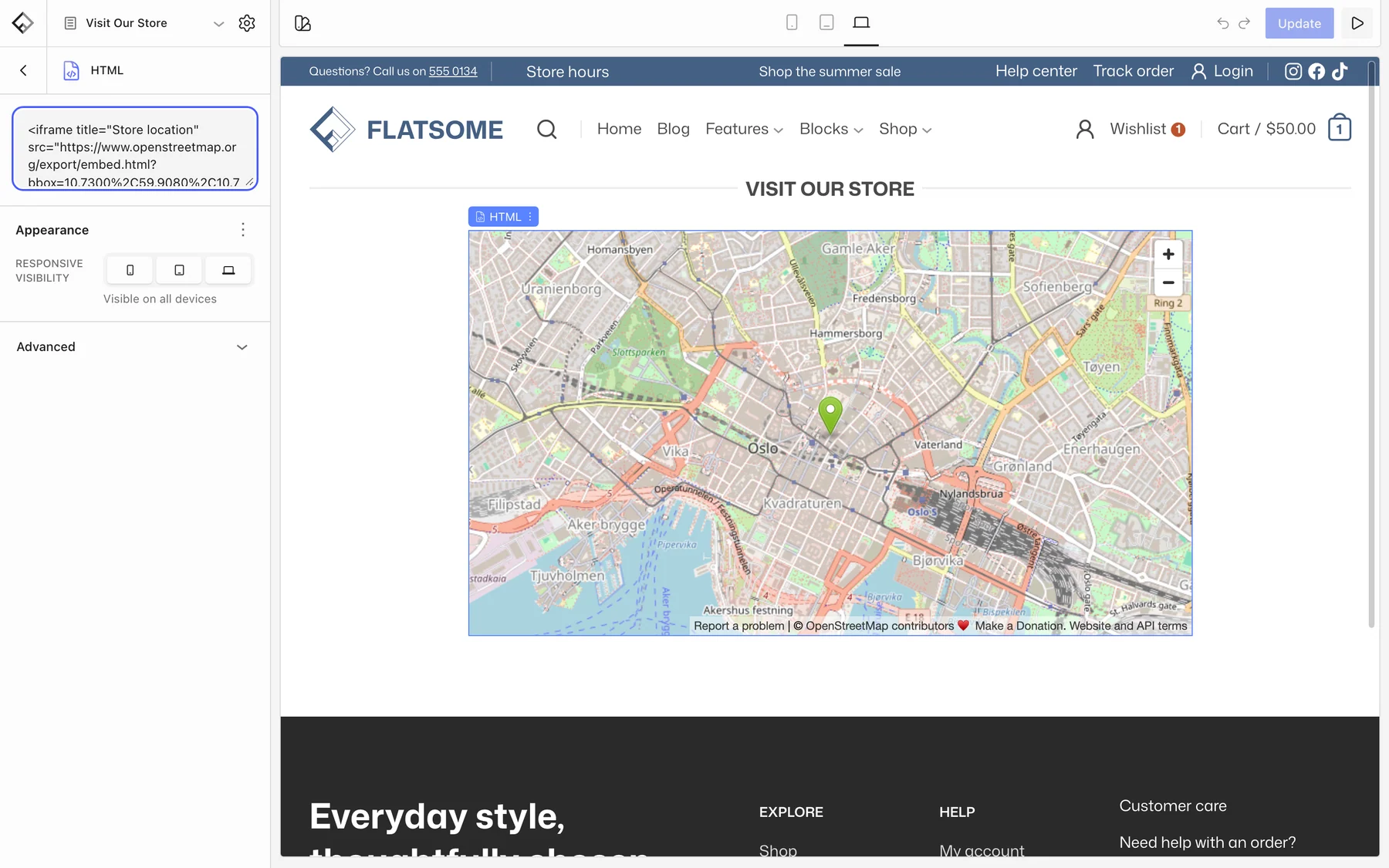
For a map, a video, or a booking widget that comes as an iframe, use the HTML block and paste the markup into the text area at the top of its settings. Use it as a last resort: if a block can build it, use the block. Keep <script> tags out of it; scripts belong site-wide, not inside page content, and the next section covers them.
Tracking and third-party scripts
Analytics, pixels, and chat widgets need to load on every page. Use the plugin from the provider when there is one, or a code snippets plugin that adds header and footer scripts. Both keep the code outside the theme so updates never remove it, and they let you load the script only after cookie consent.
CSS
Go to Styles → CSS in the Builder. See Add custom CSS.
PHP
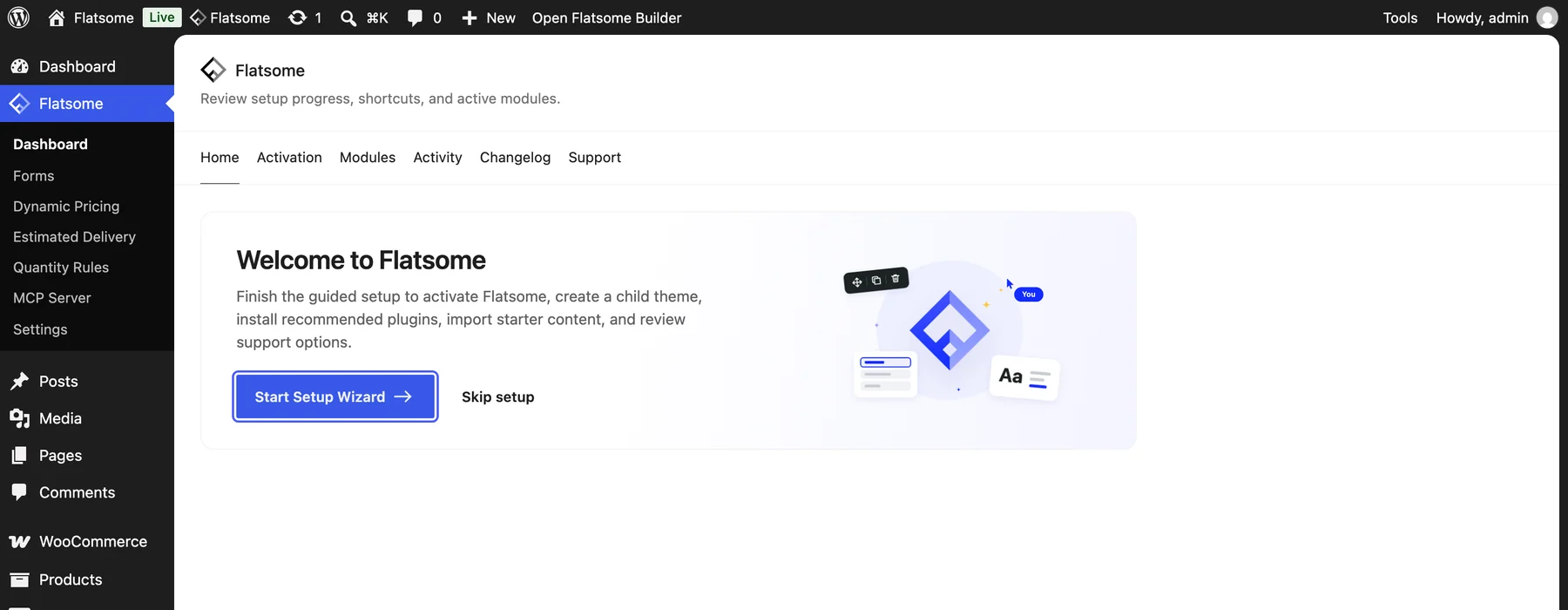
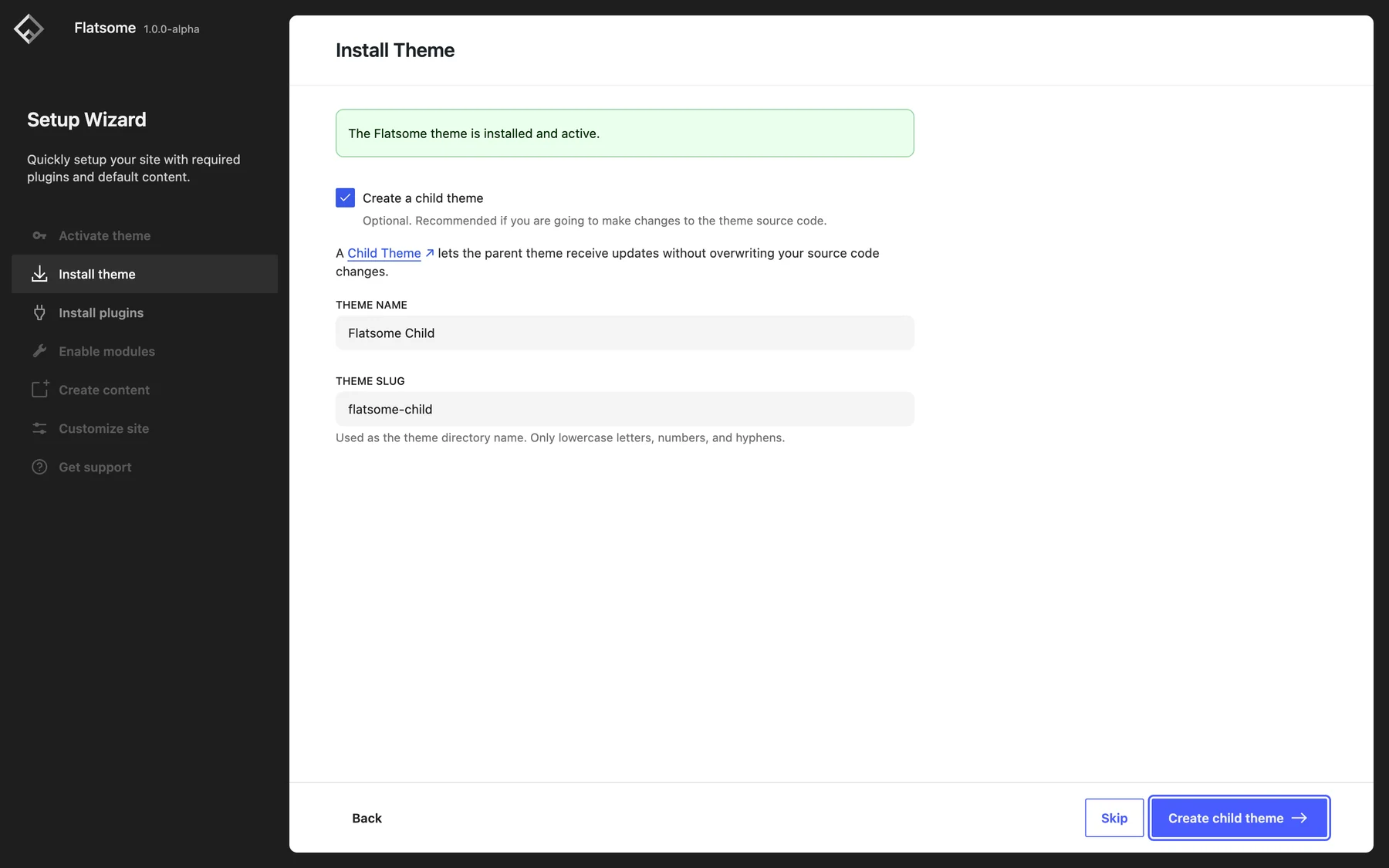
Never edit the theme or plugin files; updates replace them. Put PHP in a child theme or a code snippets plugin instead. The setup wizard creates a child theme for you: open it from Flatsome → Dashboard, go to the Install theme step, tick Create a child theme, and click Create child theme. It adds a starter functions.php for your code, and the child theme keeps receiving parent theme updates.
For available hooks and filters, see the Developers section.