


The Instagram block shows the latest posts from an account as a grid or slider. The account is connected once with an access token and can then be used in any number of blocks across the site.
Connect the account
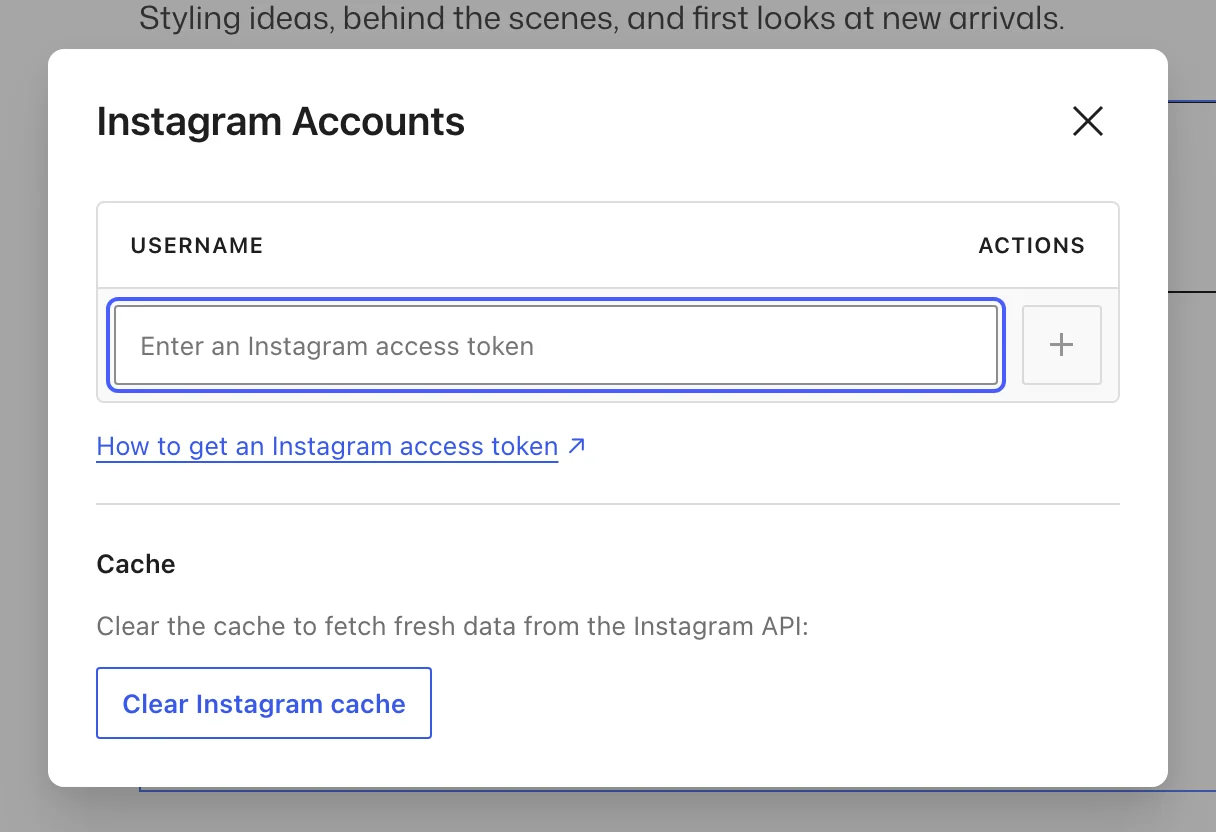
- Get an Instagram access token for the account. Instagram issues these through a Meta developer app; follow the step-by-step instructions.
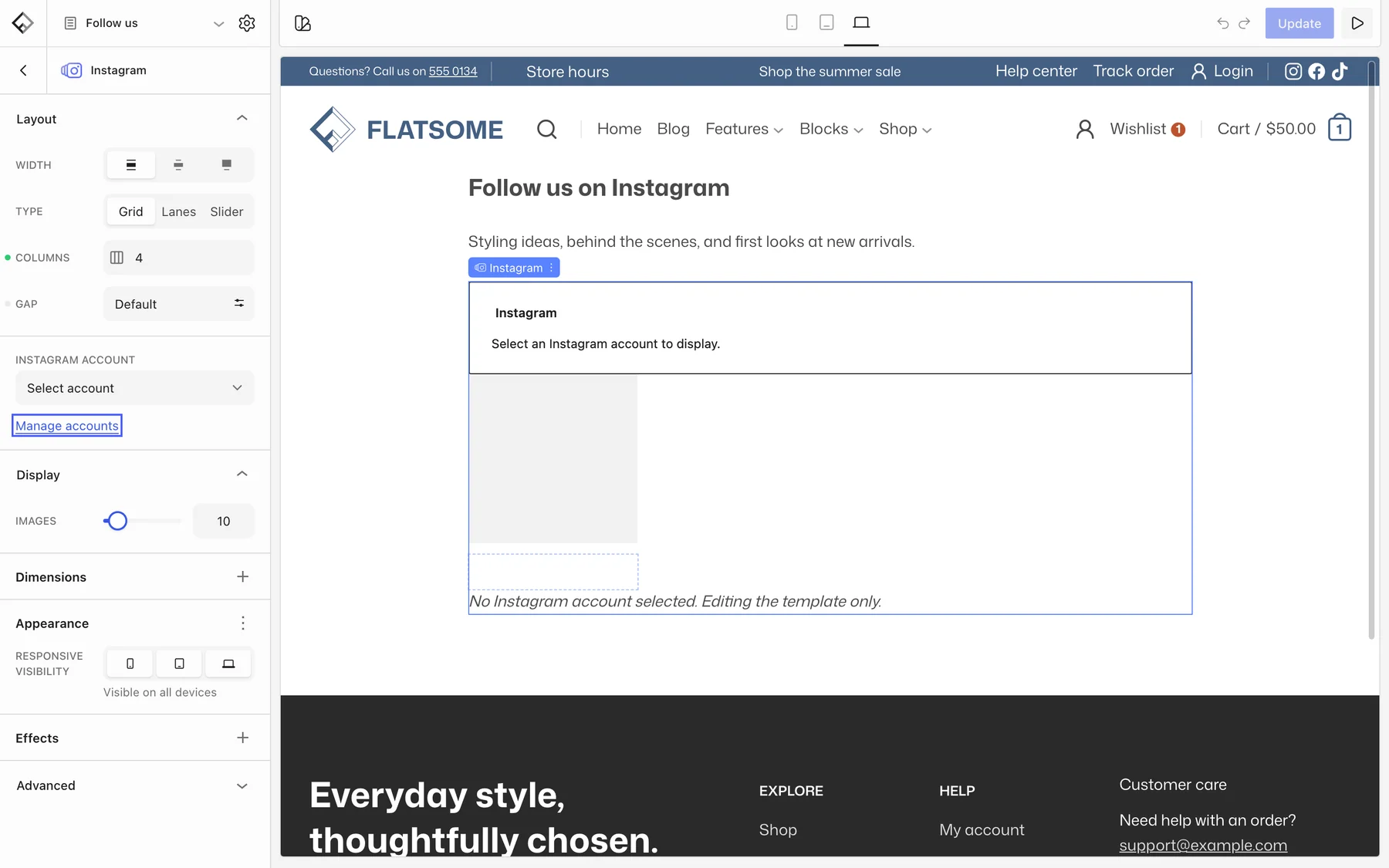
- Insert the Instagram block and choose Manage accounts.
- Paste the token and click the + (Add account) button beside it. The username appears in the list once Instagram accepts it.
- Pick the account under Instagram Account.
Tokens expire after about 60 days. Flatsome refreshes them in the background, so a connected account keeps working as long as the site runs its scheduled tasks.
Layout
- Images: how many posts to show, up to 50.
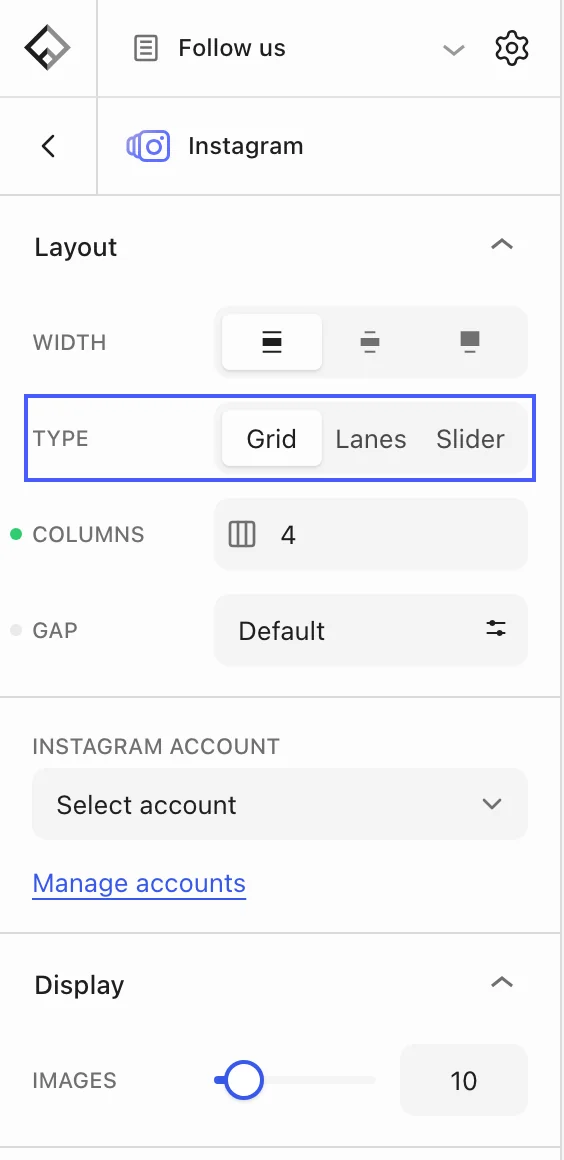
- Layout → Type: Grid, Lanes, or Slider, with Columns and Gap per breakpoint. Sliders add loop, autoplay, arrows, and dots.
Each post is a card, so the inner blocks can be adjusted: change the image aspect ratio, add a hover effect, or overlay an icon.
Feed not updating
Posts are cached for two hours. To see a new post right away, open Manage accounts and choose Clear Instagram cache. If the feed shows an invalid token error, generate a new token and add the account again.