


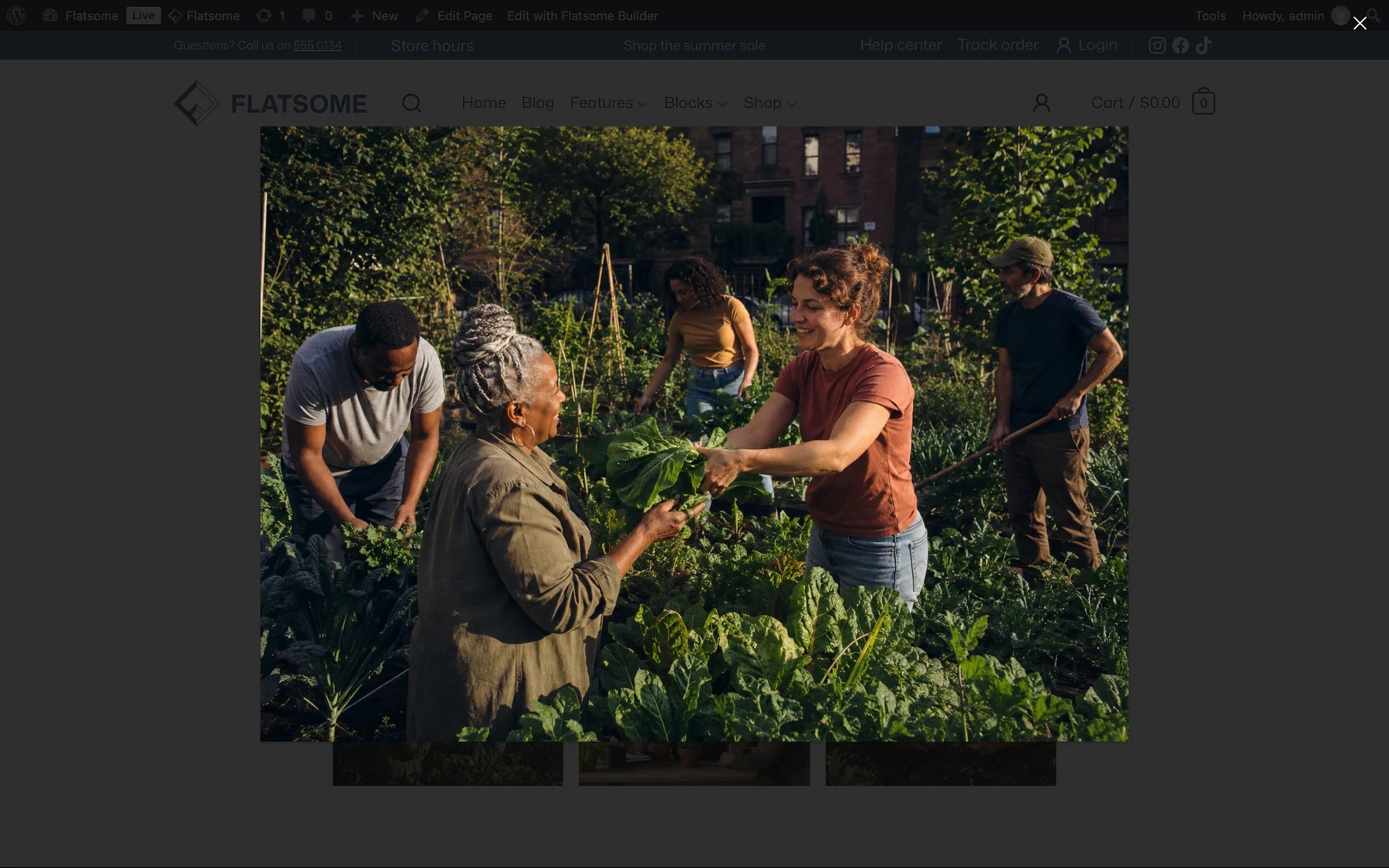
A lightbox opens the full-size image in an overlay on click. Single images and galleries turn it on per block; there is no site-wide switch, so it never surprises you on images that should not enlarge.
A single image
- Select the Image block.
- Set On click to Open lightbox.
- Choose the Image Size to load in the overlay and turn on Caption if you want the caption shown there too.
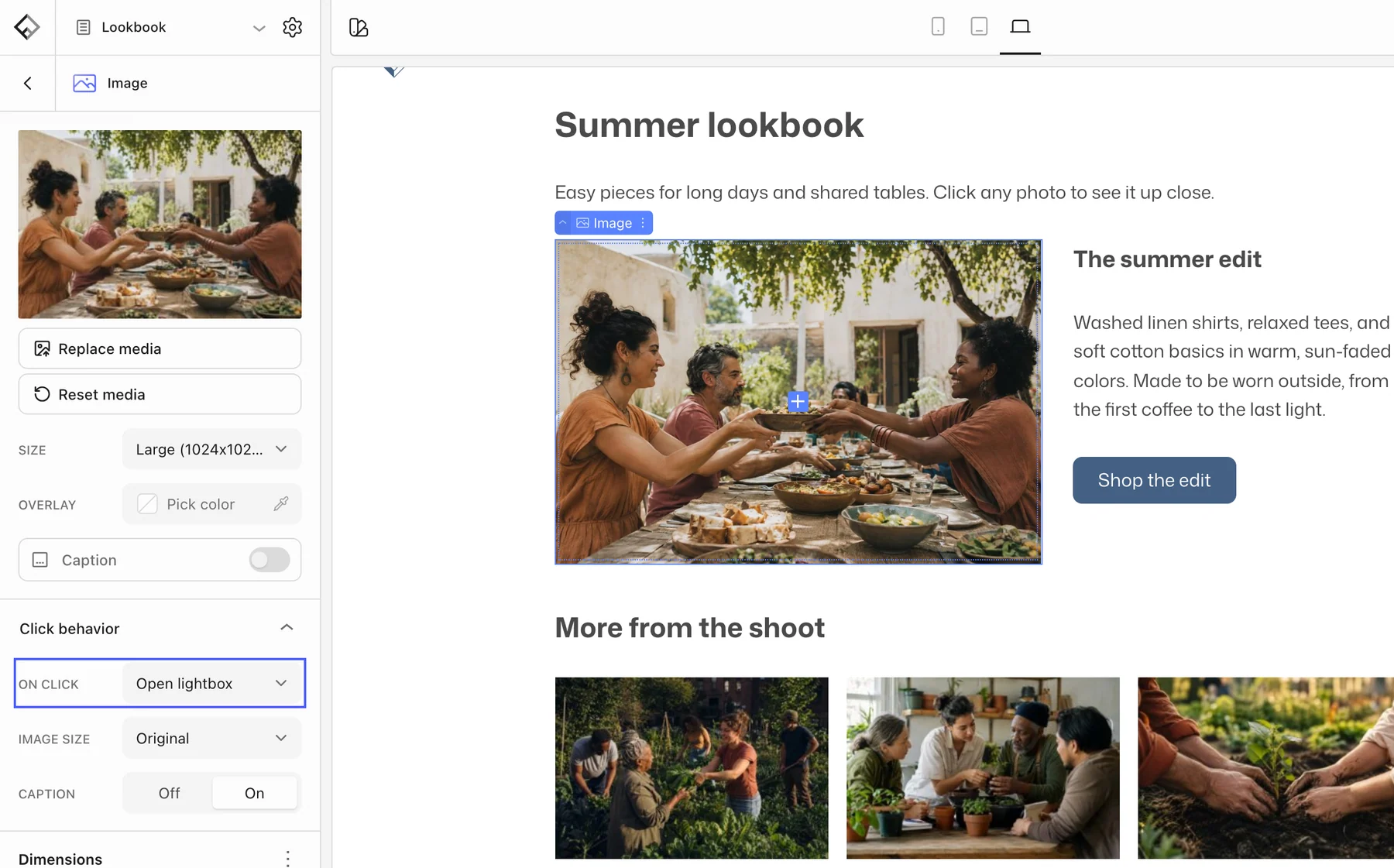
The same On click setting also offers Open link, Open attachment, Open current post, and Open video, which opens a YouTube or Vimeo URL in the overlay instead of the image.
A gallery
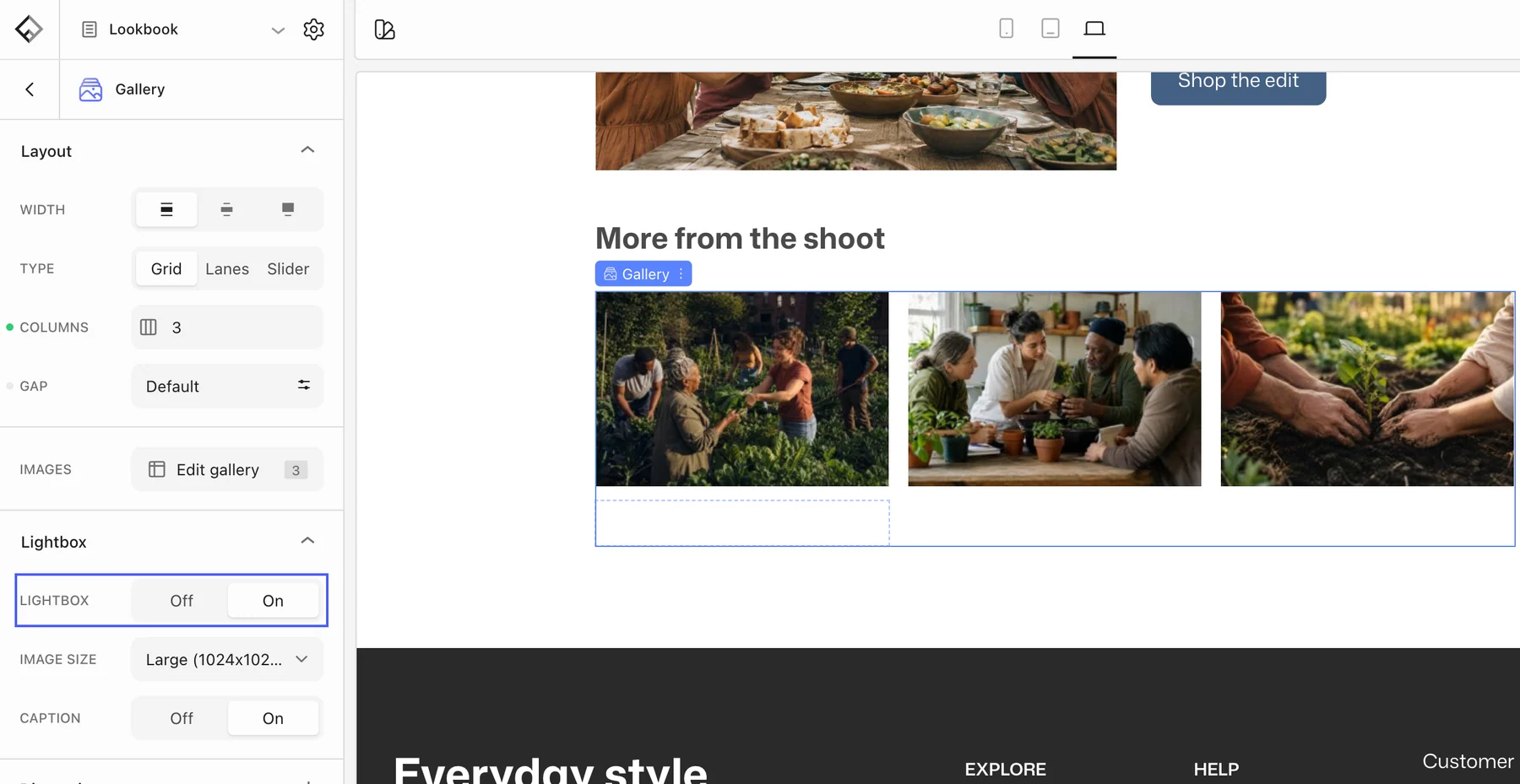
Select the Gallery block and open the Lightbox panel. Turn on Lightbox, pick an Image Size, and enable Caption if needed. Visitors can then move between all images of the gallery inside the overlay.
Product images
The Product Gallery block on the Single Product template has its own zoom and lightbox options, so no extra setup is needed for the shop.