


The cookie notice slides in at the bottom of the page until the visitor dismisses it, then stays hidden for a year. Its content is a template part, so the text, buttons, and colors are edited with blocks.
Turn it on
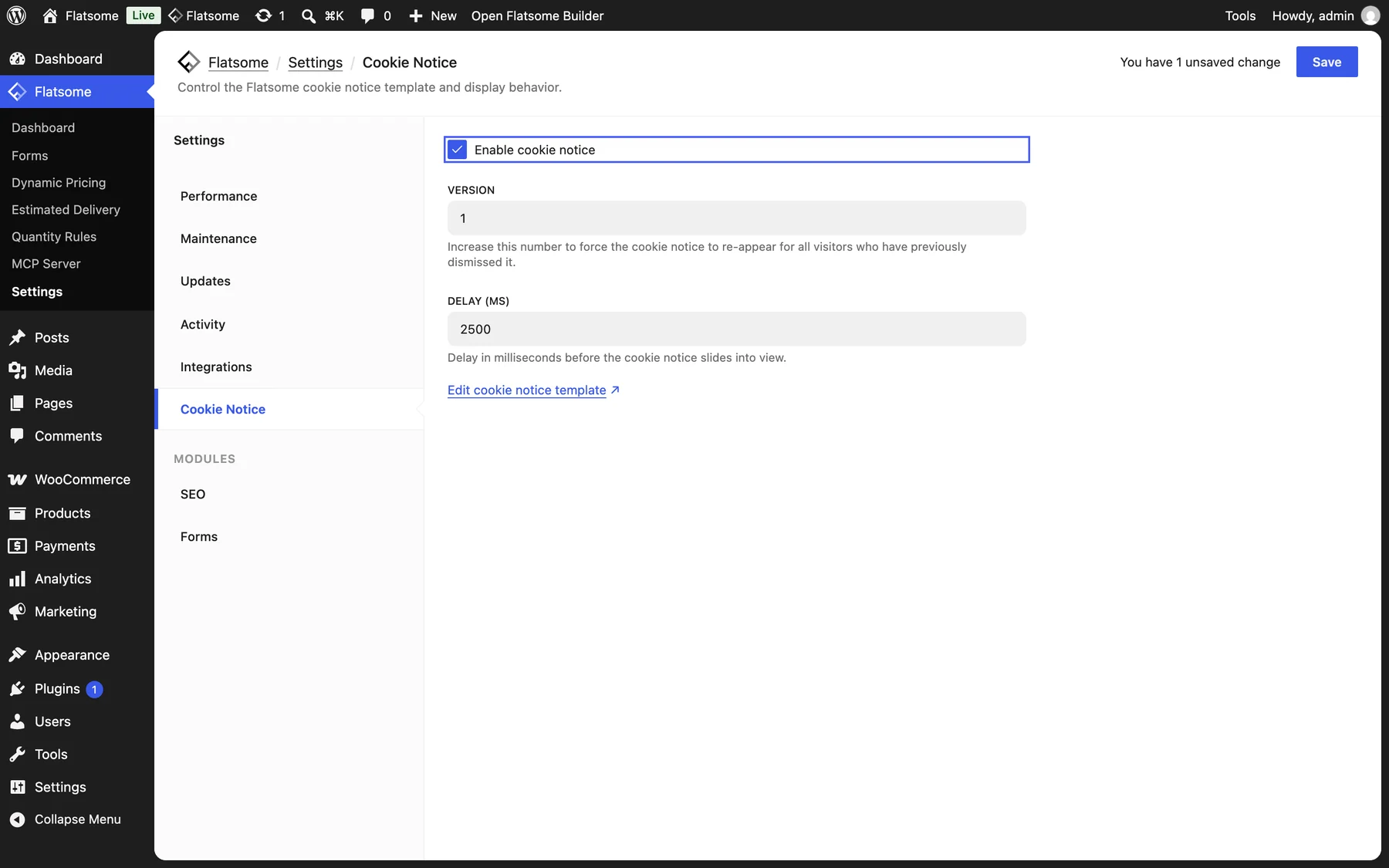
- Go to Flatsome → Settings → Cookie Notice and check Enable cookie notice.
- Adjust Delay (ms), the time before the notice appears. The default is 2.5 seconds.
Edit the text and look
Choose Edit cookie notice template on the settings screen, or open the Cookie Notice template part in the Builder under Overlays & Notices. Change the wording, link to your privacy policy, and style the container like any block. The Cookie Notice Dismiss button is what records the choice; keep at least one, but you can restyle it or change its label.
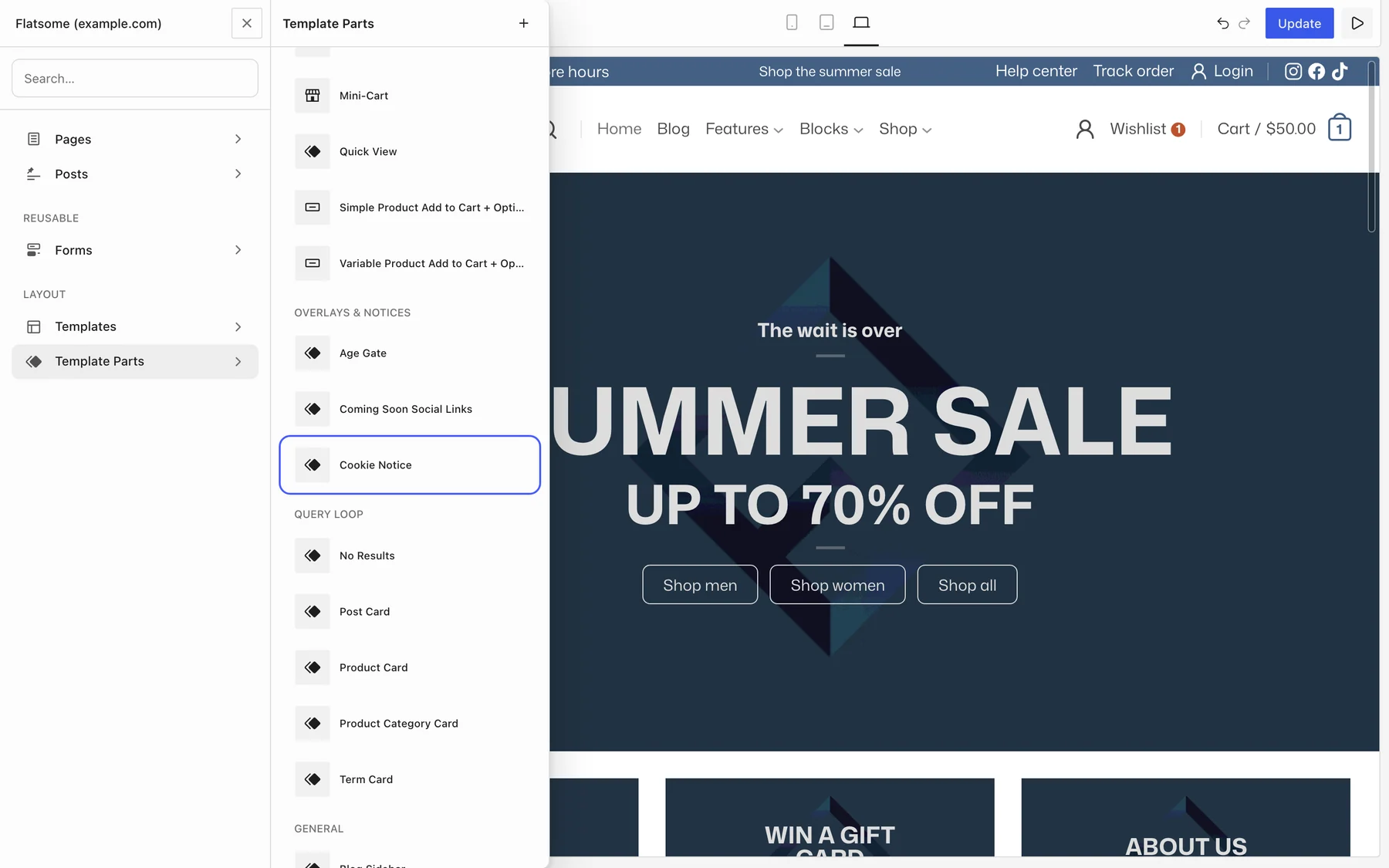

To open the template part from your site, hover Edit with Flatsome Builder in the admin bar while logged in and choose Edit Cookie Notice. The link is there while the notice is enabled.
Show it again
When the policy changes, increase Version on the settings screen. Every visitor who dismissed the old notice sees the new one.
Consent management
The notice informs; it does not block scripts or record per-category consent. If your region requires opt-in consent for analytics or marketing cookies, use a consent management plugin and leave this notice off to avoid showing two banners.