


WordPress decides which page opens at your site address and where blog posts are listed. Both are set under Settings → Reading. Flatsome adds nothing extra here; it only changes how those pages look.
Set a static homepage
- Create the page you want as the front page, for example Home, and publish it.
- If you also want a blog, create an empty page called Blog and publish it.
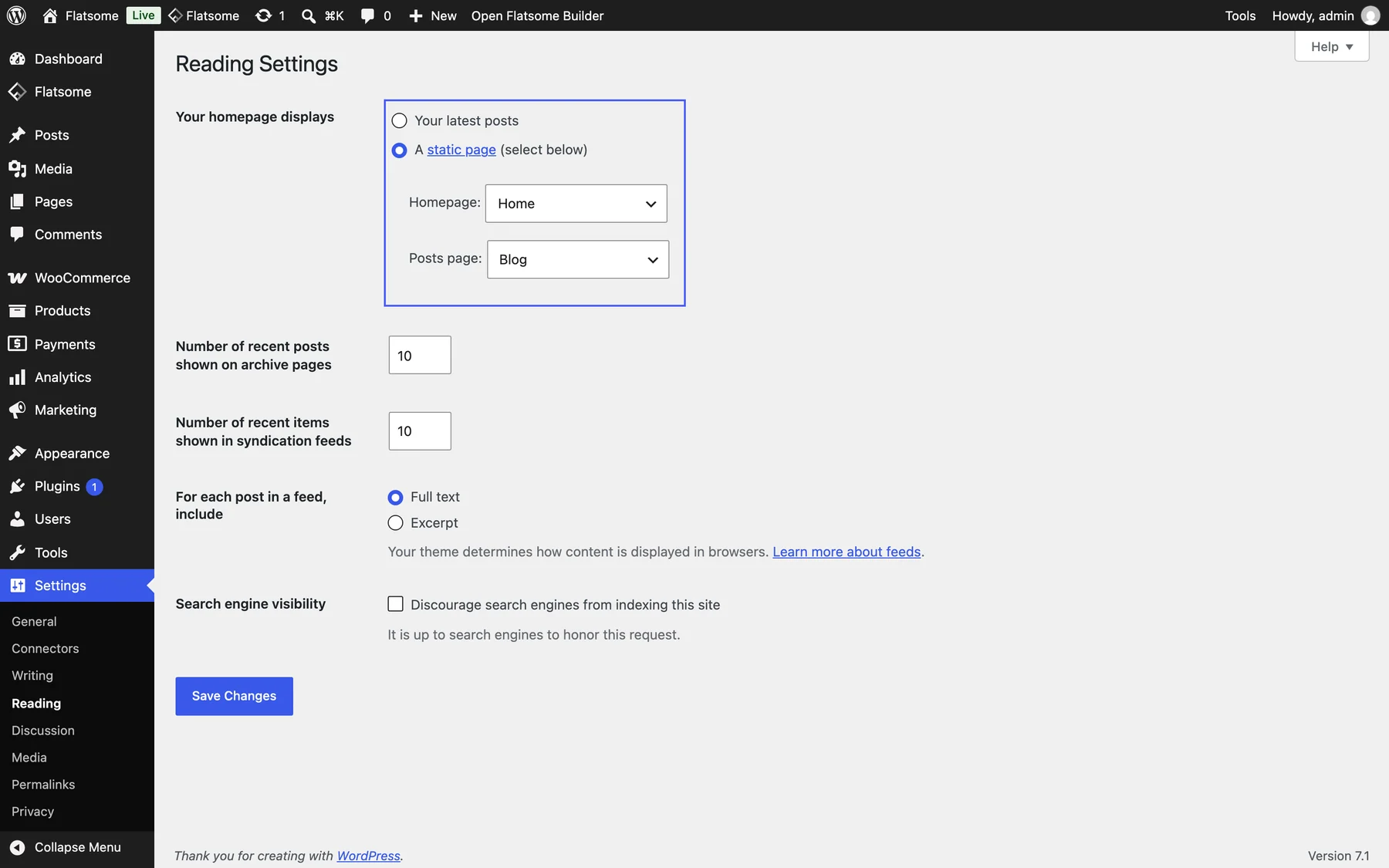
- Go to Settings → Reading and set Your homepage displays to A static page.
- Pick the Homepage and, if you have one, the Posts page. Save.
Once a homepage is set, Edit with Flatsome Builder opens it first, so you can start designing right away.
The posts page
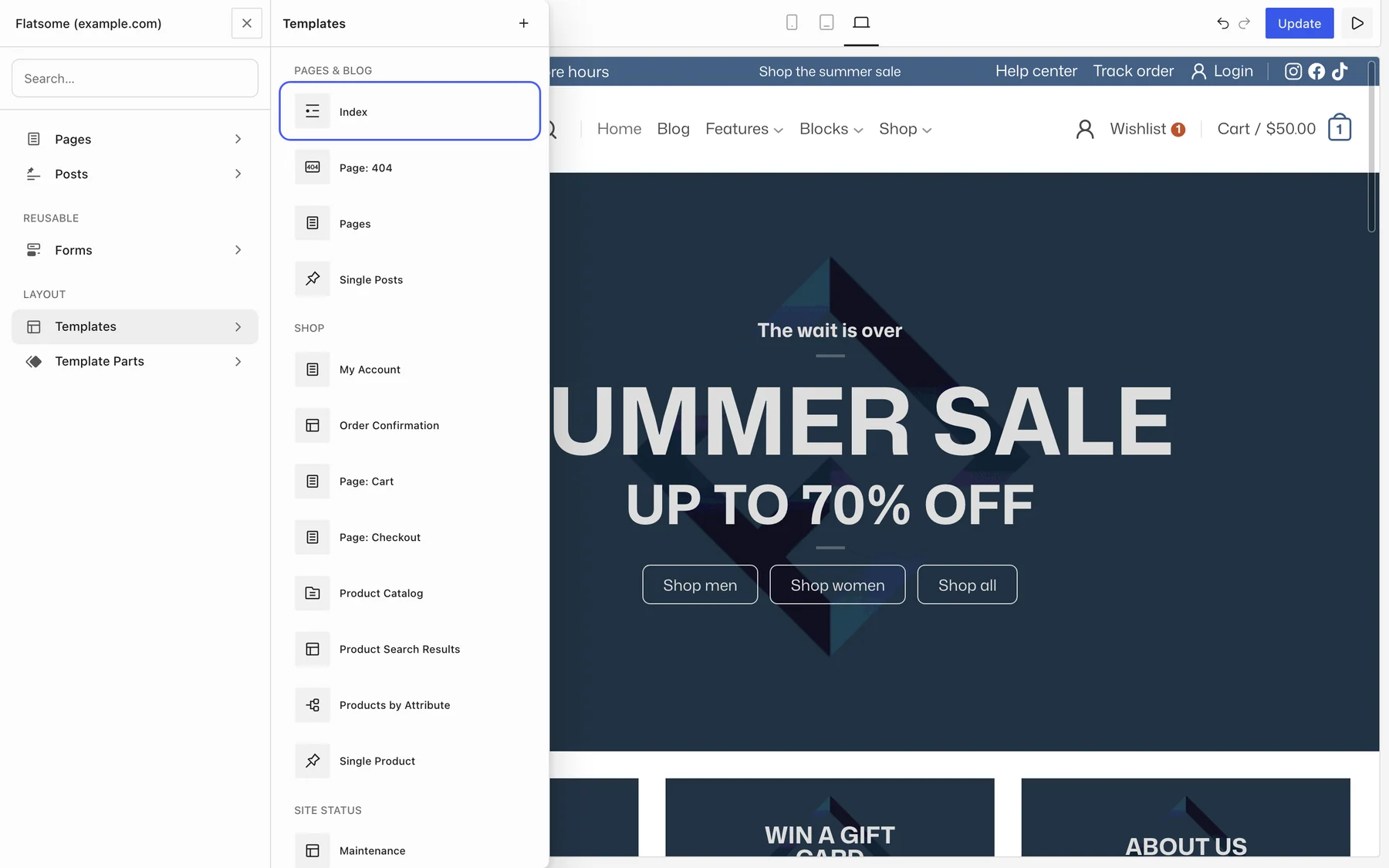
The posts page ignores its own content and uses the Index template instead. To change how it looks, edit that template in the Builder rather than the page. See Design the blog.
Show latest posts on the homepage
You do not need to choose between a designed homepage and a blog. Keep the static homepage and add a Posts block wherever you want recent articles to appear. Leaving Your homepage displays on Your latest posts also works: the front page then uses the Index template too.