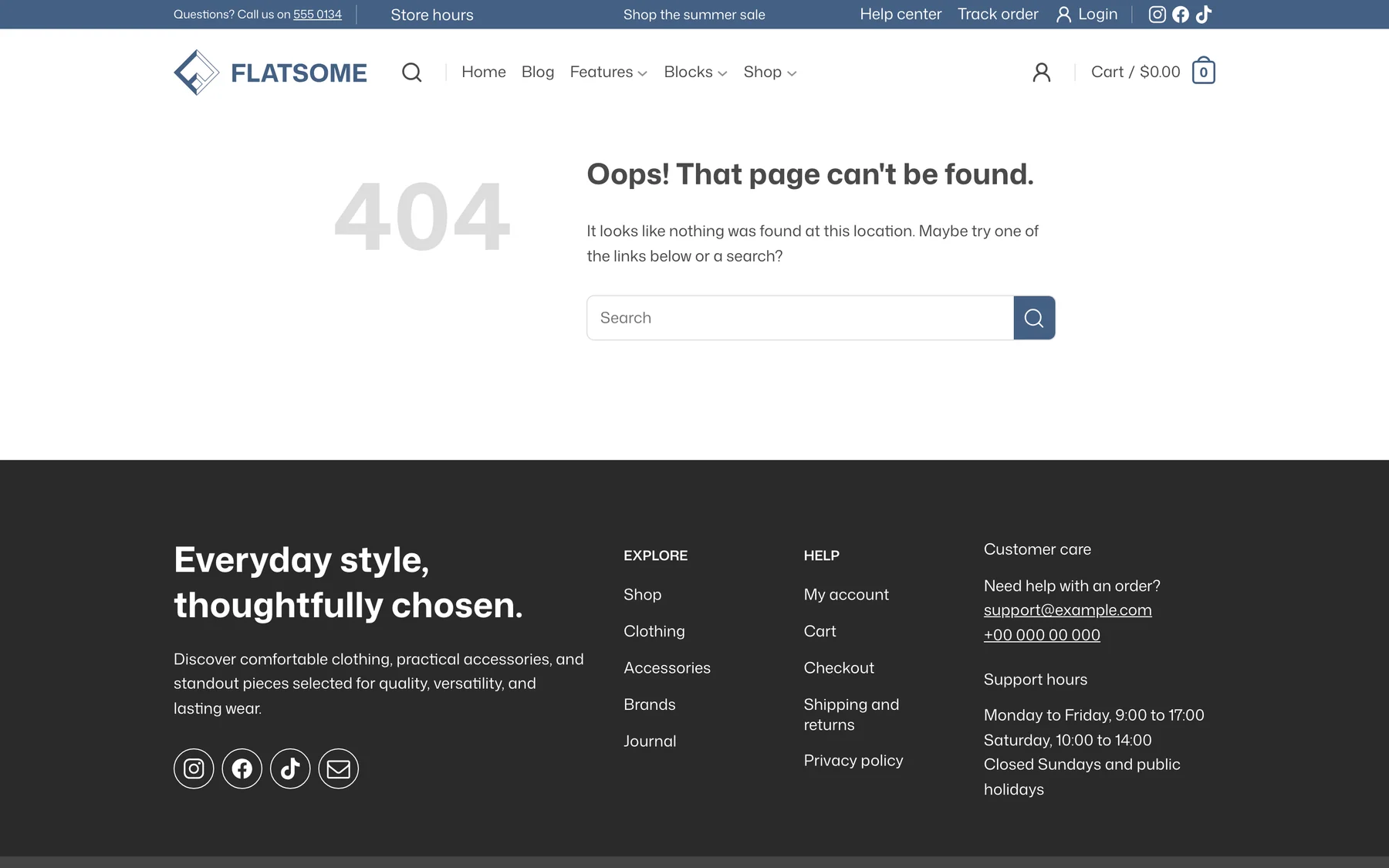
The 404 page is a template like any other, so it can hold whatever helps a lost visitor: a search form, popular products, or links to the main sections.
Edit the template
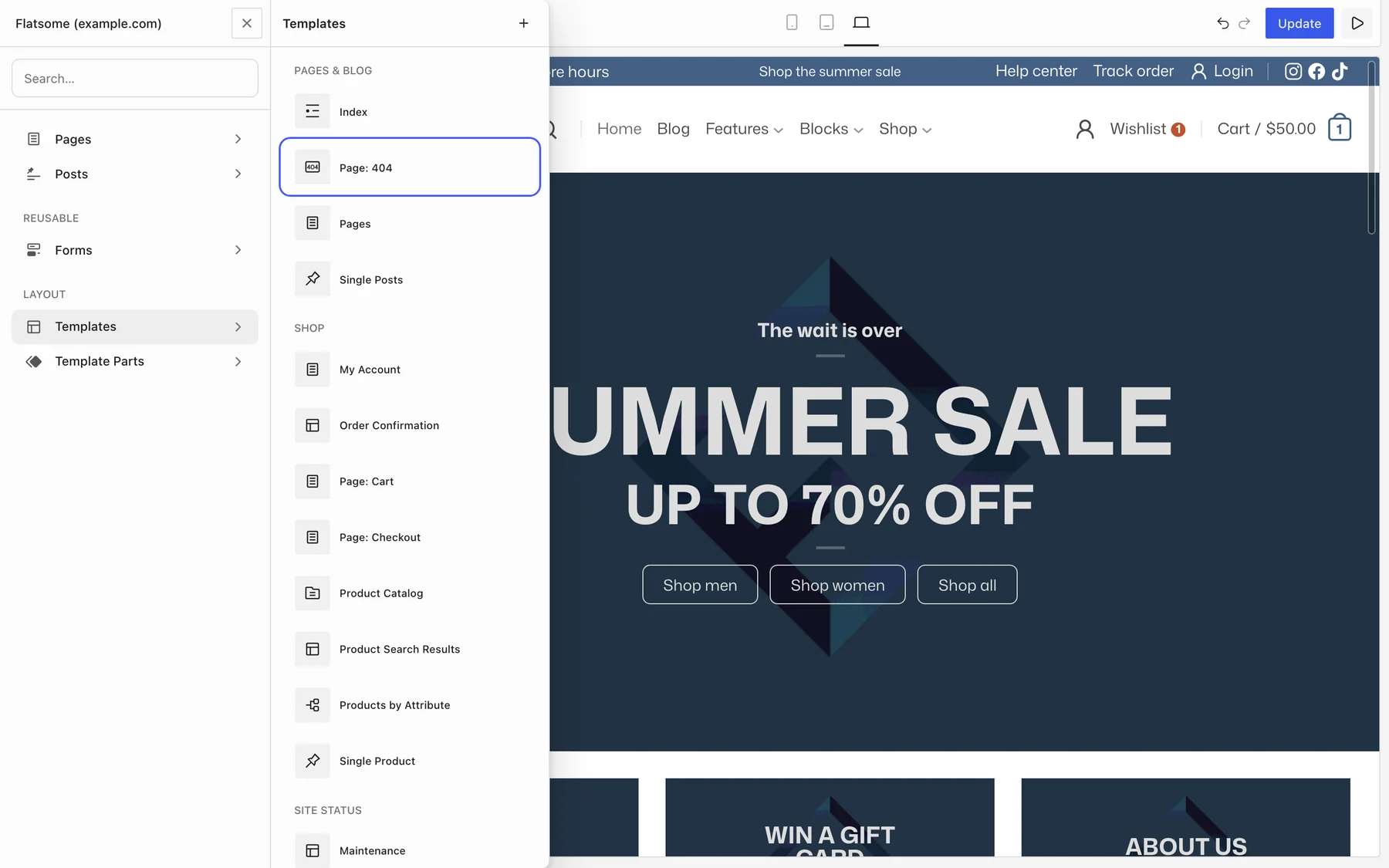
- Open the Builder and go to Templates, then choose Page: 404 under Pages & Blog.
- Change the heading and text. The default reads Oops! That page can’t be found. with a short hint and a Search Form block.
- Add anything else you want, then save.
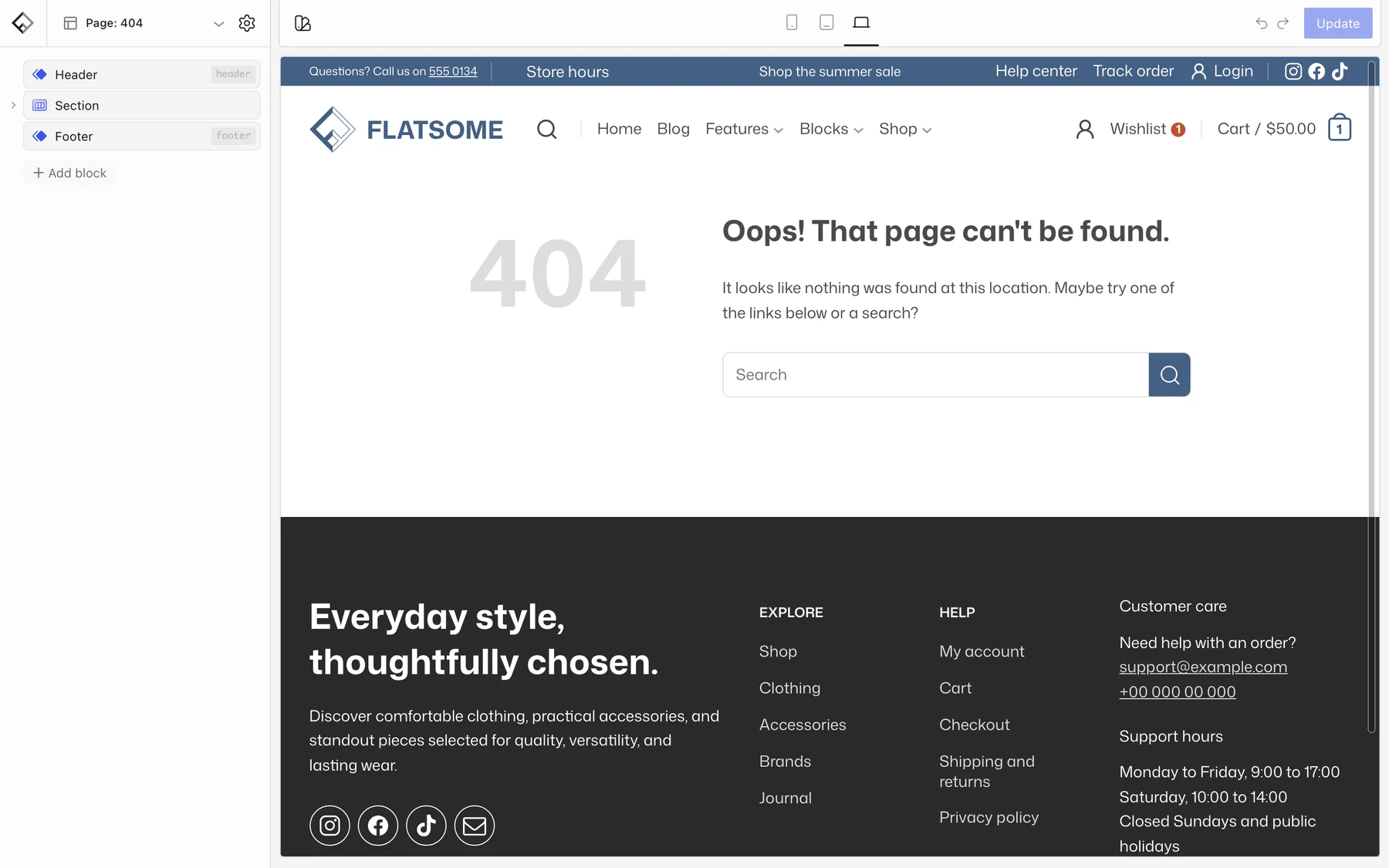
The header and footer template parts are included, so the page keeps the site navigation. Remove them for a minimal page.
Useful additions
- Search Form: turn on Search Categories in a store to add a product category dropdown.
- Products or Posts: show best sellers or recent articles so the visit is not wasted.
- Button: a clear link back to the homepage or shop.
Test it
Open a made-up address such as https://example.com/this-does-not-exist. If a cache plugin is active, clear its cache first, since cached 404 pages are common.