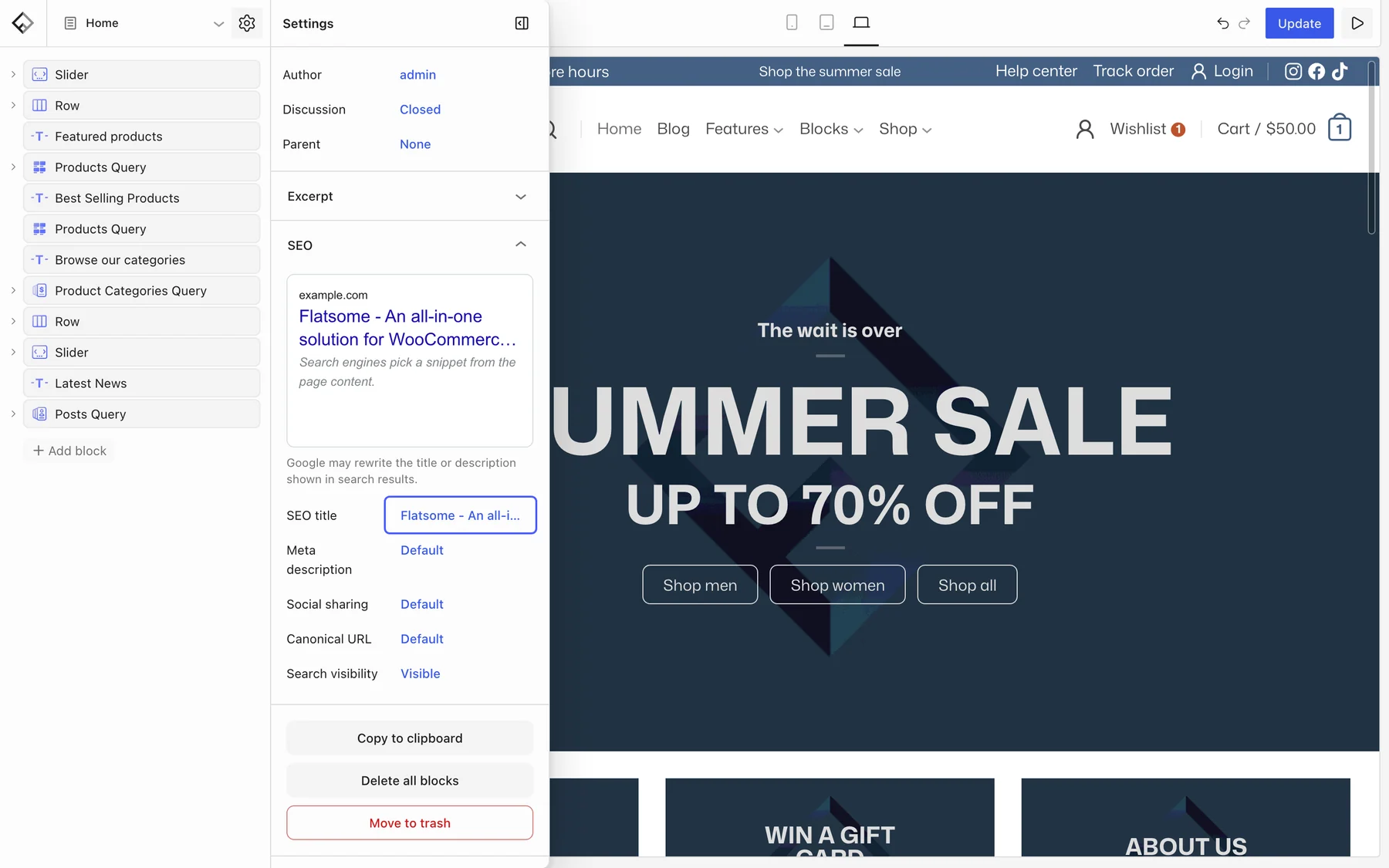
The SEO module handles the essentials: page titles and descriptions, the image and text shown when a page is shared, structured data for search engines, noindex rules for thin pages, and the XML sitemap. It steps aside automatically when Yoast SEO, Rank Math, SEOPress, or All in One SEO is active, so you never get double tags.
Turn it on
- Enable SEO under Flatsome → Dashboard → Modules.
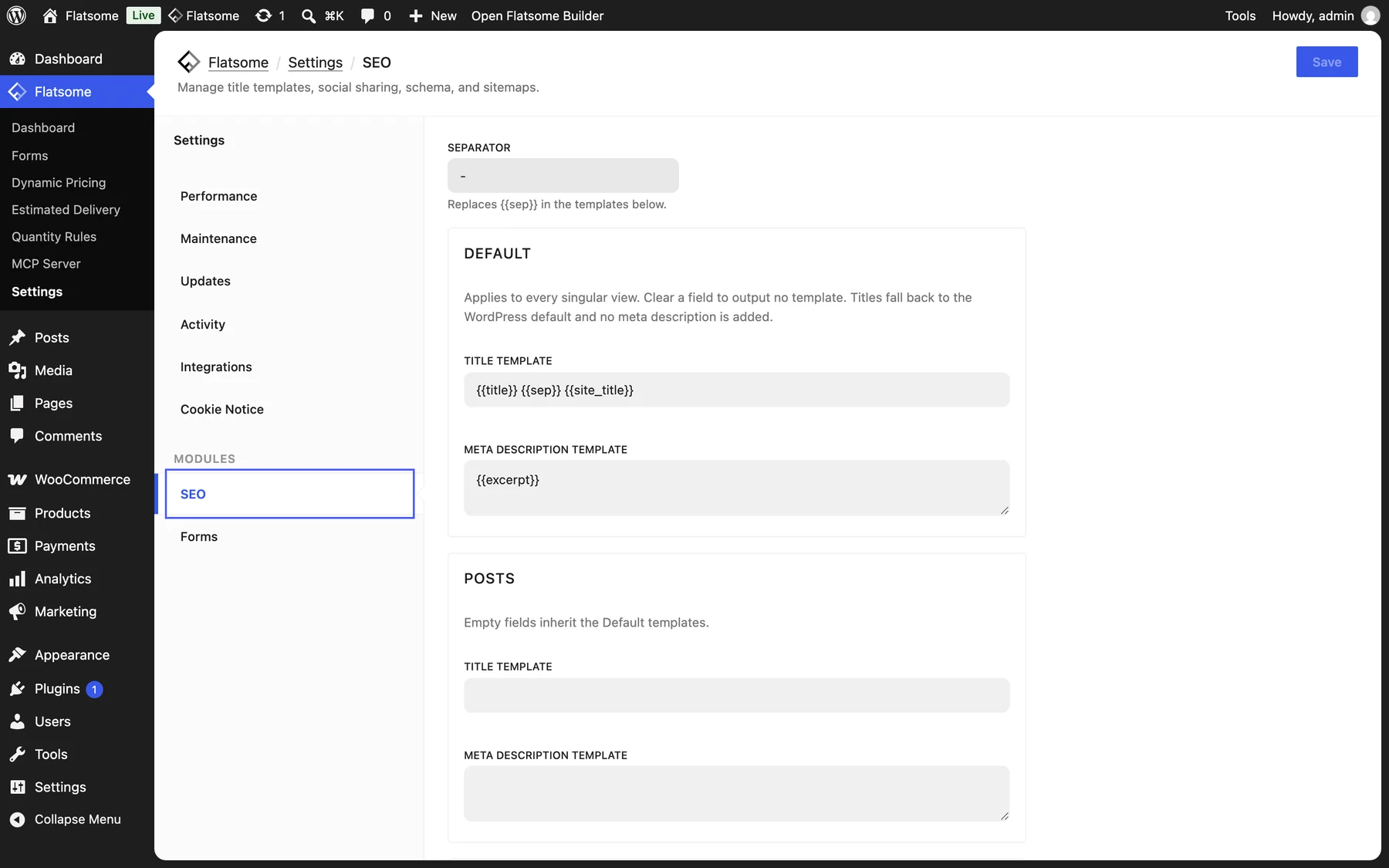
- Open Flatsome → Settings → SEO.
Titles and descriptions
The Default templates apply to every page: Title template is {{title}} {{sep}} {{site_title}} and Meta description template is {{excerpt}}. Change the Separator, and override the templates per post type below, for example to add a category to product titles with {{term}}. Other variables: {{tagline}} and {{site_title}}.
Social sharing
Set a Social image that is used whenever a page has no image of its own. Shared pages otherwise use the featured image, and Open Graph tags are added for Facebook, LinkedIn, and X.
Structured data, indexing, sitemap
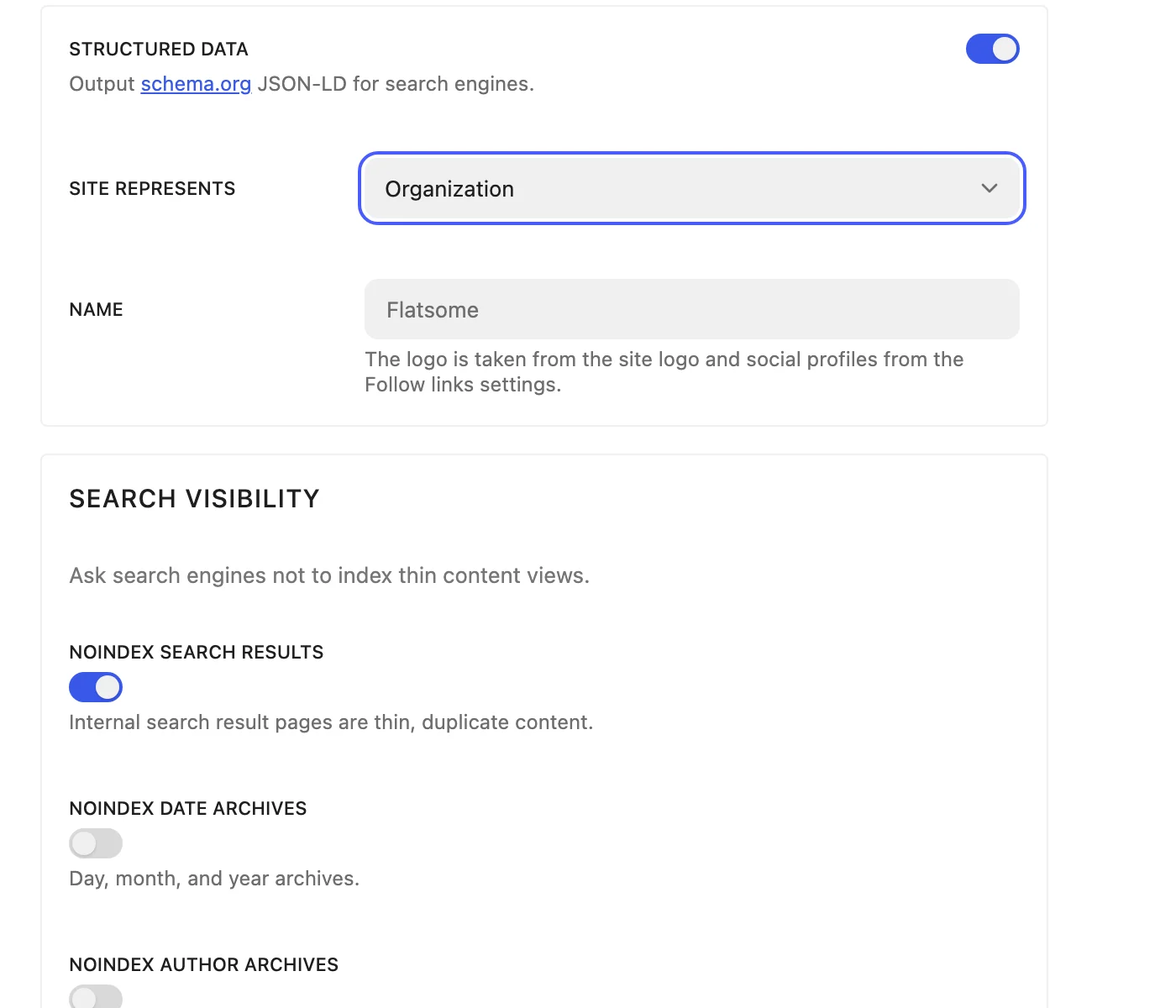
- Structured data: outputs schema.org JSON-LD. Set whether the Site represents an Organization or a Person and its Name. The logo comes from the site logo and social profiles from your follow links.
- Search visibility: noindex for search results, date archives, author archives, and paginated pages. The defaults suit most sites.
- Sitemap: choose the post types and taxonomies listed in the sitemap at
/wp-sitemap.xml.
Per page
Every page, post, and product has an SEO panel in the page Settings in the Builder with a search preview, SEO title, Meta description, Social sharing (title, description, and image), a Canonical URL, and Search visibility, where you can hide pages that should stay out of Google.