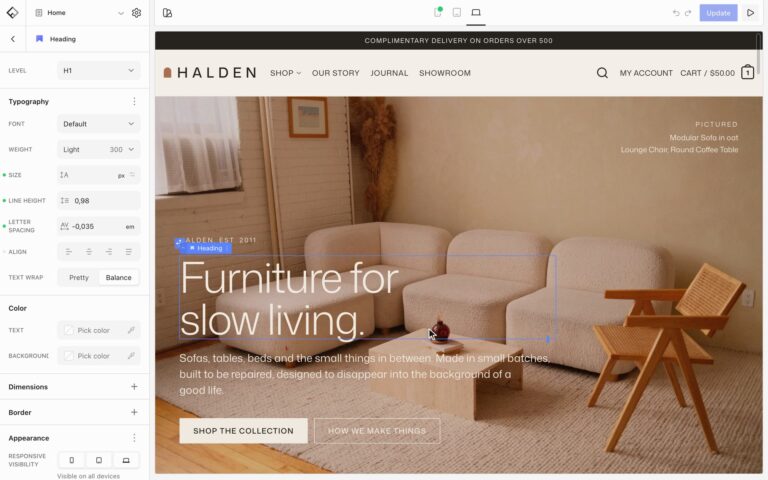

Rounded corners come from a set of radius sizes. Buttons, form fields, and search boxes use the Base size by default, and blocks with a Radius setting pick one of the sizes. Change a size once and every block that uses it follows.
Change the radius sizes
Choose Styles in the Builder’s top toolbar, then Borders. Radius Sizes lists every size, from X Small to Full. Click a size and change its Size: a smaller value gives a smaller curve, and 0 gives square corners. Click Update to save.
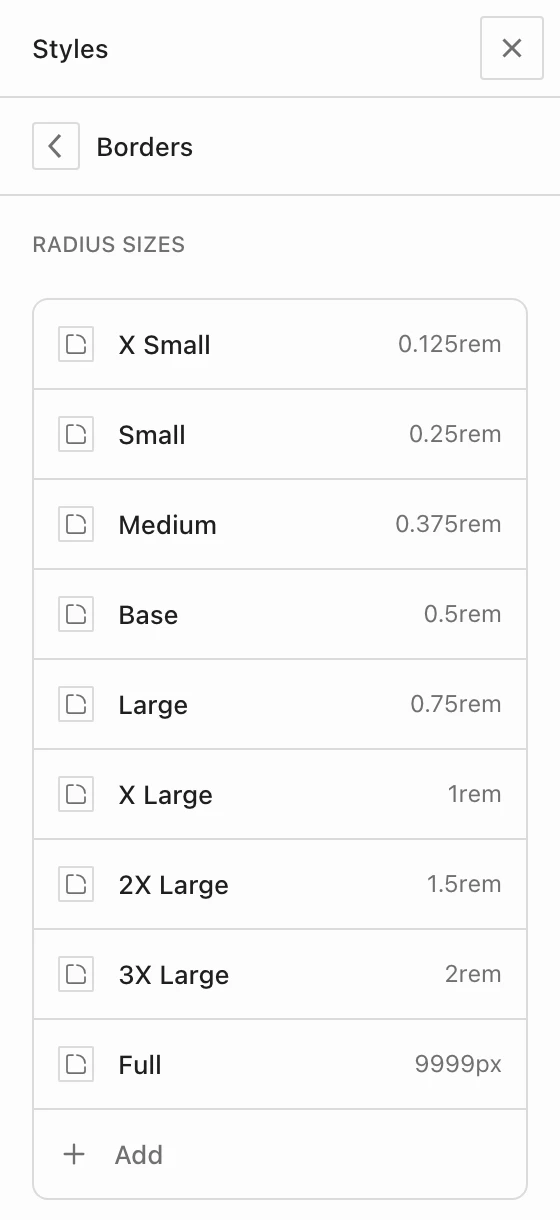
Demo sites often use other sizes than Base, for example Small on images. If some corners still look too round, check which size the block uses in its Radius setting and make that size smaller. Full gives pill shapes, such as fully round buttons.
Change one kind of block
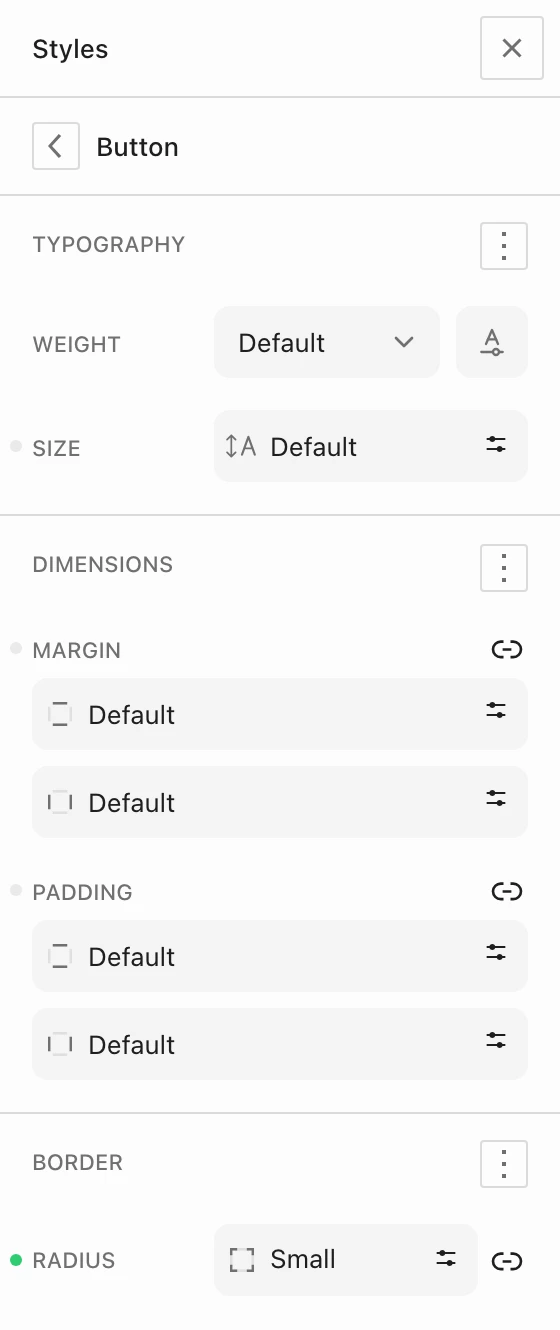
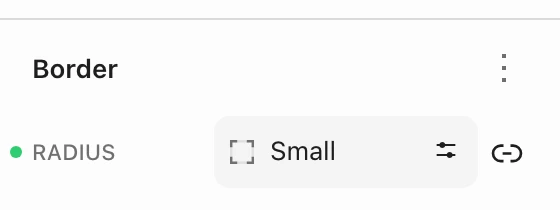
To change every button at once, choose Styles, then Flatsome Blocks and Button, and pick a size under Radius in the Border section. If Radius isn’t shown, open the menu next to Border and choose Radius. Most Flatsome blocks have the same setting there, such as Image, Card, Search Form, and Product Badge. Product badges are pill-shaped by default, so change them there if they look too round.
WordPress and WooCommerce buttons and fields
Buttons and text fields that WordPress and WooCommerce add, such as the cart and checkout buttons, have their own setting. Choose Styles, then Elements, and open Buttons or Text inputs. Radius is under Border and uses Base by default.
Change a single block
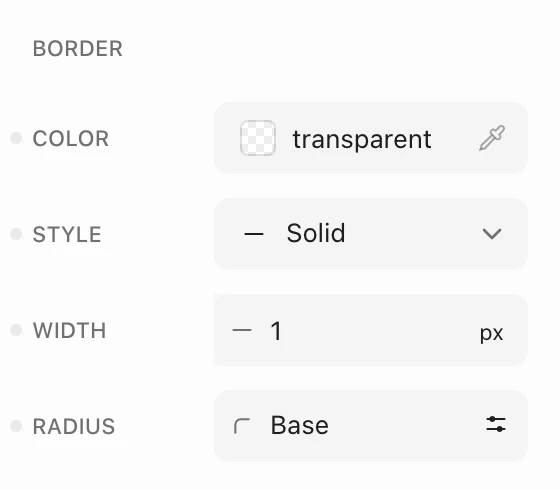
Select the block and pick a size under Radius in its Border panel. If Radius isn’t shown, open the menu next to Border and choose Radius. Only that block changes.
For colors and fonts, see Change site colors and Change fonts and add custom fonts.