Some support requests are easier to solve when the team can look at the site itself. If you are asked for access, create a separate administrator account for it rather than sharing your own login, and remove it when the case is closed.
Create the account
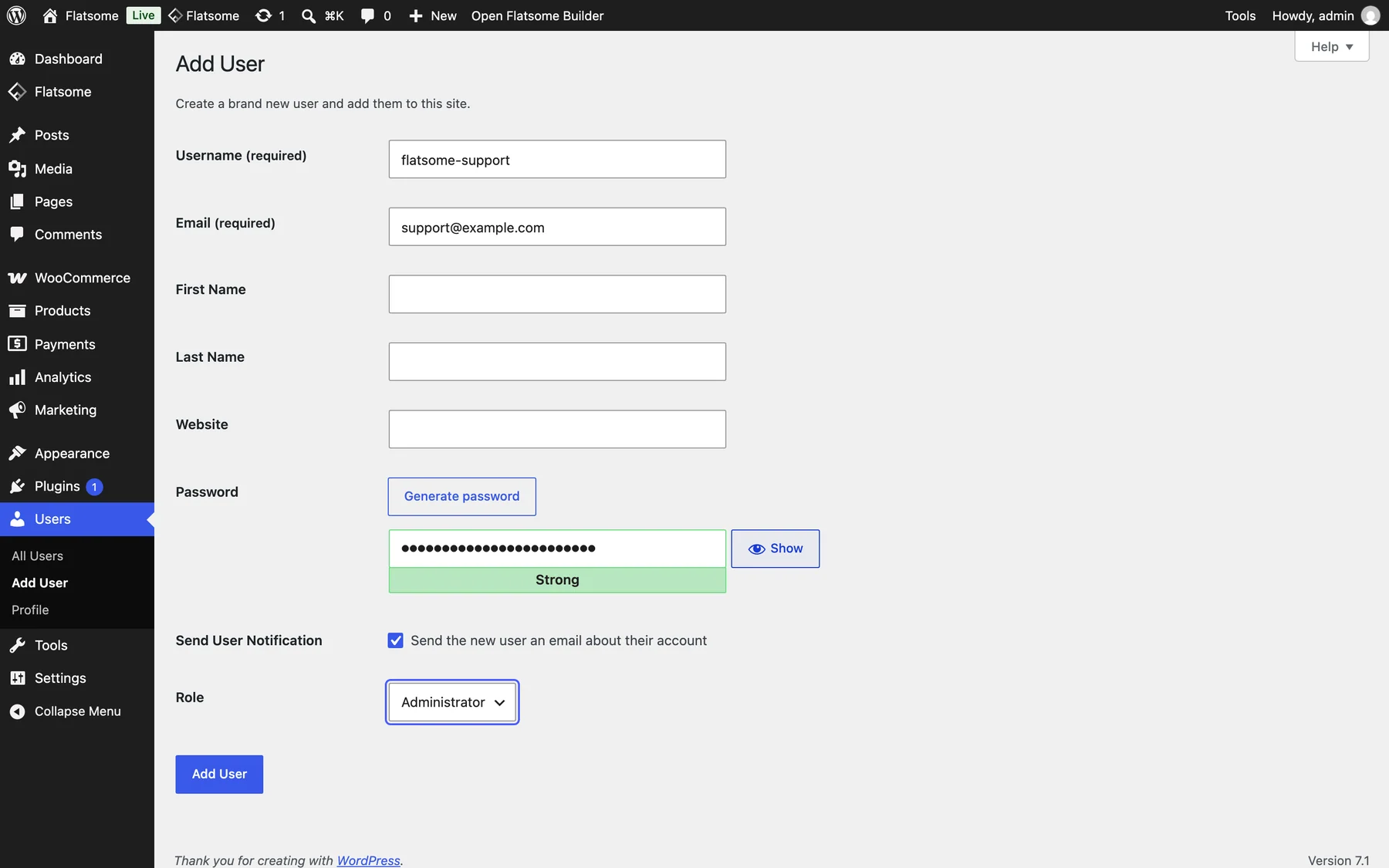
- Go to Users → Add User.
- Use a username such as flatsome-support and the email address the support team gave you.
- Set Role to Administrator and let WordPress generate a strong password.
- Share the login URL, username, and password in the support conversation only, never in a public forum or comment.
If the site is in maintenance mode, administrators can log in as usual. A staging copy is fine when the problem reproduces there.
Remove it afterwards
Go to Users, delete the account, and attribute any content it created to yourself when asked. If you prefer, a temporary login plugin can create an expiring link instead of a permanent user.
Where to ask for help
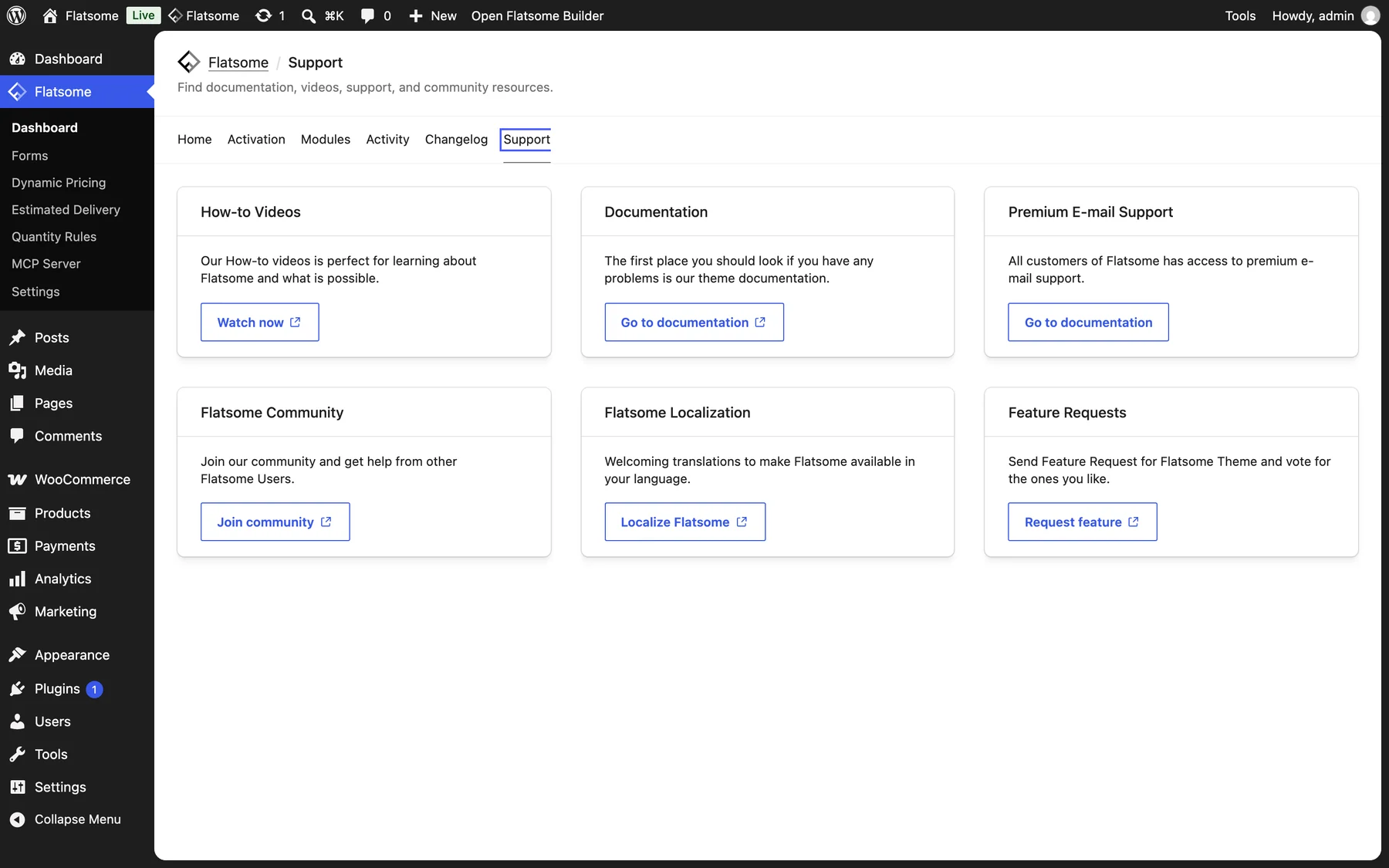
Support is tied to an active license. Open Flatsome → Dashboard → Support for documentation, videos, the community group, and email support, and manage your licenses at my.flatsome.com.